
$1.59
$0.69
57% Off
Camo Dark Icon Pack
Creativepixels

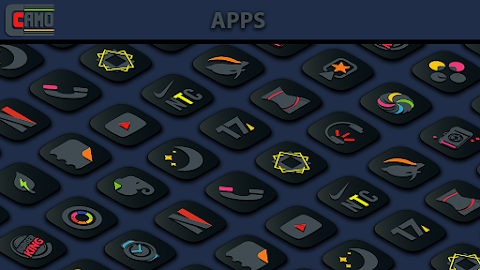
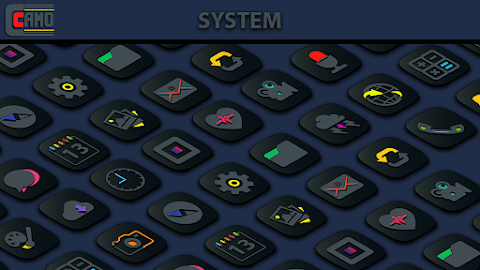
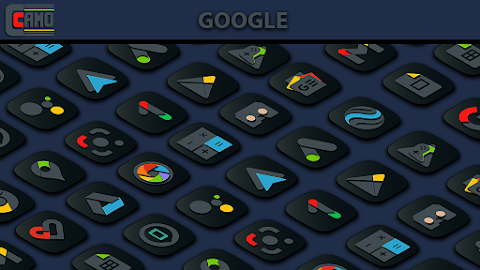
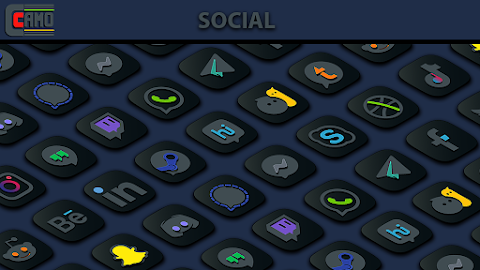
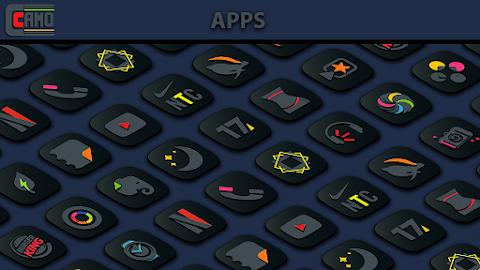
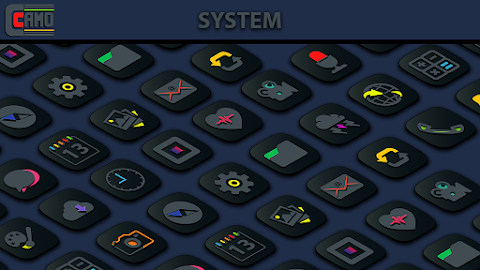
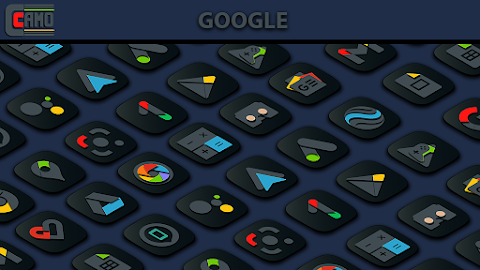
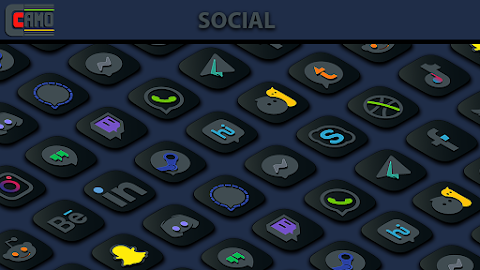
About the App
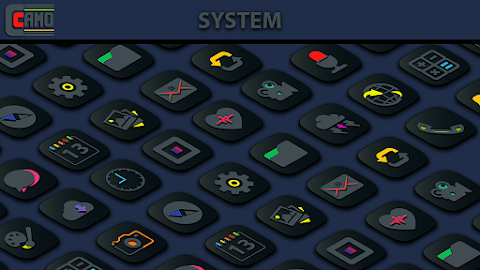
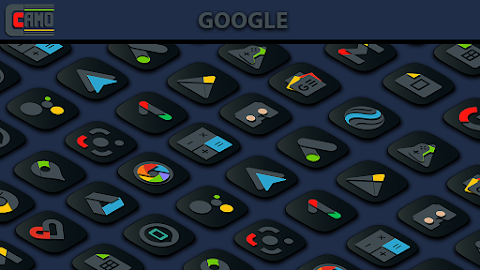
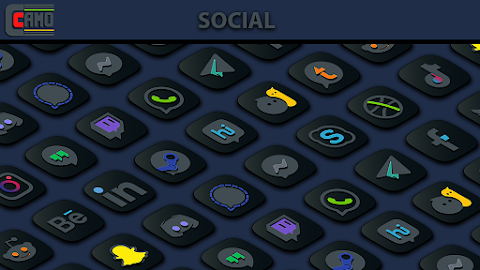
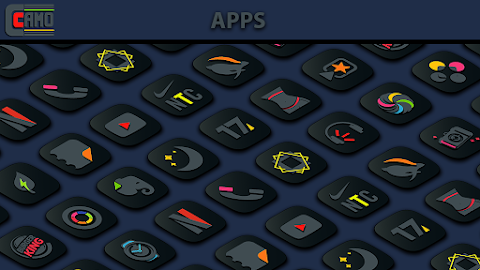
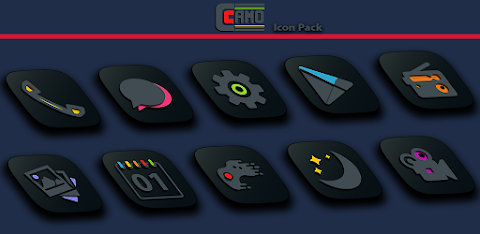
Transform your home screen with Camo Dark, a dark icon pack designed to enhance your visual experience. This premium pack features each icon with a true deep black base, beautifully contrasted by vibrant accent colors. It's perfect for anyone who loves a stylish look or a minimalist aesthetic.
If you're using a pitch-black AMOLED wallpaper, Camo Dark works seamlessly to make your apps truly stand out. With over 8,000 highly detailed icons, this pack also receives regular updates, adding more options for you to customize your setup.
You'll find that Camo Dark includes 8 handcrafted dark wallpapers, each perfectly matched to the icons. This ensures a cohesive and stylish look for your home screen. Plus, the app offers auto-masking support for unthemed apps, helping you maintain a clean home screen setup.
For those who appreciate dynamic elements, Camo Dark includes support for dynamic calendar icons. This feature helps keep your home screen fresh and informative. Also included are cloud-based wallpapers and a sleek Material dashboard, making it easy to choose and set up your background.
If you discover that an icon is missing, there's a premium icon request tool within the app. This feature allows you to quickly get your favorite missing apps themed, ensuring that your home screen remains perfectly aligned with your style.
To apply Camo Dark, especially if you're a Samsung user, you'll need the official Theme Park module. First, download Theme Park from the Galaxy Store. Then, open the app and tap on "Icon." Create a new icon pack and choose Camo Dark from your options. Save your theme with a name and hit "Apply" to set it up.
Camo Dark supports many launchers, making it flexible for various setups. You can easily use it with Nova Launcher, which is recommended, as well as Action Launcher, ADW Launcher, Apex Launcher, Evie Launcher, Lawnchair, Smart Launcher, Niagara Launcher, and Poco Launcher, among others. This broad compatibility ensures that almost everyone can enjoy the app's aesthetic.
If you have questions or need support, feel free to reach out via email or on Twitter. Camo Dark is here to help make your personalization experience enjoyable and satisfying. With its unique camouflaged design and top-notch icon blending technology, your home screen will not just look beautiful but also offer a high-resolution visual impact. Experience the joy of personalized app themes with Camo Dark.
If you're using a pitch-black AMOLED wallpaper, Camo Dark works seamlessly to make your apps truly stand out. With over 8,000 highly detailed icons, this pack also receives regular updates, adding more options for you to customize your setup.
You'll find that Camo Dark includes 8 handcrafted dark wallpapers, each perfectly matched to the icons. This ensures a cohesive and stylish look for your home screen. Plus, the app offers auto-masking support for unthemed apps, helping you maintain a clean home screen setup.
For those who appreciate dynamic elements, Camo Dark includes support for dynamic calendar icons. This feature helps keep your home screen fresh and informative. Also included are cloud-based wallpapers and a sleek Material dashboard, making it easy to choose and set up your background.
If you discover that an icon is missing, there's a premium icon request tool within the app. This feature allows you to quickly get your favorite missing apps themed, ensuring that your home screen remains perfectly aligned with your style.
To apply Camo Dark, especially if you're a Samsung user, you'll need the official Theme Park module. First, download Theme Park from the Galaxy Store. Then, open the app and tap on "Icon." Create a new icon pack and choose Camo Dark from your options. Save your theme with a name and hit "Apply" to set it up.
Camo Dark supports many launchers, making it flexible for various setups. You can easily use it with Nova Launcher, which is recommended, as well as Action Launcher, ADW Launcher, Apex Launcher, Evie Launcher, Lawnchair, Smart Launcher, Niagara Launcher, and Poco Launcher, among others. This broad compatibility ensures that almost everyone can enjoy the app's aesthetic.
If you have questions or need support, feel free to reach out via email or on Twitter. Camo Dark is here to help make your personalization experience enjoyable and satisfying. With its unique camouflaged design and top-notch icon blending technology, your home screen will not just look beautiful but also offer a high-resolution visual impact. Experience the joy of personalized app themes with Camo Dark.
WAW001 Hybrid Watch Face
WAW Watch Faces
$3.49
$0.49

Rolex Submariner Watch face
Sagur Studio
$1.49
$0.39

iBlack OS Icon Pack
PizzApp Design
$0.99
$0.69