
$2.99
$0.99
67% Off
Calculator!!
Dogahe

About the App
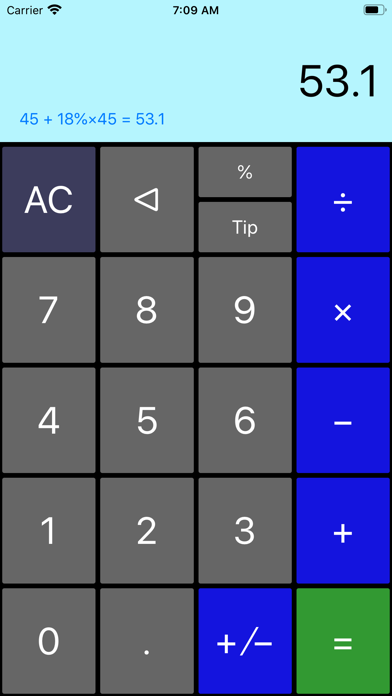
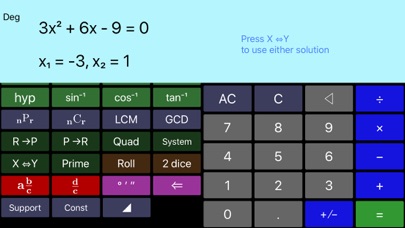
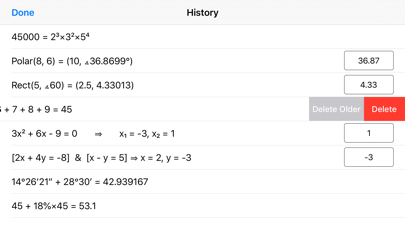
Calculator!! is more than just a basic calculator; it offers a variety of features to make calculations easier and more efficient for everyone. One great aspect of Calculator!! is that it shows your expression in real-time as you enter it. This way, you can see what you are calculating. Plus, it keeps a history of your calculations, which you can easily access by swiping up on the screen.
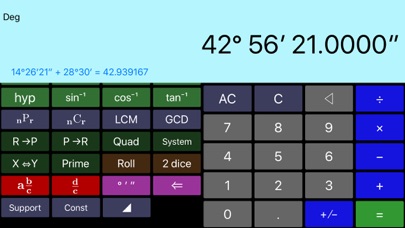
The app excels in fraction manipulations, allowing you to convert between different formats like proper, improper, and mixed fractions. It smoothly integrates fraction, integer, and decimal manipulations, making it a versatile tool for any user. You can also perform angle conversions, inputting degrees, minutes, and seconds, and change them between degrees-minutes-seconds format and decimal format as needed.
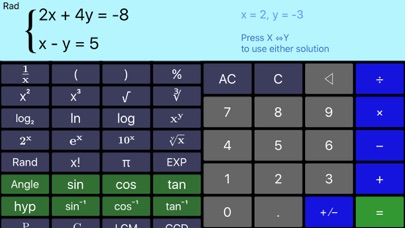
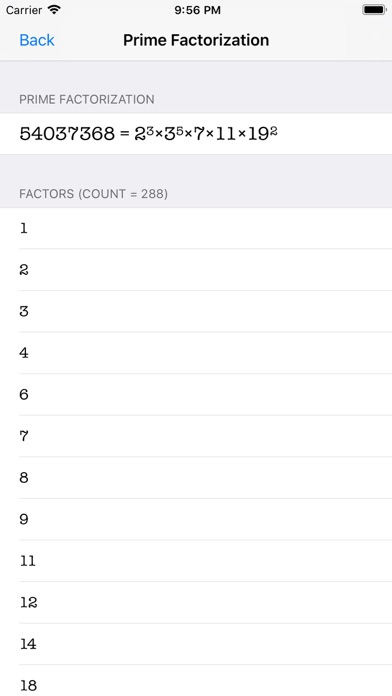
Additionally, Calculator!! can handle various mathematical functions. You can calculate permutations and combinations, as well as find the least common multiple and greatest common divisor. If you are dealing with more complex problems, it even has a quadratic equation solver and a system of linear equations solver to help you find solutions quickly.
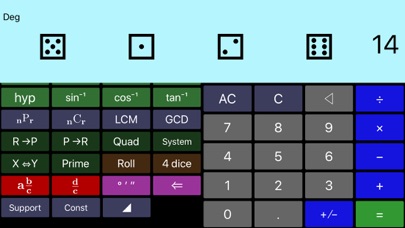
For those who need to work with different coordinate systems, the app features polar coordinate conversion, which is especially useful for electrical engineering tools. You can convert between rectangular and polar coordinates easily, enhancing your calculations. The app also includes a dice throwing functionality, allowing you to roll between 1 and 4 dice, which adds an element of fun.
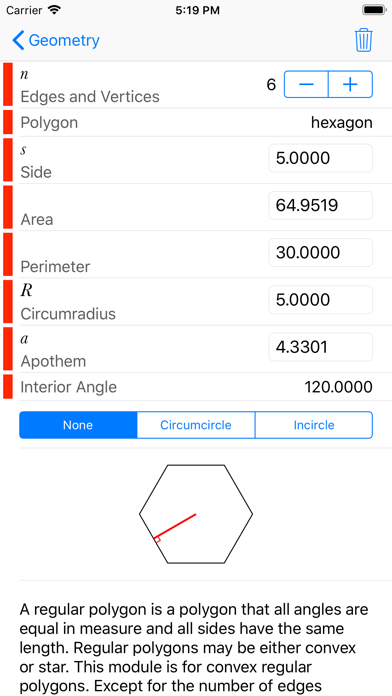
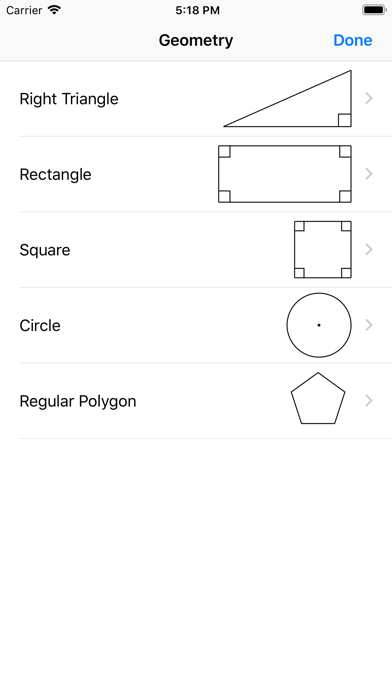
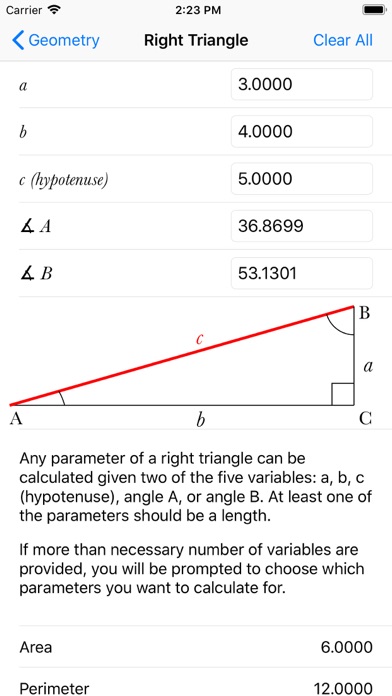
Calculator!! does not forget about the little things, such as including a backspace functionality to delete the last digit you've entered. A built-in tip calculator is also available for quick calculations when splitting bills, and you can use the geometry calculator for those specific math tasks.
The user interface is designed for simplicity. The left pane allows for scroll functionality for operations, making it easy to access both common and less common features without changing modes. You will find that the digits and the most common operations are always visible, while more advanced options can be revealed by scrolling through the left half of the screen.
Moreover, Calculator!! can calculate sinusoidal functions for angles in degrees, radians, or gradians. There is also a memory recall button that displays the contents of memory, which can be handy while performing calculations.
As an ongoing project, Calculator!! is continually updated to include more features and functions. The developers are committed to enhancing the app and listening to user feedback. If you have any questions or suggestions for upcoming app features, don’t hesitate to reach out. You will appreciate the ease of use and the advanced calculation tools that Calculator!! offers, making it a valuable addition to your toolkit for all mathematical needs.
The app excels in fraction manipulations, allowing you to convert between different formats like proper, improper, and mixed fractions. It smoothly integrates fraction, integer, and decimal manipulations, making it a versatile tool for any user. You can also perform angle conversions, inputting degrees, minutes, and seconds, and change them between degrees-minutes-seconds format and decimal format as needed.
Additionally, Calculator!! can handle various mathematical functions. You can calculate permutations and combinations, as well as find the least common multiple and greatest common divisor. If you are dealing with more complex problems, it even has a quadratic equation solver and a system of linear equations solver to help you find solutions quickly.
For those who need to work with different coordinate systems, the app features polar coordinate conversion, which is especially useful for electrical engineering tools. You can convert between rectangular and polar coordinates easily, enhancing your calculations. The app also includes a dice throwing functionality, allowing you to roll between 1 and 4 dice, which adds an element of fun.
Calculator!! does not forget about the little things, such as including a backspace functionality to delete the last digit you've entered. A built-in tip calculator is also available for quick calculations when splitting bills, and you can use the geometry calculator for those specific math tasks.
The user interface is designed for simplicity. The left pane allows for scroll functionality for operations, making it easy to access both common and less common features without changing modes. You will find that the digits and the most common operations are always visible, while more advanced options can be revealed by scrolling through the left half of the screen.
Moreover, Calculator!! can calculate sinusoidal functions for angles in degrees, radians, or gradians. There is also a memory recall button that displays the contents of memory, which can be handy while performing calculations.
As an ongoing project, Calculator!! is continually updated to include more features and functions. The developers are committed to enhancing the app and listening to user feedback. If you have any questions or suggestions for upcoming app features, don’t hesitate to reach out. You will appreciate the ease of use and the advanced calculation tools that Calculator!! offers, making it a valuable addition to your toolkit for all mathematical needs.

Adding Fractions Math Trainer
Sergey Malugin
$1.99
FREE
Army Study Guide – Board Prep
Inspector Studios
$9.99

Shepherd: Bible Verse Widgets
Simple Cohort, LLC
$1.99