
$2.49
$1.25
50% Off
Caelus White: linear icon pack
One4Studio


About the App
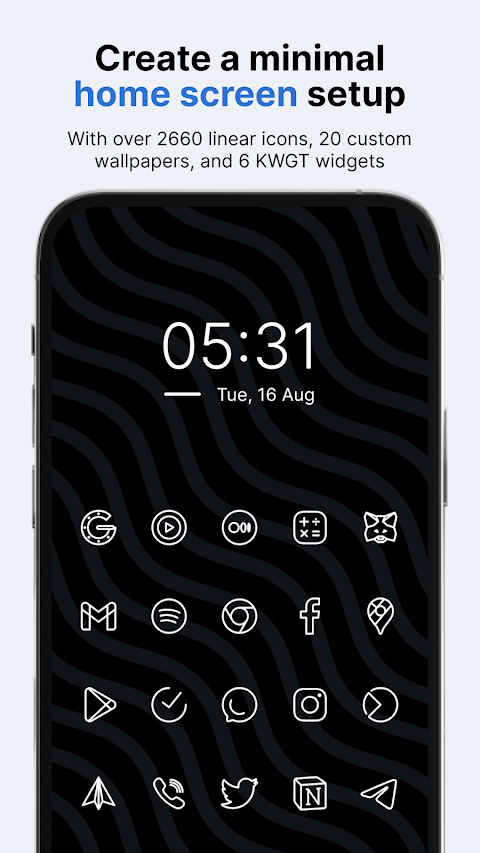
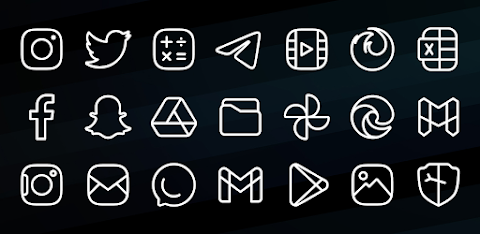
Caelus White is a custom icon pack designed to bring a fresh look to your homescreen and app drawer. It features a set of stunning white linear icons that can enhance the way your phone looks. You can easily apply Caelus White icons with almost any custom launcher, including popular ones like Nova Launcher, Lawnchair Launcher, and Niagara Launcher. It also works with some default launchers, like the Samsung OneUI launcher through the Theme Park app, OnePlus launcher, and Oppo Color OS.
Why should you consider using a custom icon pack like Caelus White? Unified icons create a nicer and more organized look for your homescreen and app drawer. Since many of us spend a few hours a day on our phones, having a visually appealing setup can really improve your overall experience.
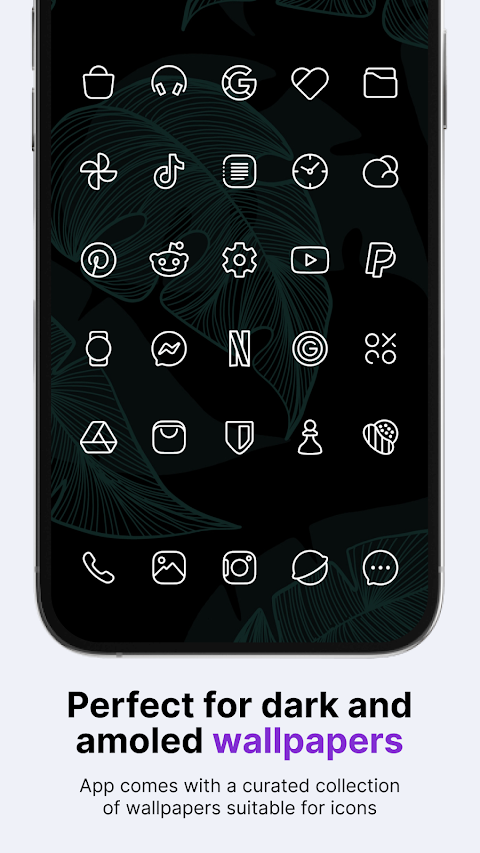
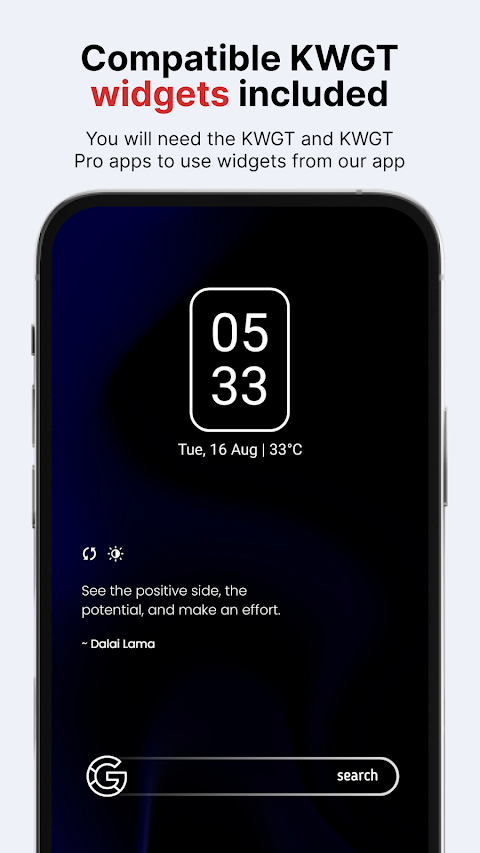
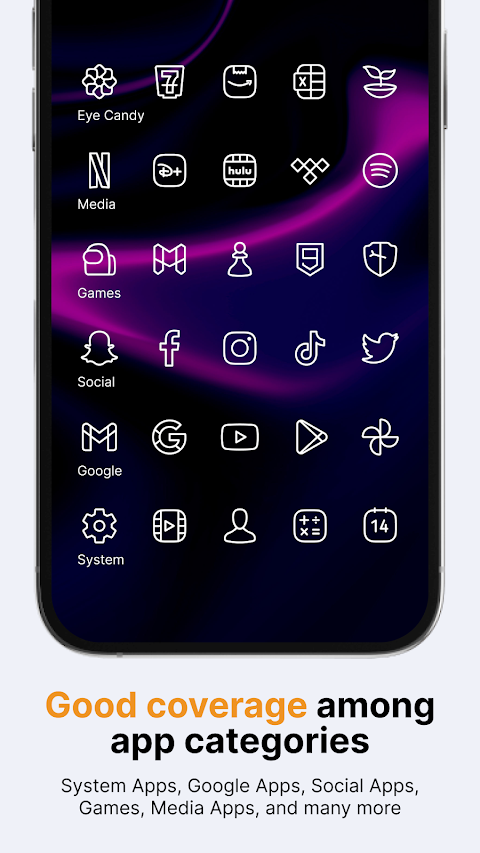
When you download the Caelus White icon pack, you get access to 4,243 icons. There are also 20 custom wallpapers and 6 KWGT widgets included, providing everything you need to personalize your phone how you like. The icons are crafted to be 100% white, which looks great with colorful, dark, and amoled wallpapers. Each icon is designed on a 24x24 px grid with a line thickness of 1 px, ensuring that size and line consistency are well-managed. To apply the KWGT widgets, you will need the KWGT and KWGT Pro apps.
If you find that you don't like the icons after purchasing, or if you notice many missing icons for the apps on your phone, there's no need to worry. Caelus White offers a 100% refund within the first 24 hours of your purchase, no questions asked. Additionally, the app receives updates every two weeks. This means more icons for the apps you use will be added soon, including any that may be missing now. For users who don't want to wait, you can also make Premium icon requests, which will be added in the next update.
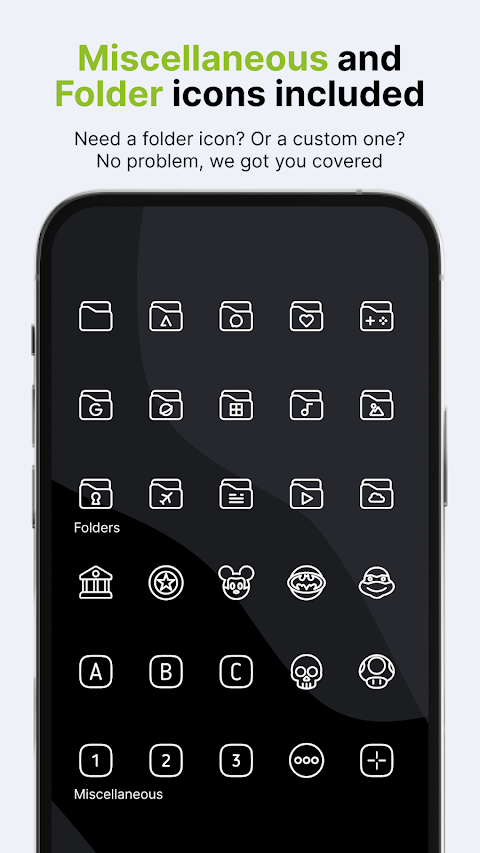
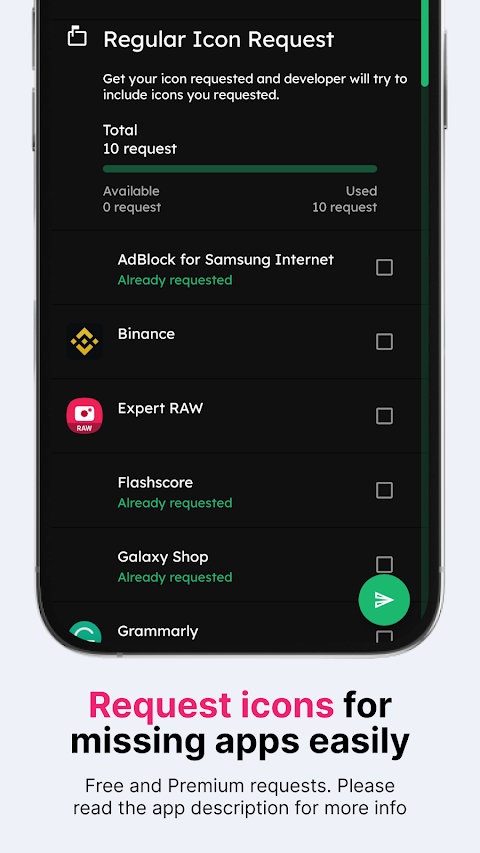
The Caelus White icon pack also comes with some additional helpful features. The resolution for icons is 256 x 256 px, making them clear and sharp. The pack includes options like alternate icons for many popular apps, a dynamic calendar icon, and the ability to mask unthemed icons. You can also manually apply folders icons and other miscellaneous icons. If there's a specific icon you’d like themed, you can easily submit an icon request. Simply open the app, click on the Request card, select the icons you want, and send your request via the Floating Send button. Just remember to keep the generated zip file intact and not to change the email's subject or text to ensure your request is processed.
Caelus White supports a wide variety of launchers, including Action Launcher, ADW Launcher, Apex Launcher, Go Launcher, Google Now Launcher, Holo ICS Launcher, LG Home Launcher, LineageOS Launcher, Lucid Launcher, Pixel Launcher, and Smart Launcher. If you're using any other launcher, you can typically set Caelus White linear icons using your launcher settings.
For those who want to learn more about using icon packs, we will be providing information soon on our new website.
If you have any questions, suggestions, or special requests regarding Caelus White, feel free to reach out to us via email or direct message. Your feedback is always welcome, and we are here to help you make the most out of your icon pack experience.
Why should you consider using a custom icon pack like Caelus White? Unified icons create a nicer and more organized look for your homescreen and app drawer. Since many of us spend a few hours a day on our phones, having a visually appealing setup can really improve your overall experience.
When you download the Caelus White icon pack, you get access to 4,243 icons. There are also 20 custom wallpapers and 6 KWGT widgets included, providing everything you need to personalize your phone how you like. The icons are crafted to be 100% white, which looks great with colorful, dark, and amoled wallpapers. Each icon is designed on a 24x24 px grid with a line thickness of 1 px, ensuring that size and line consistency are well-managed. To apply the KWGT widgets, you will need the KWGT and KWGT Pro apps.
If you find that you don't like the icons after purchasing, or if you notice many missing icons for the apps on your phone, there's no need to worry. Caelus White offers a 100% refund within the first 24 hours of your purchase, no questions asked. Additionally, the app receives updates every two weeks. This means more icons for the apps you use will be added soon, including any that may be missing now. For users who don't want to wait, you can also make Premium icon requests, which will be added in the next update.
The Caelus White icon pack also comes with some additional helpful features. The resolution for icons is 256 x 256 px, making them clear and sharp. The pack includes options like alternate icons for many popular apps, a dynamic calendar icon, and the ability to mask unthemed icons. You can also manually apply folders icons and other miscellaneous icons. If there's a specific icon you’d like themed, you can easily submit an icon request. Simply open the app, click on the Request card, select the icons you want, and send your request via the Floating Send button. Just remember to keep the generated zip file intact and not to change the email's subject or text to ensure your request is processed.
Caelus White supports a wide variety of launchers, including Action Launcher, ADW Launcher, Apex Launcher, Go Launcher, Google Now Launcher, Holo ICS Launcher, LG Home Launcher, LineageOS Launcher, Lucid Launcher, Pixel Launcher, and Smart Launcher. If you're using any other launcher, you can typically set Caelus White linear icons using your launcher settings.
For those who want to learn more about using icon packs, we will be providing information soon on our new website.
If you have any questions, suggestions, or special requests regarding Caelus White, feel free to reach out to us via email or direct message. Your feedback is always welcome, and we are here to help you make the most out of your icon pack experience.

You-R Circle Icon Pack
GomoTheGom
$1.49
Vera Outline Black: Icon Pack
One4Studio
$3.49
$1.75
Lucid Launcher 2
Lucid Dev Team
$4.99
$2.50