

$2.99
$0.99
67% Off
Blue White For Wear OS
ZKin


















About the App
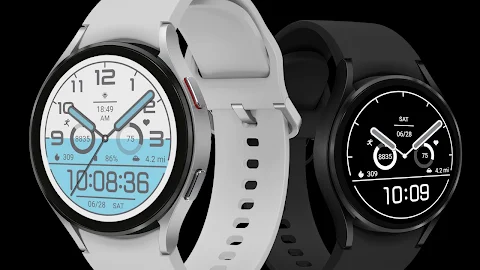
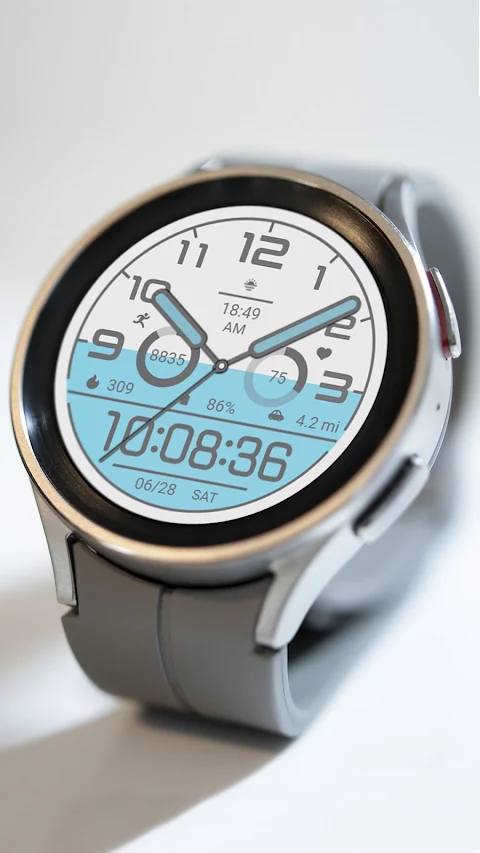
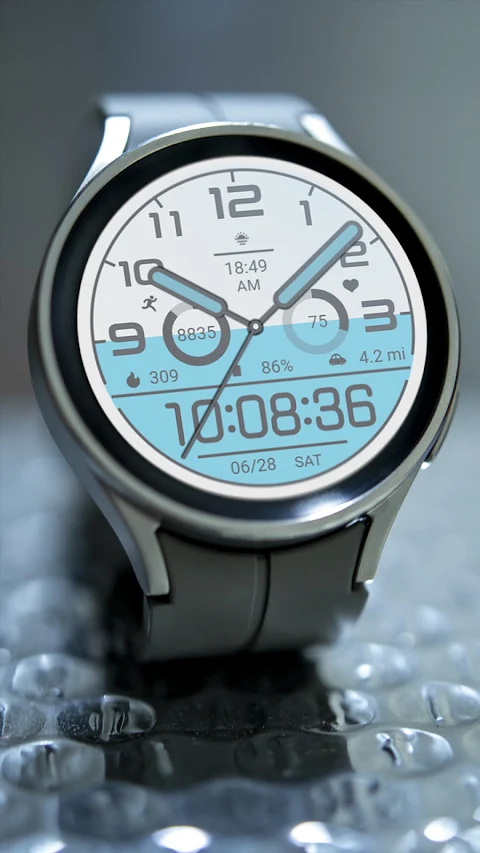
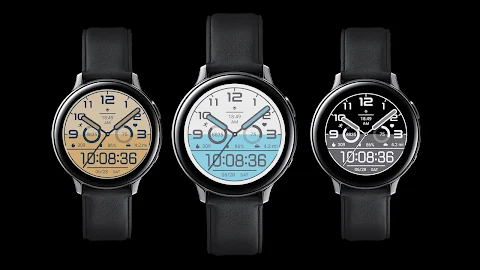
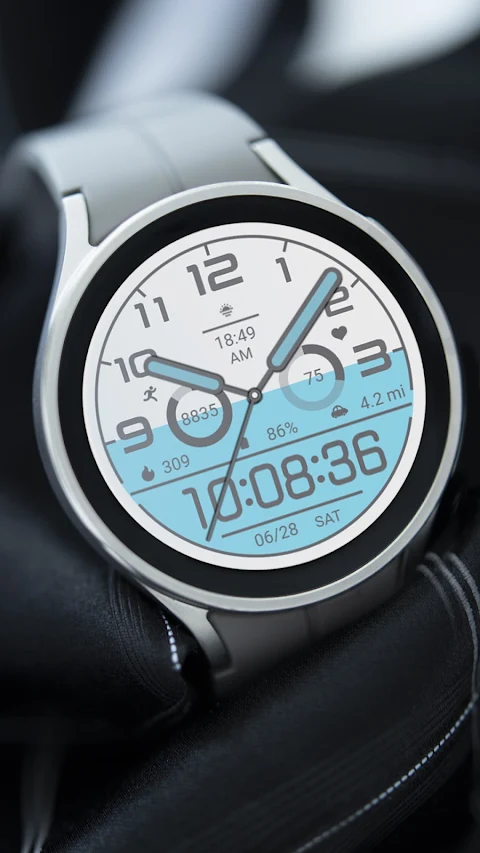
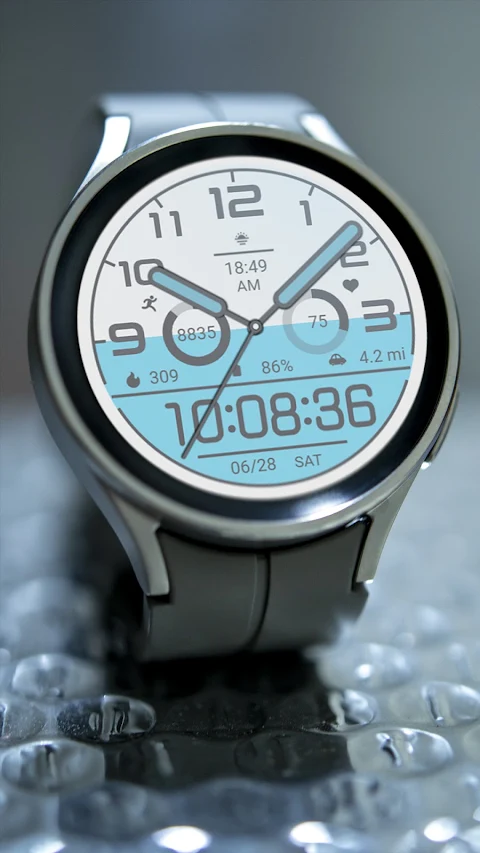
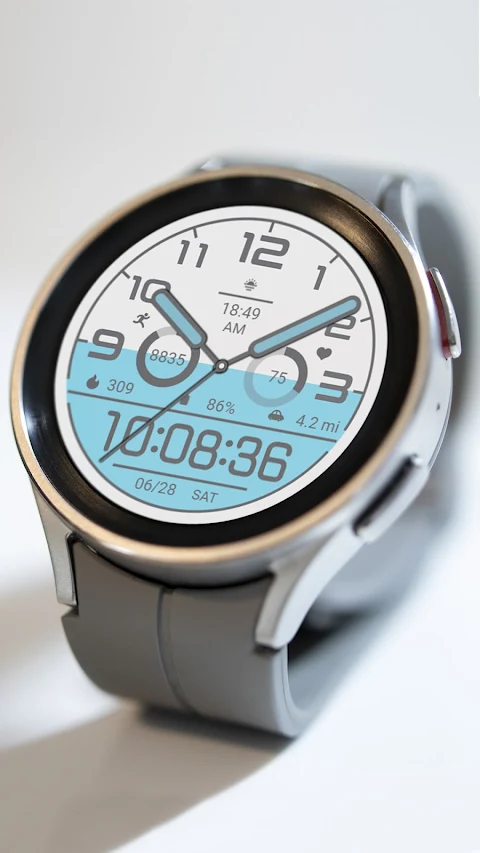
Blue White For Wear OS offers a variety of stylish watch faces designed for devices running on Wear OS. These watch faces enhance your smartwatch experience by combining functionality and customization.
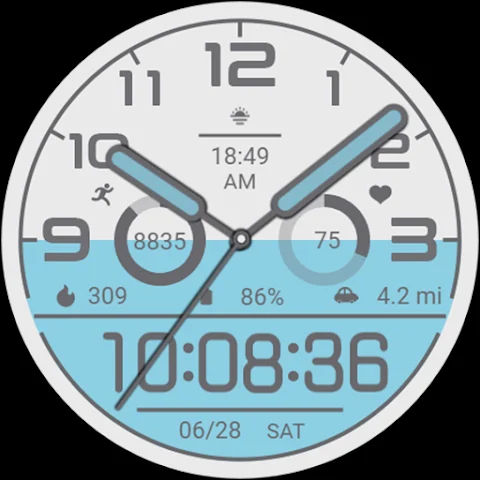
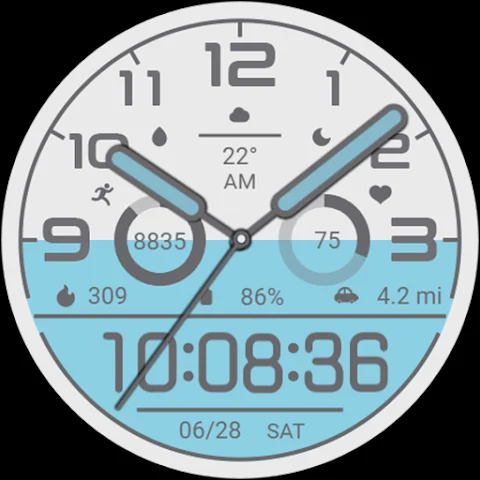
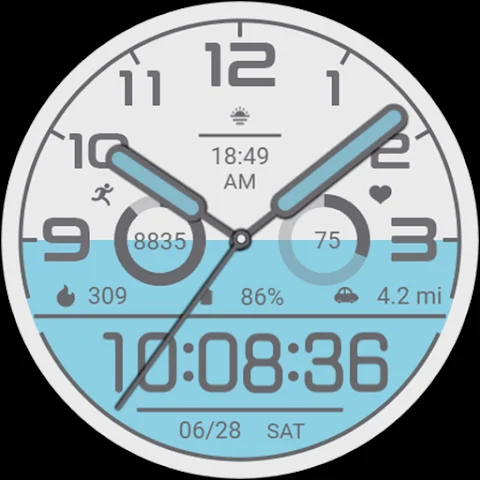
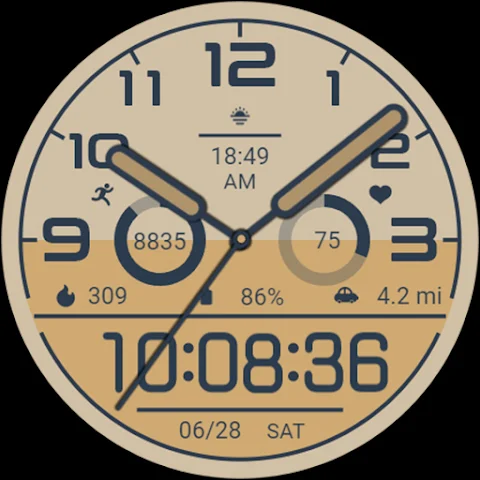
At the top of the watch face, you will find spaces for custom apps and custom data, allowing you to personalize your display for both morning and afternoon use. This feature makes it easier to access the information you need throughout your day.
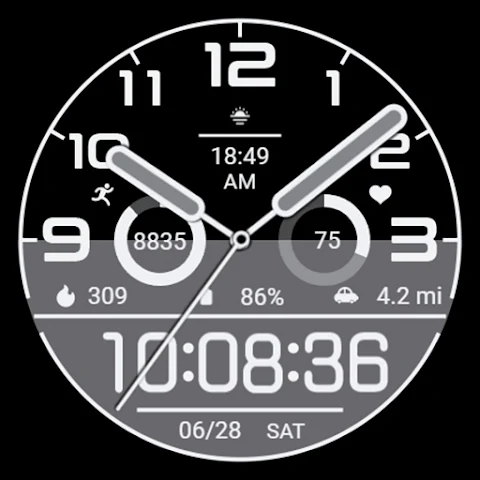
In the middle section, there are useful fitness tracking features. You can see your step count and track how close you are to your step target percentage. Additionally, it monitors your heart rate, including heart rate percentage progress, so you can keep an eye on your health. The display also shows calories burned and provides distance tracking, which helps you stay informed about your physical activity.
The bottom part of the watch face displays essential information like the current time, date, and week. This ensures you always have important details at your fingertips.
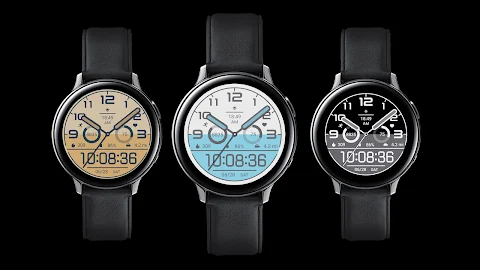
Customization is easy with Blue White For Wear OS. You have four custom areas available for selection, which means you can choose what data is most important to you. A preview image reference is included, helping you to visualize your adjustments before making them.
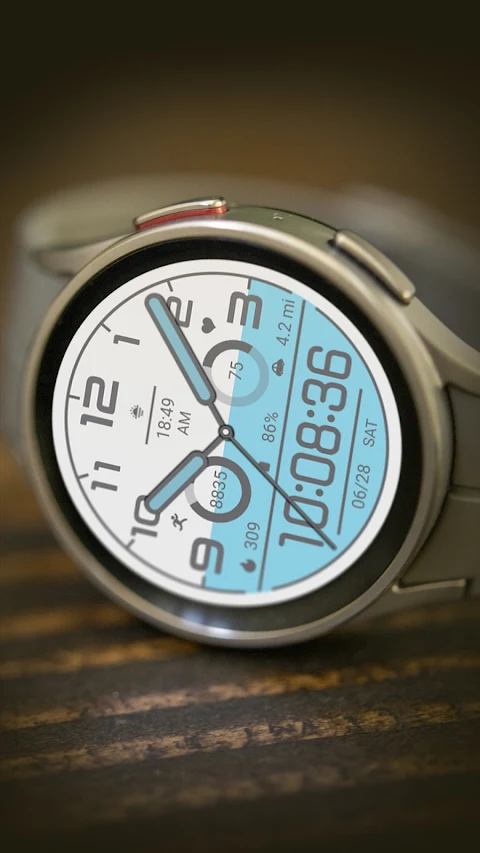
This watch face is compatible with several devices, including the Pixel Watch and the Galaxy Watch 4, 5, 6, and 7. Whether you have an Android Wear device or another compatible smartwatch, you can enjoy the features Blue White For Wear OS offers.
To install this watch face on your Wear OS device, simply install it from the Google Play Store on your watch. For full customization, it is recommended that you also install the companion app for customization on your Android phone. This app allows for even greater personalization, making it easy to tailor the watch face to your liking.
With its focus on performance tracking and user-friendly design, Blue White For Wear OS is a great choice for anyone looking to enhance their smartwatch experience. Enjoy smart fitness tracking and stylish display options all in one place.
At the top of the watch face, you will find spaces for custom apps and custom data, allowing you to personalize your display for both morning and afternoon use. This feature makes it easier to access the information you need throughout your day.
In the middle section, there are useful fitness tracking features. You can see your step count and track how close you are to your step target percentage. Additionally, it monitors your heart rate, including heart rate percentage progress, so you can keep an eye on your health. The display also shows calories burned and provides distance tracking, which helps you stay informed about your physical activity.
The bottom part of the watch face displays essential information like the current time, date, and week. This ensures you always have important details at your fingertips.
Customization is easy with Blue White For Wear OS. You have four custom areas available for selection, which means you can choose what data is most important to you. A preview image reference is included, helping you to visualize your adjustments before making them.
This watch face is compatible with several devices, including the Pixel Watch and the Galaxy Watch 4, 5, 6, and 7. Whether you have an Android Wear device or another compatible smartwatch, you can enjoy the features Blue White For Wear OS offers.
To install this watch face on your Wear OS device, simply install it from the Google Play Store on your watch. For full customization, it is recommended that you also install the companion app for customization on your Android phone. This app allows for even greater personalization, making it easy to tailor the watch face to your liking.
With its focus on performance tracking and user-friendly design, Blue White For Wear OS is a great choice for anyone looking to enhance their smartwatch experience. Enjoy smart fitness tracking and stylish display options all in one place.
Digital Watchface Weather 3D
VG Faces
$1.49
$0.49
CELEST5578 Data Hub Watch
CELEST Watches
$1.99
$1.00

Rigoletto – Squircle Icon Pack
GomoTheGom
$1.49
$0.49