

$0.99
$0.49
51% Off
BlossomLine – Pink Icon Pack
Panoto Gomo

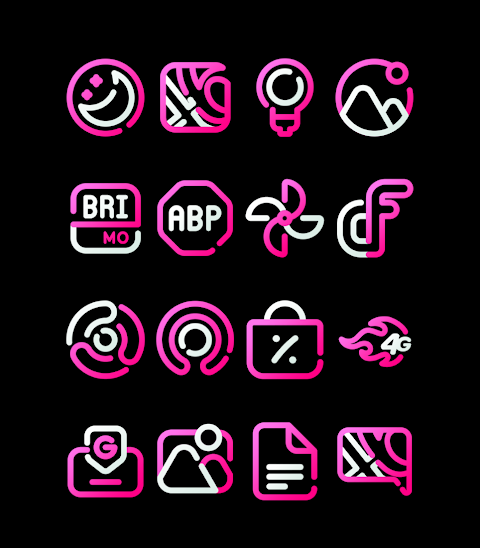
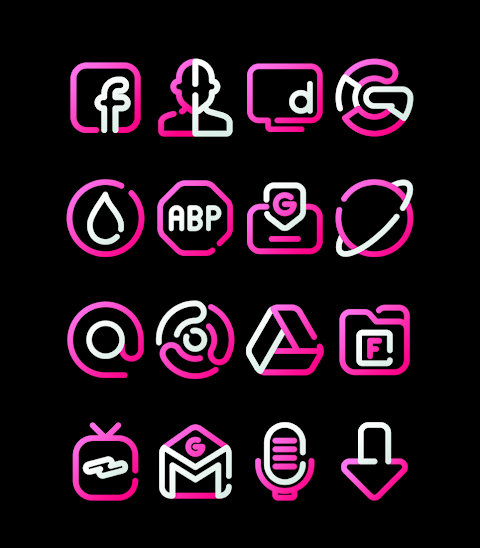
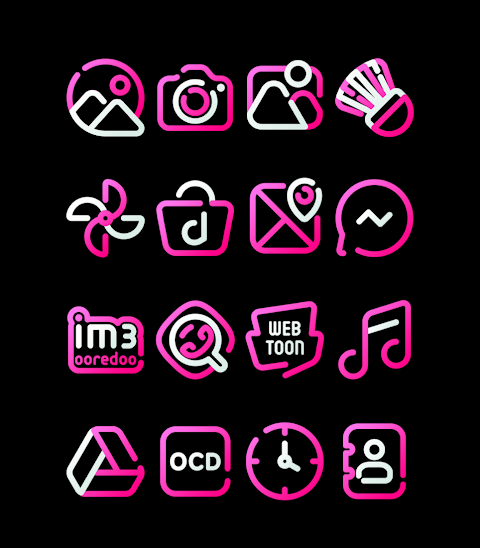
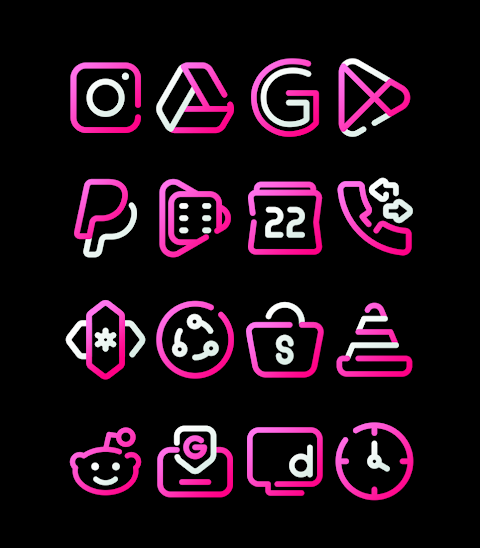
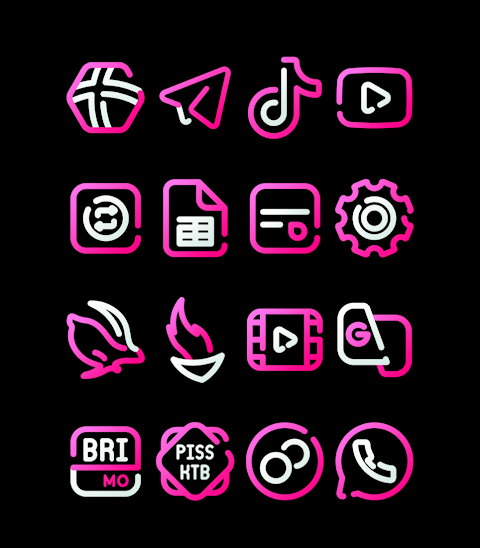
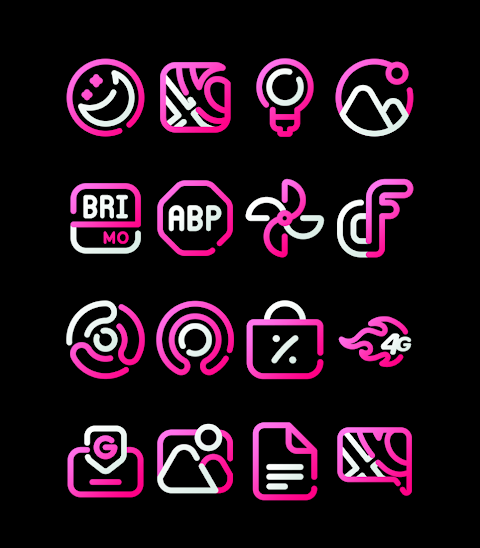
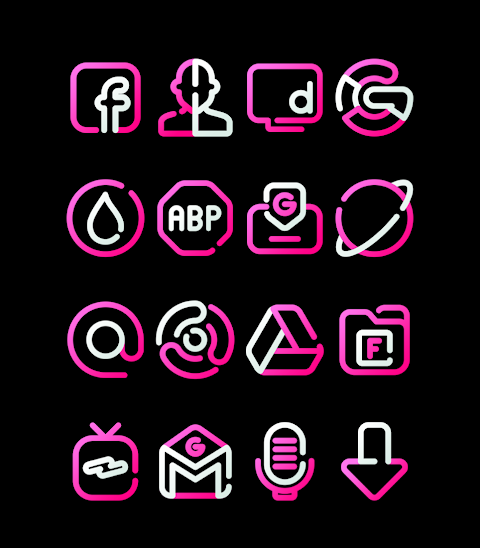
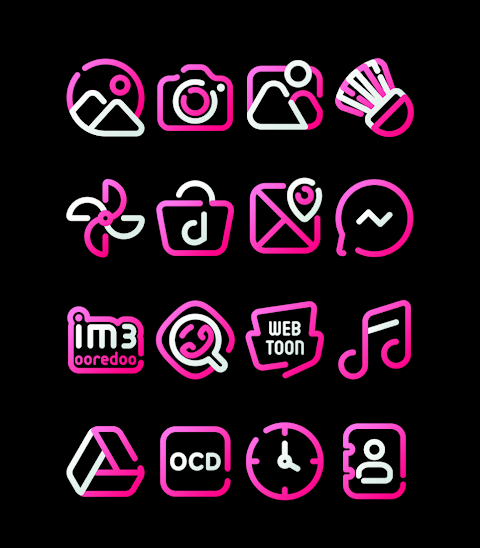
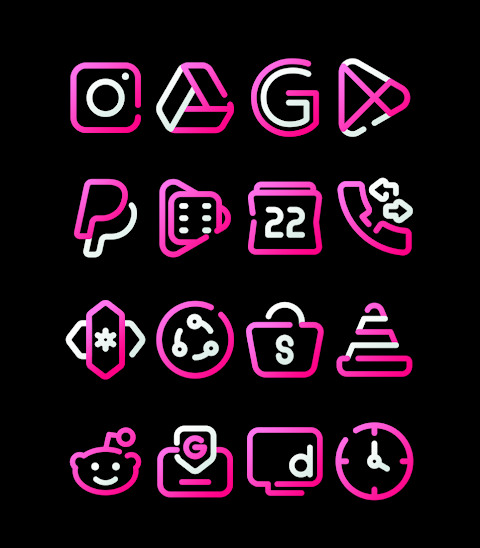
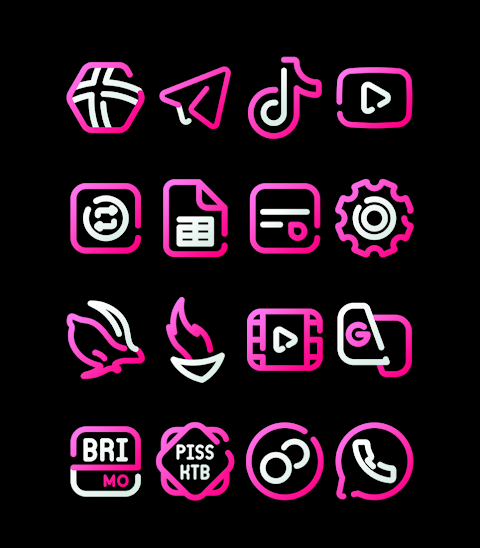
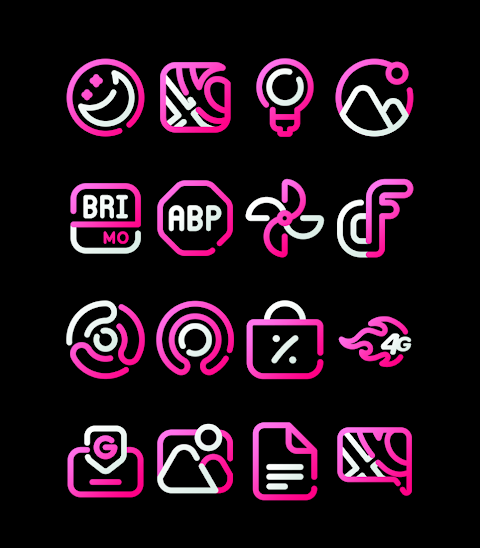
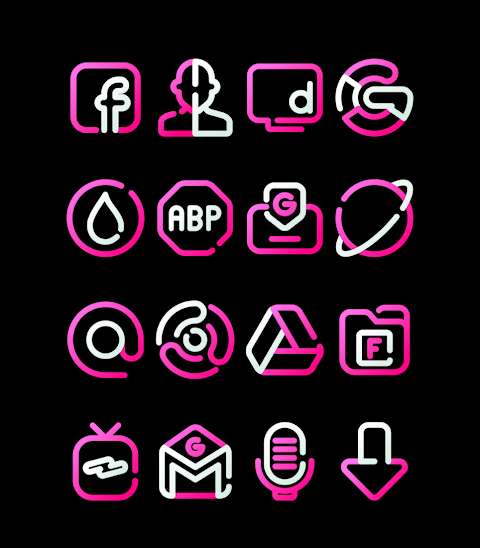


About the App
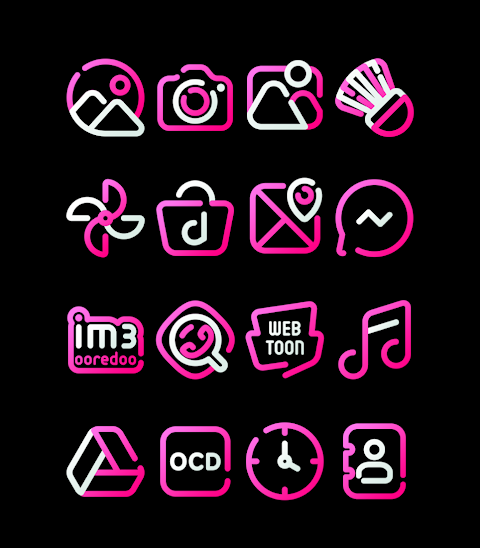
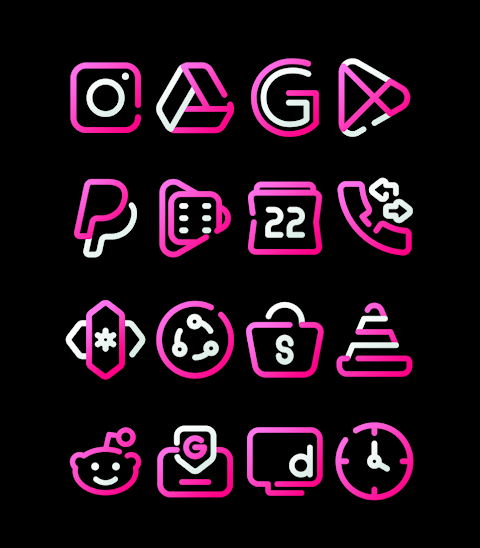
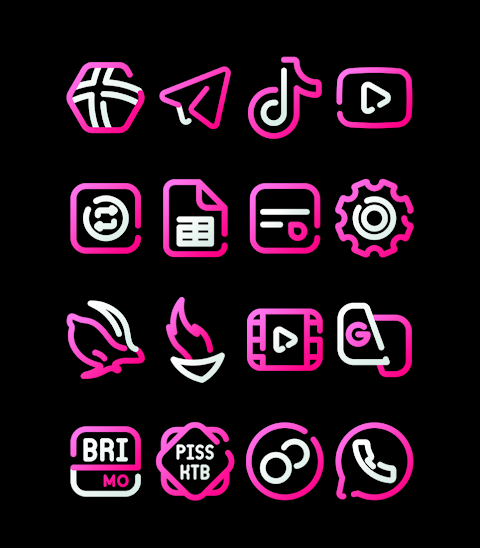
BlossomLine is a vibrant Pink Icon Pack that brings a fresh look to your device. With over 3000 icons and counting, this pack allows you to customize your home screen easily. Each icon is created in HD Icon resolution of 256x256px, ensuring they look sharp and beautiful.
You will also find a selection of Wallpapers included with the Pink Icon Pack, giving you more options to personalize your device. If you want a specific icon, the app even features an Icon Request option, allowing you to suggest icons for future updates.
To use BlossomLine, simply follow these steps. First, open the BlossomLine app on your device. Then, navigate to the Apply Icon Pack Screen. Here, you'll see a list of supported launchers, including popular choices such as Nova Launcher and Evie Launcher. Just select the launcher you have installed, like Nova Launcher, to apply the icons from this icon pack. The app takes care of the rest and applies the icons automatically.
If your chosen launcher doesn't show up when you try to apply the icons, don’t worry. You can also apply the icon pack directly from the launcher itself. For users of the Sony Xperia Home Launcher, you might notice it doesn’t appear in the app, but you can still use BlossomLine with some additional settings. To do this, long press on your main screen, open the settings, scroll down to the appearance icon setting, and select BlossomLine. Once you’ve done that, your Sony Xperia will have the Pink Icon Pack applied.
Please note that the BlossomLine Icon Pack is only supported on Sony Xperia Home Launcher version 10.0.A.0.8 or higher.
BlossomLine supports a wide range of other launchers, making it versatile for different users. This includes Apex Launcher, ADW Launcher, ABC Launcher, Next Launcher, Holo Launcher, Lucid Launcher, M Launcher, Action Launcher, Aviate Launcher, Smart Launcher, Go Launcher, and Zero Launcher. Keep in mind that Go Launcher does not support icon masking.
For more design inspiration and updates, connect with us on Google+, Instagram, and Twitter. We appreciate your support and special thanks go to Dani Mahardika for the Candybar Dashboard, which helps power this vibrant collection.
With BlossomLine, you can easily customize your home screen icons and make your device truly your own. Enjoy a fresh, colorful look with this unique Pink Icon Pack!
You will also find a selection of Wallpapers included with the Pink Icon Pack, giving you more options to personalize your device. If you want a specific icon, the app even features an Icon Request option, allowing you to suggest icons for future updates.
To use BlossomLine, simply follow these steps. First, open the BlossomLine app on your device. Then, navigate to the Apply Icon Pack Screen. Here, you'll see a list of supported launchers, including popular choices such as Nova Launcher and Evie Launcher. Just select the launcher you have installed, like Nova Launcher, to apply the icons from this icon pack. The app takes care of the rest and applies the icons automatically.
If your chosen launcher doesn't show up when you try to apply the icons, don’t worry. You can also apply the icon pack directly from the launcher itself. For users of the Sony Xperia Home Launcher, you might notice it doesn’t appear in the app, but you can still use BlossomLine with some additional settings. To do this, long press on your main screen, open the settings, scroll down to the appearance icon setting, and select BlossomLine. Once you’ve done that, your Sony Xperia will have the Pink Icon Pack applied.
Please note that the BlossomLine Icon Pack is only supported on Sony Xperia Home Launcher version 10.0.A.0.8 or higher.
BlossomLine supports a wide range of other launchers, making it versatile for different users. This includes Apex Launcher, ADW Launcher, ABC Launcher, Next Launcher, Holo Launcher, Lucid Launcher, M Launcher, Action Launcher, Aviate Launcher, Smart Launcher, Go Launcher, and Zero Launcher. Keep in mind that Go Launcher does not support icon masking.
For more design inspiration and updates, connect with us on Google+, Instagram, and Twitter. We appreciate your support and special thanks go to Dani Mahardika for the Candybar Dashboard, which helps power this vibrant collection.
With BlossomLine, you can easily customize your home screen icons and make your device truly your own. Enjoy a fresh, colorful look with this unique Pink Icon Pack!
ZKin Watch Mountain Red Soil
ZKin
$2.99
$1.50
DADAM67: Classic Watch Face
DADAM Watch Faces
$1.89
$0.19
Chester Graphite Glass
CHESTER WATCH FACES
$1.49
$0.45