
$0.99
$0.20
80% Off
Blex UI – Icon Pack
Olivera Onias Design

About the App
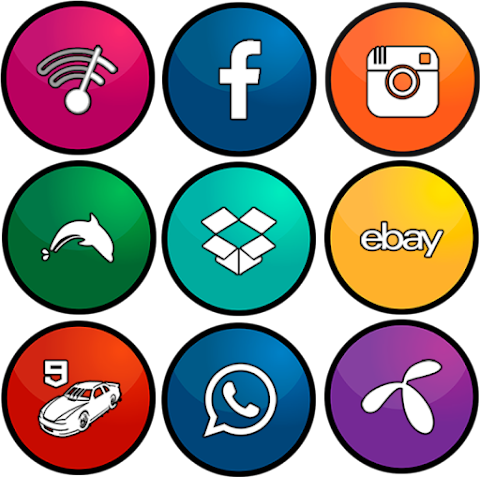
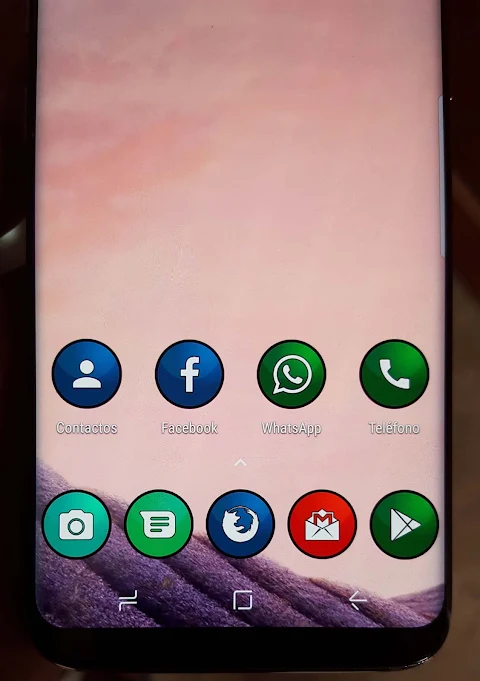
Blex UI Icon Pack is a fun app that changes the icons of your Android applications, giving them a fresh and attractive look. With this tool, you can easily customize your device's appearance to make it unique.
To get started with Blex UI Icon Pack, open the app on your phone. You'll find a menu in the upper left corner. Tap on it and choose either "set" or "apply." The app will show a list of supported launchers, beginning with the ones you currently have installed. Pick your favorite launcher from the list and hit "accept." If you don’t have a launcher installed yet, you can select it, and the app will take you to the download link. You can also open your launcher directly and apply the Blex UI Icon Pack from there. Once you’ve made your choices, your new icons will be ready to use.
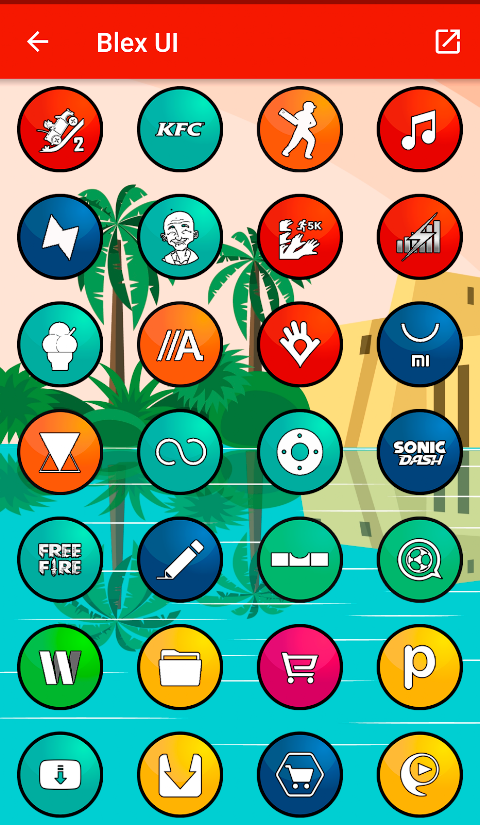
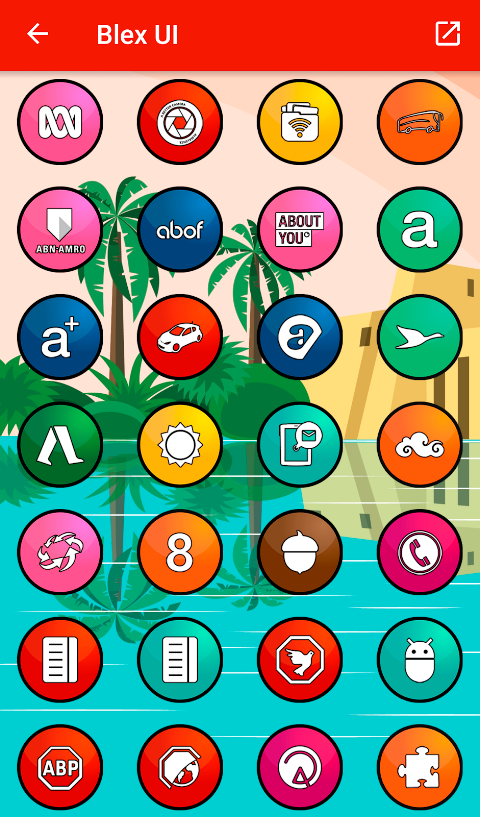
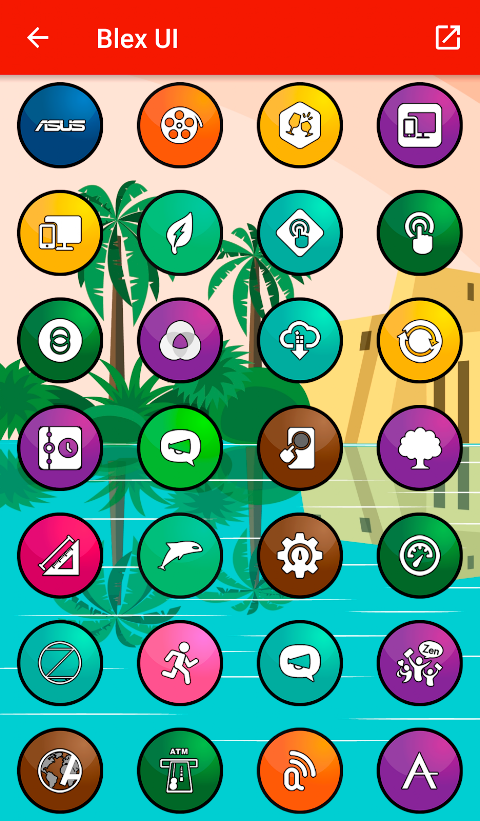
One of the standout features of Blex UI Icon Pack is its impressive collection of over 4400 custom icons. Each icon has a HD quality with a resolution of 256x256 pixels, ensuring that your app icons look crisp and clear. The app also includes 80 beautiful wallpapers that complement its unique icon designs, adding to your home screen personalization experience.
If you have specific icons in mind that you’d like to see in your pack, you can make icon requests via email. This makes the app very user-friendly and adaptive to your needs. The overall process is straightforward, making it easy for everyone to apply icon packs without any hassle.
Blex UI Icon Pack supports a variety of launchers, including Nova Launcher, Smart Launcher, Action Launcher, and ADW Launcher. You can easily customize launcher icons for each of these platforms. The app also offers compatibility with Apex Launcher and Evie Launcher, giving you numerous options for launcher customization. However, please note that Blex UI Icon Pack is not compatible with the default launcher on Samsung or Huawei devices.
If you're using Go Launcher, be aware that its support for icon masking is limited. The app utilizes the CandyBar board for its functionality, and it also supports Muzei, allowing you to enhance your visual experience even further.
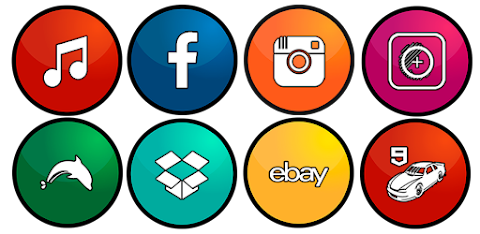
The interface is designed in multiple languages, making it accessible for many users around the world. With rounded bright icons, Blex UI Icon Pack ensures that your home screen stands out and looks engaging.
In summary, Blex UI Icon Pack is a comprehensive solution for mobile app customization. It's perfect for anyone looking to change the look of their apps and personalize their devices. Whether you're aiming for a theme that matches your style or just want something fresh, applying icon packs is quick and straightforward with Blex UI. Enjoy the visual enhancement of your apps and the ease of installation with this versatile icon pack for Android.
To get started with Blex UI Icon Pack, open the app on your phone. You'll find a menu in the upper left corner. Tap on it and choose either "set" or "apply." The app will show a list of supported launchers, beginning with the ones you currently have installed. Pick your favorite launcher from the list and hit "accept." If you don’t have a launcher installed yet, you can select it, and the app will take you to the download link. You can also open your launcher directly and apply the Blex UI Icon Pack from there. Once you’ve made your choices, your new icons will be ready to use.
One of the standout features of Blex UI Icon Pack is its impressive collection of over 4400 custom icons. Each icon has a HD quality with a resolution of 256x256 pixels, ensuring that your app icons look crisp and clear. The app also includes 80 beautiful wallpapers that complement its unique icon designs, adding to your home screen personalization experience.
If you have specific icons in mind that you’d like to see in your pack, you can make icon requests via email. This makes the app very user-friendly and adaptive to your needs. The overall process is straightforward, making it easy for everyone to apply icon packs without any hassle.
Blex UI Icon Pack supports a variety of launchers, including Nova Launcher, Smart Launcher, Action Launcher, and ADW Launcher. You can easily customize launcher icons for each of these platforms. The app also offers compatibility with Apex Launcher and Evie Launcher, giving you numerous options for launcher customization. However, please note that Blex UI Icon Pack is not compatible with the default launcher on Samsung or Huawei devices.
If you're using Go Launcher, be aware that its support for icon masking is limited. The app utilizes the CandyBar board for its functionality, and it also supports Muzei, allowing you to enhance your visual experience even further.
The interface is designed in multiple languages, making it accessible for many users around the world. With rounded bright icons, Blex UI Icon Pack ensures that your home screen stands out and looks engaging.
In summary, Blex UI Icon Pack is a comprehensive solution for mobile app customization. It's perfect for anyone looking to change the look of their apps and personalize their devices. Whether you're aiming for a theme that matches your style or just want something fresh, applying icon packs is quick and straightforward with Blex UI. Enjoy the visual enhancement of your apps and the ease of installation with this versatile icon pack for Android.
WIN Nuclear Splash MOD
WinWatchfaces
$1.29
$0.49
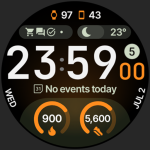
TrackMate Watch Face
amoledwatchfaces™
$1.79
$0.90

BREITLING Super Ocean face
GoWer watch faces
$0.99
$0.30