

$1.49
$0.49
67% Off
Black and White – Icon Pack
GomoTheGom

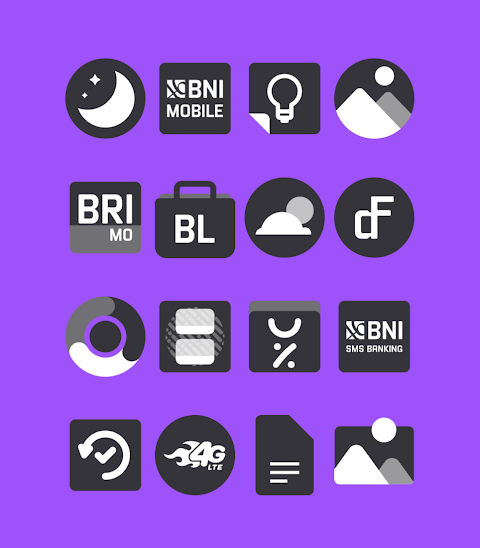
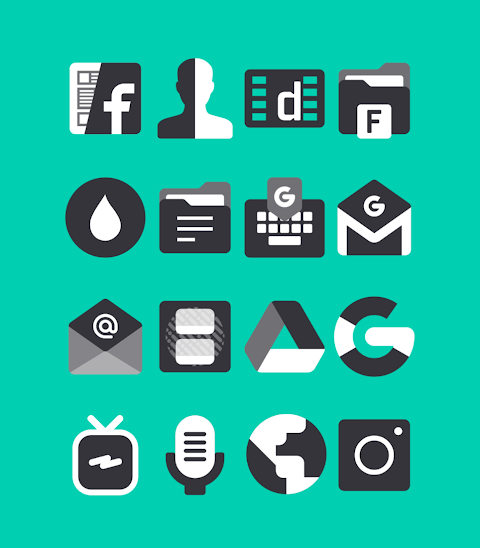

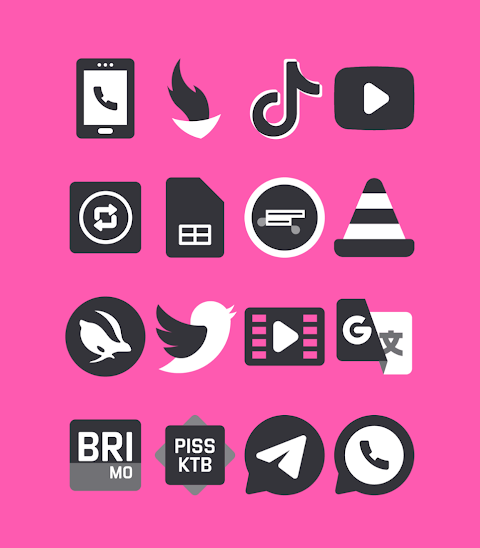
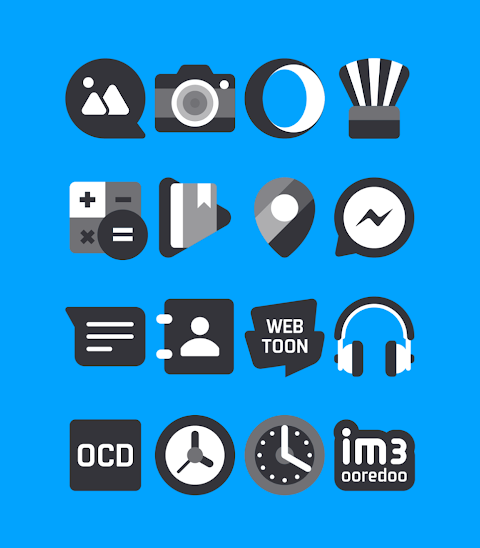
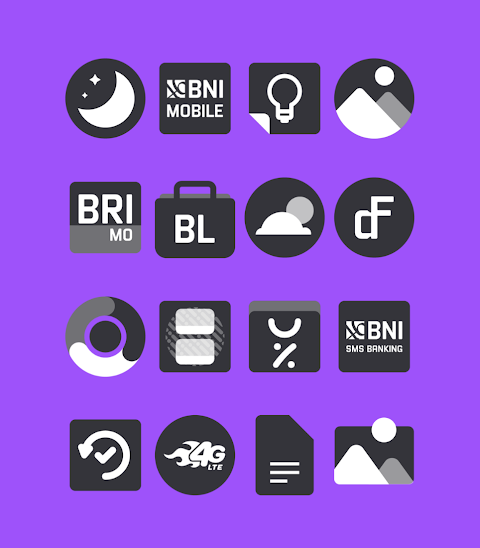
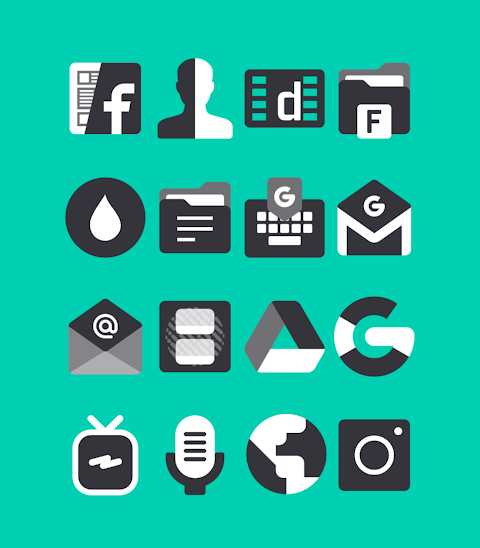

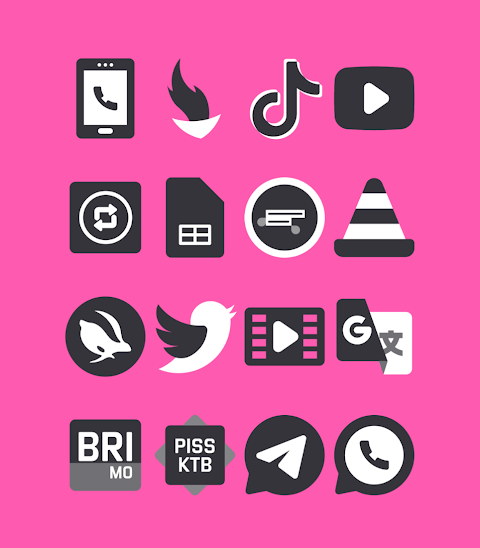
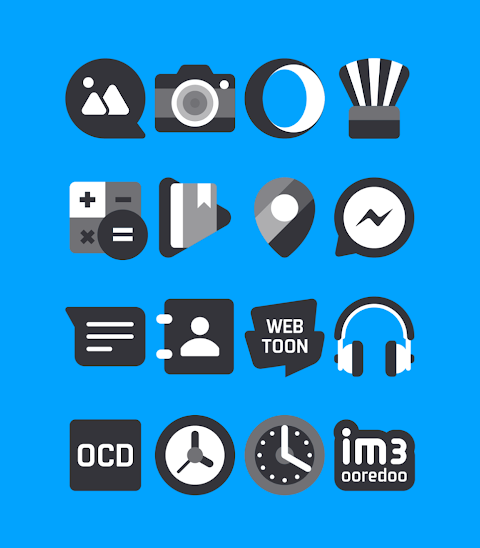
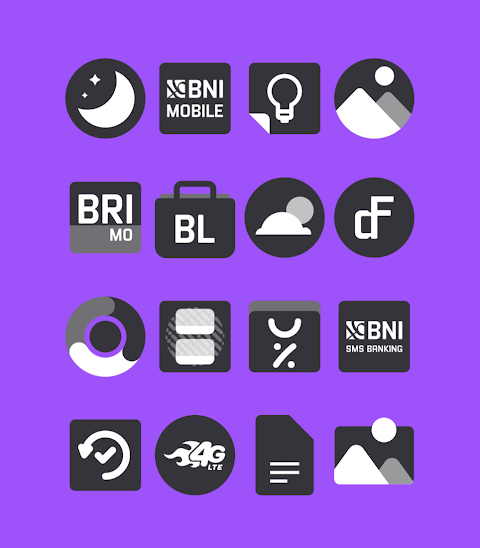
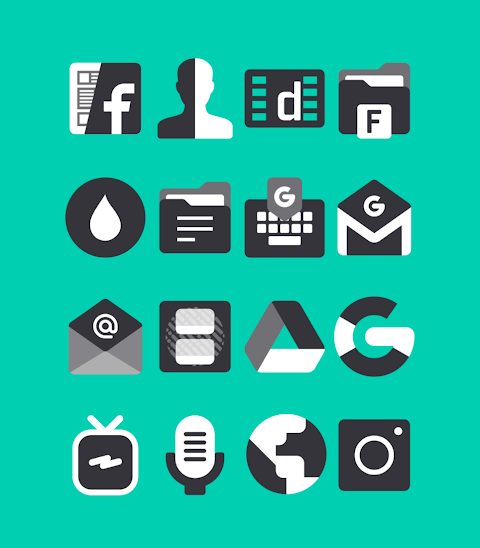

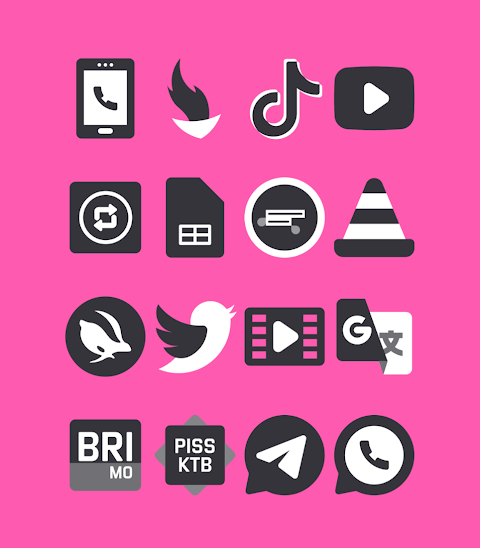
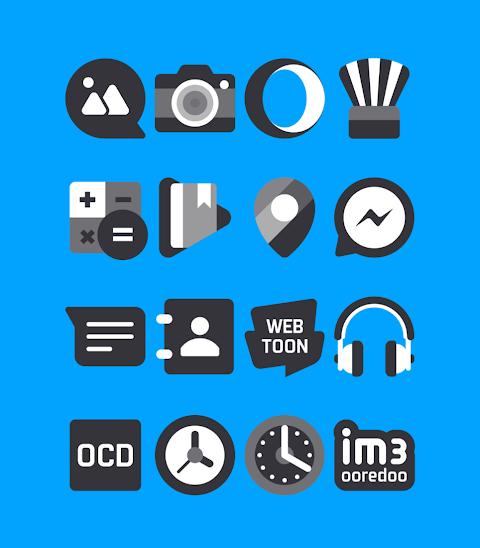


About the App
The Black and White - Icon Pack offers a unique collection of themed shapeless icons that showcase a stylish black and white design. With over 3000 icons available, users have plenty of options to customize their devices. Each icon features an HD icon resolution of 256x256 pixels, ensuring a sharp and vibrant look.
This icon pack is perfect for anyone looking to personalize their home screen with a minimalist icon style. It is compatible with several popular launchers, making it easy to apply and use. Users can request additional icons as well, helping to expand the collection even further.
To apply the Black and White icon pack, follow these simple steps. First, open the app. Next, navigate to the "Apply Icon Pack" screen. Here, you'll see a list of supported launchers, including Nova Launcher and Evie Launcher, among others. Select Nova Launcher if it’s installed on your phone, and the app will automatically apply the icons for you.
If you find that your launcher doesn't appear while trying to apply the icon pack, you can also apply it directly from your launcher’s settings.
For those using the Sony Xperia Home Launcher, the Black and White icon pack can still be applied, though it requires a few more steps. To do this, long press on your main screen and open the settings. Scroll down to the "Appearance" settings and choose the Black and White icon pack. Your icons will be applied, provided you are using Sony Xperia Home Launcher version 10.0.A.0.8 or higher.
The Black and White icon pack supports various launchers, including Apex Launcher, ADW Launcher, ABC Launcher, Next Launcher, Holo Launcher, Lucid Launcher, M Launcher, Action Launcher, Aviate Launcher, Smart Launcher, Go Launcher, and Zero Launcher. However, please note that Go Launcher and Zero Launcher do not support icon masking.
With this icon pack, users can enjoy easy icon customization and explore different launcher icon themes to make their device truly their own. Stay updated and find more design information on platforms like Google+, Instagram, and Twitter.
Elevate your device’s look without hassle by using the Black and White icon pack today!
This icon pack is perfect for anyone looking to personalize their home screen with a minimalist icon style. It is compatible with several popular launchers, making it easy to apply and use. Users can request additional icons as well, helping to expand the collection even further.
To apply the Black and White icon pack, follow these simple steps. First, open the app. Next, navigate to the "Apply Icon Pack" screen. Here, you'll see a list of supported launchers, including Nova Launcher and Evie Launcher, among others. Select Nova Launcher if it’s installed on your phone, and the app will automatically apply the icons for you.
If you find that your launcher doesn't appear while trying to apply the icon pack, you can also apply it directly from your launcher’s settings.
For those using the Sony Xperia Home Launcher, the Black and White icon pack can still be applied, though it requires a few more steps. To do this, long press on your main screen and open the settings. Scroll down to the "Appearance" settings and choose the Black and White icon pack. Your icons will be applied, provided you are using Sony Xperia Home Launcher version 10.0.A.0.8 or higher.
The Black and White icon pack supports various launchers, including Apex Launcher, ADW Launcher, ABC Launcher, Next Launcher, Holo Launcher, Lucid Launcher, M Launcher, Action Launcher, Aviate Launcher, Smart Launcher, Go Launcher, and Zero Launcher. However, please note that Go Launcher and Zero Launcher do not support icon masking.
With this icon pack, users can enjoy easy icon customization and explore different launcher icon themes to make their device truly their own. Stay updated and find more design information on platforms like Google+, Instagram, and Twitter.
Elevate your device’s look without hassle by using the Black and White icon pack today!
Two Face D2 Watch Face
VELOCI-T Watch Faces
$1.99
$1.00

Pixly Dark – Icon Pack
Cris87
$2.99
$0.49
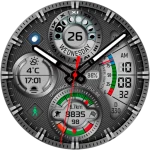
CFS109 Luxury Watch Face
CFS Creative Face Studio
$1.99
$1.00