

$15.99
$9.99
38% Off
BeatCutter
Igor Vasiliev

About the App
BeatCutter is a fun and creative tool for anyone who loves to experiment with sound. This innovative multi-channel audio tool lets you slice, reshape, and recombine audio in interesting ways, all based on rhythm. With BeatCutter, you can build evolving textures, chaotic patterns, and unexpected musical structures.
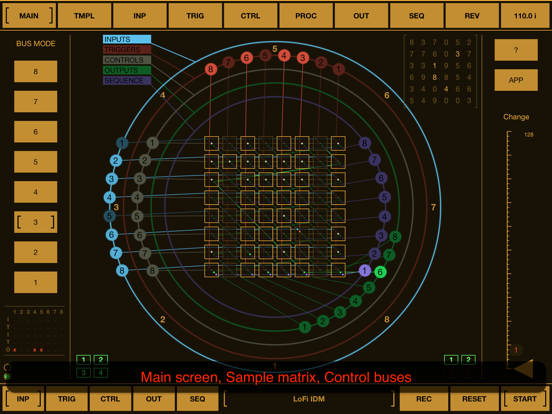
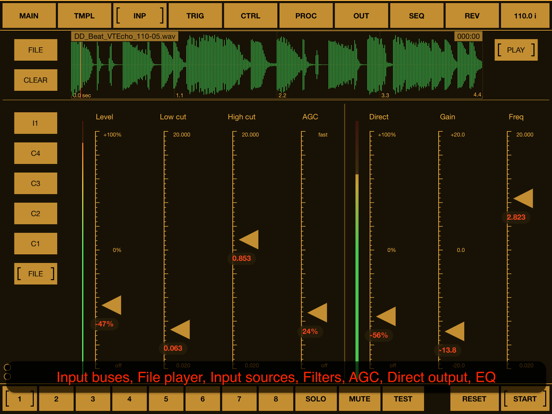
At its core, BeatCutter features a flexible matrix of sample cells. This allows for easy recording and playback control, making it simple to manipulate your audio. Whether you’re using long audio files, live instruments, or sound from other apps, BeatCutter turns any source into exciting raw material for creative audio exploration.
You can craft immersive sound worlds with BeatCutter. Sculpt everything from cyberpunk atmospheres and industrial drones to alien jungles and meditative soundscapes. The type of audio you start with doesn’t matter; the real magic lies in how you transform it. Your creativity and choices shape the final sound, whether you aim for futuristic IDM music or abstract ambient textures.
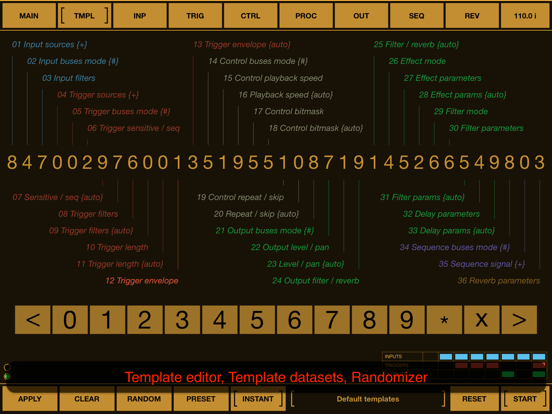
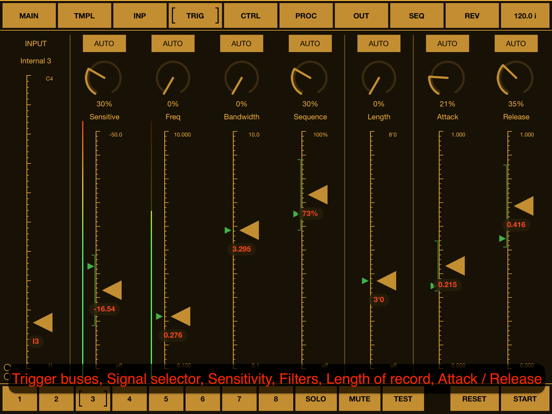
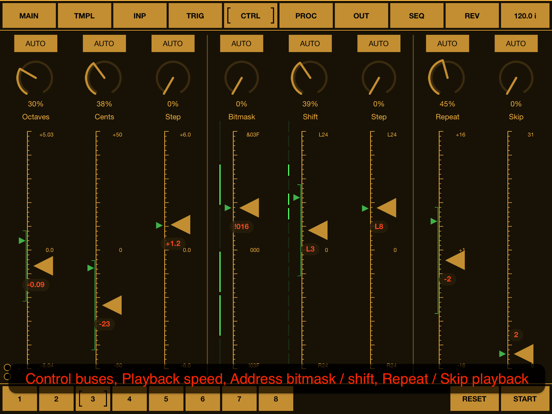
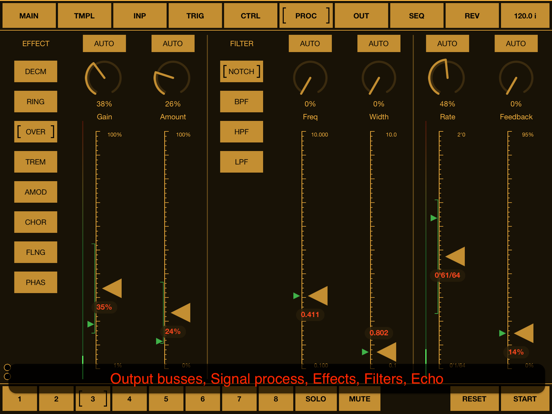
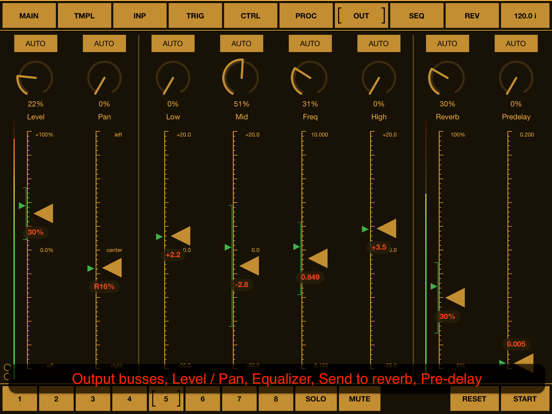
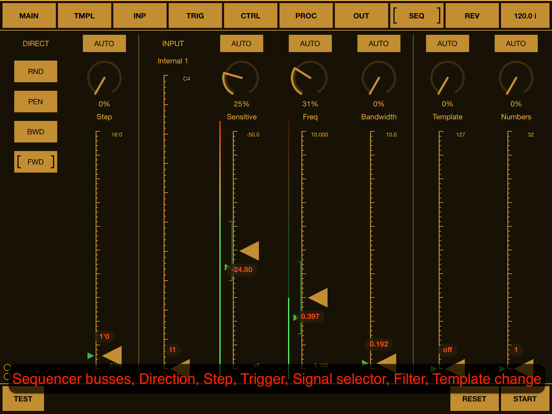
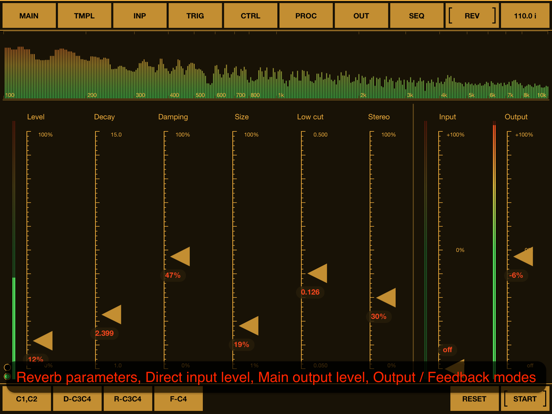
Designed for experimentation, BeatCutter encourages hands-on discovery. Instead of relying on fixed presets, it offers a powerful set of parameters for you to play with. The app includes a template editor for settings to help you get started. You can tweak numbers, listen to the results, randomize settings, refine your choices, and even save your favorite states as personalized presets.
Another standout feature is BeatCutter's experimental feedback mode. This mode operates differently from traditional analog feedback; it acts like a living fractal, constantly reshaping itself. This self-evolving sound structure generates rich and abstract audio, giving you endless opportunities for deep experimentation and unexpected inspiration.
BeatCutter is ideal for artists, sound designers, and curious creators looking to push beyond the ordinary and explore new sonic territories. It’s available for both iOS and macOS, making it easy to create stunning sounds on your iPhone, iPad, or MacBook with M1 chip and later.
You can use BeatCutter as a standalone app on iOS devices or as an AUv3 plugin within other audio applications, including as an Inter-App Audio module. It also supports Audiobus and Ableton Link, ensuring you can easily integrate it into your existing setup. All features are readily accessible on both iOS and macOS, including MIDI support with a MIDI learn option and audio unit parameters.
For those new to the app, a built-in, detailed description of all parameters is available, as well as a PDF file on the application’s site to help you navigate its many capabilities.
If you're ready to explore deep sonic feedback and unleash your creativity, check out BeatCutter and see what amazing sounds you can create. You’ll find a world of audio manipulation features waiting for you. Whether you’re generating chaotic patterns, crafting immersive audio landscapes, or transforming live audio sources, BeatCutter is your key to an exciting audio creativity platform.
At its core, BeatCutter features a flexible matrix of sample cells. This allows for easy recording and playback control, making it simple to manipulate your audio. Whether you’re using long audio files, live instruments, or sound from other apps, BeatCutter turns any source into exciting raw material for creative audio exploration.
You can craft immersive sound worlds with BeatCutter. Sculpt everything from cyberpunk atmospheres and industrial drones to alien jungles and meditative soundscapes. The type of audio you start with doesn’t matter; the real magic lies in how you transform it. Your creativity and choices shape the final sound, whether you aim for futuristic IDM music or abstract ambient textures.
Designed for experimentation, BeatCutter encourages hands-on discovery. Instead of relying on fixed presets, it offers a powerful set of parameters for you to play with. The app includes a template editor for settings to help you get started. You can tweak numbers, listen to the results, randomize settings, refine your choices, and even save your favorite states as personalized presets.
Another standout feature is BeatCutter's experimental feedback mode. This mode operates differently from traditional analog feedback; it acts like a living fractal, constantly reshaping itself. This self-evolving sound structure generates rich and abstract audio, giving you endless opportunities for deep experimentation and unexpected inspiration.
BeatCutter is ideal for artists, sound designers, and curious creators looking to push beyond the ordinary and explore new sonic territories. It’s available for both iOS and macOS, making it easy to create stunning sounds on your iPhone, iPad, or MacBook with M1 chip and later.
You can use BeatCutter as a standalone app on iOS devices or as an AUv3 plugin within other audio applications, including as an Inter-App Audio module. It also supports Audiobus and Ableton Link, ensuring you can easily integrate it into your existing setup. All features are readily accessible on both iOS and macOS, including MIDI support with a MIDI learn option and audio unit parameters.
For those new to the app, a built-in, detailed description of all parameters is available, as well as a PDF file on the application’s site to help you navigate its many capabilities.
If you're ready to explore deep sonic feedback and unleash your creativity, check out BeatCutter and see what amazing sounds you can create. You’ll find a world of audio manipulation features waiting for you. Whether you’re generating chaotic patterns, crafting immersive audio landscapes, or transforming live audio sources, BeatCutter is your key to an exciting audio creativity platform.

AeroPads – Pads & Soundscapes
Aerospace Audio LLC
$7.99
$5.99

Yukawa – AUv3 Plug-in Effect
iceWorks, Inc.
$5.00
$4.00

NoiseSpace
Igor Vasiliev
$15.99
$9.99