

$1.99
$0.99
50% Off
AWD SIGNATURE W watchface
AIwatch




About the App
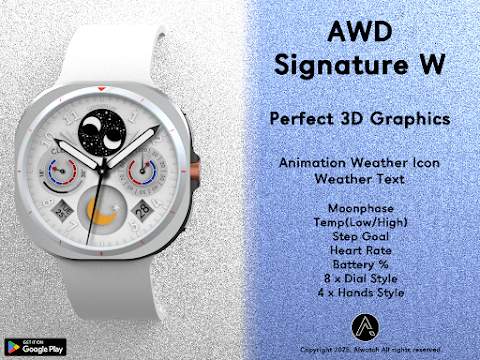
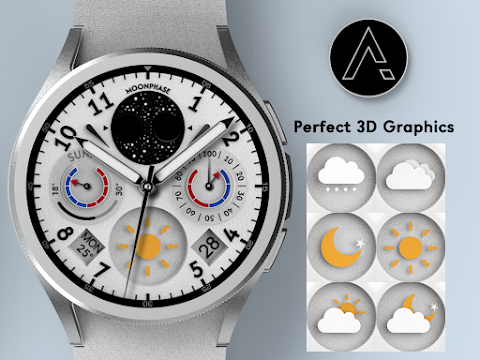
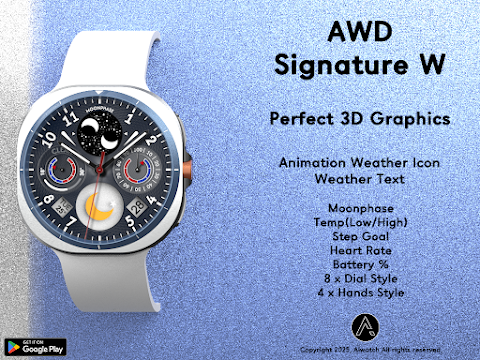
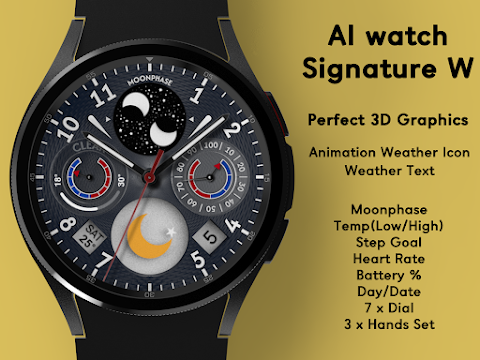
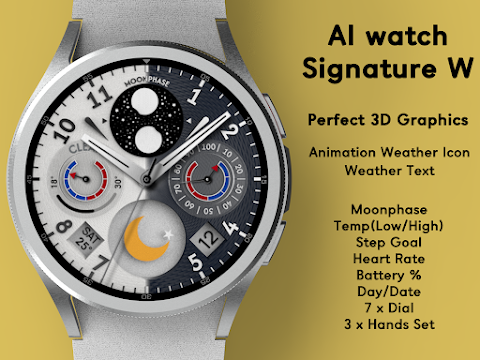
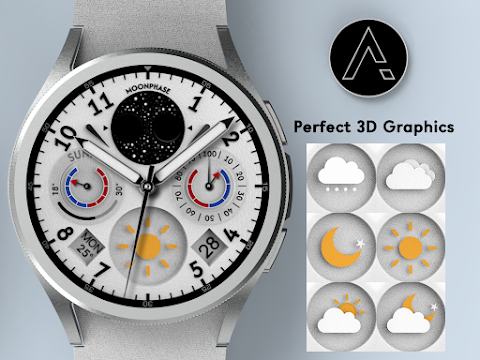
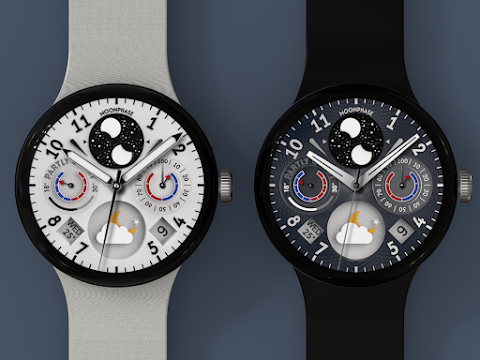
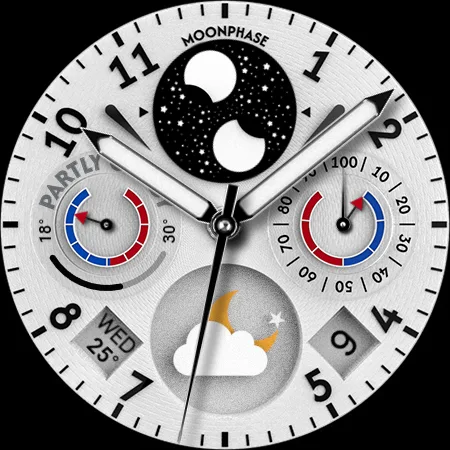
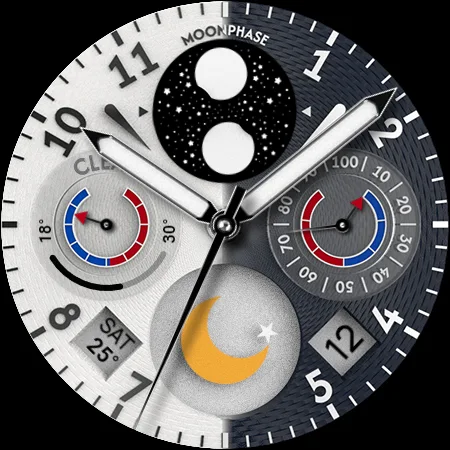
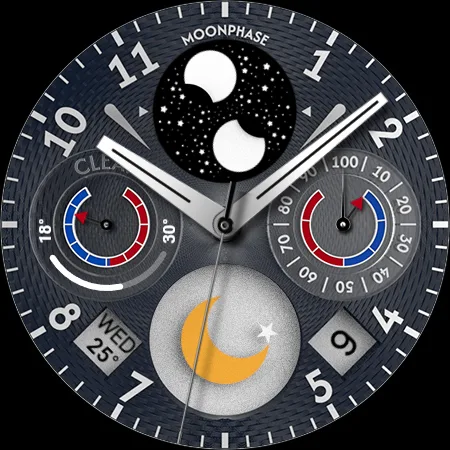
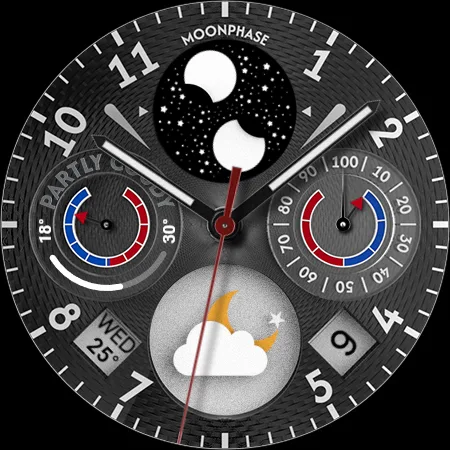
The AWD SIGNATURE W watchface is a modern analog watch face designed with stunning 3D graphics. This watch face is ideal for those who enjoy a realistic graphic design on their Wear OS device. You’ll find it easy to check both weather information and health information display right from your wrist.
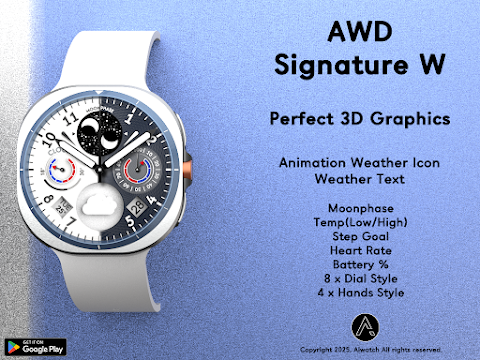
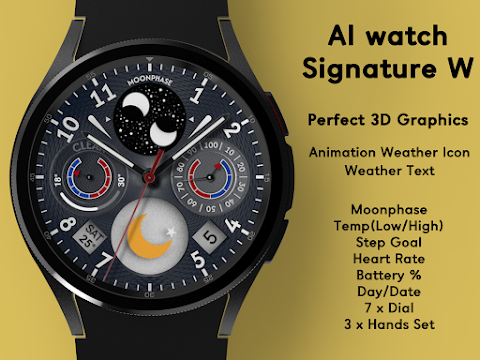
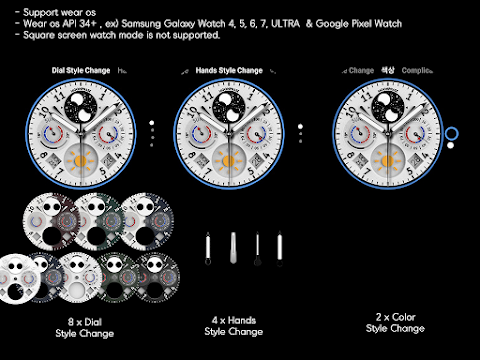
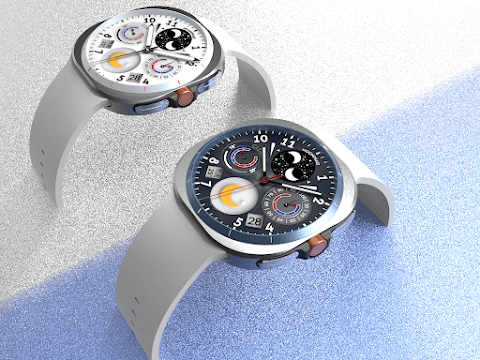
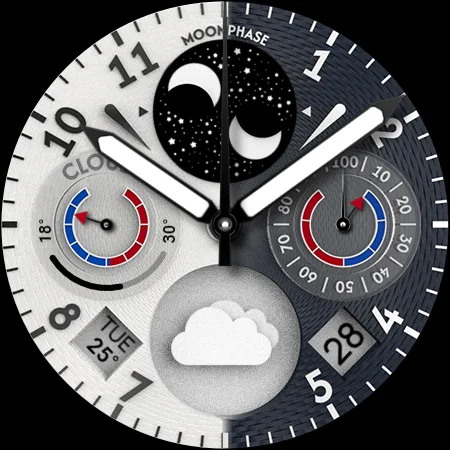
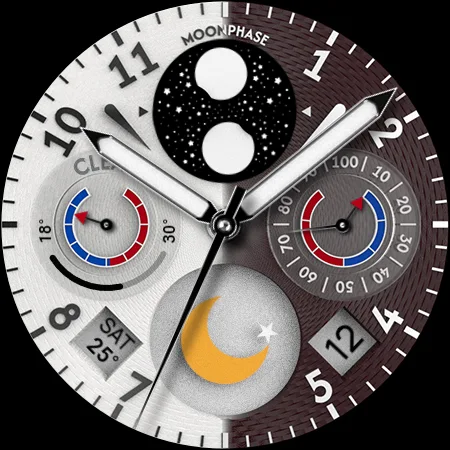
With the AWD SIGNATURE W watchface, you can choose from 7 different background styles and customize it with 3 unique hand styles. This means you can enjoy decorating your watch face with a fresh look every day.
One of the standout features is the auto weather updates, which occur about every 30 minutes. You’ll also benefit from a handy manual weather update method. Just access the weather or UV complication and press the weather update button at the bottom. If you restart your watch and the weather information doesn’t show up, simply apply the default watch face and then reapply your AWD SIGNATURE W watchface to get everything working normally.
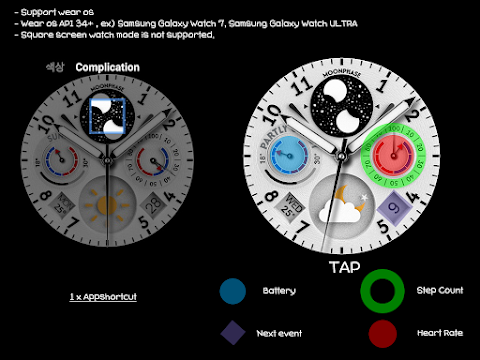
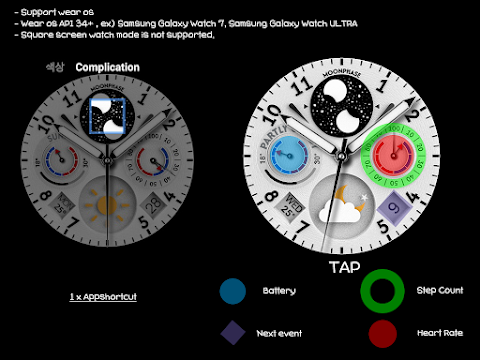
The weather information relies on the Samsung weather API, so it might differ slightly from what other companies offer. The watch face includes several useful features: an animation weather icon that shows current conditions, Celsius temperature support, and Fahrenheit temperature support. You can also see the low/high temperature progress bar, a moonphase indicator, step goal tracking, battery percentage display, and heart rate monitoring.
For those who love customization, the AWD SIGNATURE W watchface offers flexibility with 8 different dial style changes and 4 hands style changes. There’s even an app shortcut feature to make accessing your favorite apps easier. Keep in mind that the square screen watch mode is not supported, so it's designed for standard watch formats.
To get started, you will need the mobile app which serves as your installing watch face guide. Once you've successfully installed the watch face on your watch, feel free to delete the mobile app. Ensure that your watch and mobile phone are connected via Bluetooth for seamless installation. Simply tap the “Click” button on the mobile guide app and follow the steps to install the watch face in just a few minutes.
You can also explore and install other watch faces directly through the Google app for watch faces on your device. Alternatively, you can use your mobile web browser for watch face installation. Enjoy personalizing your wrist with the AWD SIGNATURE W watchface, designed to provide both style and functionality. If you need assistance, don’t hesitate to reach out via email at aiwatchdesign@gmail.com.
With the AWD SIGNATURE W watchface, you can choose from 7 different background styles and customize it with 3 unique hand styles. This means you can enjoy decorating your watch face with a fresh look every day.
One of the standout features is the auto weather updates, which occur about every 30 minutes. You’ll also benefit from a handy manual weather update method. Just access the weather or UV complication and press the weather update button at the bottom. If you restart your watch and the weather information doesn’t show up, simply apply the default watch face and then reapply your AWD SIGNATURE W watchface to get everything working normally.
The weather information relies on the Samsung weather API, so it might differ slightly from what other companies offer. The watch face includes several useful features: an animation weather icon that shows current conditions, Celsius temperature support, and Fahrenheit temperature support. You can also see the low/high temperature progress bar, a moonphase indicator, step goal tracking, battery percentage display, and heart rate monitoring.
For those who love customization, the AWD SIGNATURE W watchface offers flexibility with 8 different dial style changes and 4 hands style changes. There’s even an app shortcut feature to make accessing your favorite apps easier. Keep in mind that the square screen watch mode is not supported, so it's designed for standard watch formats.
To get started, you will need the mobile app which serves as your installing watch face guide. Once you've successfully installed the watch face on your watch, feel free to delete the mobile app. Ensure that your watch and mobile phone are connected via Bluetooth for seamless installation. Simply tap the “Click” button on the mobile guide app and follow the steps to install the watch face in just a few minutes.
You can also explore and install other watch faces directly through the Google app for watch faces on your device. Alternatively, you can use your mobile web browser for watch face installation. Enjoy personalizing your wrist with the AWD SIGNATURE W watchface, designed to provide both style and functionality. If you need assistance, don’t hesitate to reach out via email at aiwatchdesign@gmail.com.
Win Metal – Icon Pack
Olivera Onias Design
$0.99
$0.10
DADAM41: Retro LCD Watch Face
DADAM Watch Faces
$1.89
$0.19
Guard Watch Face
amoledwatchfaces™
$1.49
$1.04