

$9.99
$5.00
50% Off
aWallet Cloud Password Manager
Synpet


About the App
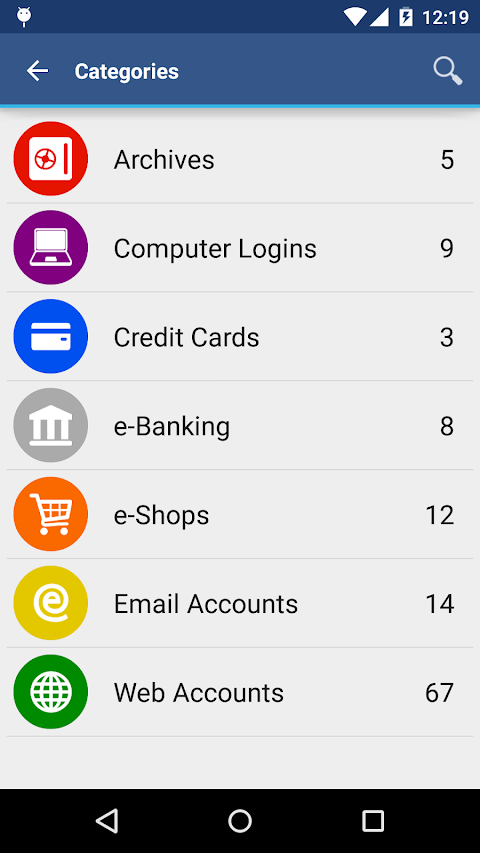
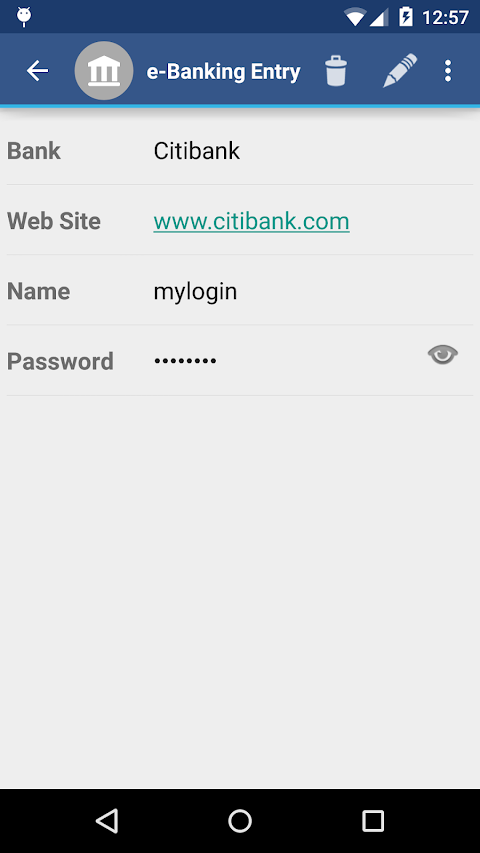
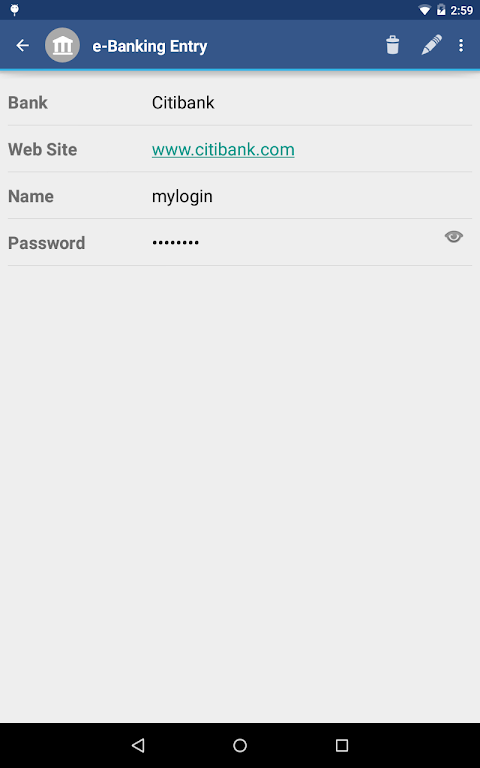
aWallet Cloud Password Manager is a reliable tool designed to keep your sensitive information safe. It securely stores your passwords, credit card information, e-banking credentials, web accounts, and other custom data. With aWallet, you don’t have to worry about losing access to your accounts, as it offers a secure password storage solution.
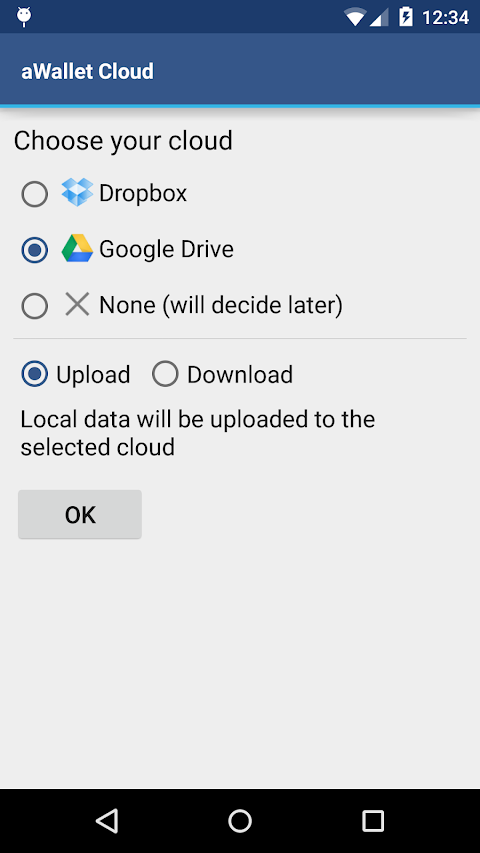
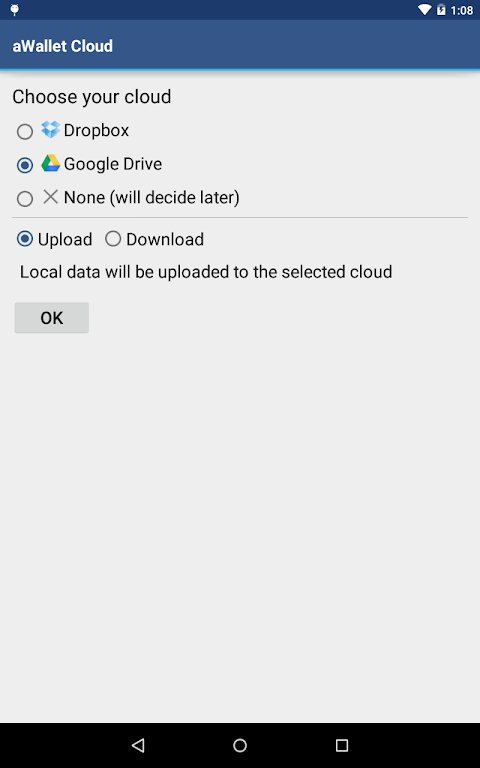
One of the standout features of aWallet is its ability to synchronize encrypted data with your own cloud account. You can easily use services like Dropbox or Google Drive for this purpose, ensuring that your data is backed up and accessible wherever you go. The app also allows for easy data field search, helping you find what you need quickly.
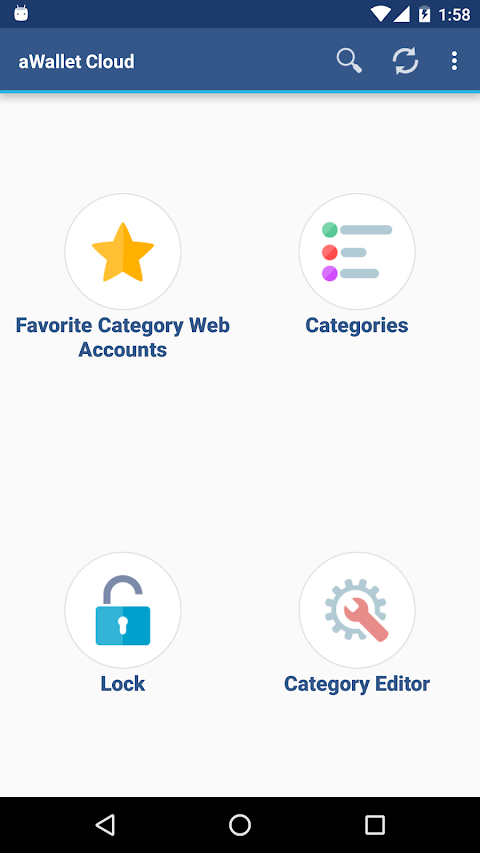
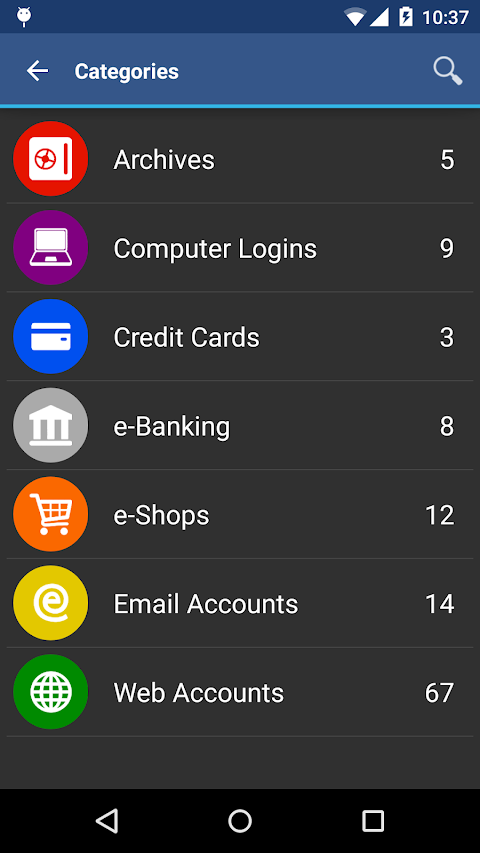
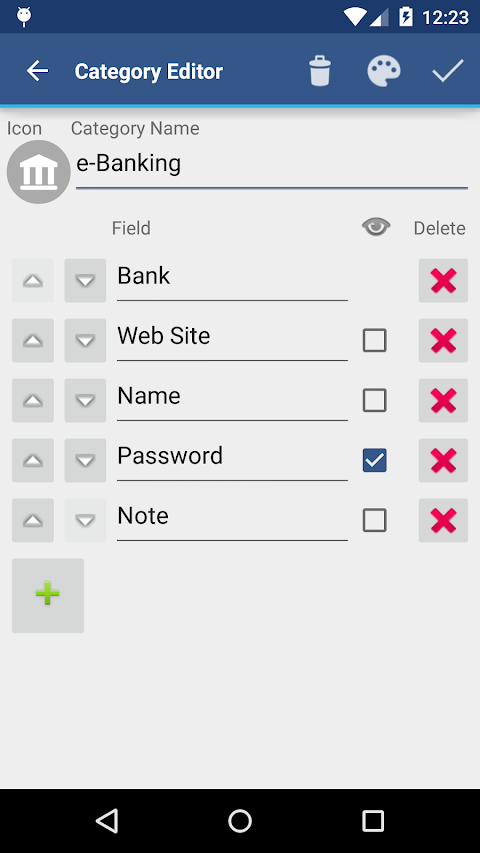
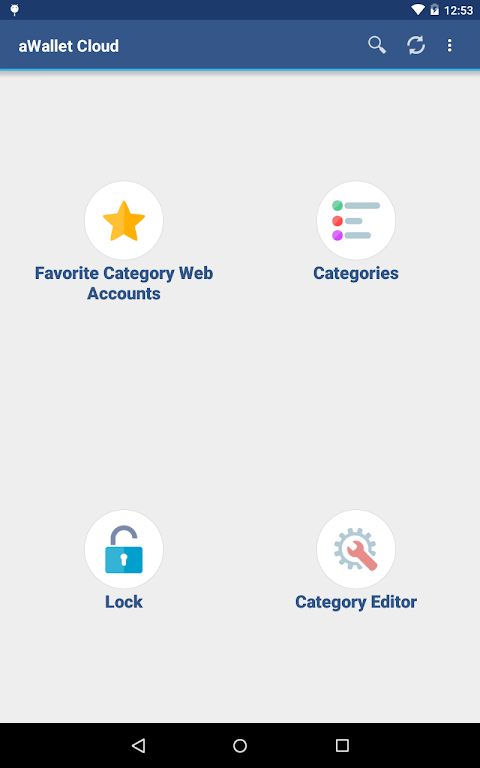
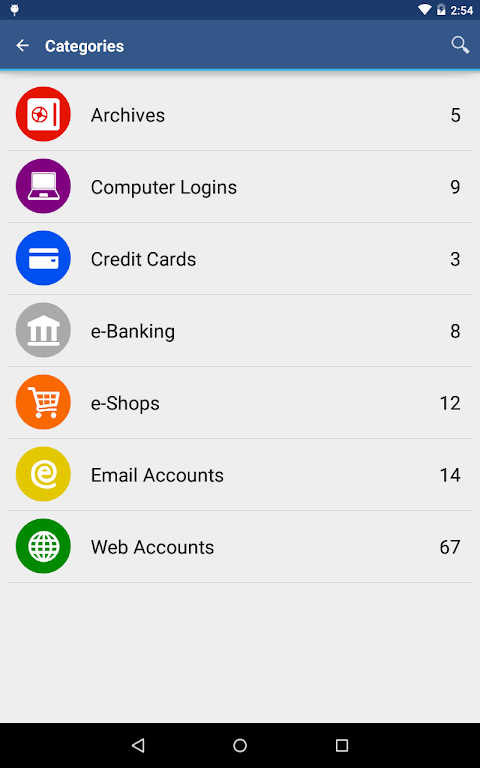
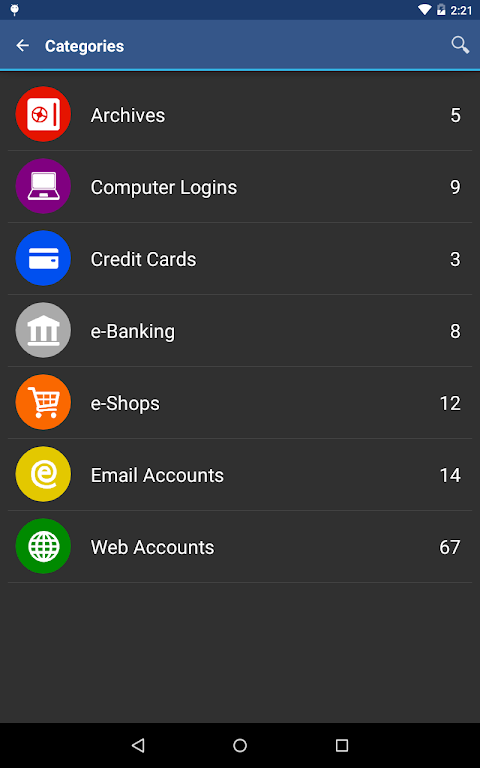
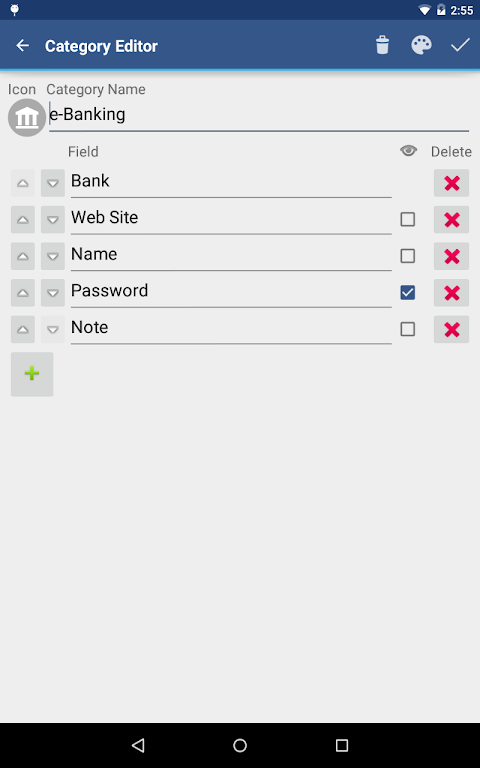
To make managing your information even easier, aWallet includes a built-in Editor. You can change or create new custom data categories, complete with custom icons to keep everything organized. The app is free of advertisements, offering a smooth user experience.
Backing up your information is essential, and aWallet supports seed data backup to your Android USB device. You can also export unencrypted data in CSV format to your USB, making it easy to keep a copy of your information.
For added security, aWallet features an auto lock feature that can be preconfigured to lock after a specific period of time. This means your data stays protected, even if you step away from your device for a moment.
If you have a compatible device, you can unlock aWallet using fingerprint or face recognition. Fingerprint unlock is available for devices with Android 6 or later, while face unlock is supported on devices running Android 10 or later. This makes accessing your data fast and convenient.
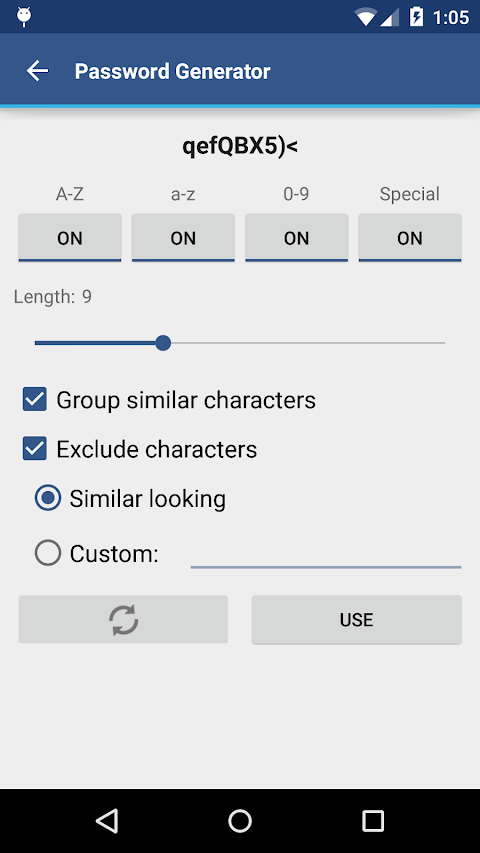
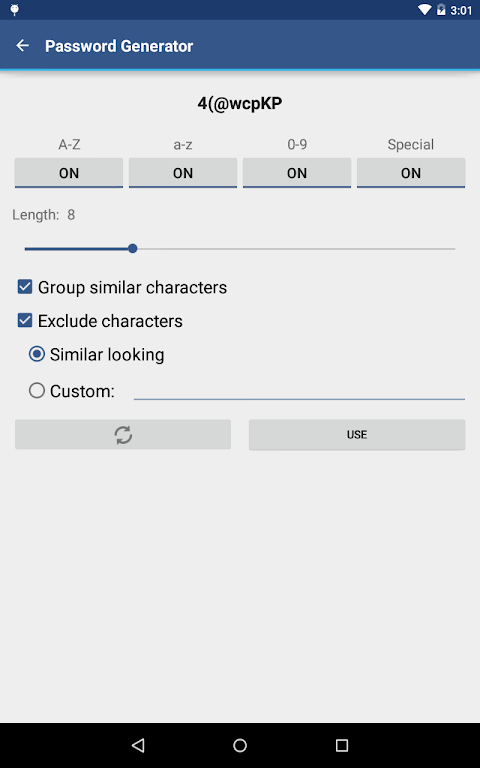
The app also includes a password generator, allowing you to create strong, unique passwords for your accounts. Additionally, it supports CSV data import, making it easy to add your existing data into aWallet.
When it comes to data security, aWallet prioritizes your privacy. All data is encrypted, including entry names, category definitions, and the data itself. The app uses AES or Blowfish encryption methods with key sizes of 256-bit, 192-bit, or 128-bit encryption. This level of encryption provides robust protection against unauthorized access.
To further enhance security, aWallet employs a master password protection system. When decrypting your data file, the app tries various combinations of algorithms and key sizes with your master password. This makes brute force attacks significantly more difficult.
Additionally, a randomly generated salt is combined with your master password. This salt helps prevent offline dictionary attack attempts. The key to unlock your data file is created by hashing your master password with a 512-bit salt, a process repeated 1000 times using SHA-256 hashing. The repetitive hashing enhances protection by making brute force attacks more complex.
For added safety, aWallet supports encrypted file destruction. If there are a predefined number of unsuccessful unlock attempts, the app can automatically delete the data file. This feature ensures that your information remains safe from prying eyes.
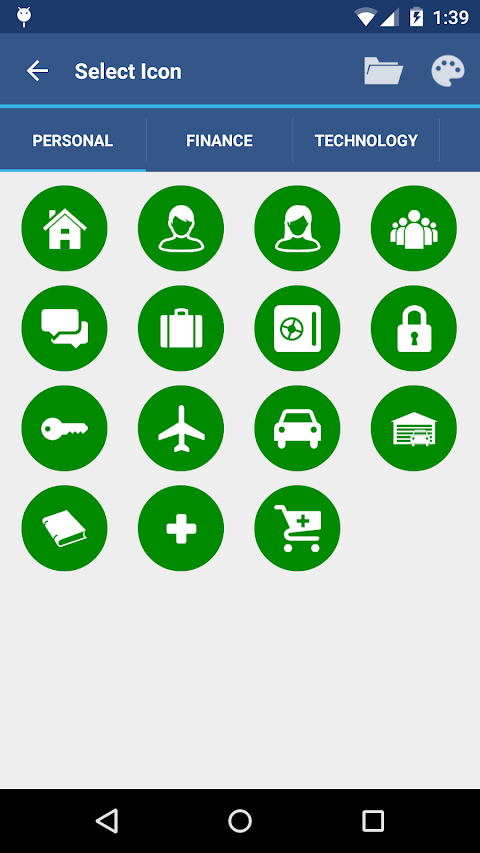
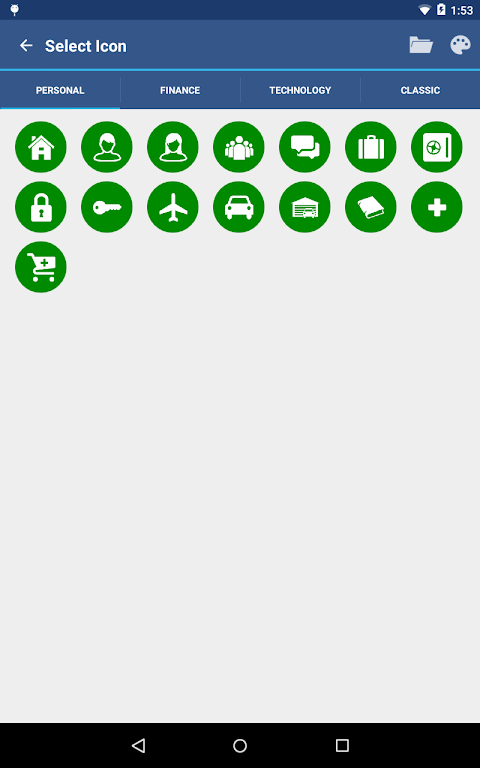
With custom icons for categories, aWallet makes it easy to organize your information. It is a powerful tool for anyone looking to manage their data privacy more effectively. By syncing with cloud accounts and offering a variety of data security features, aWallet Cloud Password Manager is an essential app for keeping your information secure.
If you find aWallet helpful, please take a moment to rate it in Google Play. Your feedback and suggestions are always welcome. For more information, visit the website at http://www.awallet.org/.
One of the standout features of aWallet is its ability to synchronize encrypted data with your own cloud account. You can easily use services like Dropbox or Google Drive for this purpose, ensuring that your data is backed up and accessible wherever you go. The app also allows for easy data field search, helping you find what you need quickly.
To make managing your information even easier, aWallet includes a built-in Editor. You can change or create new custom data categories, complete with custom icons to keep everything organized. The app is free of advertisements, offering a smooth user experience.
Backing up your information is essential, and aWallet supports seed data backup to your Android USB device. You can also export unencrypted data in CSV format to your USB, making it easy to keep a copy of your information.
For added security, aWallet features an auto lock feature that can be preconfigured to lock after a specific period of time. This means your data stays protected, even if you step away from your device for a moment.
If you have a compatible device, you can unlock aWallet using fingerprint or face recognition. Fingerprint unlock is available for devices with Android 6 or later, while face unlock is supported on devices running Android 10 or later. This makes accessing your data fast and convenient.
The app also includes a password generator, allowing you to create strong, unique passwords for your accounts. Additionally, it supports CSV data import, making it easy to add your existing data into aWallet.
When it comes to data security, aWallet prioritizes your privacy. All data is encrypted, including entry names, category definitions, and the data itself. The app uses AES or Blowfish encryption methods with key sizes of 256-bit, 192-bit, or 128-bit encryption. This level of encryption provides robust protection against unauthorized access.
To further enhance security, aWallet employs a master password protection system. When decrypting your data file, the app tries various combinations of algorithms and key sizes with your master password. This makes brute force attacks significantly more difficult.
Additionally, a randomly generated salt is combined with your master password. This salt helps prevent offline dictionary attack attempts. The key to unlock your data file is created by hashing your master password with a 512-bit salt, a process repeated 1000 times using SHA-256 hashing. The repetitive hashing enhances protection by making brute force attacks more complex.
For added safety, aWallet supports encrypted file destruction. If there are a predefined number of unsuccessful unlock attempts, the app can automatically delete the data file. This feature ensures that your information remains safe from prying eyes.
With custom icons for categories, aWallet makes it easy to organize your information. It is a powerful tool for anyone looking to manage their data privacy more effectively. By syncing with cloud accounts and offering a variety of data security features, aWallet Cloud Password Manager is an essential app for keeping your information secure.
If you find aWallet helpful, please take a moment to rate it in Google Play. Your feedback and suggestions are always welcome. For more information, visit the website at http://www.awallet.org/.