

$13.99
$9.37
33% Off
Asset Manager
SegBay Software


About the App
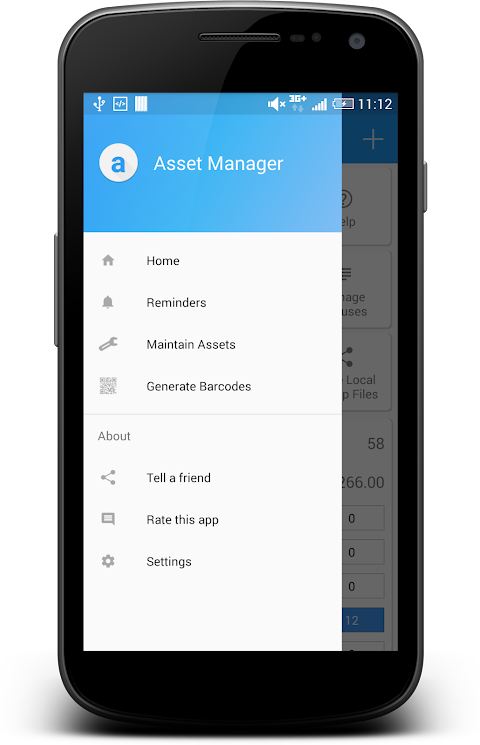
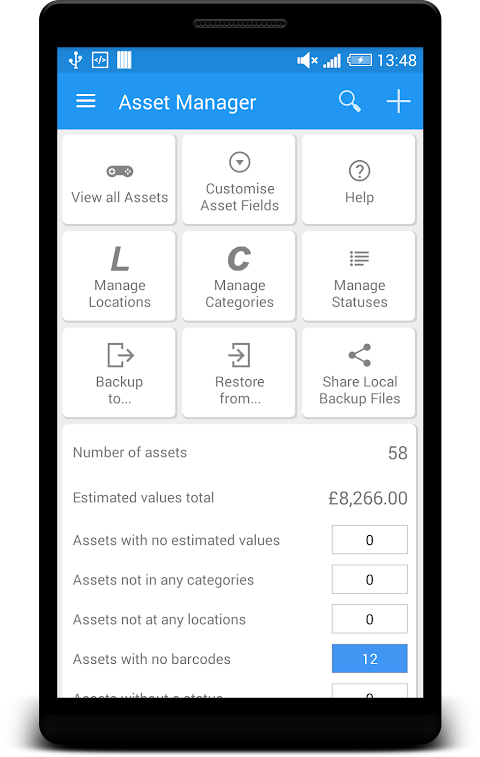
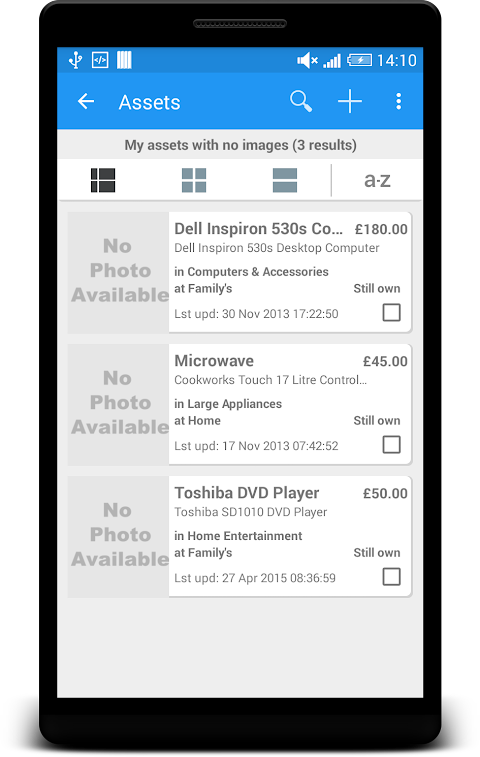
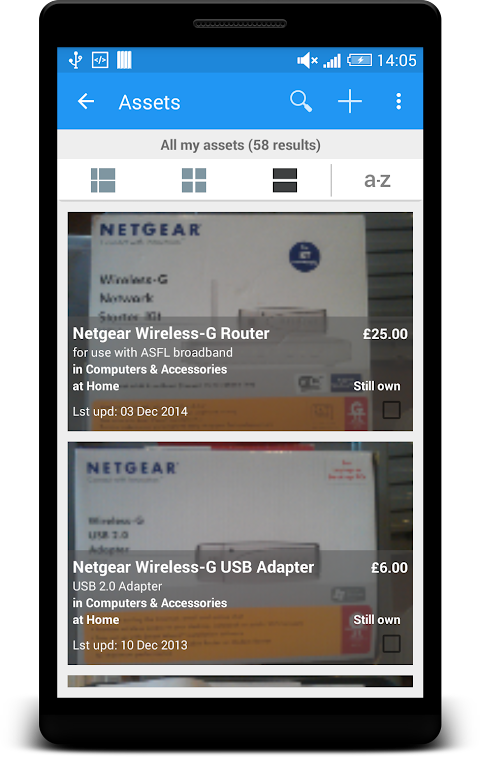
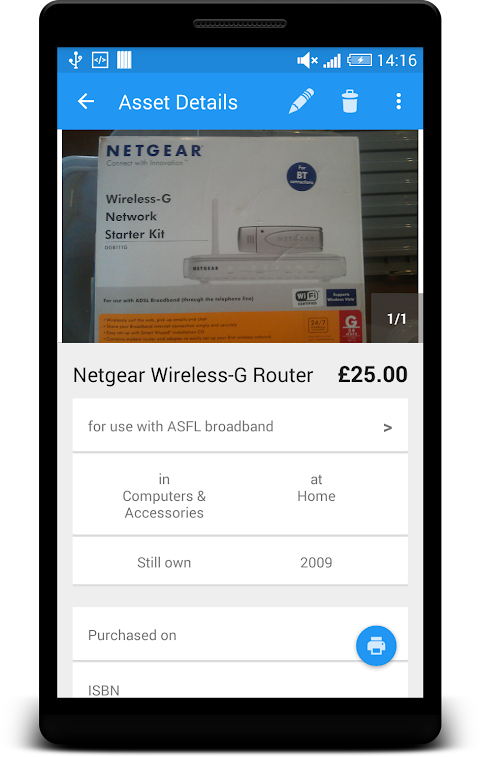
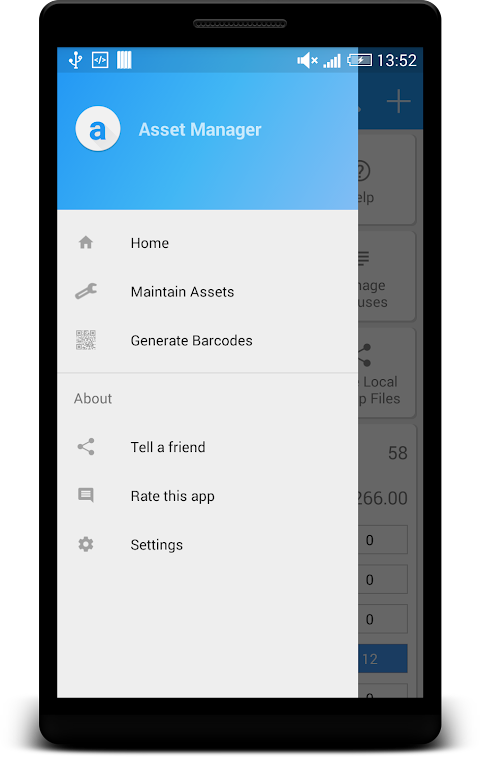
Asset Manager is a helpful tool for anyone wanting to keep track of their physical assets at home or in the office. Whether you have electronic equipment, home entertainment devices, or other items, this app makes it easy to store everything in one place. You can quickly see where your assets are by looking at categories, locations, or their current status.
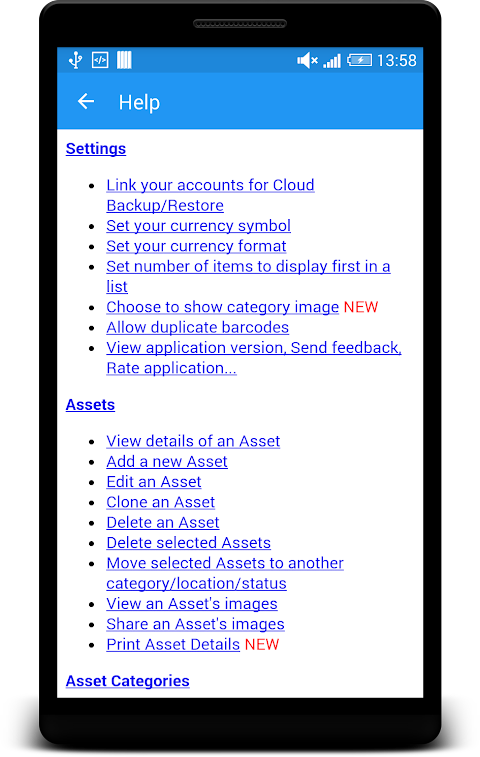
This simple and flexible app helps with home inventory management and office inventory management. You can add as many assets as you want, placed in an asset hierarchy that suits your needs. If you need to add a new item, you can clone an existing asset along with its images. Keeping track of your asset maintenance history helps ensure everything is in good shape. You can even create quick item lists for specific purposes.
Customization is key with Asset Manager. You can use custom fields to hide any asset details you don’t need. You also have plenty of options for these fields, such as single-line, multi-line, images, signatures, barcodes, dates, times, and drop-down lists.
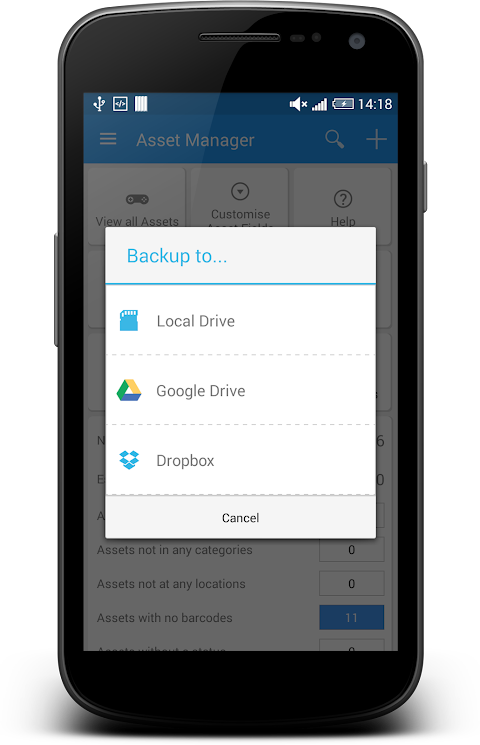
Worried about losing your data? Asset Manager allows for easy cloud backup, including Google Drive integration and Dropbox integration. You can create backup files for your asset records and images to your device's SD card or the cloud. If you ever need to restore your data, simply use your backup files. You can also share your latest backup spreadsheet file right from your email app.
Sharing your information is straightforward too. With Asset Manager, you can print your assets to PDF or any printer you choose, making it easy to share asset details in a spreadsheet format.
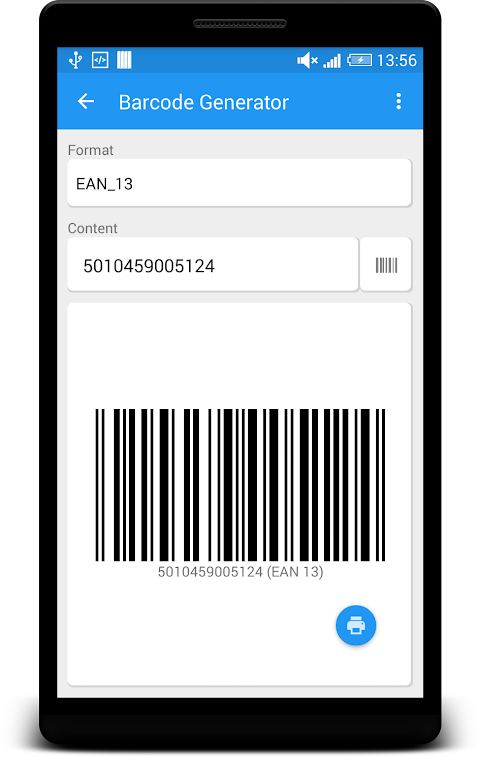
A noteworthy feature of this app is its barcode scanner and generator. You can scan barcodes using your device’s camera or a Bluetooth scanner. You can also generate and print custom barcodes for your assets in various formats, including QR code generation, EAN, and UPC.
The in-app image editor allows you to zoom in or out on images, crop them to your liking, and rename image files. You can share a single image or all images related to an asset, making image file management hassle-free.
Keeping track of maintenance is simple with Asset Manager. You can enable background alerts for maintenance reminders to ensure you never forget an important task. You can choose your notification preferences—like ringtone or vibrate—to suit your style. At a glance, you’ll see which assets require maintenance renewal today, tomorrow, or in the coming days.
Overall, Asset Manager is designed to enhance your asset status tracking and make life easier. Whether for home or office use, this app offers everything you need to manage your inventory effectively. Enjoy the benefits of organized physical asset tracking and discover how much more you can do with Asset Manager.
This simple and flexible app helps with home inventory management and office inventory management. You can add as many assets as you want, placed in an asset hierarchy that suits your needs. If you need to add a new item, you can clone an existing asset along with its images. Keeping track of your asset maintenance history helps ensure everything is in good shape. You can even create quick item lists for specific purposes.
Customization is key with Asset Manager. You can use custom fields to hide any asset details you don’t need. You also have plenty of options for these fields, such as single-line, multi-line, images, signatures, barcodes, dates, times, and drop-down lists.
Worried about losing your data? Asset Manager allows for easy cloud backup, including Google Drive integration and Dropbox integration. You can create backup files for your asset records and images to your device's SD card or the cloud. If you ever need to restore your data, simply use your backup files. You can also share your latest backup spreadsheet file right from your email app.
Sharing your information is straightforward too. With Asset Manager, you can print your assets to PDF or any printer you choose, making it easy to share asset details in a spreadsheet format.
A noteworthy feature of this app is its barcode scanner and generator. You can scan barcodes using your device’s camera or a Bluetooth scanner. You can also generate and print custom barcodes for your assets in various formats, including QR code generation, EAN, and UPC.
The in-app image editor allows you to zoom in or out on images, crop them to your liking, and rename image files. You can share a single image or all images related to an asset, making image file management hassle-free.
Keeping track of maintenance is simple with Asset Manager. You can enable background alerts for maintenance reminders to ensure you never forget an important task. You can choose your notification preferences—like ringtone or vibrate—to suit your style. At a glance, you’ll see which assets require maintenance renewal today, tomorrow, or in the coming days.
Overall, Asset Manager is designed to enhance your asset status tracking and make life easier. Whether for home or office use, this app offers everything you need to manage your inventory effectively. Enjoy the benefits of organized physical asset tracking and discover how much more you can do with Asset Manager.

Typefinity Keyboard & Numbers
AI Tools Apps SRL
$4.99
Widgets 2: Watch face
amoledwatchfaces™
$1.49
$0.75

Cryptomator: Full Version
Skymatic GmbH
$29.99
$14.99