
$0.99
$0.50
49% Off
Animated | Space Galaxy
ChronoHarvest

About the App
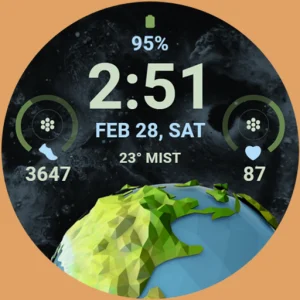
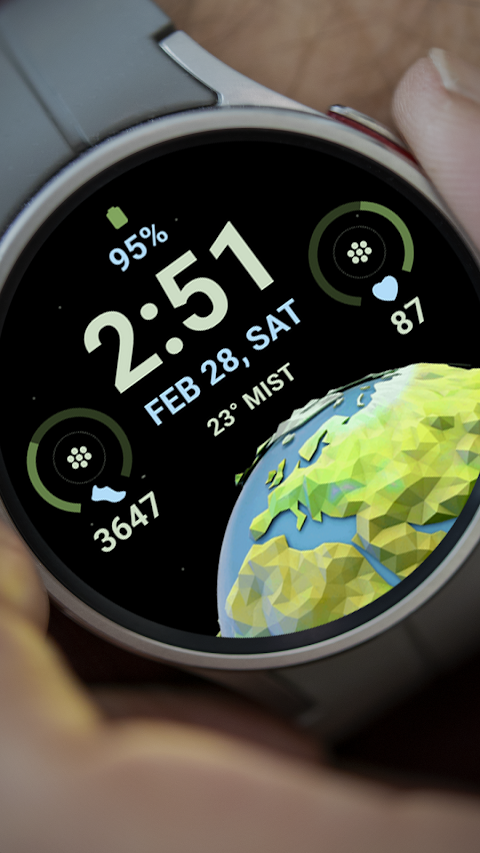
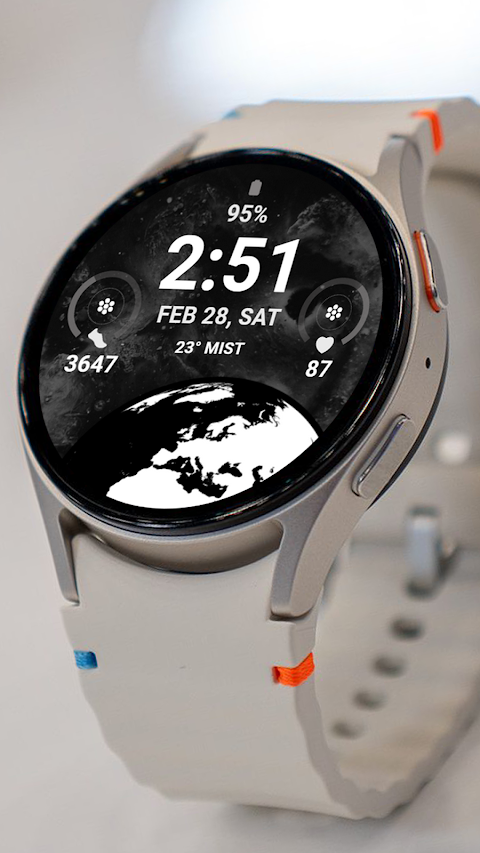
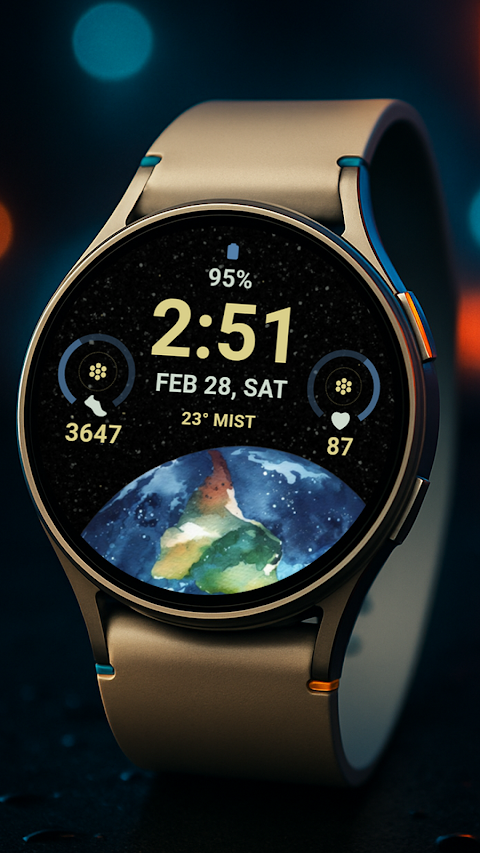
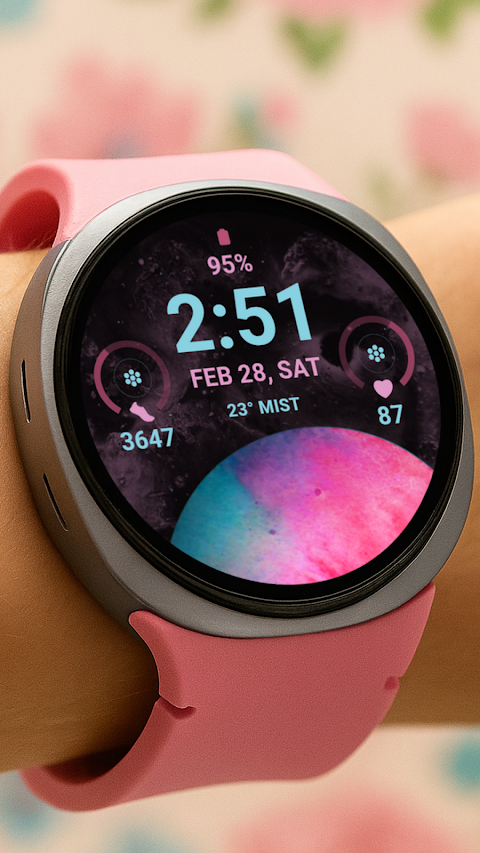
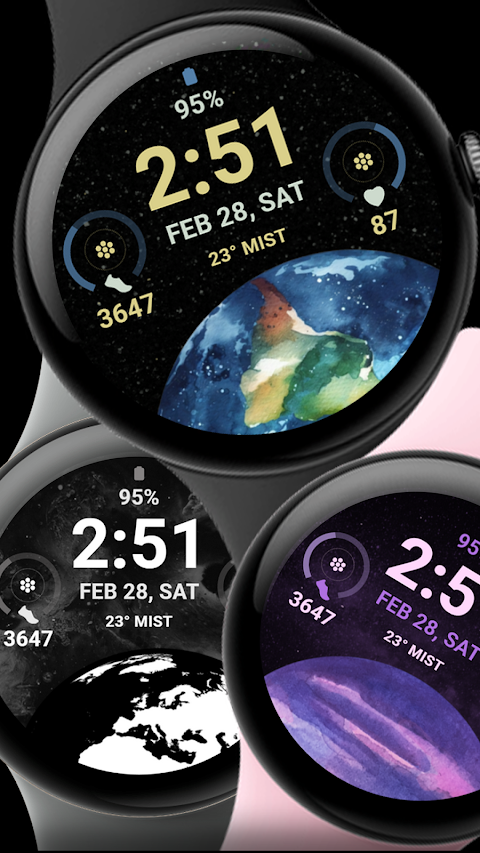
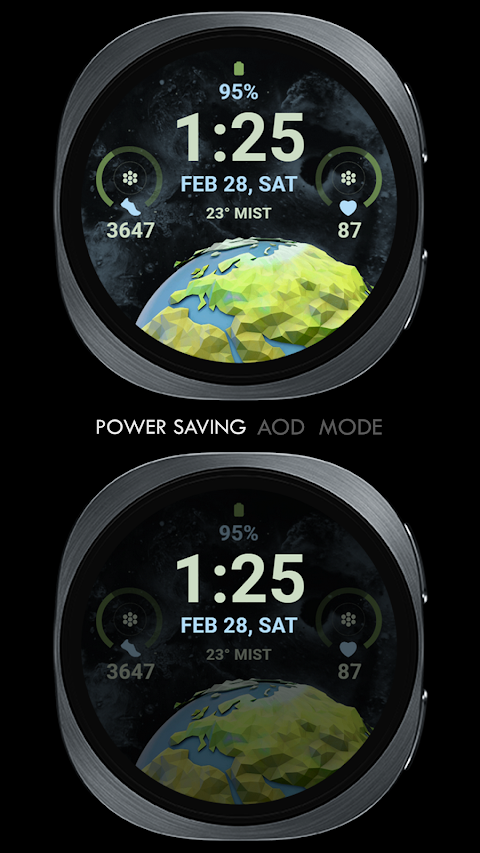
The Animated | Space Galaxy app is a unique watch face designed for smartwatches that run on Wear OS, specifically for those using API Level 34 and later versions, including Wear OS 4. This app offers a stylish and animated galaxy-themed digital clock, perfect for anyone who enjoys a cosmic aesthetic on their wrist.
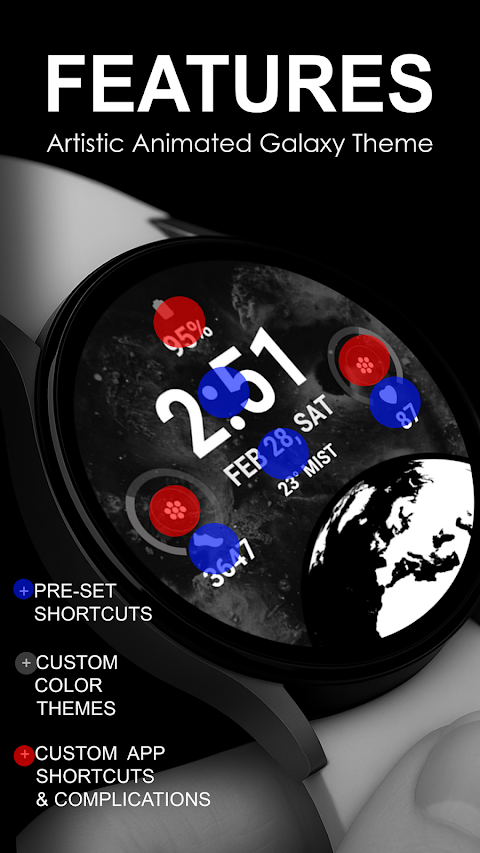
When you use the Animated | Space Galaxy watch face, you can easily set up Pre-Set App Shortcuts for quick access to important functions like your Alarm, Calendar, Heart Rate, and Steps Count. Additionally, the app allows for two Custom App Shortcuts, giving users the flexibility to adapt their watch face to suit their needs. You can also create a Custom Complication to display any data that matters to you, such as weather data, sunset/sunrise information, a reminder for your next appointment, or even details on the distance you've walked.
While customizing your watch face, please remember that it’s best to do so directly on the watch. This recommendation is especially important for Galaxy Watch users, as the Samsung Wearable app sometimes has sync issues that can prevent complex watch faces from loading correctly. If you run into any problems, customizing straight from your watch will give you a smoother experience.
After downloading the Animated | Space Galaxy app, it will automatically install on your Wear OS device. To ensure a seamless installation, make sure your watch is synced to your phone using the same email address. Once installed, you'll need to wait just a few minutes for the watch face transfer. If you don't receive a Watch Face Transfer Notification on your watch, you can search for "Animated | Space Galaxy" in the Play Store directly on your device.
To add your new watch face, go to your home display. Tap and hold the display, swipe to the end, and tap the plus sign to find and select your new watch face. You might also want to explore the Watch Display Settings to customize how you view your watch face further.
It’s essential to manage all necessary permissions through your settings to allow the app to function correctly. Make sure to enable permissions for a seamless experience in using the Animated | Space Galaxy watch face.
Lastly, if you ever decide that this watch face isn't for you, the Refund Policy allows for refunds within 24 hours of purchase. For any questions or support, feel free to reach out via the provided contact email.
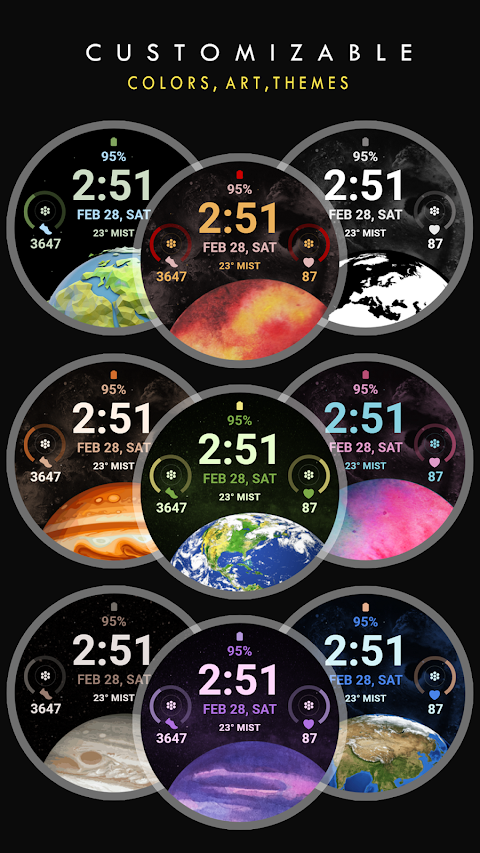
With Animated | Space Galaxy, you have the opportunity to customize your smartwatch experience fully. Its custom themes and features make it a great choice for anyone looking to add a personal touch to their wearable technology. Enjoy personalizing your watch with this vibrant and functional app!
When you use the Animated | Space Galaxy watch face, you can easily set up Pre-Set App Shortcuts for quick access to important functions like your Alarm, Calendar, Heart Rate, and Steps Count. Additionally, the app allows for two Custom App Shortcuts, giving users the flexibility to adapt their watch face to suit their needs. You can also create a Custom Complication to display any data that matters to you, such as weather data, sunset/sunrise information, a reminder for your next appointment, or even details on the distance you've walked.
While customizing your watch face, please remember that it’s best to do so directly on the watch. This recommendation is especially important for Galaxy Watch users, as the Samsung Wearable app sometimes has sync issues that can prevent complex watch faces from loading correctly. If you run into any problems, customizing straight from your watch will give you a smoother experience.
After downloading the Animated | Space Galaxy app, it will automatically install on your Wear OS device. To ensure a seamless installation, make sure your watch is synced to your phone using the same email address. Once installed, you'll need to wait just a few minutes for the watch face transfer. If you don't receive a Watch Face Transfer Notification on your watch, you can search for "Animated | Space Galaxy" in the Play Store directly on your device.
To add your new watch face, go to your home display. Tap and hold the display, swipe to the end, and tap the plus sign to find and select your new watch face. You might also want to explore the Watch Display Settings to customize how you view your watch face further.
It’s essential to manage all necessary permissions through your settings to allow the app to function correctly. Make sure to enable permissions for a seamless experience in using the Animated | Space Galaxy watch face.
Lastly, if you ever decide that this watch face isn't for you, the Refund Policy allows for refunds within 24 hours of purchase. For any questions or support, feel free to reach out via the provided contact email.
With Animated | Space Galaxy, you have the opportunity to customize your smartwatch experience fully. Its custom themes and features make it a great choice for anyone looking to add a personal touch to their wearable technology. Enjoy personalizing your watch with this vibrant and functional app!
Ares Light: Pastel Icon Pack
One4Studio
$3.49
$1.75
Ballozi TRANO Hybrid Analog
BALLOZI Watch Faces
$1.99
$0.40
ZKin Watch Gray Diamond Shape
ZKin
$2.99
$1.50