
$0.99
$0.49
51% Off
Analog Classic 12 Wear OS 4+
OQ Watchfaces





About the App
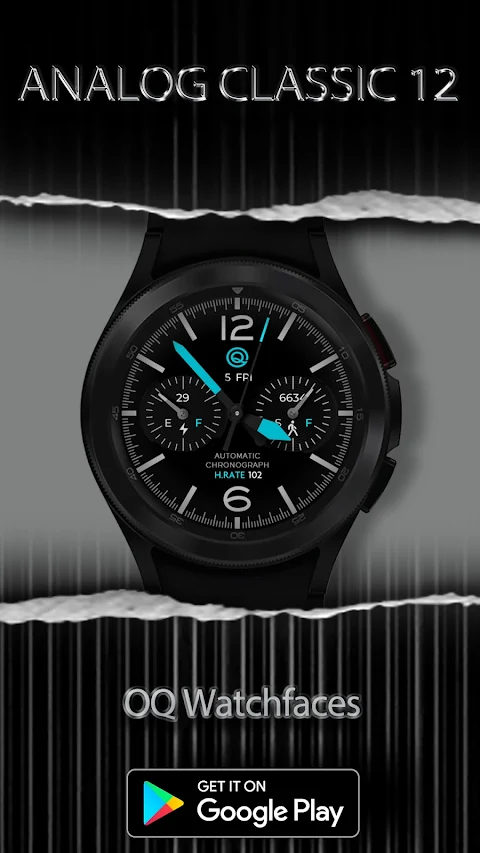
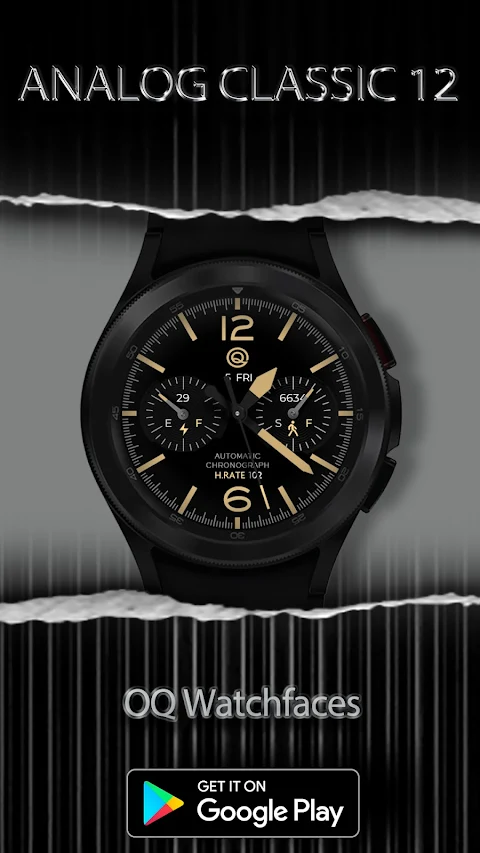
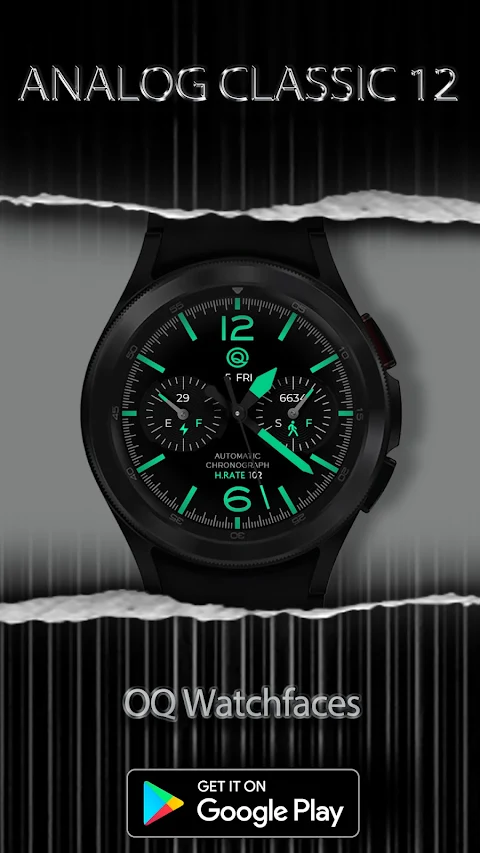
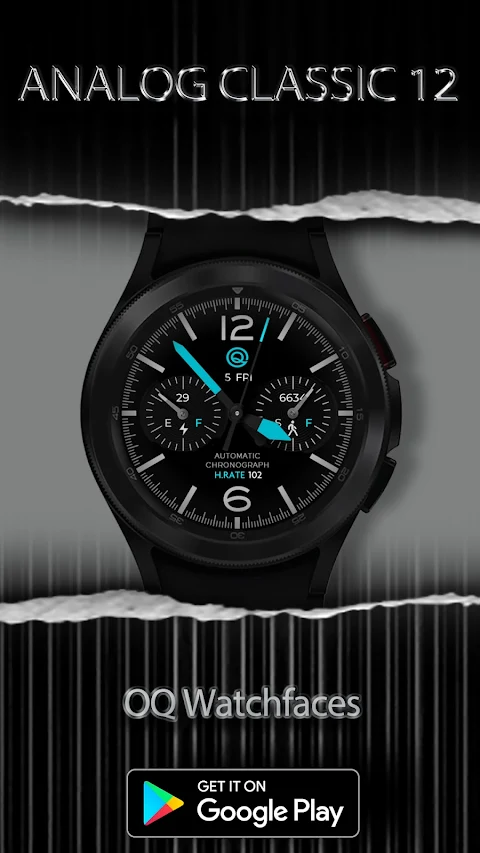
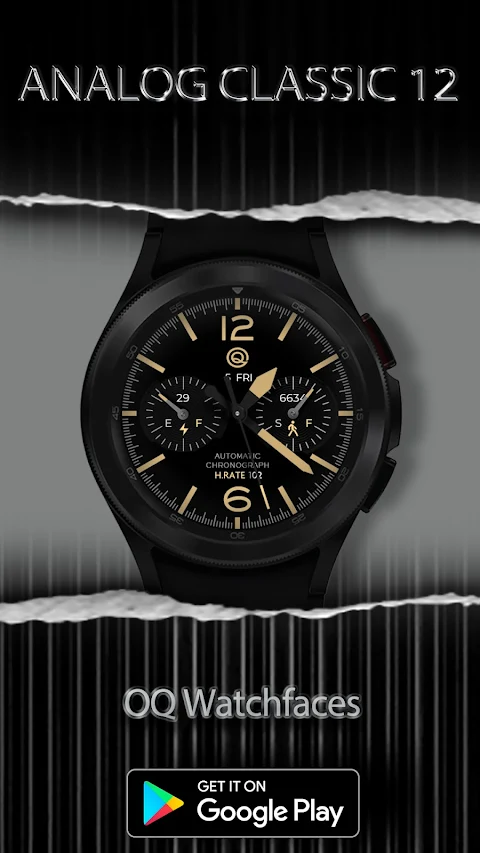
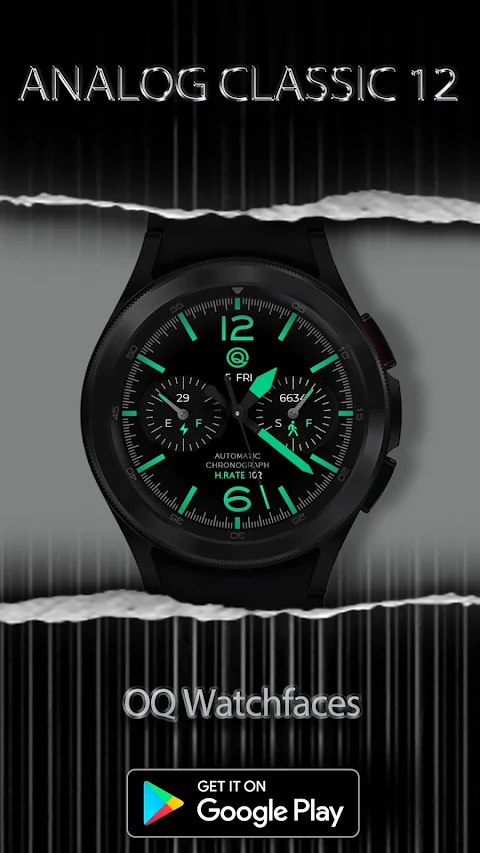
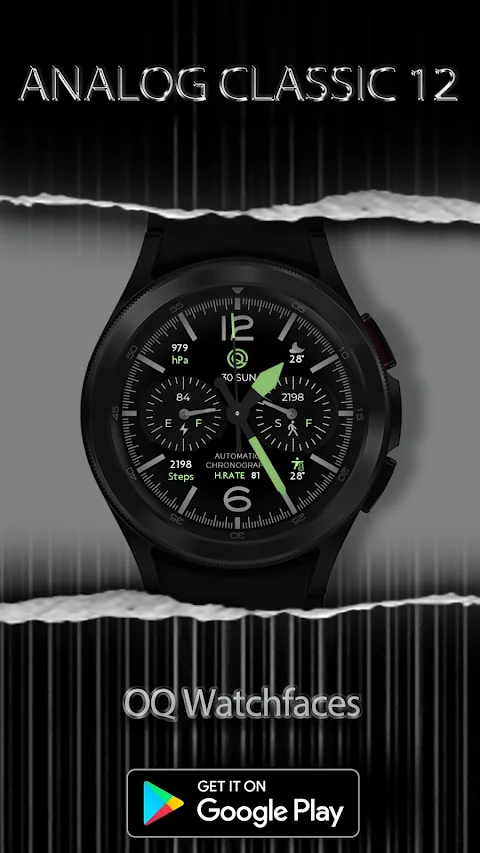
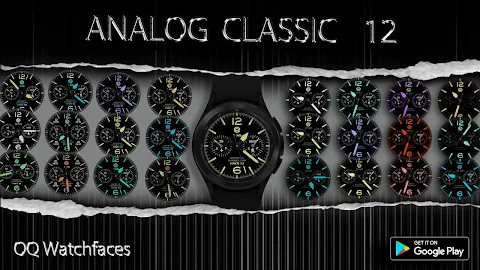
Get ready to enhance your watch experience with the Analog Classic 12 watch face, designed specifically for Wear OS 4+. This app is packed with features and customization options that let you tailor it to your liking.
Before you download, it's important to read through the notice. This guide will help you avoid any potential issues. The watch face has a rich customization menu filled with various options. If it takes a little time to load these options in the Galaxy wearable app, just wait for about 8 seconds. This will allow all the customization options to appear smoothly.
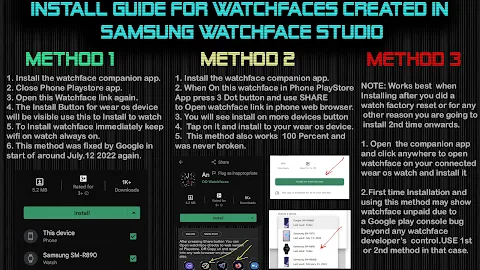
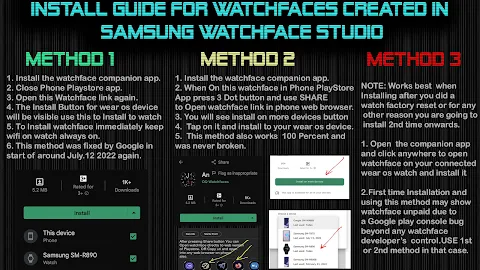
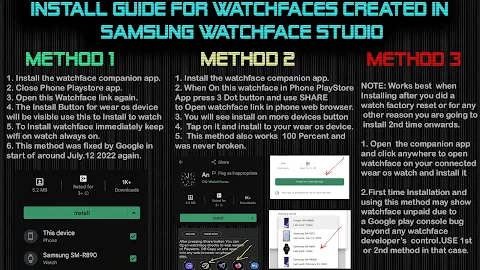
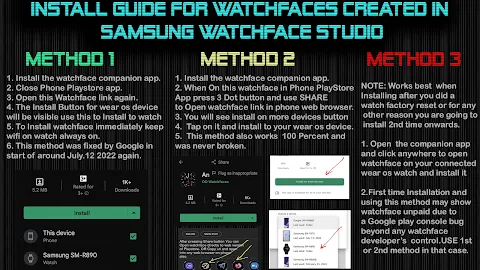
For those who are new to Android Wear OS, there's an installation guide available. It is attached as the first image in the previews. This guide provides valuable help for users unfamiliar with how to install the watch face on their connected devices. Please be sure to read it carefully before posting any reviews about installation problems.
When installing the watch face, it's crucial not to make duplicate payments in the watch Play Store. The installation guide includes three effective methods to install both the phone app and the watch app. It clearly states that when you are setting it up for the first time, you need to tap to open the connected watch.
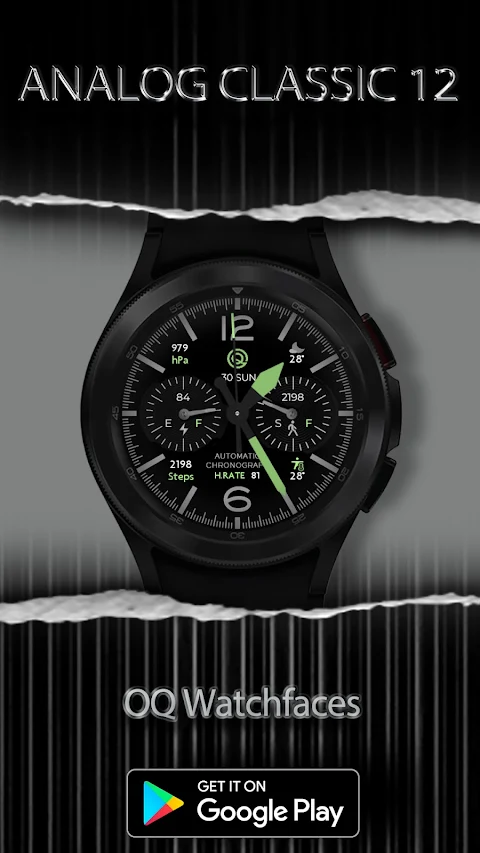
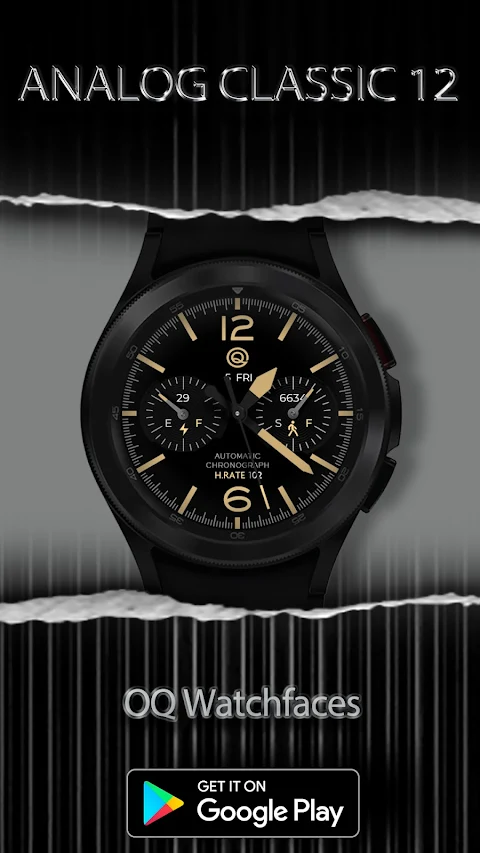
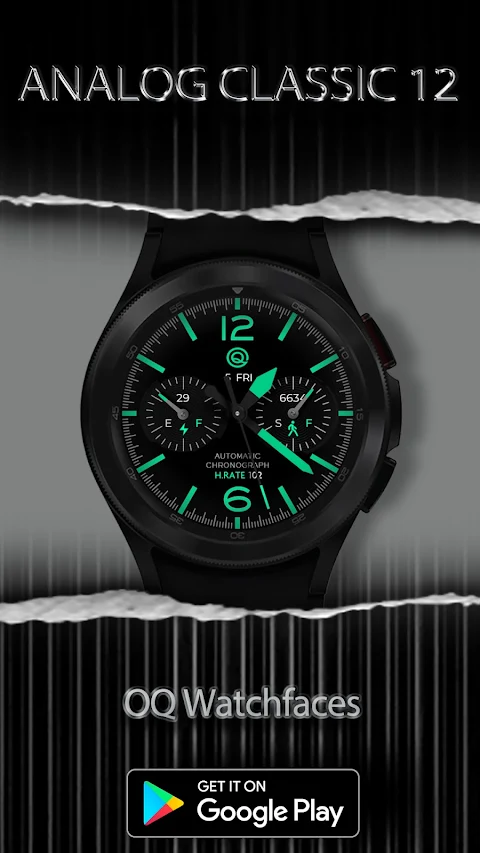
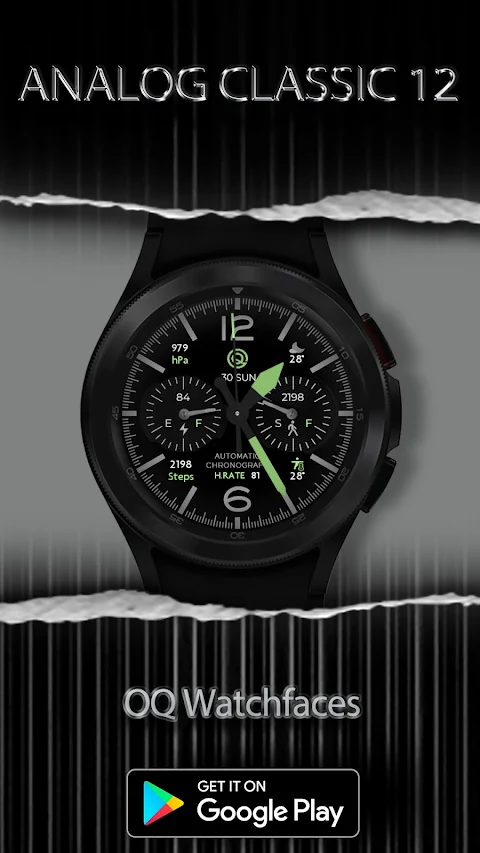
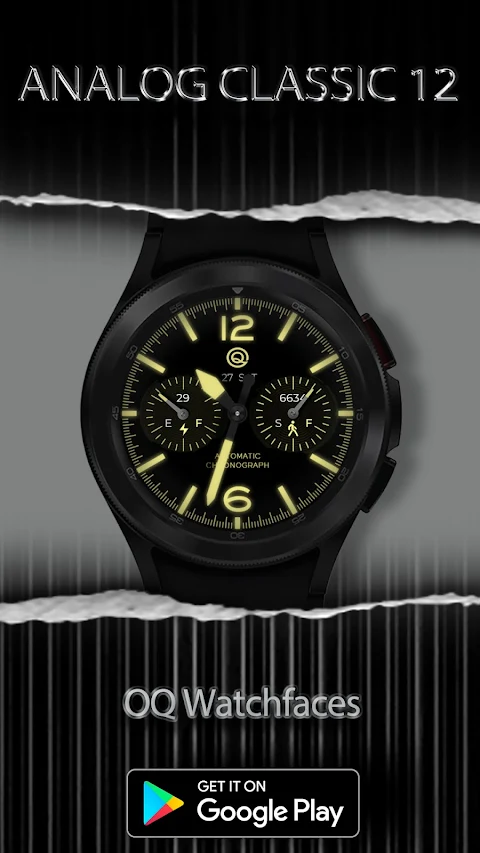
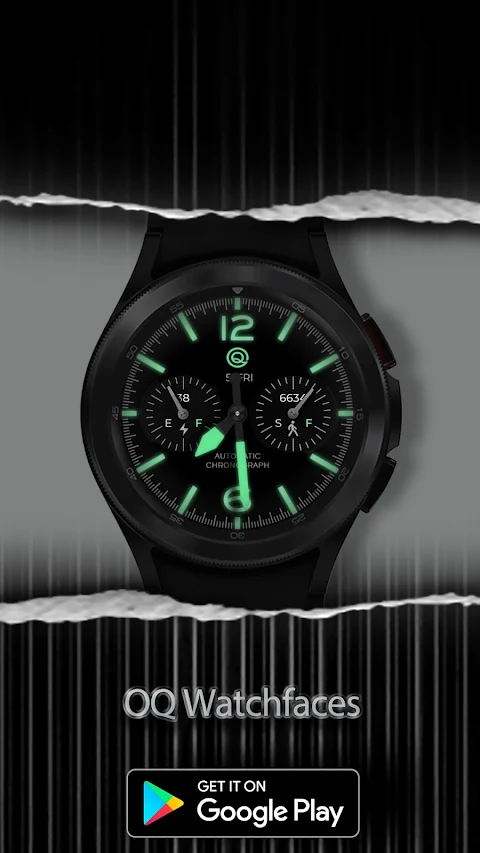
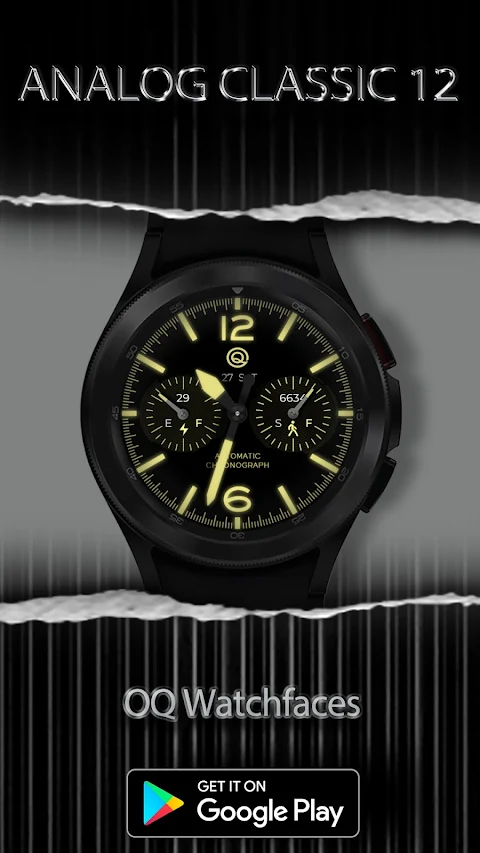
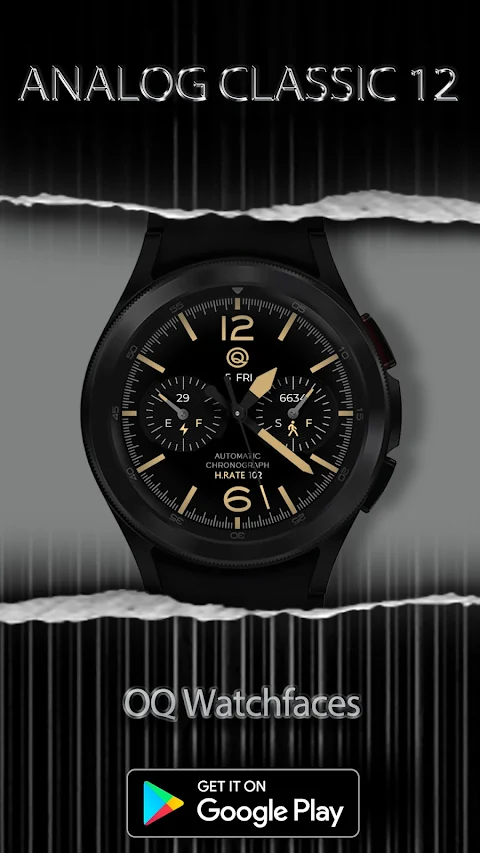
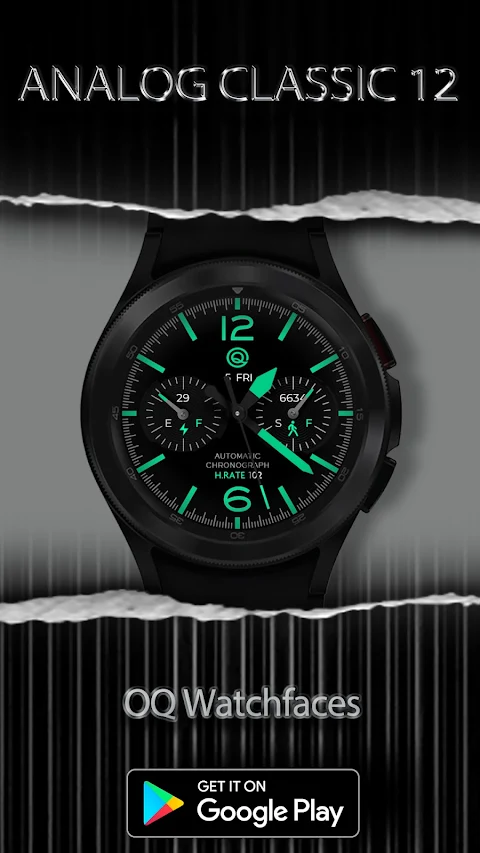
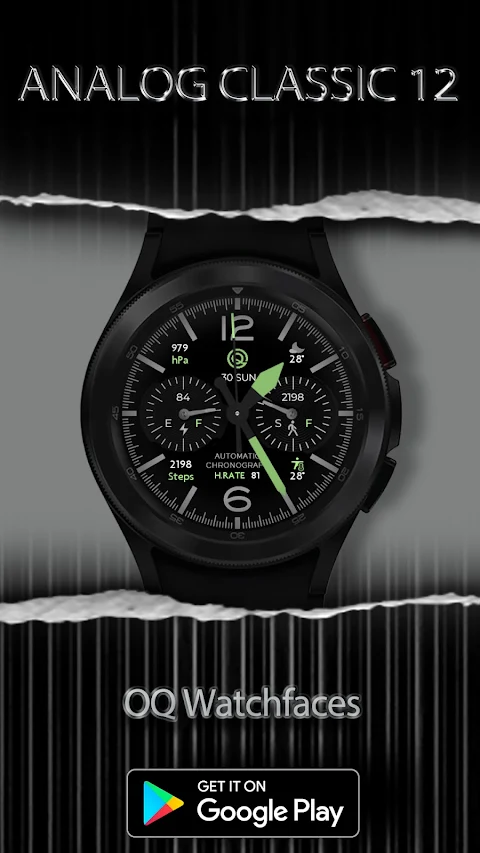
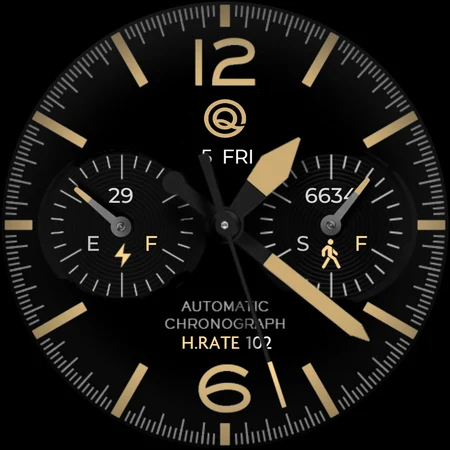
The Analog Classic 12 watch face offers a variety of features that make it more than just a clock. For instance, you can tap on the text above the heart rate area, where the automatic chronograph feature is displayed, to open the heart rate counter in the Samsung Health app. You can also tap on the 12 o'clock index bar to access the Google Maps App directly from your watch.
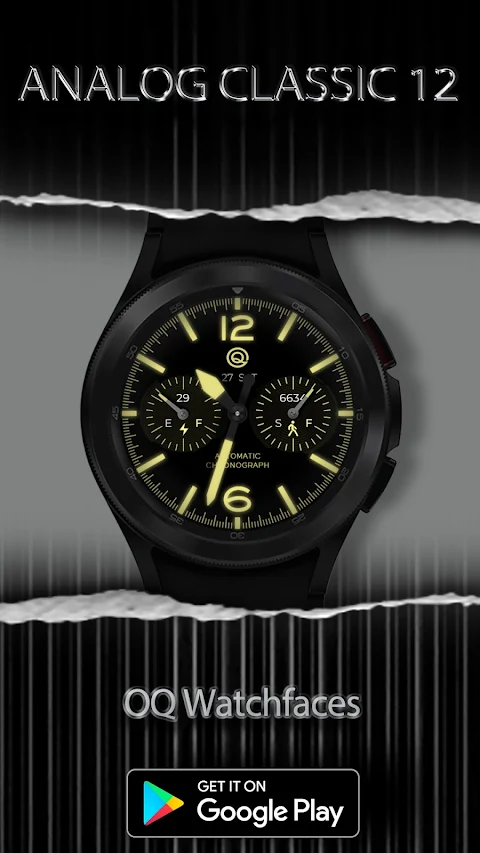
The top section of the step chronograph includes a customizable complication shortcut. This allows you to set it to track steps or any other shortcut you prefer, all through the customization menu. Additionally, you can change the style of the seconds movement from this same menu.
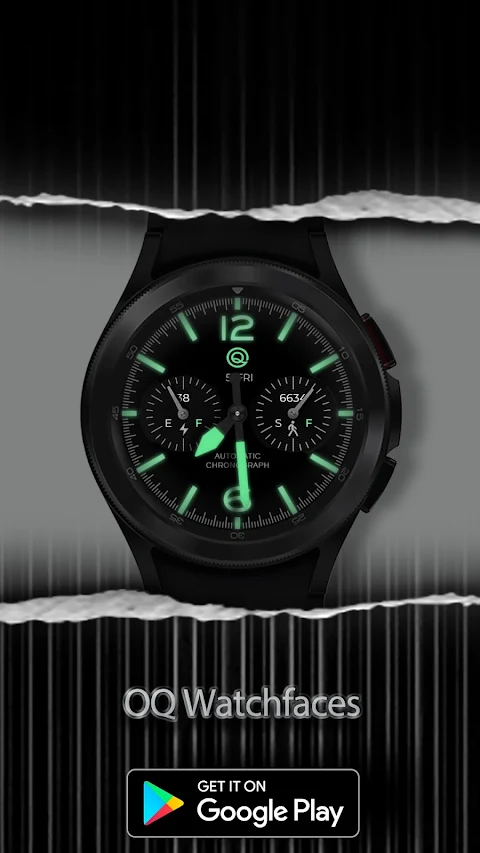
For added convenience, tapping on the day or the "Day" text just below the OQ logo will open the watch calendar app. The Analog Classic 12 also features a dim mode that can be adjusted separately for both the main and Always on Display settings through the customization menu.
You’ll find even more shortcuts by tapping different index bars on your watch. The 3 o'clock hour index opens the watch dial app, while the 9 o'clock index takes you to your messages app. If you want to access the Google Play Store app, just tap on the 6 o'clock hour index. Additionally, tapping the OQ logo will guide you to the watch settings app.
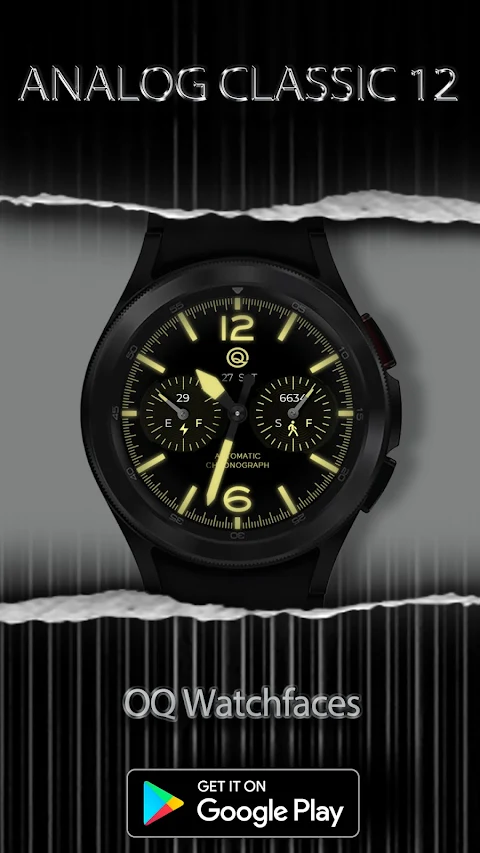
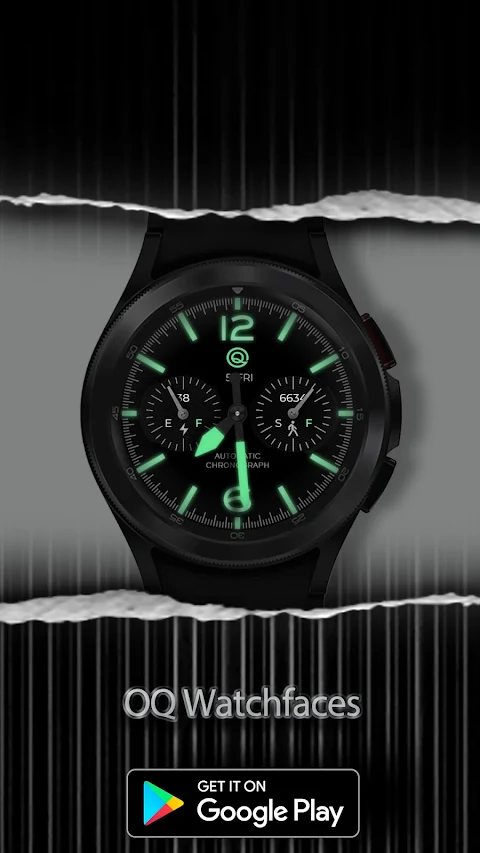
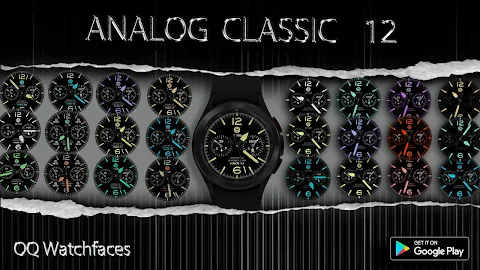
This watch face allows for four corner customizable complications. Though these complications are off by default in Always on Display, you can easily turn them on via the customization menu. You also have the option to hide the heart rate text and reading separately for the Main and Always on Display through the customization menu.
With Analog Classic 12, you'll enjoy a variety of functionalities that elevate your watch experience. The user-friendly design ensures easy navigation, making it accessible for everyone. Whether you're an experienced Android Wear OS user or just starting out, this watch face offers everything you need in a stylish and functional package. Dive into the rich features and customization options today!
Before you download, it's important to read through the notice. This guide will help you avoid any potential issues. The watch face has a rich customization menu filled with various options. If it takes a little time to load these options in the Galaxy wearable app, just wait for about 8 seconds. This will allow all the customization options to appear smoothly.
For those who are new to Android Wear OS, there's an installation guide available. It is attached as the first image in the previews. This guide provides valuable help for users unfamiliar with how to install the watch face on their connected devices. Please be sure to read it carefully before posting any reviews about installation problems.
When installing the watch face, it's crucial not to make duplicate payments in the watch Play Store. The installation guide includes three effective methods to install both the phone app and the watch app. It clearly states that when you are setting it up for the first time, you need to tap to open the connected watch.
The Analog Classic 12 watch face offers a variety of features that make it more than just a clock. For instance, you can tap on the text above the heart rate area, where the automatic chronograph feature is displayed, to open the heart rate counter in the Samsung Health app. You can also tap on the 12 o'clock index bar to access the Google Maps App directly from your watch.
The top section of the step chronograph includes a customizable complication shortcut. This allows you to set it to track steps or any other shortcut you prefer, all through the customization menu. Additionally, you can change the style of the seconds movement from this same menu.
For added convenience, tapping on the day or the "Day" text just below the OQ logo will open the watch calendar app. The Analog Classic 12 also features a dim mode that can be adjusted separately for both the main and Always on Display settings through the customization menu.
You’ll find even more shortcuts by tapping different index bars on your watch. The 3 o'clock hour index opens the watch dial app, while the 9 o'clock index takes you to your messages app. If you want to access the Google Play Store app, just tap on the 6 o'clock hour index. Additionally, tapping the OQ logo will guide you to the watch settings app.
This watch face allows for four corner customizable complications. Though these complications are off by default in Always on Display, you can easily turn them on via the customization menu. You also have the option to hide the heart rate text and reading separately for the Main and Always on Display through the customization menu.
With Analog Classic 12, you'll enjoy a variety of functionalities that elevate your watch experience. The user-friendly design ensures easy navigation, making it accessible for everyone. Whether you're an experienced Android Wear OS user or just starting out, this watch face offers everything you need in a stylish and functional package. Dive into the rich features and customization options today!
DADAM49: Minimal Watch Face
DADAM Watch Faces
$0.99
$0.10
Dock Outline – 3D Icon Pack
GomoTheGom
$1.49
FREE

DADAM110: Minimal Watch Face
DADAM Watch Faces
$0.99
$0.10