
$1.49
$0.49
67% Off
Analog Basic 36 WF Wear OS 5+
OQ Watchfaces


About the App
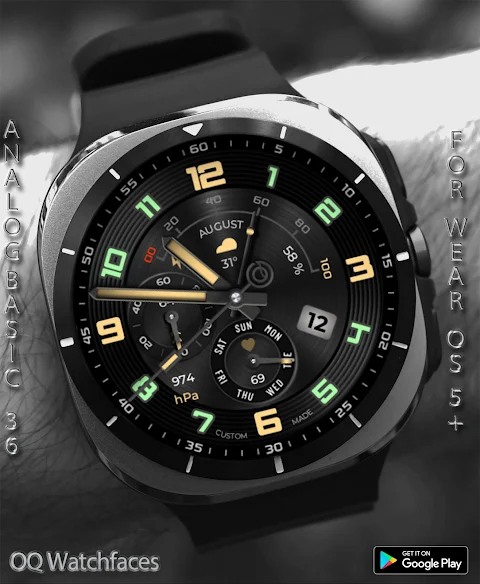
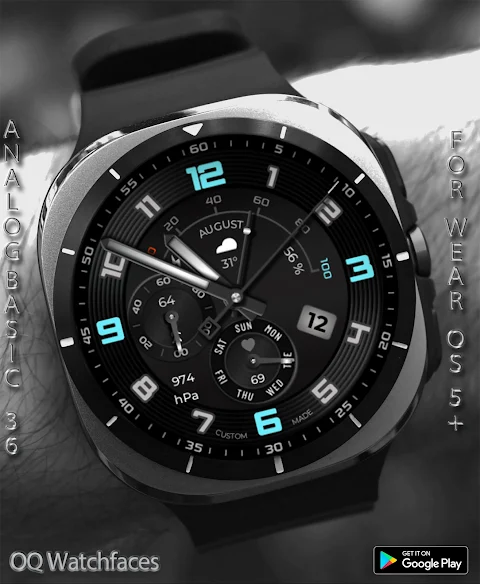
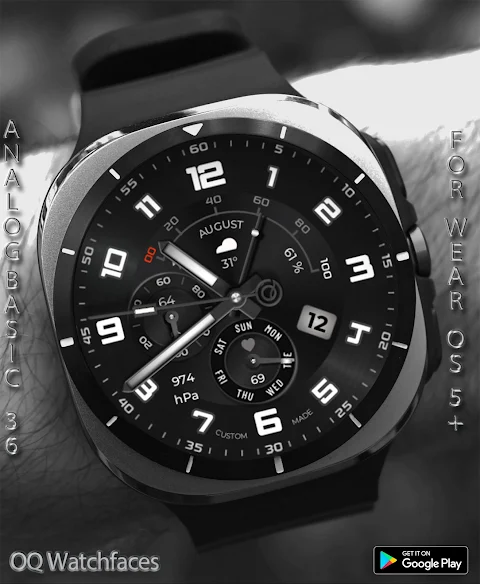
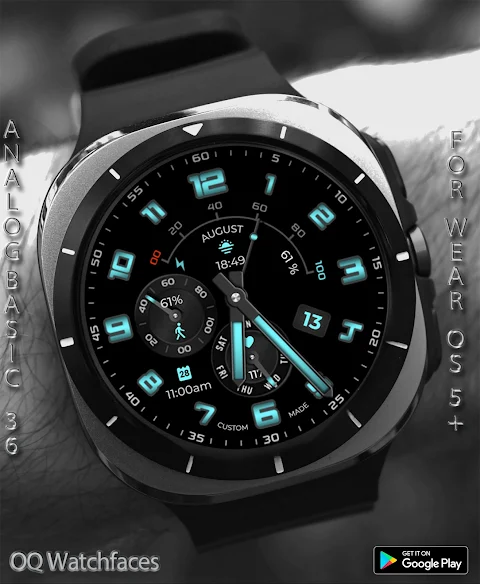
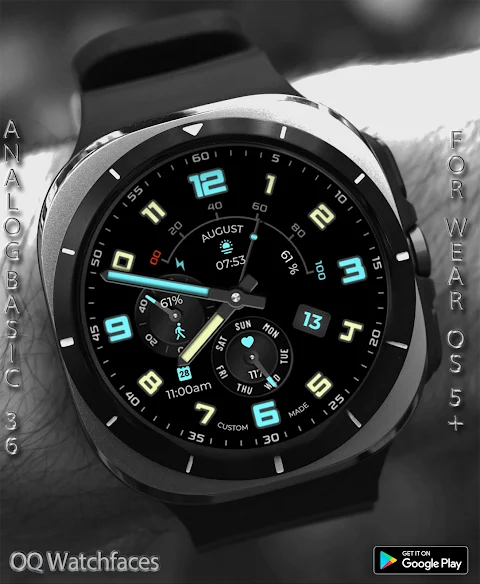
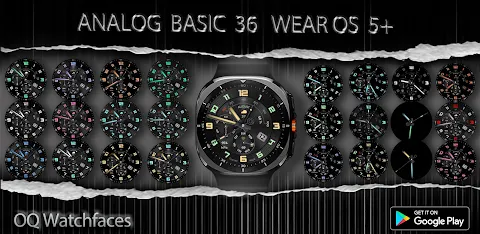
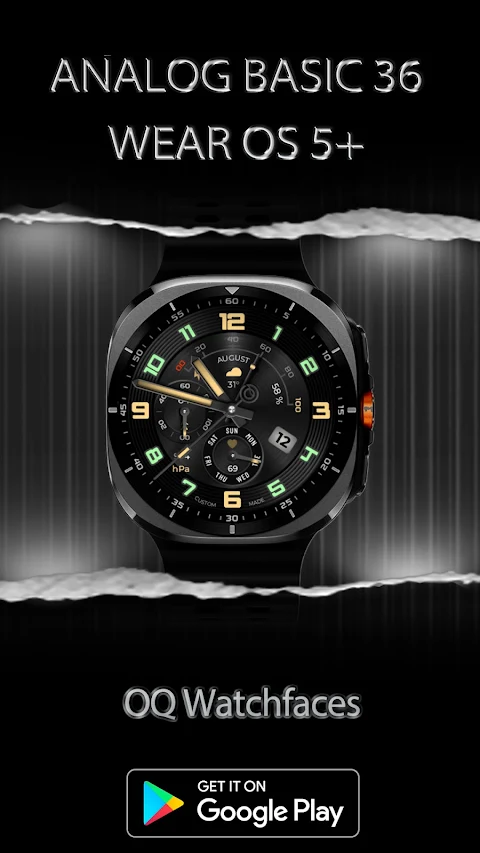
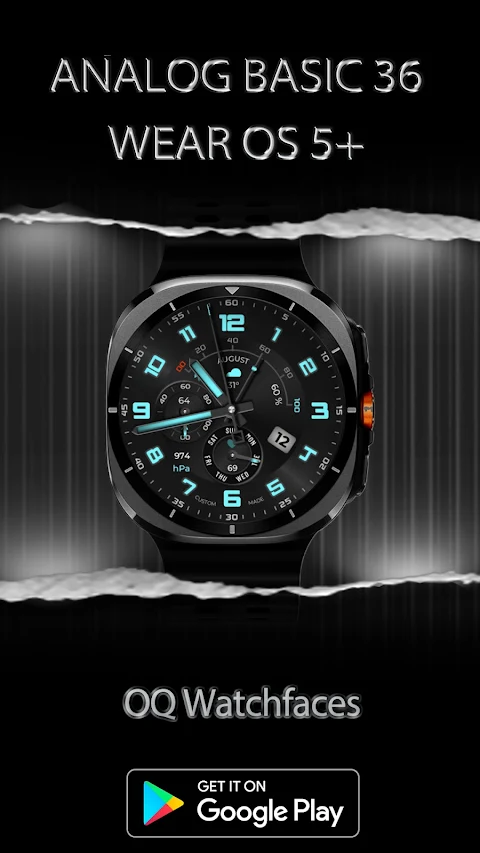
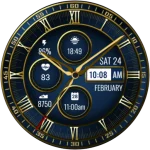
Analog Basic 36 WF is an engaging watch face designed for Wear OS 5+. It offers numerous features that enhance your experience while using your Samsung Galaxy Watch. Before you download, it's important to know a few things to ensure you have a positive experience with this watch face.
To customize the watch face, simply long-press the home screen. This will give you access to the customization menu options. Here, you will find more than 9 different customization options to choose from, ensuring you can set it up just the way you like. However, please note that the Galaxy Wearable app can sometimes be inconsistent when working with watch faces made in Samsung Watch Face Studio. If you typically use your phone for customization, you may want to consider this before making your purchase. This issue has been around for a while, and only Samsung can resolve it.
If you accidentally buy the watch face and wish to get a refund, just send us an email within 24 hours of purchase, and we will ensure you get 100% of your money back, as per our refunding policy.
When you’re ready to install, avoid paying twice from the watch Play Store. It's best to wait for your purchases to sync. If you don't want to wait, you can select the direct install method to install the watch face without needing any helper apps. Just be sure to select your connected watch from the installation menu.
If you encounter any installation problems, there’s an informative link provided that guides you through three reliable installation methods.
The Analog Basic 36 WF offers exciting features, allowing you to tap on specific clock numbers to access various apps easily. For example, tapping the 6 o’clock number will open your watch alarm app, while tapping the 3 o’clock number opens the Google Play Store. Similarly, the date text will take you to the watch calendar app, tapping on the 8 o’clock number opens your music app, and the 5 o’clock index bar will direct you to the phone app. You can even tap the 9 o’clock number to access Google Maps, the 7 o’clock number to open your messaging app, and the 12 o’clock number to go to watch settings.
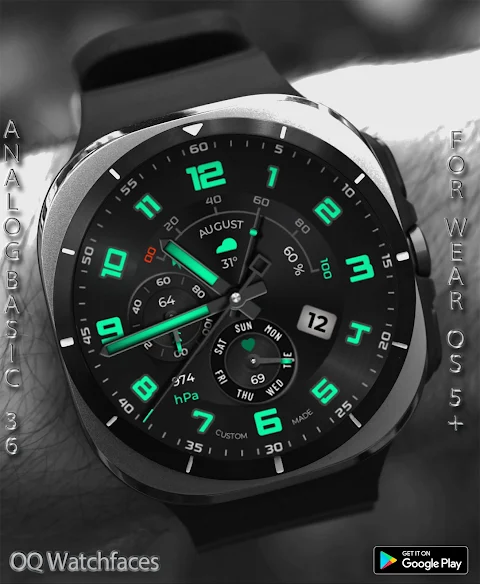
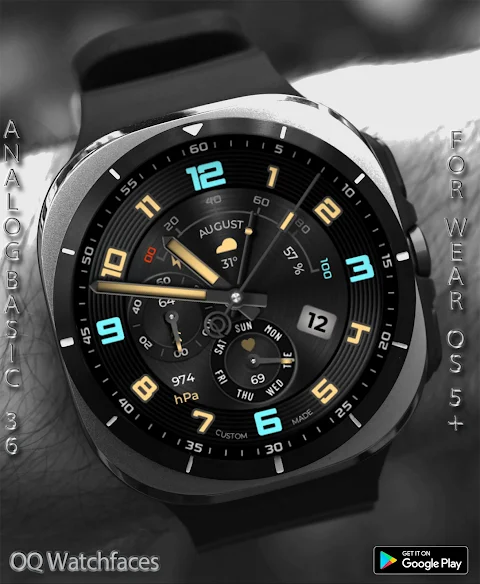
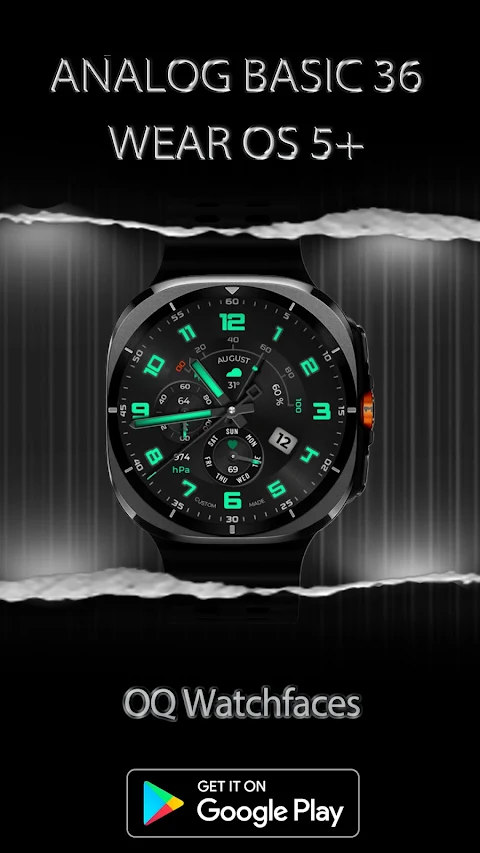
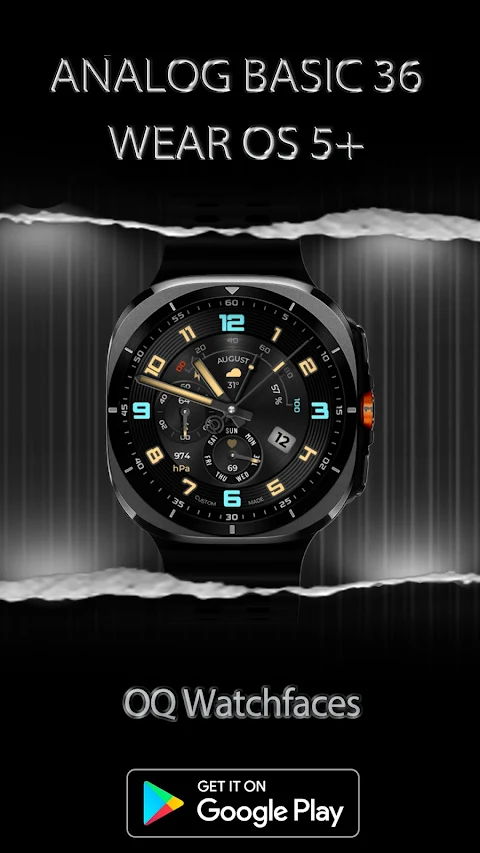
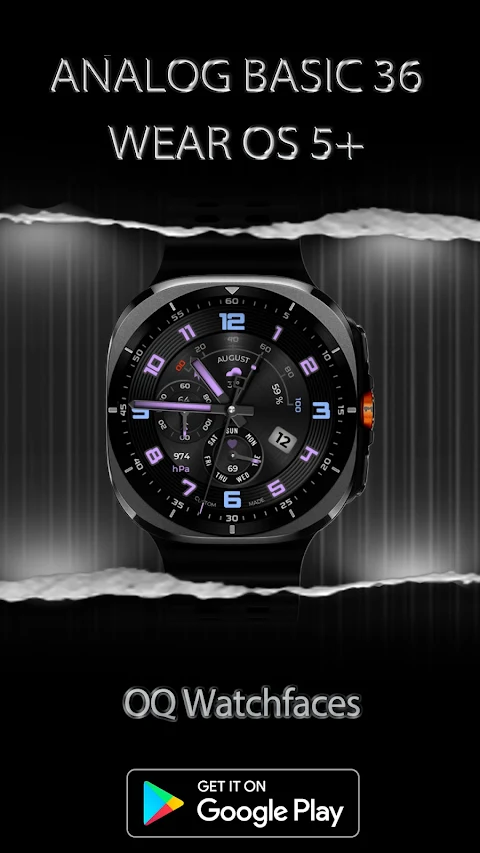
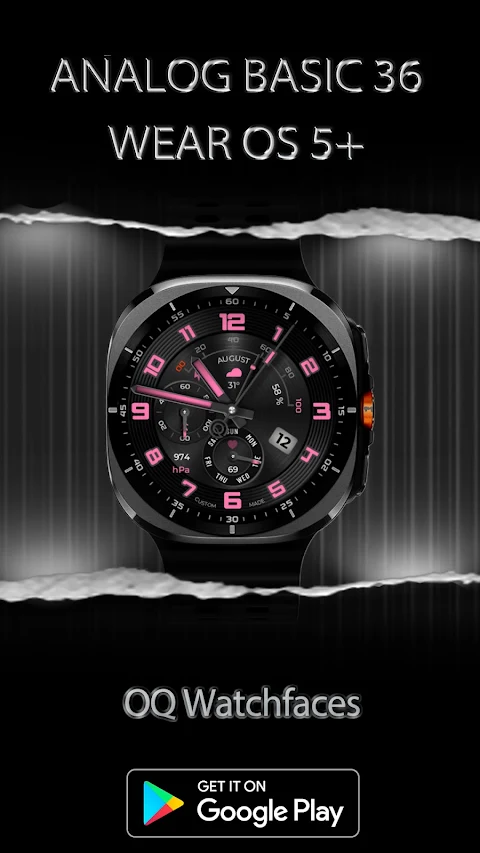
In the customization menu, you'll find different background styles, including a pure black AMOLED option that's great for battery savings mode. You can also choose between a same color style for your hour and minutes hands or a more vibrant multi color style. Please note, the multi colored hands style only appears when the multi-color option is selected.
The AoD background is set to a pure black by default but can be changed to match the main display via the customization options. If you prefer a more simplified look, there's an hour and minutes hands only mode that you can toggle on or off. Additionally, the outer index can be customized, transitioning from a monochrome index to another color based on your preference.
You have two choices for the inner index style—plain or gradient—accessible through the customization menu. There’s also a dim mode option for both the main display and the AoD display, allowing you to adjust brightness as needed.
Finally, you can tap on the battery percentage text to open the battery settings menu, making it easy to keep track of your watch’s power.
Enjoy exploring the watch face customization with Analog Basic 36 WF and make the most of your Samsung Galaxy Watch!
To customize the watch face, simply long-press the home screen. This will give you access to the customization menu options. Here, you will find more than 9 different customization options to choose from, ensuring you can set it up just the way you like. However, please note that the Galaxy Wearable app can sometimes be inconsistent when working with watch faces made in Samsung Watch Face Studio. If you typically use your phone for customization, you may want to consider this before making your purchase. This issue has been around for a while, and only Samsung can resolve it.
If you accidentally buy the watch face and wish to get a refund, just send us an email within 24 hours of purchase, and we will ensure you get 100% of your money back, as per our refunding policy.
When you’re ready to install, avoid paying twice from the watch Play Store. It's best to wait for your purchases to sync. If you don't want to wait, you can select the direct install method to install the watch face without needing any helper apps. Just be sure to select your connected watch from the installation menu.
If you encounter any installation problems, there’s an informative link provided that guides you through three reliable installation methods.
The Analog Basic 36 WF offers exciting features, allowing you to tap on specific clock numbers to access various apps easily. For example, tapping the 6 o’clock number will open your watch alarm app, while tapping the 3 o’clock number opens the Google Play Store. Similarly, the date text will take you to the watch calendar app, tapping on the 8 o’clock number opens your music app, and the 5 o’clock index bar will direct you to the phone app. You can even tap the 9 o’clock number to access Google Maps, the 7 o’clock number to open your messaging app, and the 12 o’clock number to go to watch settings.
In the customization menu, you'll find different background styles, including a pure black AMOLED option that's great for battery savings mode. You can also choose between a same color style for your hour and minutes hands or a more vibrant multi color style. Please note, the multi colored hands style only appears when the multi-color option is selected.
The AoD background is set to a pure black by default but can be changed to match the main display via the customization options. If you prefer a more simplified look, there's an hour and minutes hands only mode that you can toggle on or off. Additionally, the outer index can be customized, transitioning from a monochrome index to another color based on your preference.
You have two choices for the inner index style—plain or gradient—accessible through the customization menu. There’s also a dim mode option for both the main display and the AoD display, allowing you to adjust brightness as needed.
Finally, you can tap on the battery percentage text to open the battery settings menu, making it easy to keep track of your watch’s power.
Enjoy exploring the watch face customization with Analog Basic 36 WF and make the most of your Samsung Galaxy Watch!

Transparent Black – Icon Pack
GomoTheGom
$1.49
$0.39
Rush E: Watch face
amoledwatchfaces™
$0.99
$0.50
Hybrid Signature
GW Watchfaces
$1.49
$0.29