

$0.99
FREE
100% Off
Sun Flower – Line Icon Pack
Panoto Gomo



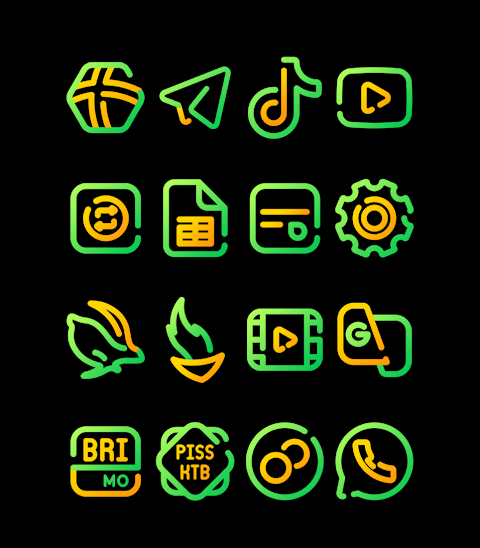


About the App
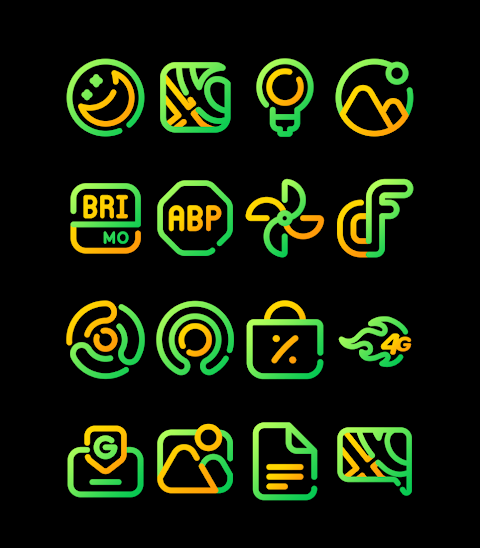
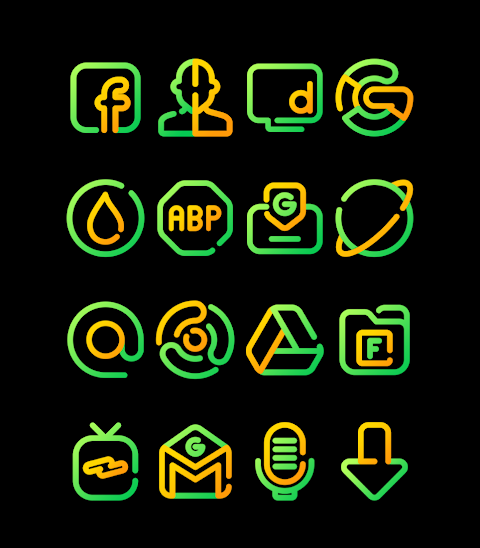
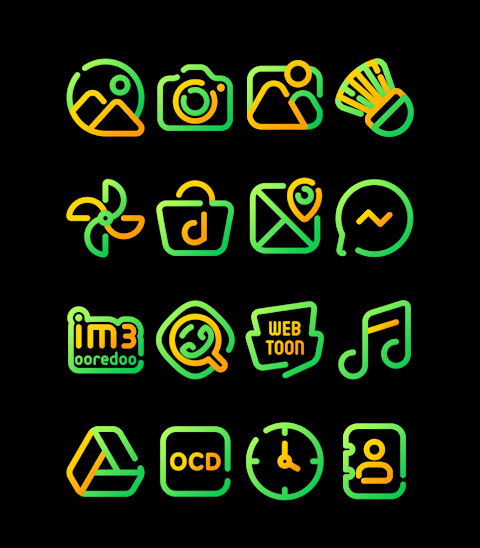
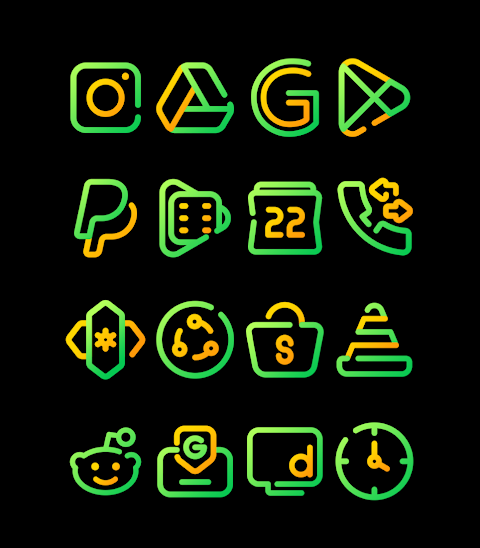
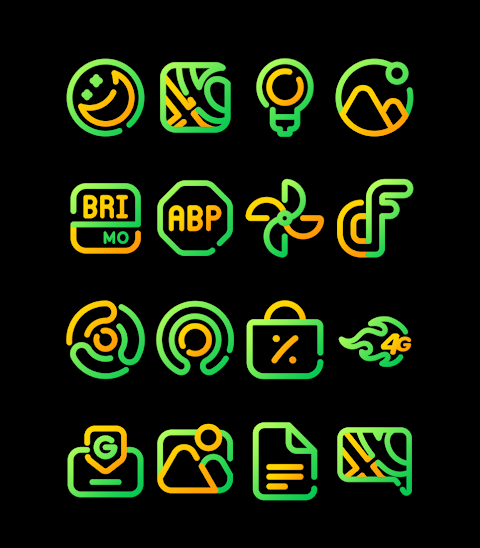
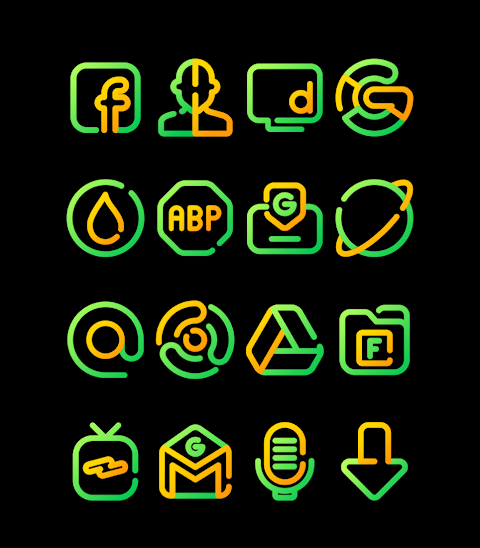
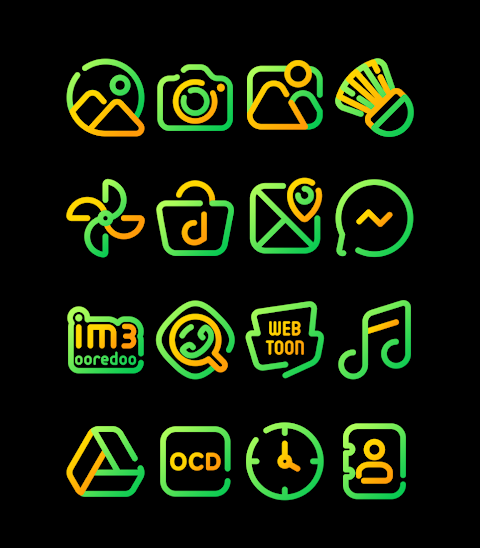
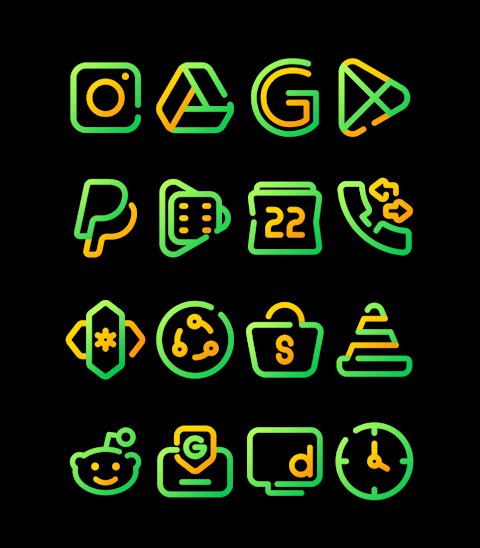
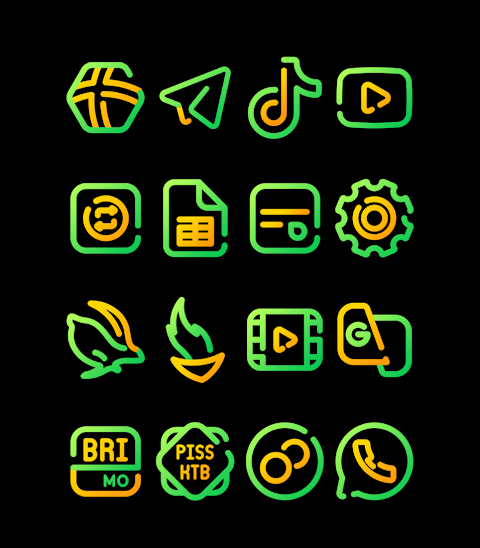
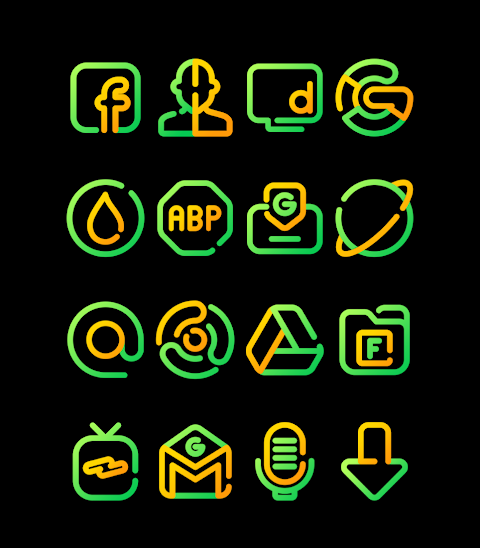
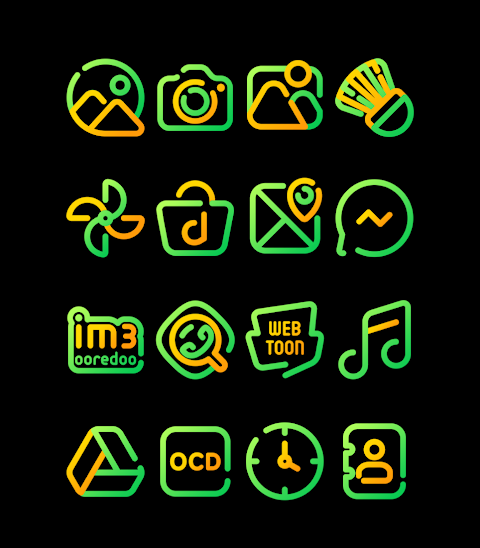
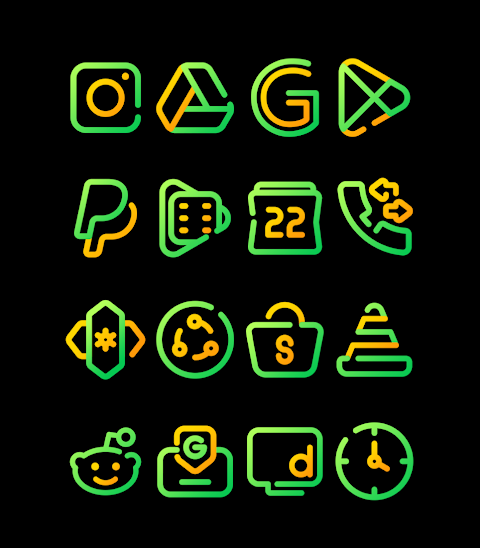
Sun Flower - Line Icon Pack is a vibrant collection of green and yellow icons designed to enhance your mobile experience. With over 3000 icons and counting, this icon pack provides a great way to personalize your smartphone. Each icon is designed in HD, with a resolution of 256x256px, ensuring clarity and sharpness on your device.
The Sun Flower icon pack also includes wallpapers to further elevate your phone's design. You can even request new icons, making it easy to get exactly what you want for your home screen.
Applying the Sun Flower - Line Icon Pack is simple and can be done through many popular launchers. These include Nova Launcher, Evie Launcher, Apex Launcher, ADW Launcher, ABC Launcher, Next Launcher, Holo Launcher, Lucid Launcher, M Launcher, Action Launcher, and more. To apply the icon pack, just follow these easy steps:
1. Open the Sun Flower - Line Icon Pack app.
2. Go to the Apply Icon Pack screen.
3. You will see a list of supported launchers. Select the Nova Launcher, or whichever launcher you have installed on your phone.
4. The app will automatically apply the icons from the Sun Flower icon pack to your selected launcher.
If you don’t see your launcher listed while trying to apply, you can also apply it directly from your launcher settings.
For users of the Sony Xperia Home Launcher, applying the Sun Flower - Line Icon Pack requires a few additional steps. First, long-press on your main screen and open the settings. Then, scroll down to the appearance icon setting, where you can select the Sun Flower icon pack. This feature supports versions 10.0.A.0.8 and up of the Sony Xperia Home Launcher.
In addition to its stunning designs, the Sun Flower icon pack is compatible with various launchers. However, please note that Go Launcher and Zero Launcher do not support icon masking, so some icons may not display as intended.
This icon pack allows for desktop customization and mobile icon design tailored to your preferences. With Sun Flower, you can keep up with iconography trends while personalizing your smartphone to make it uniquely yours. Enjoy easy access to a wide range of icon display options and custom icon packs to suit your style.
Stay updated and find more design inspiration from Sun Flower on platforms like Google+, Instagram, and Twitter. Special thanks go to Dani Mahardika for providing the Candybar Dashboard that helps you shape your perfect mobile look.
The Sun Flower icon pack also includes wallpapers to further elevate your phone's design. You can even request new icons, making it easy to get exactly what you want for your home screen.
Applying the Sun Flower - Line Icon Pack is simple and can be done through many popular launchers. These include Nova Launcher, Evie Launcher, Apex Launcher, ADW Launcher, ABC Launcher, Next Launcher, Holo Launcher, Lucid Launcher, M Launcher, Action Launcher, and more. To apply the icon pack, just follow these easy steps:
1. Open the Sun Flower - Line Icon Pack app.
2. Go to the Apply Icon Pack screen.
3. You will see a list of supported launchers. Select the Nova Launcher, or whichever launcher you have installed on your phone.
4. The app will automatically apply the icons from the Sun Flower icon pack to your selected launcher.
If you don’t see your launcher listed while trying to apply, you can also apply it directly from your launcher settings.
For users of the Sony Xperia Home Launcher, applying the Sun Flower - Line Icon Pack requires a few additional steps. First, long-press on your main screen and open the settings. Then, scroll down to the appearance icon setting, where you can select the Sun Flower icon pack. This feature supports versions 10.0.A.0.8 and up of the Sony Xperia Home Launcher.
In addition to its stunning designs, the Sun Flower icon pack is compatible with various launchers. However, please note that Go Launcher and Zero Launcher do not support icon masking, so some icons may not display as intended.
This icon pack allows for desktop customization and mobile icon design tailored to your preferences. With Sun Flower, you can keep up with iconography trends while personalizing your smartphone to make it uniquely yours. Enjoy easy access to a wide range of icon display options and custom icon packs to suit your style.
Stay updated and find more design inspiration from Sun Flower on platforms like Google+, Instagram, and Twitter. Special thanks go to Dani Mahardika for providing the Candybar Dashboard that helps you shape your perfect mobile look.

Abstrax -HD Abstract Wallpaper
Raj Arya Designs
$0.99
$0.50
Pixel MOD Black Watch face
WinWatchfaces
$1.29
$0.49

Gladient Icon Pack iOS Style
myAP Devs
$1.99
$1.19