
$0.99
$0.29
71% Off
Red Carpet – Lines Icon Pack
Panoto Gomo





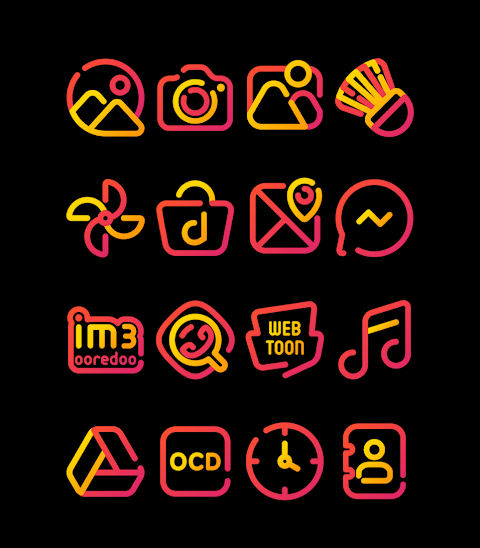
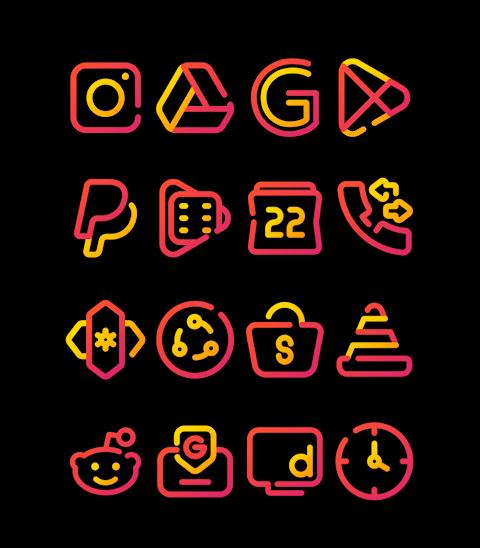


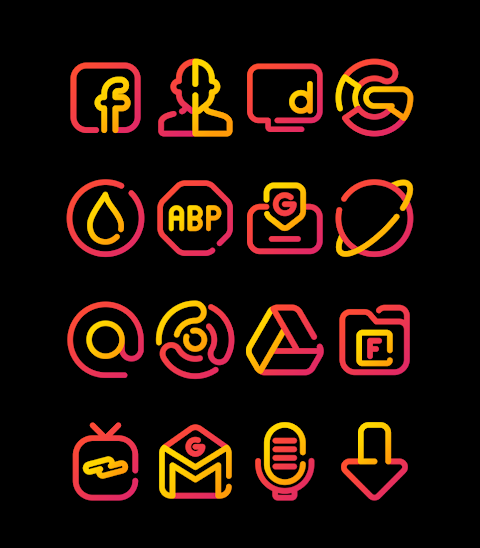
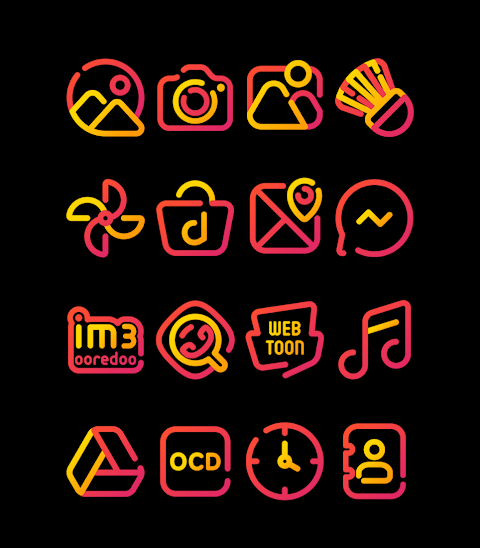

About the App
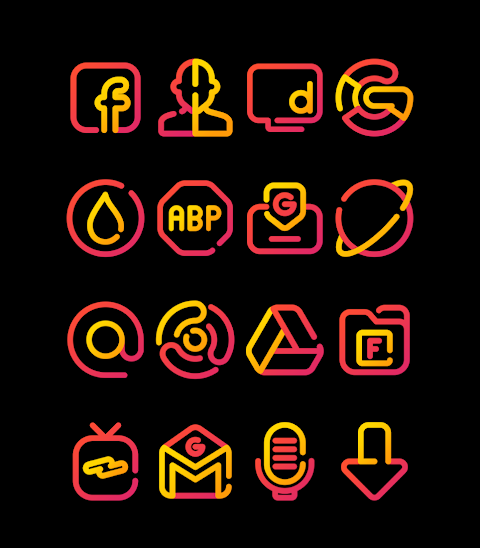
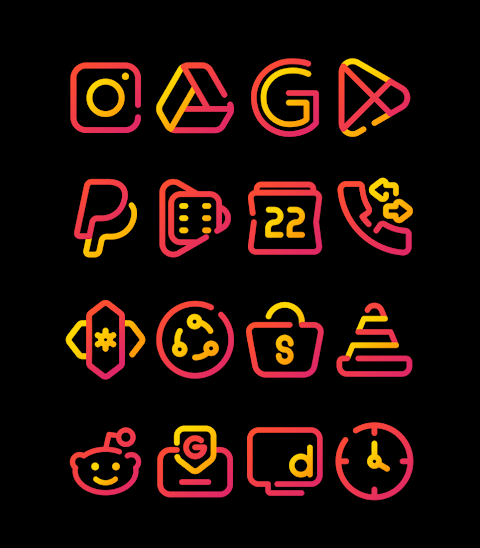
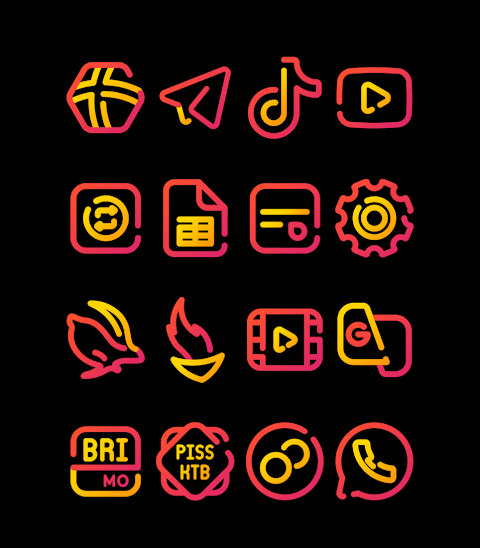
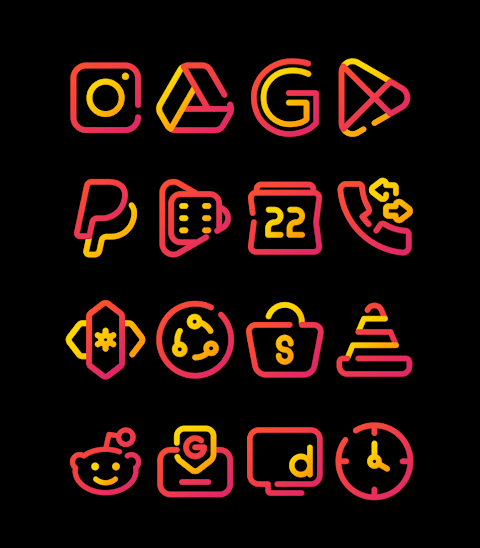
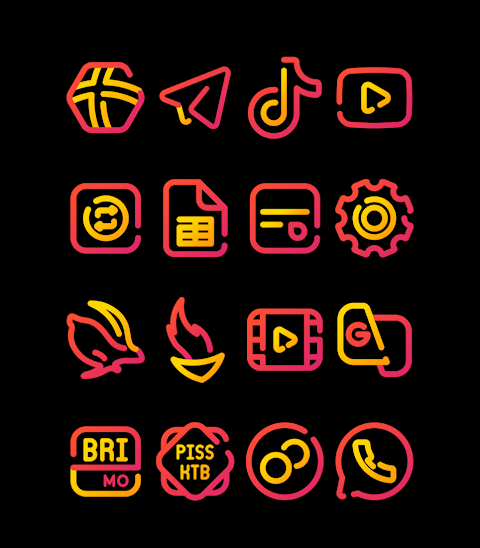
Red Carpet - Lines Icon Pack is a unique icon pack that features both red and yellow linear designs. It includes over 3000 icons and is constantly growing, making it a great choice for anyone looking to refresh their mobile device's look. The icons come in HD Icon Resolution at 256x256 pixels, ensuring that they look sharp and clear on your screen.
One of the strengths of the Red Carpet icon pack is the Icon Request Feature, which allows users to request new icons. This way, you can have icons tailored to your preferences. Additionally, the pack includes a selection of wallpapers to complete your mobile experience.
Using the Red Carpet - Lines Icon Pack is simple, and it supports many popular launchers. To apply the icon pack, just follow a few easy steps. First, open the Red Carpet app on your device. Then, navigate to the Apply Icon Pack screen. You will see a list of supported launchers, including Nova Launcher and Evie Launcher. Select the one you have installed, and the app will automatically apply the icons from the pack.
If your launcher doesn’t appear in the app, you can try applying the icons directly from your launcher settings. For users with the Sony Xperia Home Launcher, you will need to follow a different process since it may not show up as an option. To apply Red Carpet on Sony Xperia, long press on your main screen, open the settings, scroll down to appearance icon settings, and choose the Red Carpet icon pack. This will complete the setup on your device.
It's important to note that the Red Carpet - Lines icon pack is compatible only with Sony Xperia Home Launcher version 10.0.A.0.8 or higher. If you're using other launchers, you will find compatibility with options like Apex Launcher, ADW Launcher, and Action Launcher. The pack also works with Next Launcher and Aviate Launcher, providing flexibility for your mobile icon packs.
However, keep in mind that there are limitations with Go Launcher and Zero Launcher regarding icon masking. You may encounter some issues with these launchers when trying to use the Red Carpet icons.
When customizing your home screen, the Red Carpet - Lines Icon Pack makes it easy to explore various launcher appearance settings. This allows for effective desktop icon organization tailored to your style. Whether you're a fan of linear designs or simply looking for a fresh aesthetic, this icon pack offers a wonderful combination of artistic flair and functionality.
For more design information and updates, you can follow Red Carpet on Google+, Instagram, and Twitter, where you'll find more inspiration and details about the app.
With the Red Carpet - Lines Icon Pack, you'll enjoy a personalized mobile experience that meets your style needs while keeping your interface organized and visually appealing.
One of the strengths of the Red Carpet icon pack is the Icon Request Feature, which allows users to request new icons. This way, you can have icons tailored to your preferences. Additionally, the pack includes a selection of wallpapers to complete your mobile experience.
Using the Red Carpet - Lines Icon Pack is simple, and it supports many popular launchers. To apply the icon pack, just follow a few easy steps. First, open the Red Carpet app on your device. Then, navigate to the Apply Icon Pack screen. You will see a list of supported launchers, including Nova Launcher and Evie Launcher. Select the one you have installed, and the app will automatically apply the icons from the pack.
If your launcher doesn’t appear in the app, you can try applying the icons directly from your launcher settings. For users with the Sony Xperia Home Launcher, you will need to follow a different process since it may not show up as an option. To apply Red Carpet on Sony Xperia, long press on your main screen, open the settings, scroll down to appearance icon settings, and choose the Red Carpet icon pack. This will complete the setup on your device.
It's important to note that the Red Carpet - Lines icon pack is compatible only with Sony Xperia Home Launcher version 10.0.A.0.8 or higher. If you're using other launchers, you will find compatibility with options like Apex Launcher, ADW Launcher, and Action Launcher. The pack also works with Next Launcher and Aviate Launcher, providing flexibility for your mobile icon packs.
However, keep in mind that there are limitations with Go Launcher and Zero Launcher regarding icon masking. You may encounter some issues with these launchers when trying to use the Red Carpet icons.
When customizing your home screen, the Red Carpet - Lines Icon Pack makes it easy to explore various launcher appearance settings. This allows for effective desktop icon organization tailored to your style. Whether you're a fan of linear designs or simply looking for a fresh aesthetic, this icon pack offers a wonderful combination of artistic flair and functionality.
For more design information and updates, you can follow Red Carpet on Google+, Instagram, and Twitter, where you'll find more inspiration and details about the app.
With the Red Carpet - Lines Icon Pack, you'll enjoy a personalized mobile experience that meets your style needs while keeping your interface organized and visually appealing.

Ballozi SOLDRONE Hybrid Analog
BALLOZI Watch Faces
$1.49
$0.49
【Animated】Mountain Rainbow
ZKin
$2.99
Scroll – Watch Face
JustWatch - Premium Watch Faces
$1.49
$0.49