

$2.49
$1.99
20% Off
WAS: User-Agent Switcher
Andreii Simaranov

About the App
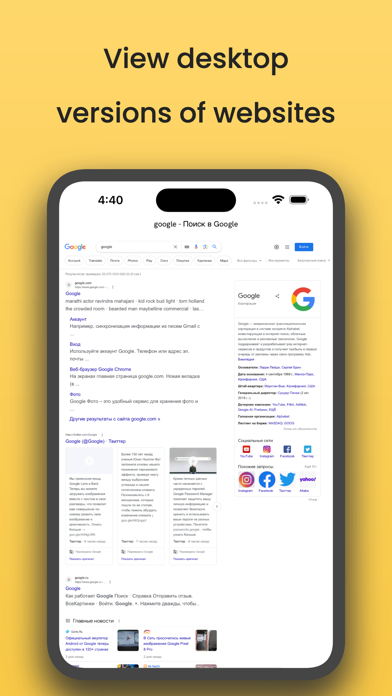
WAS: User-Agent Switcher is a handy browser that lets you quickly switch between mobile and desktop views of a website with just one click. This makes it easy for you to browse any site or test your own by changing the user-agent string. The user-agent string plays a key role in how a website is displayed to users.
With the built-in WebView browser, you can preview how your site will look on different smartphones, screens, and devices. This means you don’t have to buy each device or install extra emulators to see the differences. It's a practical tool for responsive design testing and helps ensure your website compatibility across various formats.
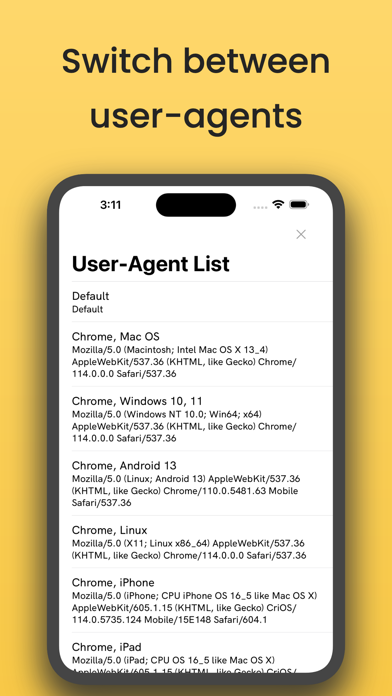
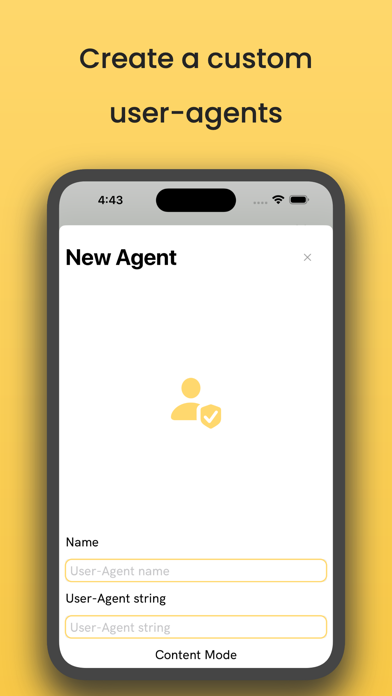
WAS comes with many built-in user agents, allowing you to select from a wide range. If you need even more options, you can easily add or create your own custom user agents to fit your specific needs. This flexibility is excellent for developers and designers who want to ensure their sites are user-friendly.
The app also includes built-in settings that make compatibility testing and content verification straightforward. These quick settings allow for easy browser settings adjustments, which can enhance your mobile optimization efforts. By using WAS, you can conduct effective cross-device testing without any hassle.
When you’re ready to check how your site performs, the dynamic website testing feature offers a site design preview for various devices. You can run browser simulations to see how users experience your site across different platforms. It’s great for testing websites and ensuring a smooth user experience.
With WAS: User-Agent Switcher, you can say goodbye to the struggles of testing websites on different devices. It streamlines the process of website performance testing and site rendering verification, making it an essential web development tool. So why wait? Download WAS now and enjoy the enhanced browsing capabilities it offers for all your website testing needs.

Flutter Cheats
Christopher Kreymborg
$0.99
Free

iSocketTool
珣 张
$1.99

WiFi Tools & Analyzer
Tamara Dudarenko
$3.49
$2.49