
$1.49
$0.15
90% Off
Digital Basic 7 Wear OS 5+
OQ Watchfaces

About the App
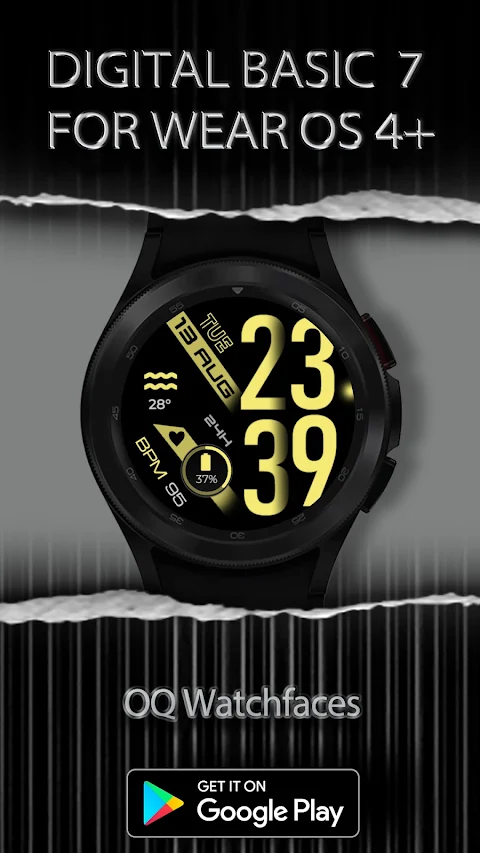
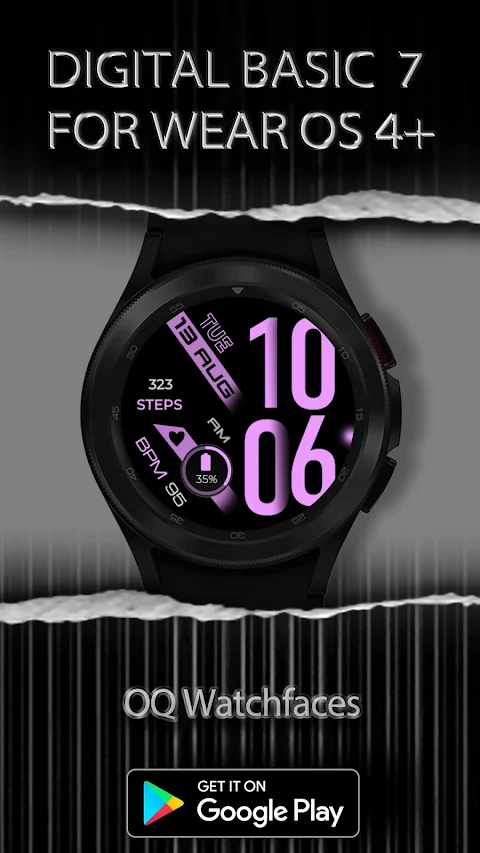
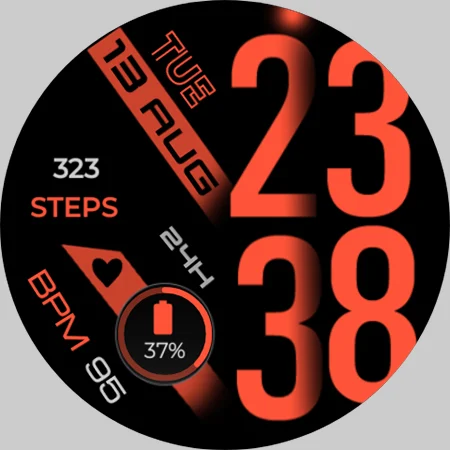
Before downloading the Digital Basic 7 for Wear OS 5+, it’s essential to read this notice to help you have a smooth experience. This watch face has been designed using the latest version of the Samsung Galaxy Watch Face Studio, specifically version 1.9.5. It has been thoroughly tested on several devices, including the Samsung Watch 8 Classic, Samsung Watch Ultra, and Samsung Watch 5 Pro. This watch face is compatible with all other Wear OS 5+ devices, although some features may work differently on other watches.
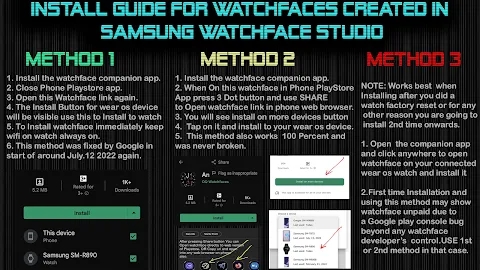
For those who are new to Android Wear OS or have trouble installing watch faces, there is an installation guide for newbies included. You can find this guide in the last image of the screen previews, which will help you understand how to install the watch face on your connected device. Please make sure to read this guide before making any claims about installation issues.
If you purchase the watch face, please do not pay twice through the Watch Play Store. Wait for your purchases to sync or, if you prefer, you can use the direct install to watch method. This method doesn't require a helper app. Just make sure you select your connected watch from the install button drop-down menu in the Play Store app on your phone.
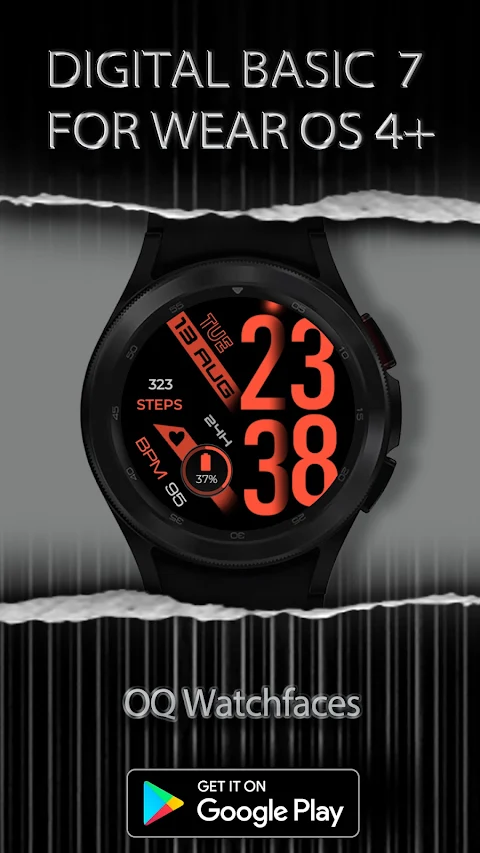
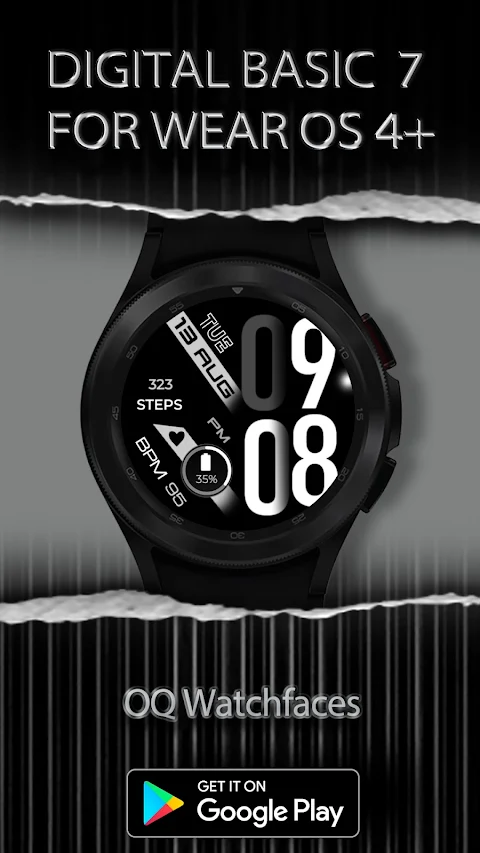
The Digital Basic 7 watch face supports both 12/24 hour mode. If you choose the 12-hour mode, the leading zero will be shaded dark, but it will not be removed due to the design. The watch face will sync automatically to either 12 or 24 hour mode based on your selection on the watch or your connected phone.
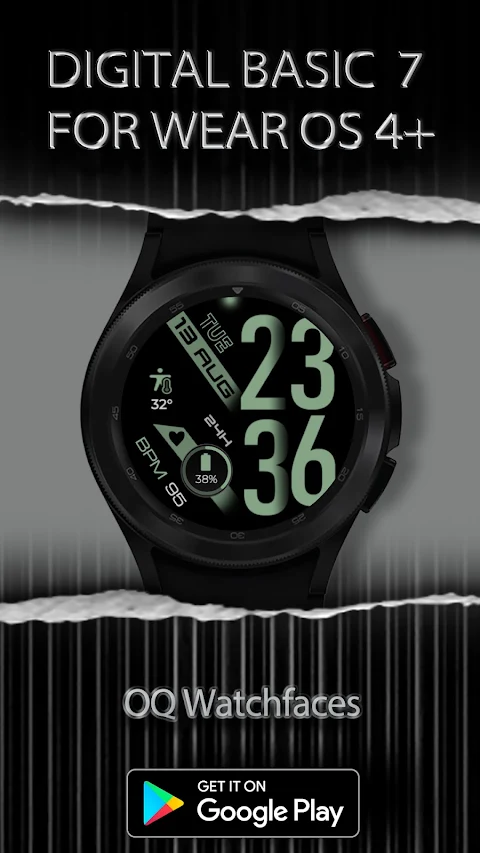
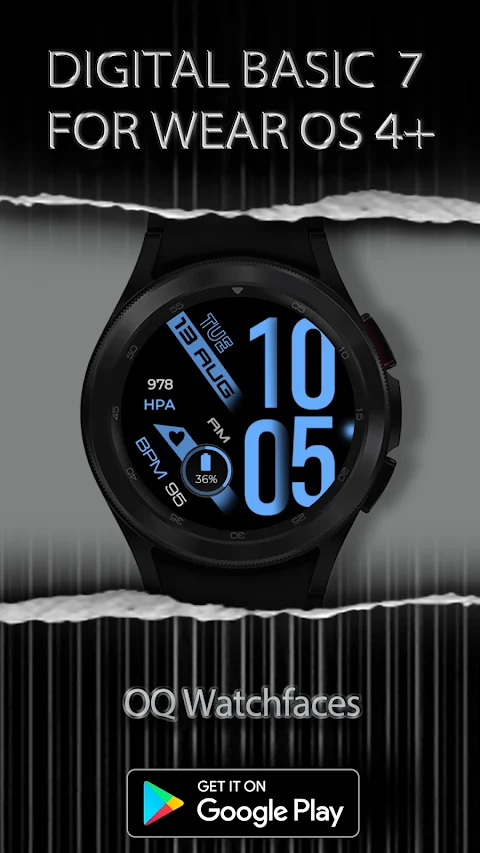
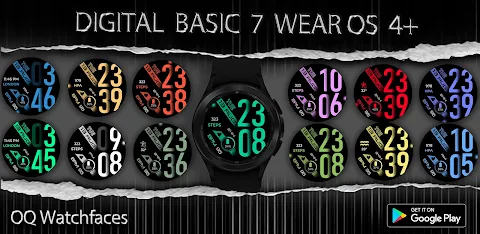
This watch face also has many features designed to enhance your user experience. You can enjoy 30 different color styles customization through a user-friendly customization menu, allowing you to personalize the look of your watch face. Additionally, the always on display customization lets you adjust the background dimness when the display is not in active use.
The design includes customizable complications. There is one customizable complication available on the main display, along with two invisible shortcuts for easy access. You can tap on the day text to open your alarm settings, or tap on the date or month to quickly access the calendar app. A rotating glow feature lets you track seconds in real time, adding a dynamic touch to the watch face.
For health monitoring, simply tap on the heart icon to open the Heart Rate Counter on your watch. This interactive watch face provides useful information at your fingertips.
Users can explore different watch display options, including light and dark modes, to match their personal preferences. The watch face design features a circular watch interface, ensuring a stylish and modern appearance on your wrist.
Overall, the Digital Basic 7 watch face offers a variety of app usage instructions, making it easy to navigate and customize. Whether you are looking for a timer and stopwatch functionality or just want to enhance the aesthetic of your smartwatch, this watch face is an excellent choice for any Wear OS 5+ user. Enjoy the full experience with the Digital Basic 7 and make the most of your wearable technology.
For those who are new to Android Wear OS or have trouble installing watch faces, there is an installation guide for newbies included. You can find this guide in the last image of the screen previews, which will help you understand how to install the watch face on your connected device. Please make sure to read this guide before making any claims about installation issues.
If you purchase the watch face, please do not pay twice through the Watch Play Store. Wait for your purchases to sync or, if you prefer, you can use the direct install to watch method. This method doesn't require a helper app. Just make sure you select your connected watch from the install button drop-down menu in the Play Store app on your phone.
The Digital Basic 7 watch face supports both 12/24 hour mode. If you choose the 12-hour mode, the leading zero will be shaded dark, but it will not be removed due to the design. The watch face will sync automatically to either 12 or 24 hour mode based on your selection on the watch or your connected phone.
This watch face also has many features designed to enhance your user experience. You can enjoy 30 different color styles customization through a user-friendly customization menu, allowing you to personalize the look of your watch face. Additionally, the always on display customization lets you adjust the background dimness when the display is not in active use.
The design includes customizable complications. There is one customizable complication available on the main display, along with two invisible shortcuts for easy access. You can tap on the day text to open your alarm settings, or tap on the date or month to quickly access the calendar app. A rotating glow feature lets you track seconds in real time, adding a dynamic touch to the watch face.
For health monitoring, simply tap on the heart icon to open the Heart Rate Counter on your watch. This interactive watch face provides useful information at your fingertips.
Users can explore different watch display options, including light and dark modes, to match their personal preferences. The watch face design features a circular watch interface, ensuring a stylish and modern appearance on your wrist.
Overall, the Digital Basic 7 watch face offers a variety of app usage instructions, making it easy to navigate and customize. Whether you are looking for a timer and stopwatch functionality or just want to enhance the aesthetic of your smartwatch, this watch face is an excellent choice for any Wear OS 5+ user. Enjoy the full experience with the Digital Basic 7 and make the most of your wearable technology.

Tic: Watch face
amoledwatchfaces™
$0.99
$0.50
Black Military 3
WinWatchfaces
$1.29
$0.71

Athlete 2: Watch face
amoledwatchfaces™
$1.49
$0.75