
$1.49
$0.39
74% Off
Analog Basic 21 Wear OS 5+
OQ Watchfaces

About the App
Before you download the Analog Basic 21 watch face for Wear OS 5+, it’s important to read the following information so you can avoid any issues.
This watch face offers many options for watch face customization. If it takes some time to load these customization menu options in the Galaxy Wearable app, please be patient. Wait for about 8 seconds to allow everything to load properly.
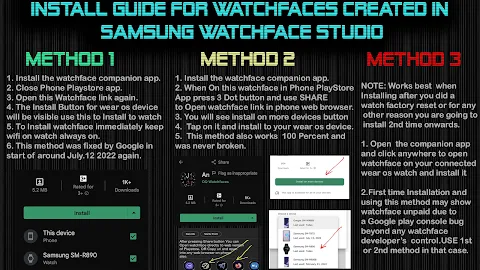
For those new to Android Wear OS or unsure about how to install the watch face, we have included an installation guide in the image previews. This guide is the first image you will see. We recommend reading it carefully before posting comments about installation problems.
Please remember not to make repeated payments through the Watch Play Store. Check the installation guide again to find three methods for installing both the phone app and the watch app. The guide explains how to tap and open your connected watch when you install it for the first time.
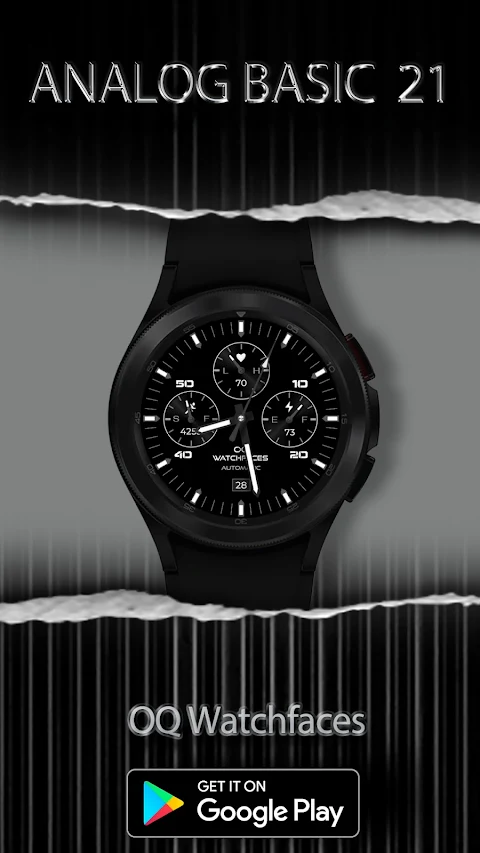
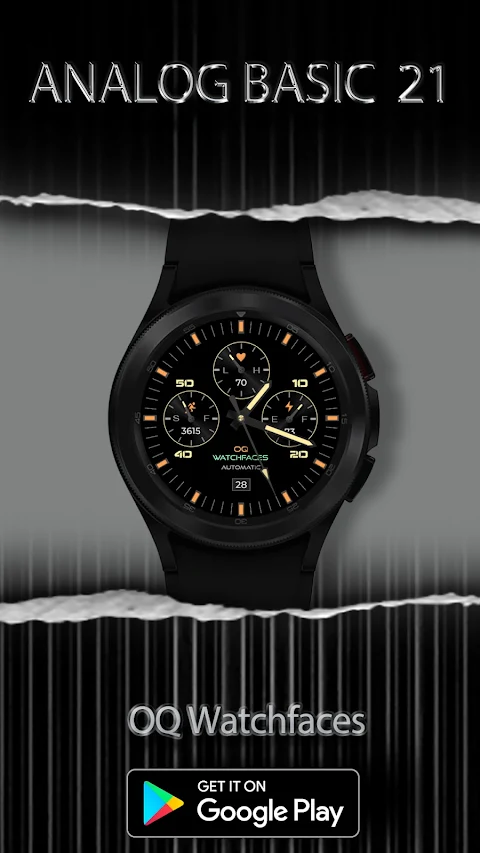
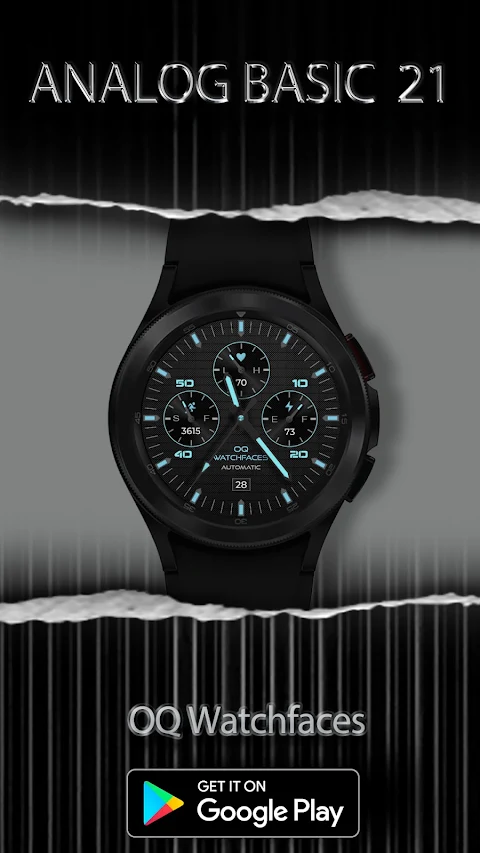
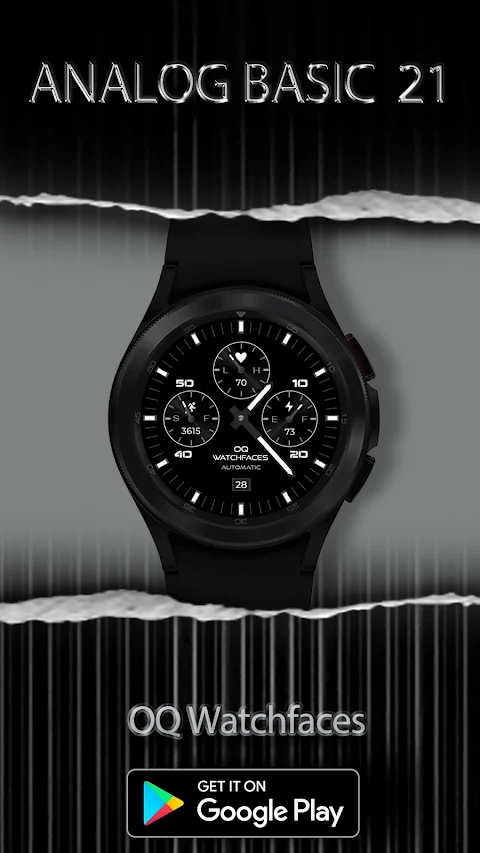
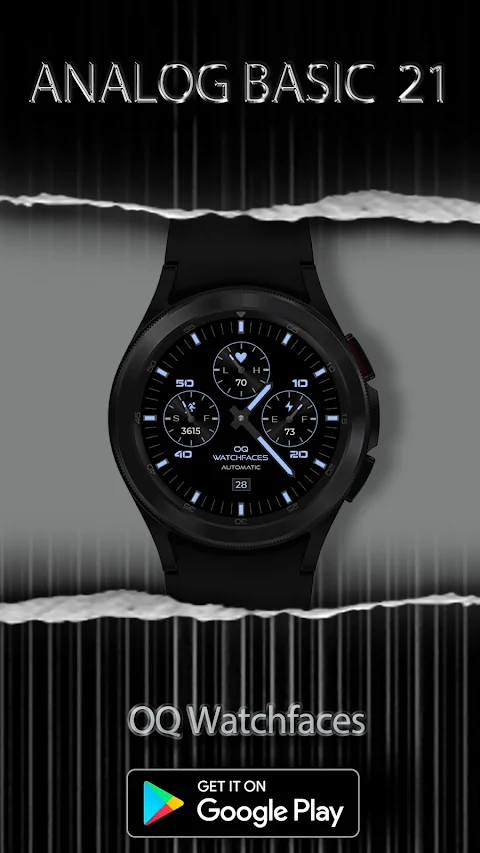
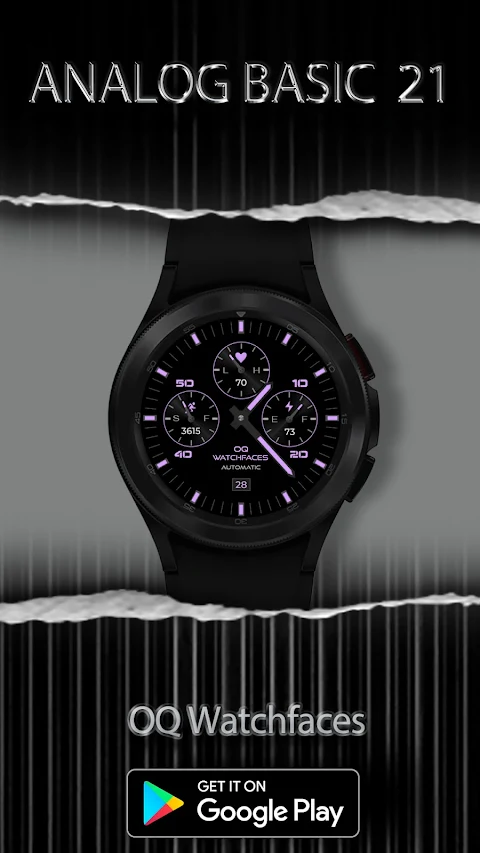
Now, let’s explore the features and functions of this watch face for Wear OS 5+. One of the key features is the Heart Rate Counter, which you can access by tapping in the center of the heart rate chronograph located just below the 12 o'clock position.
By tapping on the 12 o'clock index bar, you can quickly launch the Google Play Store App. Additionally, a customizable complication shortcut is placed above the steps chronograph. You can use this to set it to view steps or any other shortcut you prefer through the customization menu.
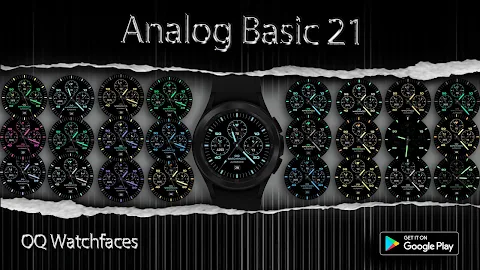
With the customization menu options, you can choose different background styles. The default background for Always on Display is a pure black Amoled style, but you have the option to turn background styles on or off as needed. You can also adjust the shadow on top of the watch face.
You will find that the seconds movement style can be changed in the customization menu, allowing you to personalize how you view the time. Another useful feature is the ability to tap on the date text block to open the watch alarm app effortlessly.
There are two index styles available as well: a rectangular hours index and a bullet-shaped index. You can switch between these styles in the customization menu. Dim mode is also available for the main display and the Always on Display background, giving you more control over how things look.
To help you access various functions quickly, you can tap on the 3 o'clock index bar to open the watch dial app, while tapping on the 6 o'clock index bar will open the messages app shortcut. If you need to adjust settings, simply tap on the OQ Watchfaces text to open the watch settings app.
An invisible complication shortcut is located above the steps chronograph. You can set this shortcut to open your steps details or choose any other shortcut of your liking. The customization menu also offers two visible shortcuts and two additional invisible shortcuts at the 2 o'clock and 10 o'clock positions, all customizable based on your preferences.
This watch face for Wear OS 5+ truly enhances your experience with its many customization options and easy access to features. Whether you're adjusting settings, checking your heart rate, or viewing your alarms, everything is designed to make your smartwatch usage simpler and more enjoyable.
This watch face offers many options for watch face customization. If it takes some time to load these customization menu options in the Galaxy Wearable app, please be patient. Wait for about 8 seconds to allow everything to load properly.
For those new to Android Wear OS or unsure about how to install the watch face, we have included an installation guide in the image previews. This guide is the first image you will see. We recommend reading it carefully before posting comments about installation problems.
Please remember not to make repeated payments through the Watch Play Store. Check the installation guide again to find three methods for installing both the phone app and the watch app. The guide explains how to tap and open your connected watch when you install it for the first time.
Now, let’s explore the features and functions of this watch face for Wear OS 5+. One of the key features is the Heart Rate Counter, which you can access by tapping in the center of the heart rate chronograph located just below the 12 o'clock position.
By tapping on the 12 o'clock index bar, you can quickly launch the Google Play Store App. Additionally, a customizable complication shortcut is placed above the steps chronograph. You can use this to set it to view steps or any other shortcut you prefer through the customization menu.
With the customization menu options, you can choose different background styles. The default background for Always on Display is a pure black Amoled style, but you have the option to turn background styles on or off as needed. You can also adjust the shadow on top of the watch face.
You will find that the seconds movement style can be changed in the customization menu, allowing you to personalize how you view the time. Another useful feature is the ability to tap on the date text block to open the watch alarm app effortlessly.
There are two index styles available as well: a rectangular hours index and a bullet-shaped index. You can switch between these styles in the customization menu. Dim mode is also available for the main display and the Always on Display background, giving you more control over how things look.
To help you access various functions quickly, you can tap on the 3 o'clock index bar to open the watch dial app, while tapping on the 6 o'clock index bar will open the messages app shortcut. If you need to adjust settings, simply tap on the OQ Watchfaces text to open the watch settings app.
An invisible complication shortcut is located above the steps chronograph. You can set this shortcut to open your steps details or choose any other shortcut of your liking. The customization menu also offers two visible shortcuts and two additional invisible shortcuts at the 2 o'clock and 10 o'clock positions, all customizable based on your preferences.
This watch face for Wear OS 5+ truly enhances your experience with its many customization options and easy access to features. Whether you're adjusting settings, checking your heart rate, or viewing your alarms, everything is designed to make your smartwatch usage simpler and more enjoyable.

Roboxic Watch Face 2026
DeNitE Appz
$2.49

ZKin Watch Smooth Machinery
ZKin
$2.99
$0.99
Sports Bright Blue ZKin Watch
ZKin
$2.99
$0.99