
$1.49
$0.49
67% Off
PolaRing – Icon Pack
GomoTheGom

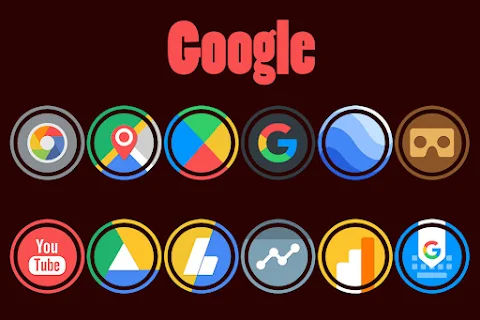
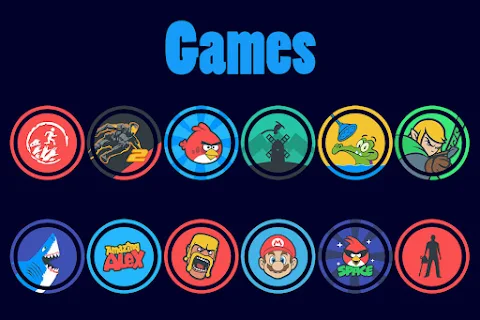
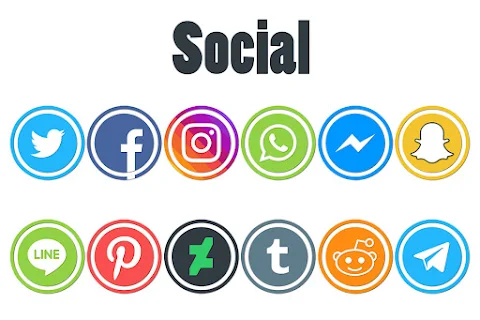
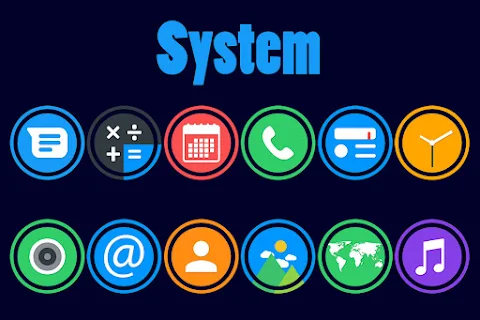
About the App
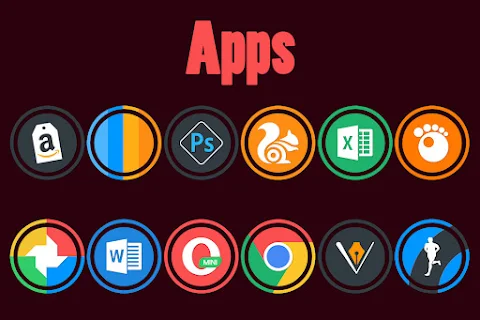
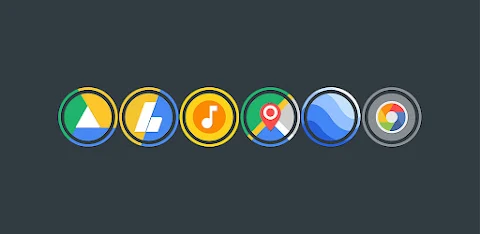
PolaRing is a colorful flat round icon pack designed to enhance the look of your device. With a completely rounded shape that features a simple ring and bright colors, PolaRing adds a fresh touch to your app icons.
If you want to use the PolaRing Icon Pack, it's easy to apply. This pack supports various popular launchers, including Nova Launcher and Evie Launcher, among many others. Here’s how you can get started with PolaRing:
1. Open the PolaRing Icon Pack app on your phone.
2. Go to the "Apply Icon Pack" screen within the app.
3. You will see a list of supported launchers. Select Nova Launcher or any other launcher you have installed on your phone.
4. The app will automatically apply the icons from the PolaRing pack to your selected launcher.
If you don’t see your launcher in the list while trying to apply the icons, you can apply them directly from the launcher settings instead.
For users with the Sony Xperia Home Launcher, you can still use PolaRing by following these steps:
1. Long press on the main screen.
2. Open the settings.
3. Scroll down to the appearance icon settings.
4. Select PolaRing icon pack from the options.
5. That’s it! Your Sony Xperia will have the PolaRing icon pack applied.
Please note that PolaRing only supports Sony Xperia Home Launcher version 10.0.A.0.8 or higher.
PolaRing supports many popular launchers, such as:
- Nova Launcher
- Apex Launcher
- ADW Launcher
- ABC Launcher
- Evie Launcher
- Next Launcher
- Holo Launcher
- Lucid Launcher
- M Launcher
- N Launcher
- Arrow Launcher
- Action Launcher
- Sony Xperia Home Launcher
- Aviate Launcher
- KK Launcher
- Nine Launcher
- Blur Launcher
- Trebuchet Launcher
- Unicon Launcher
- Smart Launcher
- Go Launcher (note that this does not support icon masking)
- Zero Launcher (note that this also does not support icon masking)
You may need a third-party launcher to properly apply this icon pack. If your phone’s stock launcher does not support icon packs, you can use alternative apps like Awesome Icons or Unicon to help change your icons.
PolaRing comes with over 5000 icons and counting, ensuring you have plenty of options to choose from. The icons are designed with HD resolution, making them look crisp and clear on your screen. If you find any icons that haven't been themed, PolaRing also provides a custom icon back feature for these unthemed icons.
Additionally, you can enjoy over 36 HD wallpapers to give your device a complete look. The app even has an icon request feature if you want to suggest new icons. You can choose alternate icons for some apps, allowing for a personalized touch.
With PolaRing, you get a vibrant and user-friendly way to refresh your device’s appearance. Install it today and see how beautiful your app icons can be! For more design information, feel free to check out the related social media channels.
h803 Weather Station Watchface
Happy Watch Faces
$4.79
FREE

Material You Widgets
AppsLab Co.
$1.99
$0.90
Circuit Board Watch Face GTS2
GoodTimes Initiative
$1.99
$1.00