
$2.99
FREE
100% Off
Bedside Alarm Clock: Nightside
Creo

About the App
Nightside is a unique app that lets you design the clock of your dreams. Just type a sentence about what you want, like “Japanese neon numbers” or “a vintage brass dial with Roman numerals.” Nightside will create a complete clock for you. It includes the dial, hands, numerals, and colors, plus a background image that fits your style. You can even preview how it looks on your real Home screen. If you want to make changes, you can say things like “remove the second hand” or “make it warmer.” No other clock app offers this level of custom clock design.
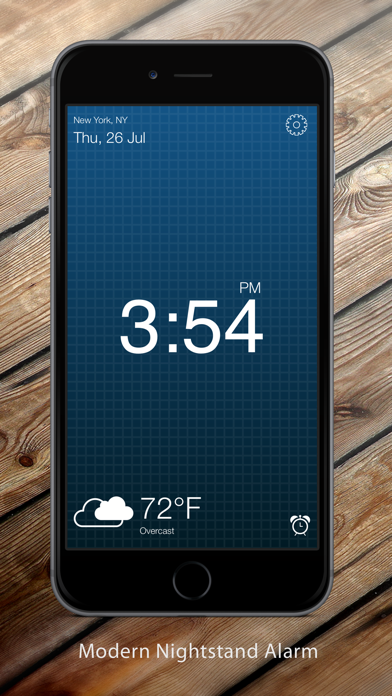
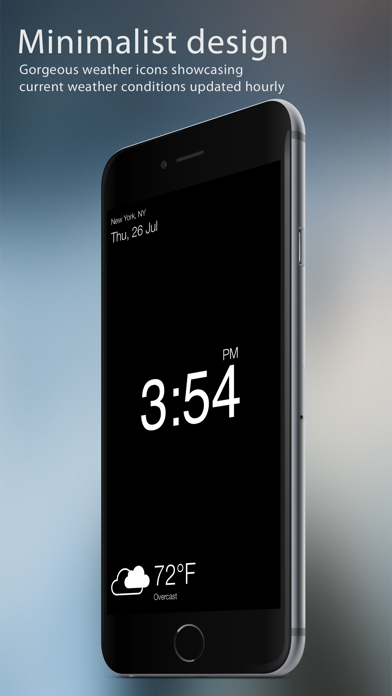
One of the best features of Nightside is that it gives you a large readable time. You can adjust the clock size to fit your needs, and choose between a 12-hour time format or a 24-hour time format, with the option to include seconds. The bedside mode clock is perfect for nighttime, featuring a dimmable brightness dial. You can select low-light color options in either black or warm red. The controls fade until you tap the screen, making it easy to see at night.
Nightside keeps your screen on while it stands on your nightstand or dock. You can view the next alarm and today's weather at a glance. The app offers iPhone and iPad layouts and even supports foldable iPhones.
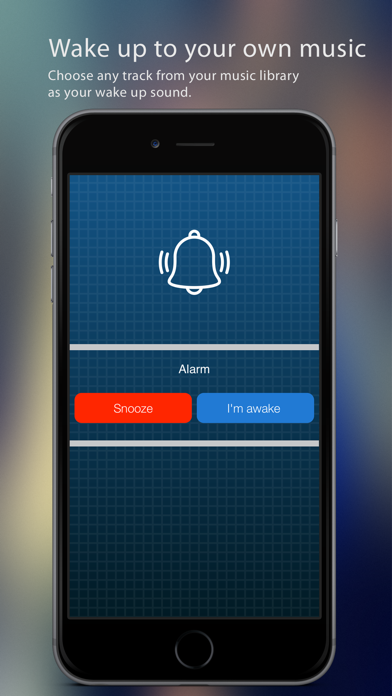
When it comes to alarms, you can trust Nightside to help you wake up right. You can set alarms to repeat on any days, choose a tone, and select customizable snooze options of 5, 10, or 15 minutes. You’ll see exactly when the next alarm rings before you save it. If you need to skip just the next occurrence of a repeating alarm, you can do that without turning it off completely. On iOS 26 and later, alarms are system alarms that can ring through Silent mode and Focus, provided you allow them. You can use hands-free voice control to say "Stop" or "Snooze" to the ringing clock in English. The app always shows clear status for every alarm, whether it's active, snoozing, skipped, or needs permission. You will never face a confusing switch that looks on while nothing is scheduled.
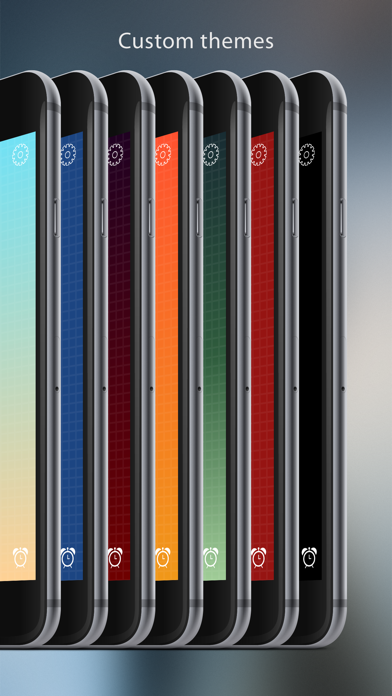
Make your clock truly yours with Nightside. Choose from 33 different custom clock faces, which include 13 digital clock styles like flip, segment, and LED-style, as well as 20 analog clock dials. You can pick from 14 curated clock looks such as Moderno, Station, Night Garden, Starlight, and Sun Path. You can also use your own photo as the background or let Nightside create a unique design based on your description. You have the freedom to save as many styles as you like and switch between them with just a tap.
Nightside also keeps you informed about the weather without any fuss. You can view the current temperature and conditions for your location, or choose a different city. The temperature can be displayed in either °C or °F. Plus, it works without requiring location permission if you pick a city. You will always see when the weather was last updated, ensuring you have the latest information.
You can easily access the clock from your home screen or your wrist. Nightside has a handy clock widget that displays the time, next alarm, and weather all in one place. If you have an Apple Watch, you can also see the next alarm, switch alarms on and off, and stop or snooze right from your wrist.
Nightside is free to download and includes one alarm, bedside mode, voice commands for Stop and Snooze, and the Moderno look. There’s a small ad banner that never appears on the clock, in bedside mode, or while an alarm rings. If you want more features, consider Nightside Premium. It removes ads and unlocks the custom clock designs, every face and look, personal photo backgrounds, weather updates, and additional alarms. Premium is available as a monthly subscription service that renews until you cancel. The price is clearly shown in the app before you subscribe. If you previously purchased ClockIT, you will have access to Premium features for life as long as you open the app on the same Apple ID.
Please remember that alarms require notification or alarm permission and depend on your device’s sound settings. Weather data is provided by Apple Weather. Nightside takes your description and sends it to the server to design your clock, ensuring your privacy by not sharing any other information.
If you have questions or ideas, feel free to reach out at info@creoit.com. We value your feedback and read every message.

GEO Pro Notebook -Note Taking
GEO SOFTECH
$1.49
$0.49

Selene: Shift Calendar
Jiawen Sun
$2.99
LoroNote – AI Transcribe
Rich Soft Co., Ltd
$400.00
Free