
$0.99
$0.39
61% Off
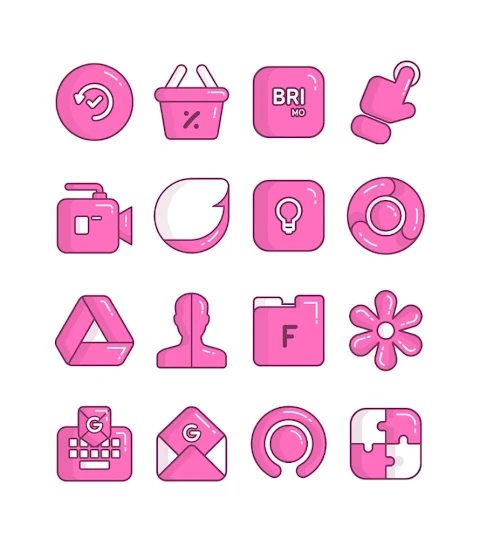
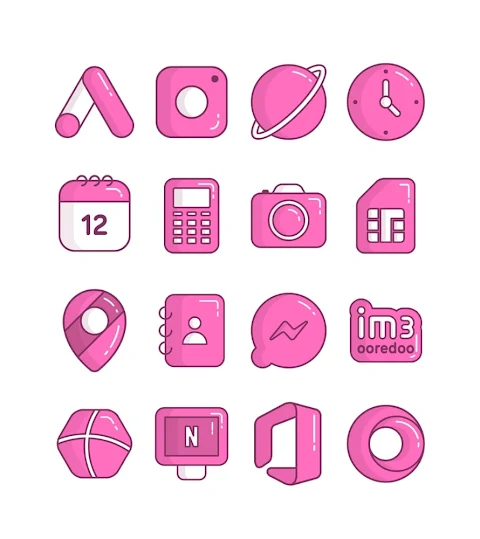
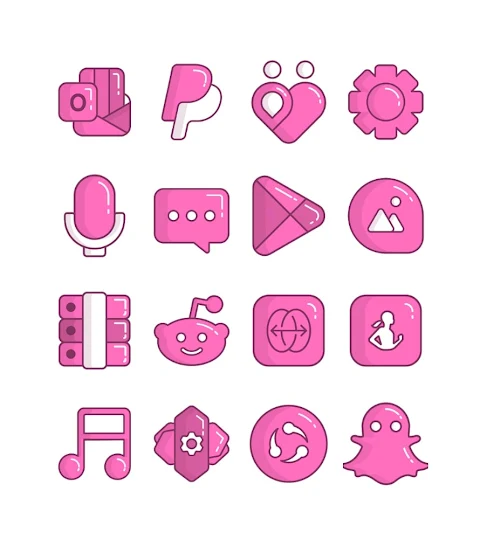
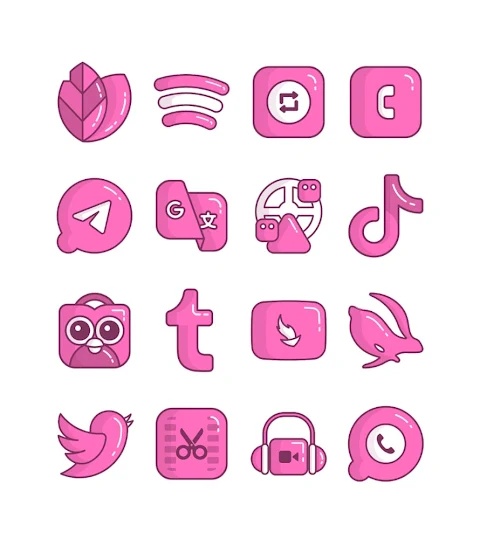
Pink Teddy – icon pack
Panoto Gomo


About the App
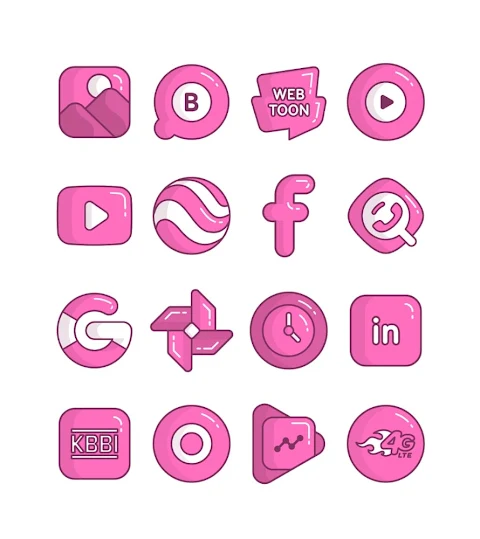
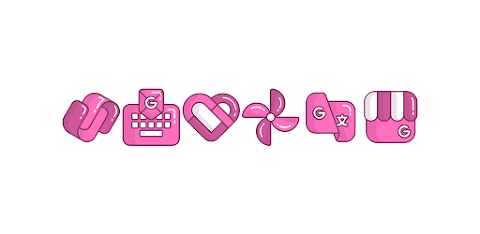
Pink Teddy is a fun and vibrant cartoon-ish icon pack designed to add a playful touch to your device. With over 3000 icons and counting, you'll have plenty of choices to customize your home screen. Each icon comes in HD icon resolution, which means they look clear and crisp on your phone or tablet.
One of the standout features of Pink Teddy is the icon request feature. If you can't find the icon you need, you can simply request it and the team will do their best to add it. Plus, the app includes a selection of wallpapers to brighten up your device even more.
Using Pink Teddy is easy, especially if you have a launcher that supports it. This icon pack works with many popular launchers, making it versatile for different users. The supported launchers include Nova Launcher, Evie Launcher, Apex Launcher, Action Launcher, ADW Launcher, and many more. With just a few simple steps, you can easily apply the icon pack to your favorite launcher.
To apply Pink Teddy - icon pack, follow these steps:
1. Open the Pink Teddy app on your device.
2. Go to the Apply Icon Pack screen.
3. You'll see a list of supported launchers. Select Nova Launcher or any other launcher you have installed.
4. The app will automatically apply the icons from Pink Teddy for the chosen launcher.
If your launcher doesn’t show up while you’re trying to apply the icon pack, don't worry! You can try applying it directly from your launcher settings.
For users with Sony Xperia Home Launcher, you can use the Pink Teddy icon pack, but it requires some specific settings. Here’s how:
1. Long press on your main screen.
2. Open the settings menu.
3. Scroll down to find the appearance icon settings.
4. Choose Pink Teddy - icon pack from the options.
5. You're all set! Your Sony Xperia will now display the icons from Pink Teddy.
Please note that Pink Teddy icon pack is only compatible with Sony Xperia Home Launcher version 10.0.A.0.8 or higher.
In summary, Pink Teddy offers a colorful collection of customizable icons that are perfect for anyone looking to refresh their device. With support for many launchers and simple application steps, personalizing your mobile experience has never been easier. Enjoy the creative cartoon icon design and make your device truly yours with Pink Teddy!
Hybrid Veltora Watch Face
Comback Watch Faces
$1.19

DotShift Widgets For KWGT
Zeffi Setups
$1.49
$0.99

TAG HEUER CARRERA 2 Watch Face
LIBERTY WATCH FACES™
$0.99
$0.29