

$6.99
$3.99
43% Off
Fractions Pro
Intemodino Group s.r.o.

About the App
Fractions Pro is a multifunctional calculator designed to help you with all your mathematical calculations. Whether you need to perform engineering calculations, scientific calculations, or technical calculations, this app has you covered. It’s a powerful tool that is easy to use and perfect for anyone who deals with numbers.
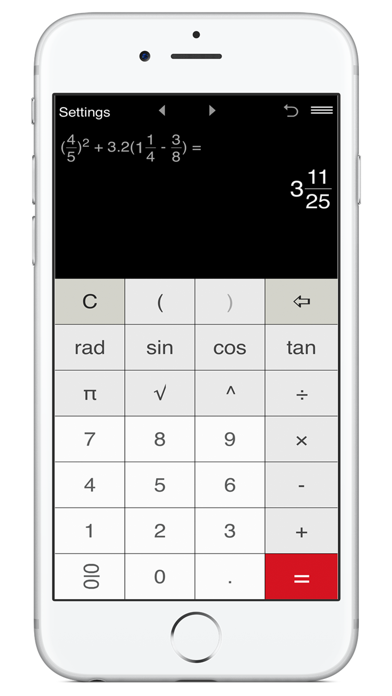
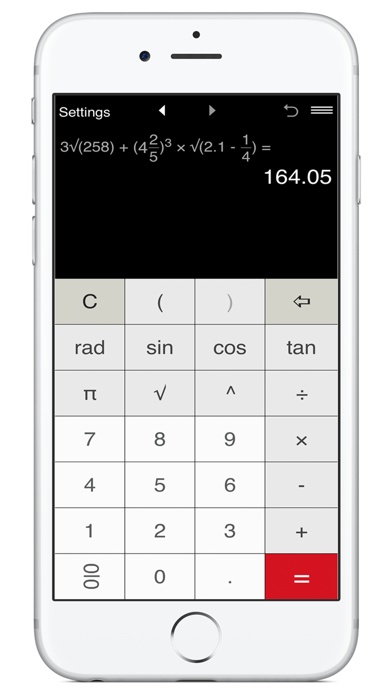
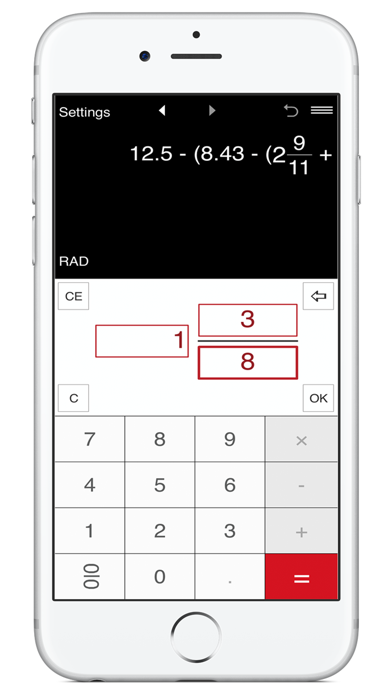
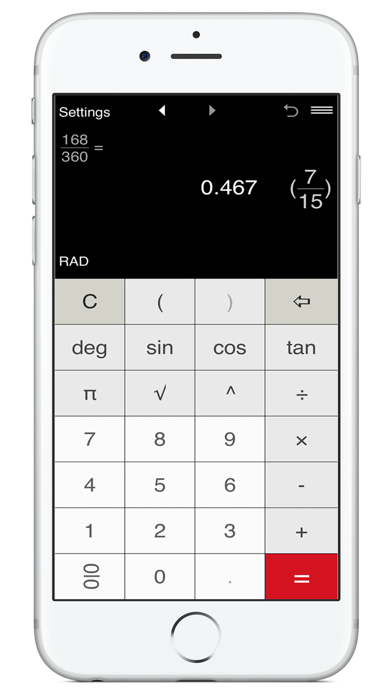
With Fractions Pro, you can work with proper fractions and improper fractions, mixed numbers, decimals, and integers. The advanced fraction calculator makes it simple to do addition, subtraction, multiplication, and division. You can also handle calculations that involve parentheses, including nested parentheses, for more complex problems.
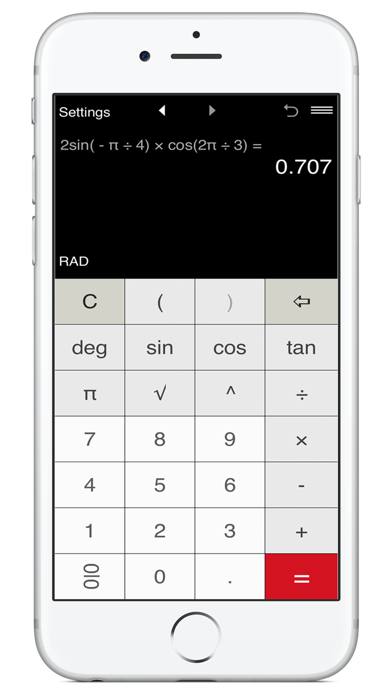
One of the standout features of Fractions Pro is its intuitive fraction input. This makes it easier than ever to enter fractions quickly and accurately. The app also allows for exponent calculations, which include both positive and negative integer exponents. If you need to work with trigonometric functions like sin, cos, and tan, you can do that too, with options for degree calculations and radian calculations available.
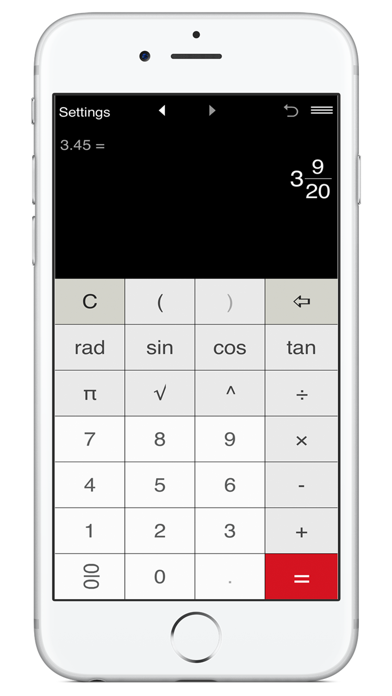
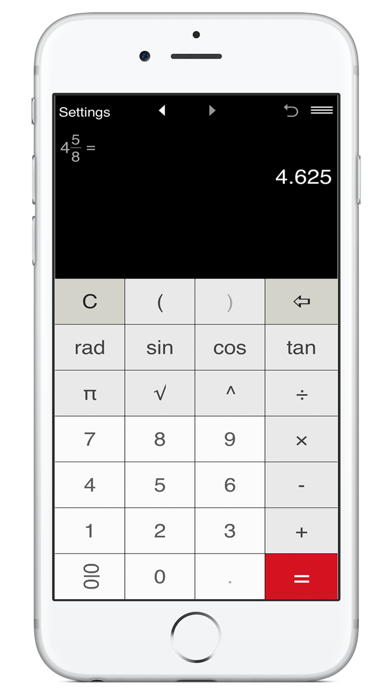
Fractions Pro also provides essential constants in mathematics, such as the pi constant, and includes a square root function to help with various calculations. You can convert fractions to decimals and decimals back to fractions using easy conversion features. The app simplifies fractions and mixed numbers for clearer results, making it a handy tool.
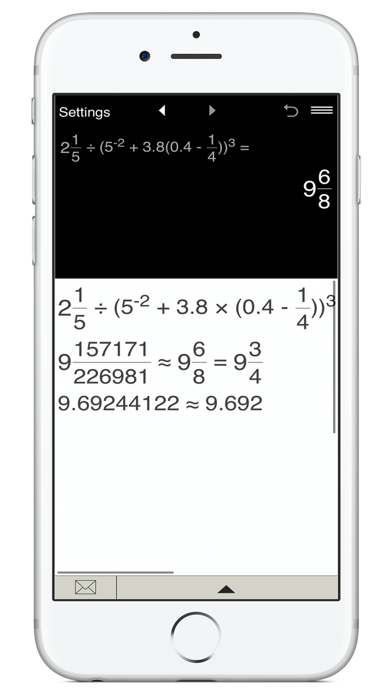
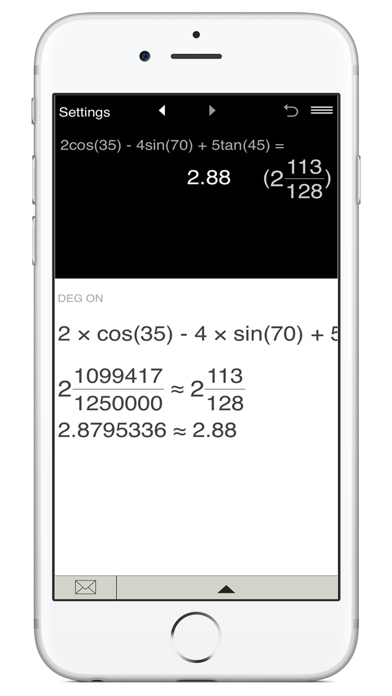
When you perform calculations, Fractions Pro displays both the expression and the result. Results can appear in fractional and decimal formats, according to your needs. The history tape feature lets you view, edit, and share calculations easily, so you can keep track of your work. If you need to go back, the undo clear command allows you to fix any mistakes quickly.
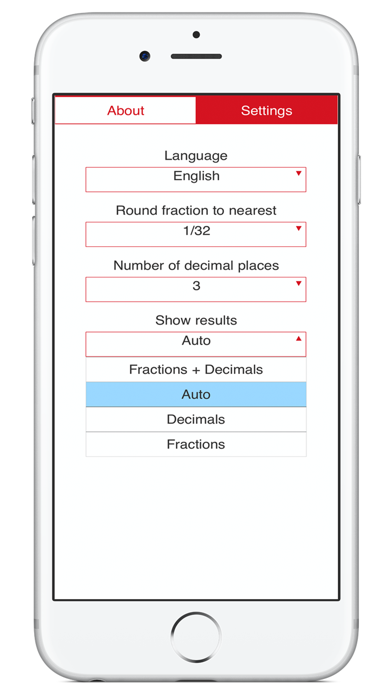
This multifunctional calculator also comes with advanced rounding options. For decimal numbers, you can select how many decimal places you want to display. By default, it shows two decimal places. If you want to round to the nearest whole number, you can select zero decimal places. For fractions, you can choose rounding options to the nearest 1/2, 1/4, or even smaller fractions down to 1/256. If you prefer not to round fractions, there’s an option to disable rounding altogether.
Fractions Pro offers seven color themes, allowing you to personalize the app's look to your liking. It supports both portrait and landscape orientation, giving you flexibility in how you use it on your device.
Overall, Fractions Pro is an excellent choice for anyone who needs a reliable, advanced fraction calculator. It is designed to make quick calculation features accessible to users of all levels, providing a simple way to tackle complex math problems while keeping everything organized and easy to understand. Whether you’re a student, engineer, or simply someone who loves math, Fractions Pro can help streamline your calculations.
With Fractions Pro, you can work with proper fractions and improper fractions, mixed numbers, decimals, and integers. The advanced fraction calculator makes it simple to do addition, subtraction, multiplication, and division. You can also handle calculations that involve parentheses, including nested parentheses, for more complex problems.
One of the standout features of Fractions Pro is its intuitive fraction input. This makes it easier than ever to enter fractions quickly and accurately. The app also allows for exponent calculations, which include both positive and negative integer exponents. If you need to work with trigonometric functions like sin, cos, and tan, you can do that too, with options for degree calculations and radian calculations available.
Fractions Pro also provides essential constants in mathematics, such as the pi constant, and includes a square root function to help with various calculations. You can convert fractions to decimals and decimals back to fractions using easy conversion features. The app simplifies fractions and mixed numbers for clearer results, making it a handy tool.
When you perform calculations, Fractions Pro displays both the expression and the result. Results can appear in fractional and decimal formats, according to your needs. The history tape feature lets you view, edit, and share calculations easily, so you can keep track of your work. If you need to go back, the undo clear command allows you to fix any mistakes quickly.
This multifunctional calculator also comes with advanced rounding options. For decimal numbers, you can select how many decimal places you want to display. By default, it shows two decimal places. If you want to round to the nearest whole number, you can select zero decimal places. For fractions, you can choose rounding options to the nearest 1/2, 1/4, or even smaller fractions down to 1/256. If you prefer not to round fractions, there’s an option to disable rounding altogether.
Fractions Pro offers seven color themes, allowing you to personalize the app's look to your liking. It supports both portrait and landscape orientation, giving you flexibility in how you use it on your device.
Overall, Fractions Pro is an excellent choice for anyone who needs a reliable, advanced fraction calculator. It is designed to make quick calculation features accessible to users of all levels, providing a simple way to tackle complex math problems while keeping everything organized and easy to understand. Whether you’re a student, engineer, or simply someone who loves math, Fractions Pro can help streamline your calculations.

NotifiNote: Notification Notes
Mert Can Kus
$0.99

SiteReport Snag List & Defects
Productive Apps Ltd
$14.99
$5.49

Listify – Task Planner
Fishington Studios
$2.99