
$1.99
$0.80
60% Off
Sparkling Starry Bloom
Bloomfield Watchfaces

About the App
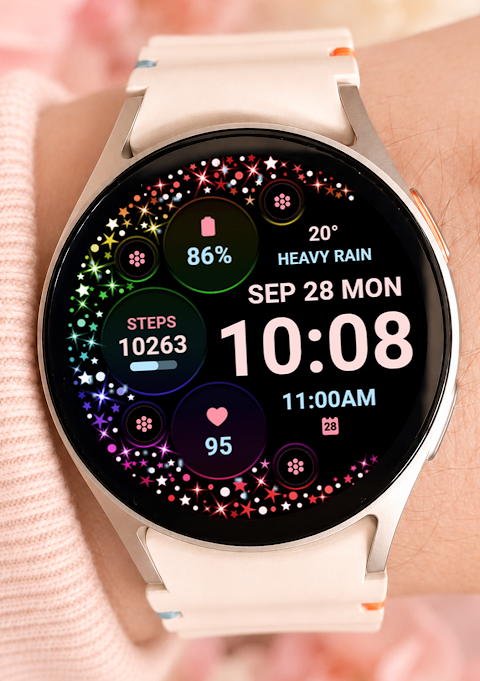
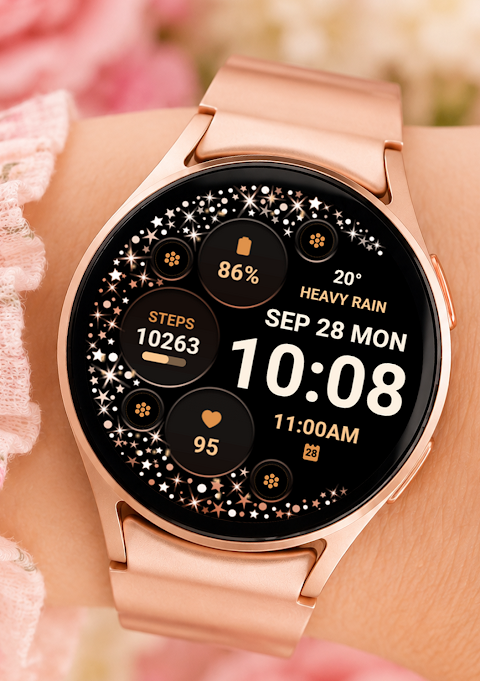
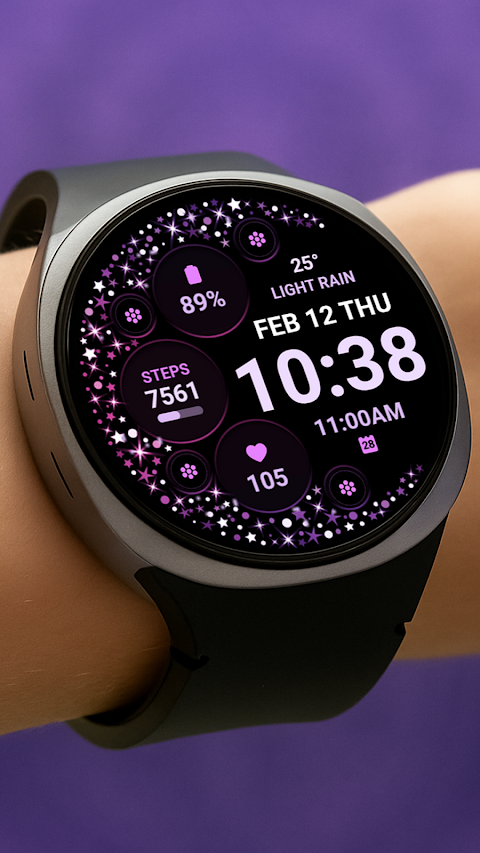
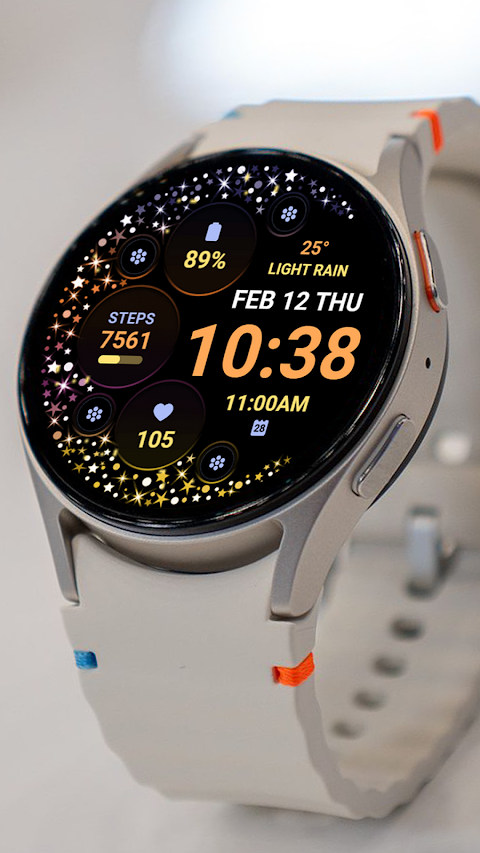
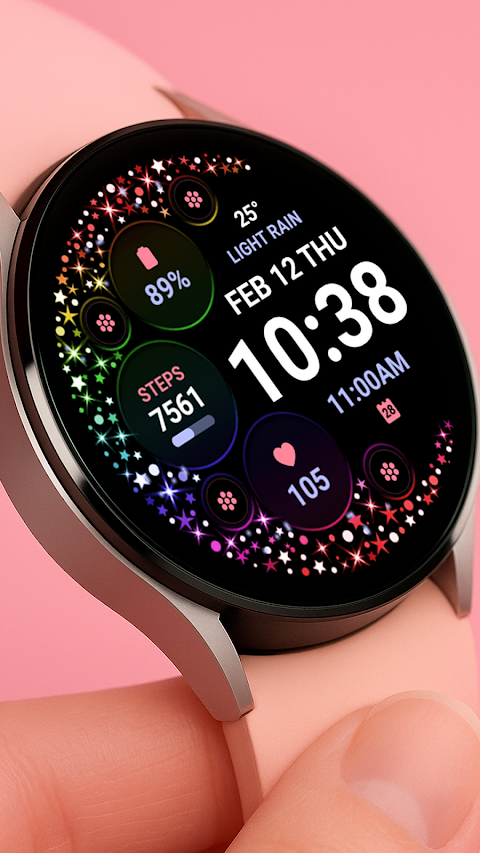
Sparkling Starry Bloom is a beautifully designed watch face for Wear OS devices, perfect for anyone who wants to personalize their smartwatch. If you're a Galaxy Watch user, you might run into some syncing issues when using the Samsung Wearable app. This is common and not a problem with Sparkling Starry Bloom itself. For smoother customization, it’s best to make changes directly on your watch until the issue is resolved by Samsung.
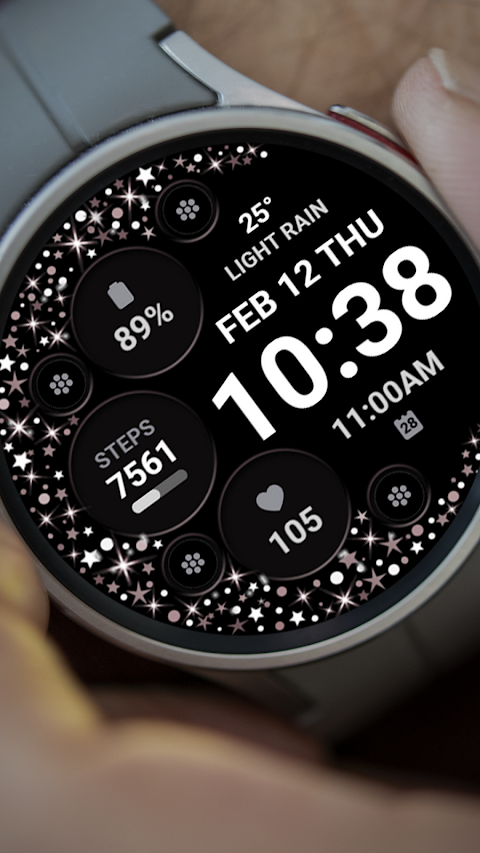
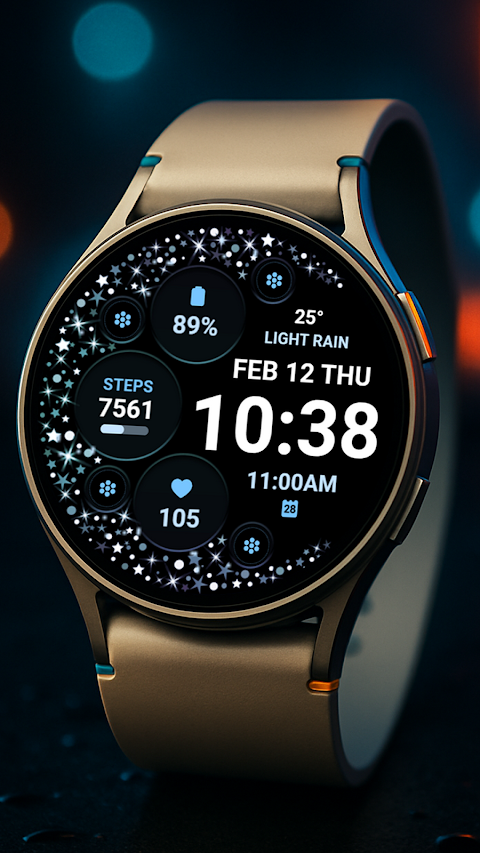
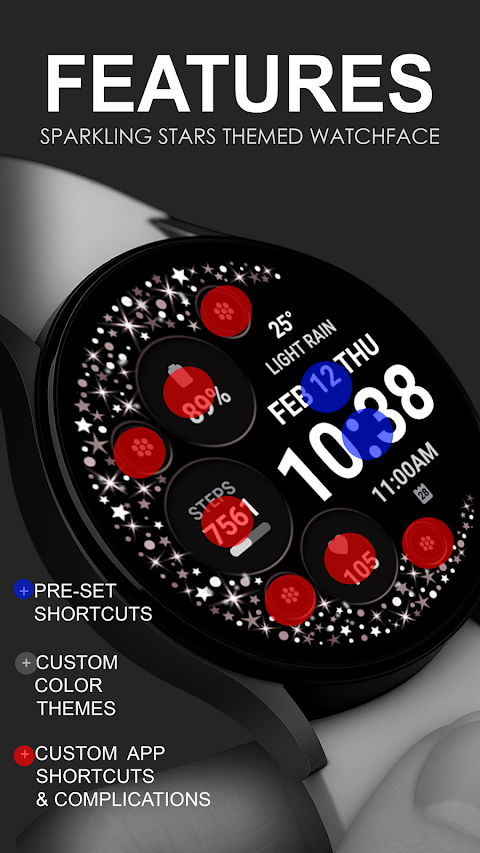
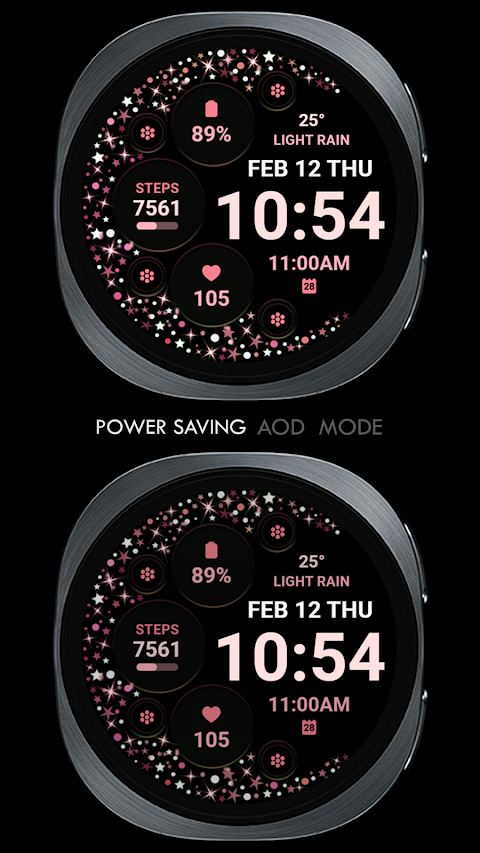
This watch face is compatible with all Wear OS devices that support API Level 34 and later, including Wear OS 4. While some features may vary depending on the device, you can enjoy a sparkling stars effect that really makes your digital clock stand out. In addition to the clock, the watch face includes app shortcuts, making it easy to access frequently used tools like your alarm and calendar.
You’ll have four custom app shortcuts available to set up for quick access. Plus, you can choose from four custom complications. This means you can personalize your watch by selecting data you want displayed, like the date, weather complication, steps tracking, world clock feature, sunset/sunrise times, next appointment reminders, or even distance walked trackers. If you want even more options, you can install third-party complications as needed.
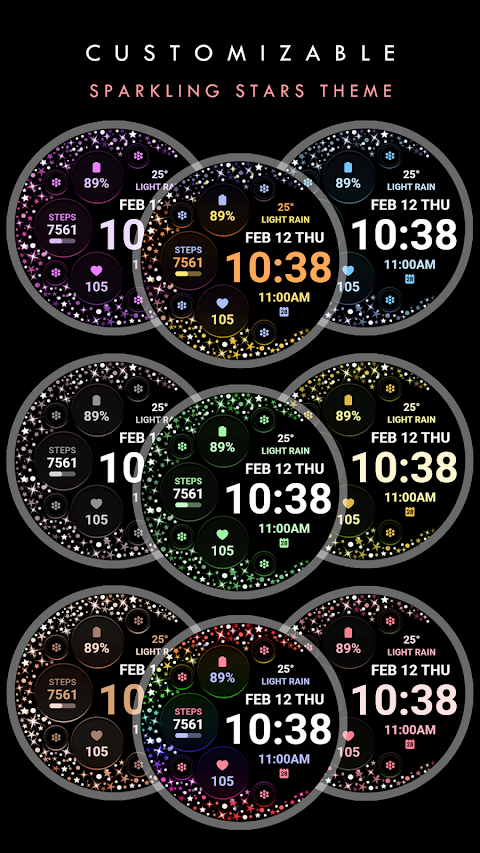
Customization doesn’t stop there. You also have the option to select custom background colors, making it easier to match your style. To make sure Sparkling Starry Bloom installs correctly, it’s important to follow these steps. First, ensure that your watch is synced to your phone using the same email address. Then, after you download the watch face, wait a few minutes for the installation notification to appear on your watch. If you do not see this notification, you can go to the Play Store on your watch and search for “Sparkling Starry Bloom.”
Remember, after the installation, the watch face doesn’t automatically display on your watch. You’ll need to go to your home display settings, tap and hold the display, swipe to the end, and tap to add this beautiful watch face. You can also use bezel rotation navigation or scroll to find it easily.
It’s crucial to enable all installation permissions from your settings to ensure everything works smoothly. You can manage complications directly and select the data you wish to show, allowing for user-friendly customization.
One last thing to keep in mind is the refund policy. Refunds are only allowed within a 24-hour window after purchase. If you have questions or run into issues, feel free to contact us at bloomfieldwatchfaces@gmail.com. Additionally, we have an installation tutorial available to guide you through the process; just check it out on YouTube.
In summary, Sparkling Starry Bloom offers a fantastic way to personalize your smartwatch with elegant designs and robust features. Whether you need reminders or just want a beautiful digital clock, it provides you with various options to fit your lifestyle. Happy customizing!
This watch face is compatible with all Wear OS devices that support API Level 34 and later, including Wear OS 4. While some features may vary depending on the device, you can enjoy a sparkling stars effect that really makes your digital clock stand out. In addition to the clock, the watch face includes app shortcuts, making it easy to access frequently used tools like your alarm and calendar.
You’ll have four custom app shortcuts available to set up for quick access. Plus, you can choose from four custom complications. This means you can personalize your watch by selecting data you want displayed, like the date, weather complication, steps tracking, world clock feature, sunset/sunrise times, next appointment reminders, or even distance walked trackers. If you want even more options, you can install third-party complications as needed.
Customization doesn’t stop there. You also have the option to select custom background colors, making it easier to match your style. To make sure Sparkling Starry Bloom installs correctly, it’s important to follow these steps. First, ensure that your watch is synced to your phone using the same email address. Then, after you download the watch face, wait a few minutes for the installation notification to appear on your watch. If you do not see this notification, you can go to the Play Store on your watch and search for “Sparkling Starry Bloom.”
Remember, after the installation, the watch face doesn’t automatically display on your watch. You’ll need to go to your home display settings, tap and hold the display, swipe to the end, and tap to add this beautiful watch face. You can also use bezel rotation navigation or scroll to find it easily.
It’s crucial to enable all installation permissions from your settings to ensure everything works smoothly. You can manage complications directly and select the data you wish to show, allowing for user-friendly customization.
One last thing to keep in mind is the refund policy. Refunds are only allowed within a 24-hour window after purchase. If you have questions or run into issues, feel free to contact us at bloomfieldwatchfaces@gmail.com. Additionally, we have an installation tutorial available to guide you through the process; just check it out on YouTube.
In summary, Sparkling Starry Bloom offers a fantastic way to personalize your smartwatch with elegant designs and robust features. Whether you need reminders or just want a beautiful digital clock, it provides you with various options to fit your lifestyle. Happy customizing!
ReS49 – Cute Halloween Cat
RECREATIVE Watch Faces
$1.69
$0.85

Glow Digital: Watch face
amoledwatchfaces™
$1.49
$0.75
Active xV: Watch Face
amoledwatchfaces™
$1.49
$0.75