
$1.49
$0.60
60% Off
Sakura Spring
Bloomfield Watchfaces

About the App
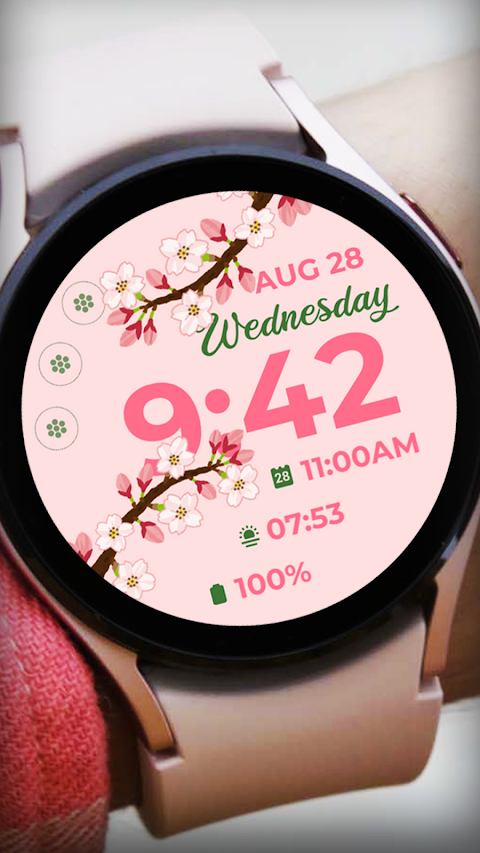
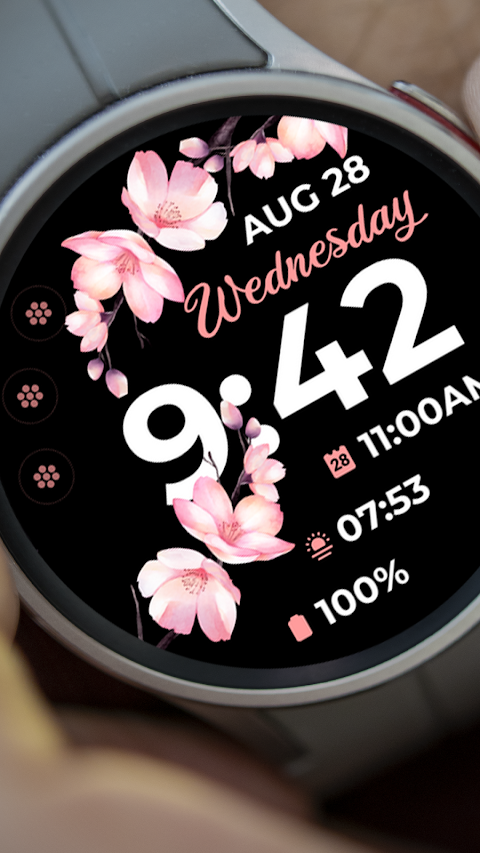
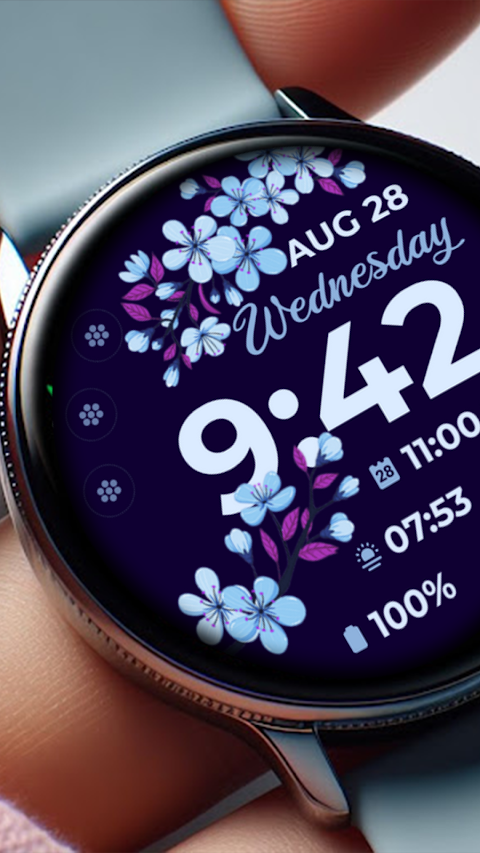
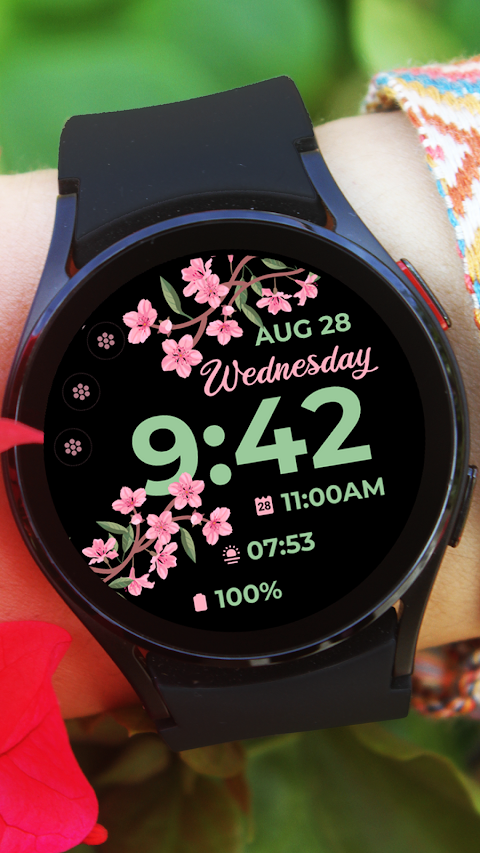
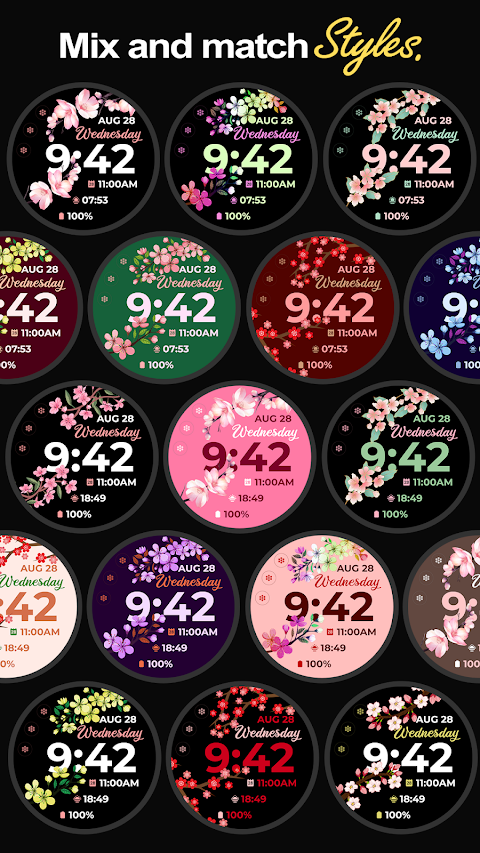
Sakura Spring is a beautifully designed watch face app for your Galaxy Watch 4, created using Samsung's Watch Face Studio. This app is compatible with devices that run on Wear OS Google and Samsung's One UI. Before using it, you can feel confident knowing it has been thoroughly tested on real devices and approved by the Google Play Store Team.
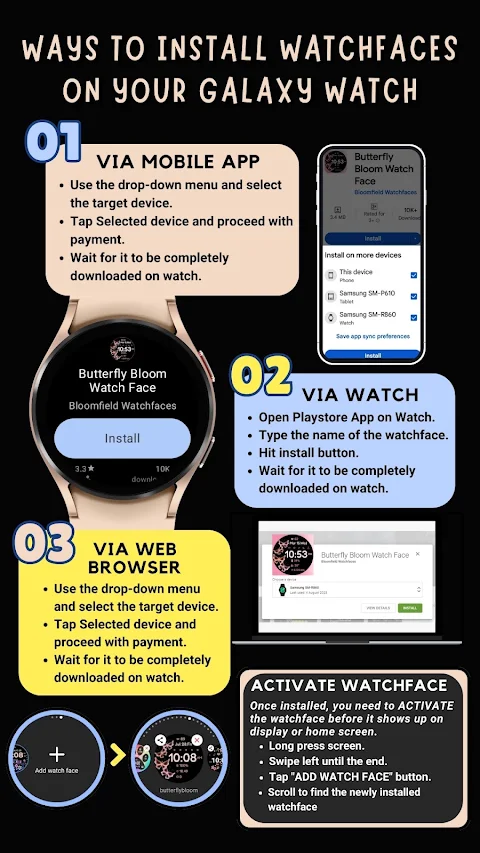
To get started, follow our installation guide. First, make sure your watch is strongly connected to your phone via the same WiFi. You also need to log in to your Google account on your watch to ensure a seamless installation. When you download the watch face, a download icon will appear on your watch screen. It may take a few minutes for the watch face to be transferred, and you will see a notification once the process is complete. If you don’t receive a notification, simply go to the Play Store on your watch and search for "Sakura Spring" to install it.
Remember, after the installation, the watch face won’t change automatically. You’ll need to go back to your home display, tap and hold the screen, swipe to the end, and tap the plus sign to add the new watch face. You can rotate the bezel to find it.
It’s important to allow and enable all necessary permissions in your settings. If you have any questions or need help, feel free to contact us at bloomfieldwatchfaces@gmail.com. We can provide installation screenshots and guide you step by step through the process.
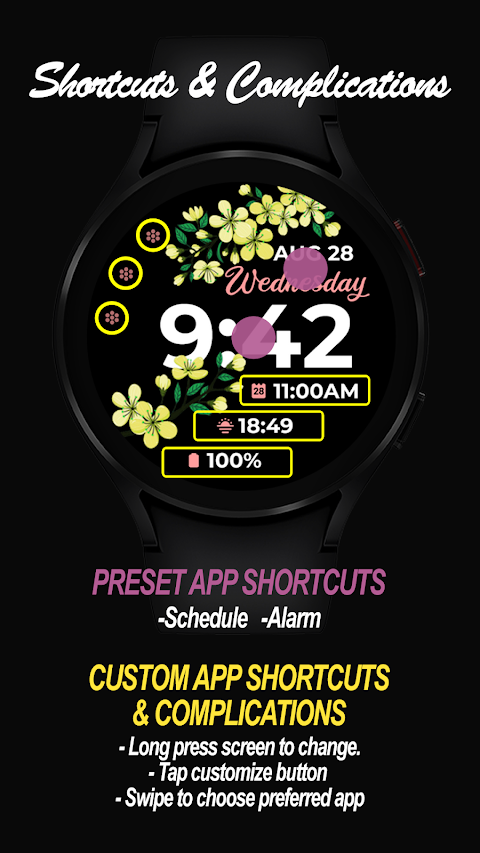
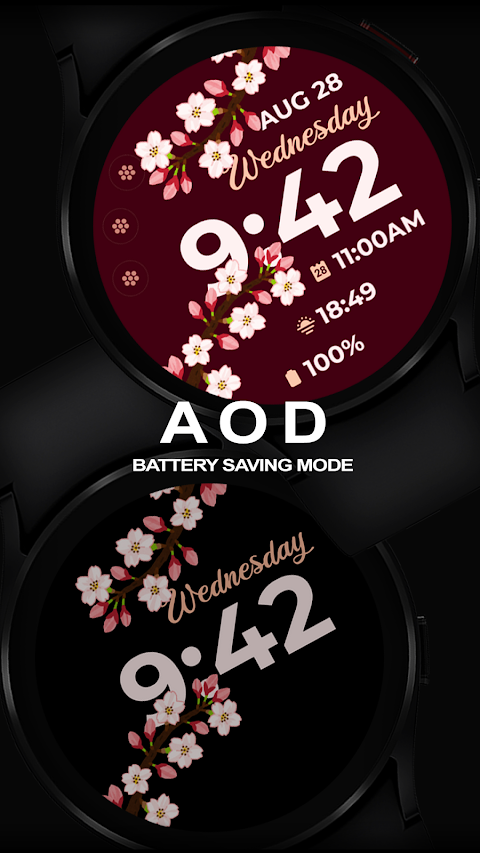
Sakura Spring offers several great features for customization. You can choose between a 12-hour or 24-hour digital time display and view the date. The Always-On Display ensures you can see the time at all times without needing to tap your watch. Additionally, there are preset app shortcuts, making it easy to access your favorite apps.
You can also customize complications and app shortcuts based on your needs. Choose from options like the weather complication, steps tracker, sunset/sunrise complication, next appointment shortcut, settings shortcut, phone shortcut, and message shortcut. The customization doesn’t stop there. You can adjust the LCD styles and select from different font color palettes to make your watch face truly your own—simply touch and hold the display to enter customization mode.
Please note that some features may not be available on all watches. For additional details on installation, you can refer to our feature graphics.
We have a refund policy in place, allowing returns only within 48 hours of purchase, so be sure to check everything before rating. Our full collection of watch faces is available on the Google Play Store, and we invite you to explore it.
If you need further support, please visit our Facebook support page or check out our YouTube tutorial for installation guidance. With Sakura Spring, you are sure to elevate your watch's style while enjoying all the practical benefits it offers.
To get started, follow our installation guide. First, make sure your watch is strongly connected to your phone via the same WiFi. You also need to log in to your Google account on your watch to ensure a seamless installation. When you download the watch face, a download icon will appear on your watch screen. It may take a few minutes for the watch face to be transferred, and you will see a notification once the process is complete. If you don’t receive a notification, simply go to the Play Store on your watch and search for "Sakura Spring" to install it.
Remember, after the installation, the watch face won’t change automatically. You’ll need to go back to your home display, tap and hold the screen, swipe to the end, and tap the plus sign to add the new watch face. You can rotate the bezel to find it.
It’s important to allow and enable all necessary permissions in your settings. If you have any questions or need help, feel free to contact us at bloomfieldwatchfaces@gmail.com. We can provide installation screenshots and guide you step by step through the process.
Sakura Spring offers several great features for customization. You can choose between a 12-hour or 24-hour digital time display and view the date. The Always-On Display ensures you can see the time at all times without needing to tap your watch. Additionally, there are preset app shortcuts, making it easy to access your favorite apps.
You can also customize complications and app shortcuts based on your needs. Choose from options like the weather complication, steps tracker, sunset/sunrise complication, next appointment shortcut, settings shortcut, phone shortcut, and message shortcut. The customization doesn’t stop there. You can adjust the LCD styles and select from different font color palettes to make your watch face truly your own—simply touch and hold the display to enter customization mode.
Please note that some features may not be available on all watches. For additional details on installation, you can refer to our feature graphics.
We have a refund policy in place, allowing returns only within 48 hours of purchase, so be sure to check everything before rating. Our full collection of watch faces is available on the Google Play Store, and we invite you to explore it.
If you need further support, please visit our Facebook support page or check out our YouTube tutorial for installation guidance. With Sakura Spring, you are sure to elevate your watch's style while enjoying all the practical benefits it offers.

Rose Gold Icon Pack
PizzApp Design
$0.99
$0.69
Everything You: Adaptive Icons
NARIK DESIGN
$0.99
$0.49
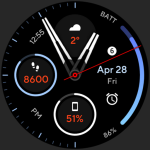
Nitrous Watch Face
amoledwatchfaces™
$1.49
$0.45