
$1.79
$0.90
50% Off
Eccentric Watch Face
amoledwatchfaces™

About the App
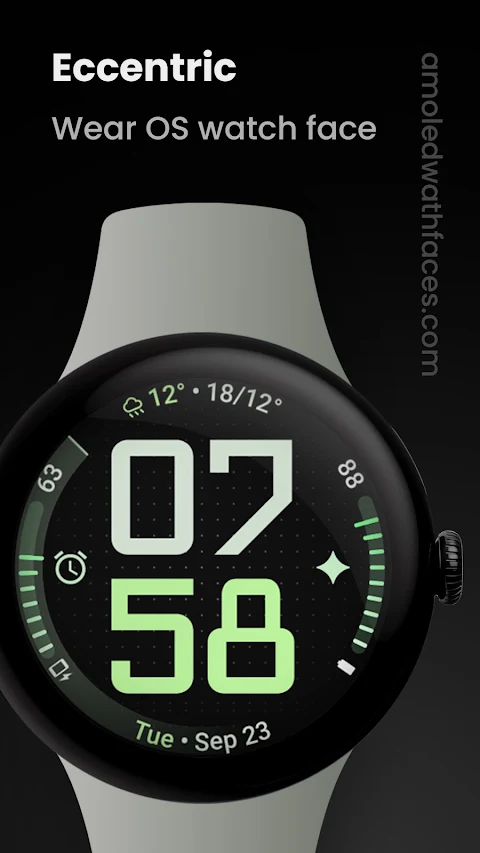
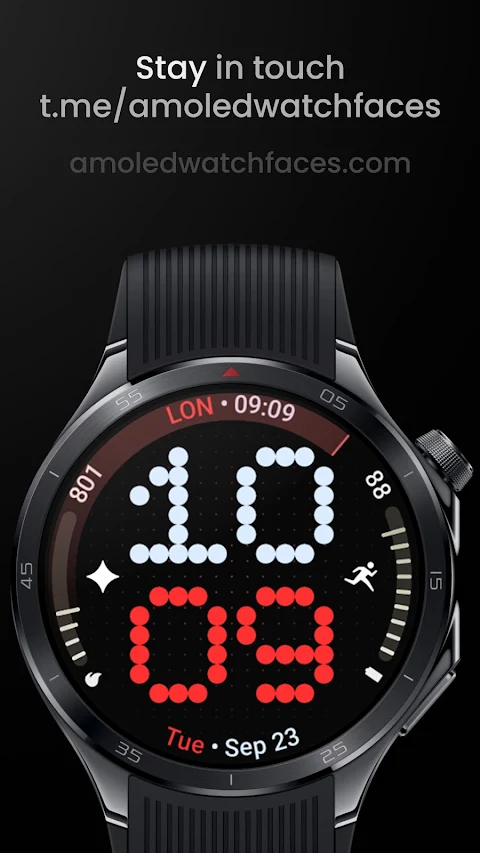
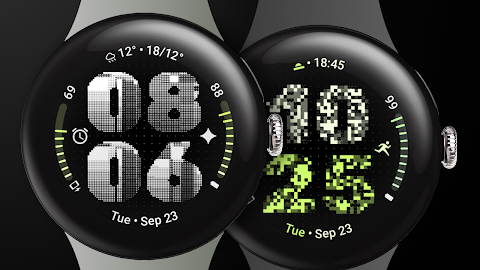
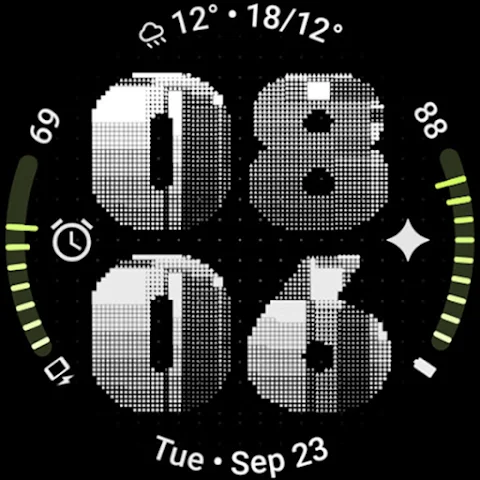
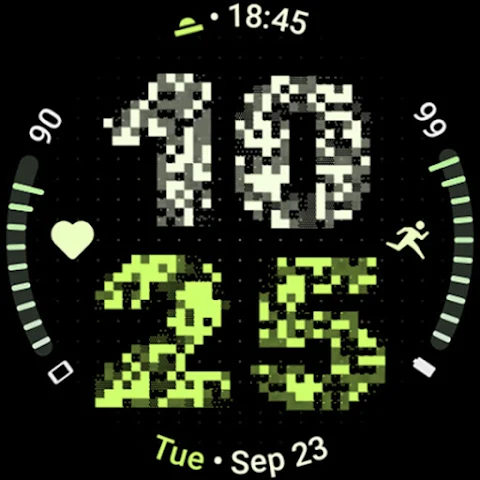
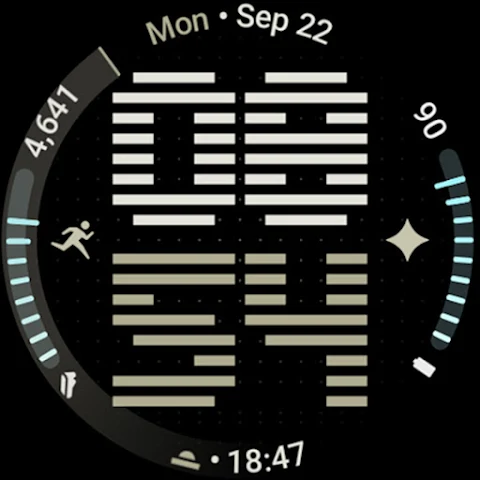
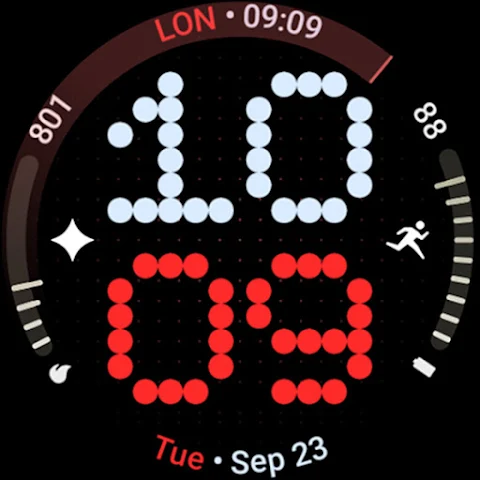
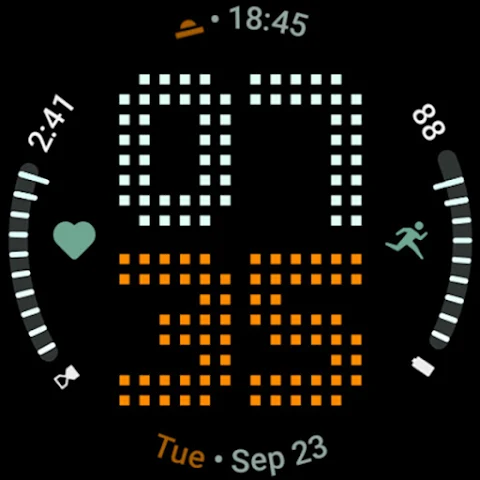
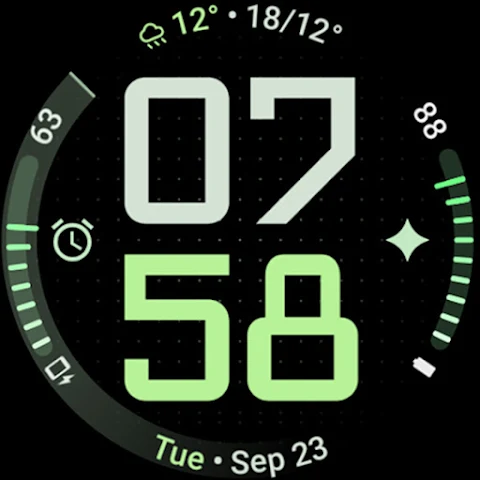
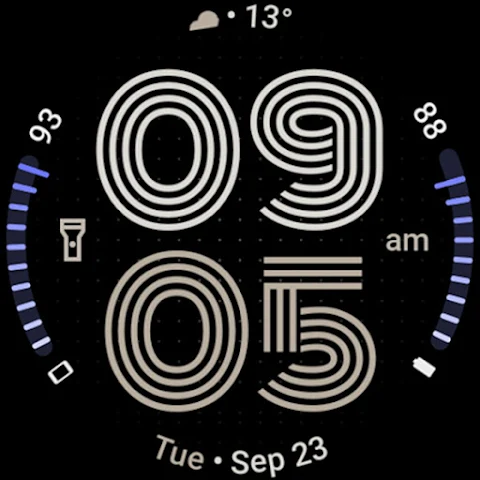
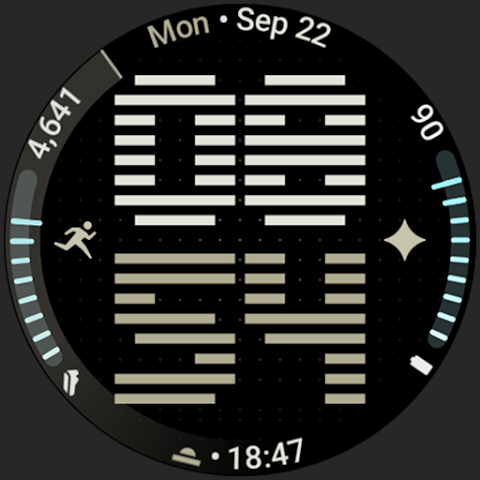
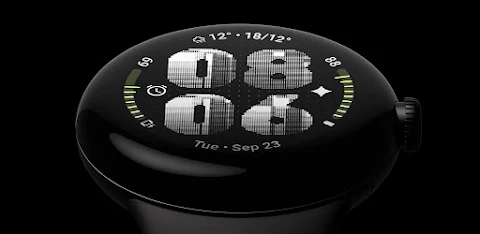
Eccentric Watch Face is designed specifically for Wear OS 4+ devices, providing a unique way to personalize your smartwatch. This app is powered by Watch Face Format and offers a range of exciting features.
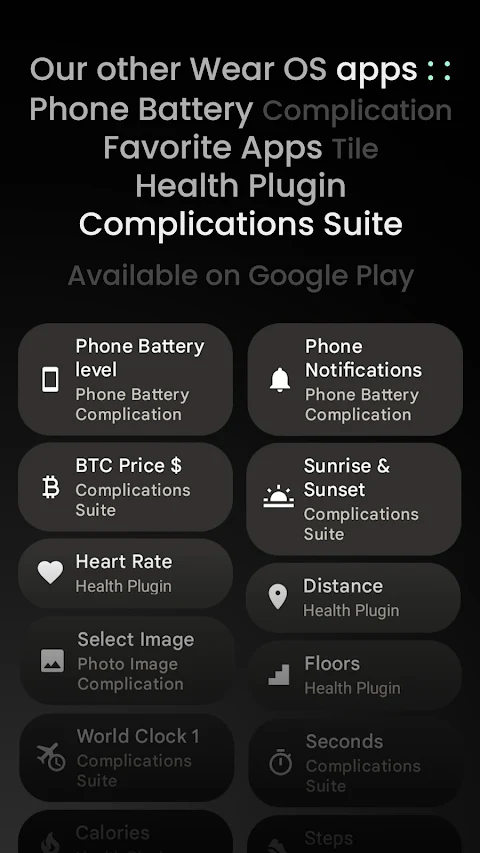
One of the highlights is the ability to choose from various watch face presets, also known as flavors, especially for users with Wear OS 5+. You can customize your watch face using up to 8 custom complication slots. These slots can display different information in several supported formats, including short text complication, ranged value complication, monochromatic icon, and small image complication. If you need to keep track of both your watch and phone batteries, Eccentric Watch Face has dual battery support, allowing you to monitor both at a glance.
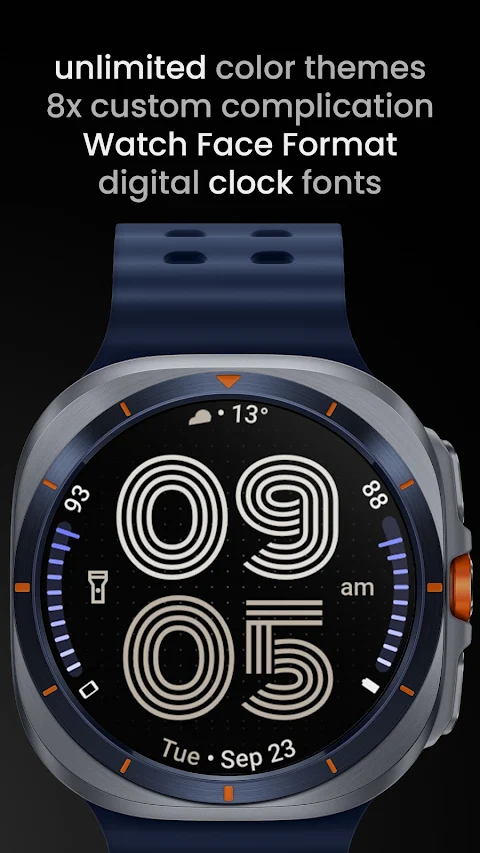
When it comes to aesthetics, you’ll enjoy progress bar gradients, which enhance the look of your watch while providing key information. The app features user-selectable digital clock fonts, so you can choose the style that suits you best. Plus, it supports multiple languages, making it accessible for a global audience.
The Eccentric Watch Face also offers a true black background option, which not only looks sleek but is also battery friendly. You can create unlimited color themes to match your style, and there are custom app shortcuts that provide quick access to your favorite applications right from the watch face.
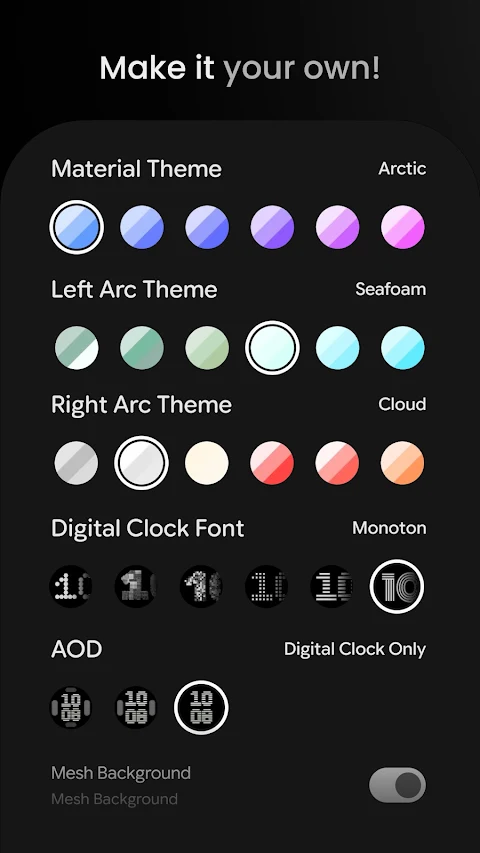
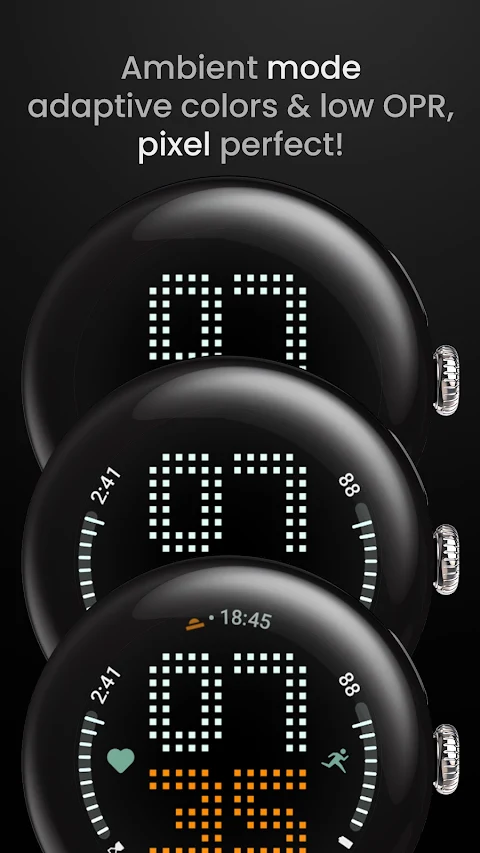
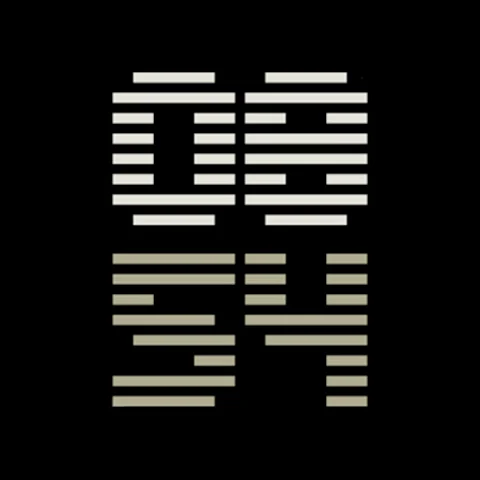
User configurations are simple and varied. You can choose from over 60 material themes and customize features like the left arc theme and right arc theme. For even more personalization, you can select from 10 digital clock fonts. The always-on display (AOD) feature ensures you can see the time and other details at all times.
The app allows for extensive customization through custom complications, where you can toggle options like the mesh background toggle, AM-PM indicator toggle, tint icons toggle, seconds indicator toggle, and leading zero toggle. These features ensure that your watch face displays exactly the information you want in the style you prefer.
If you ever need help, there’s an installation guide and troubleshooting guide available on the website. For immediate assistance, you can join our live support group on Telegram, where you can connect with other users and get quick support.
Lastly, don’t forget to sign up for our newsletter subscription to stay updated on new features and offers, including our Buy One Get One promotion. Eccentric Watch Face not only makes a statement but also enhances your smartwatch experience. Whether you’re looking for style, functionality, or a bit of both, this app has you covered.
One of the highlights is the ability to choose from various watch face presets, also known as flavors, especially for users with Wear OS 5+. You can customize your watch face using up to 8 custom complication slots. These slots can display different information in several supported formats, including short text complication, ranged value complication, monochromatic icon, and small image complication. If you need to keep track of both your watch and phone batteries, Eccentric Watch Face has dual battery support, allowing you to monitor both at a glance.
When it comes to aesthetics, you’ll enjoy progress bar gradients, which enhance the look of your watch while providing key information. The app features user-selectable digital clock fonts, so you can choose the style that suits you best. Plus, it supports multiple languages, making it accessible for a global audience.
The Eccentric Watch Face also offers a true black background option, which not only looks sleek but is also battery friendly. You can create unlimited color themes to match your style, and there are custom app shortcuts that provide quick access to your favorite applications right from the watch face.
User configurations are simple and varied. You can choose from over 60 material themes and customize features like the left arc theme and right arc theme. For even more personalization, you can select from 10 digital clock fonts. The always-on display (AOD) feature ensures you can see the time and other details at all times.
The app allows for extensive customization through custom complications, where you can toggle options like the mesh background toggle, AM-PM indicator toggle, tint icons toggle, seconds indicator toggle, and leading zero toggle. These features ensure that your watch face displays exactly the information you want in the style you prefer.
If you ever need help, there’s an installation guide and troubleshooting guide available on the website. For immediate assistance, you can join our live support group on Telegram, where you can connect with other users and get quick support.
Lastly, don’t forget to sign up for our newsletter subscription to stay updated on new features and offers, including our Buy One Get One promotion. Eccentric Watch Face not only makes a statement but also enhances your smartwatch experience. Whether you’re looking for style, functionality, or a bit of both, this app has you covered.

iLOOK Icon pack UX THEME
JustNewDesigns
$1.49
$0.49
Radar Watch Face by Nodeshaper
NodeShaper
$0.99
$0.49
DADAM74: Classic Watch Face
DADAM Watch Faces
$1.49
$0.60