
$0.49
$0.29
41% Off
Retro Dots for Kwgt
makescreens


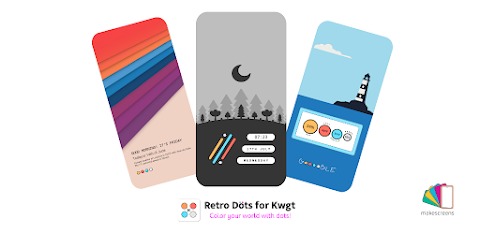
About the App
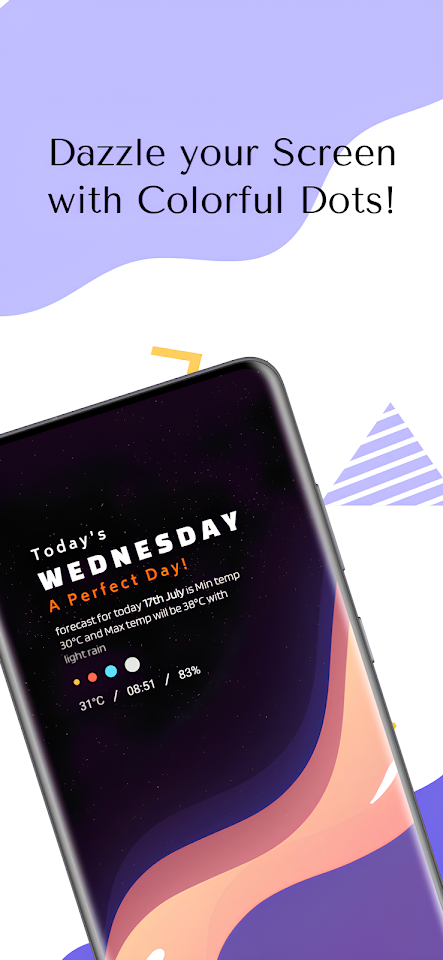
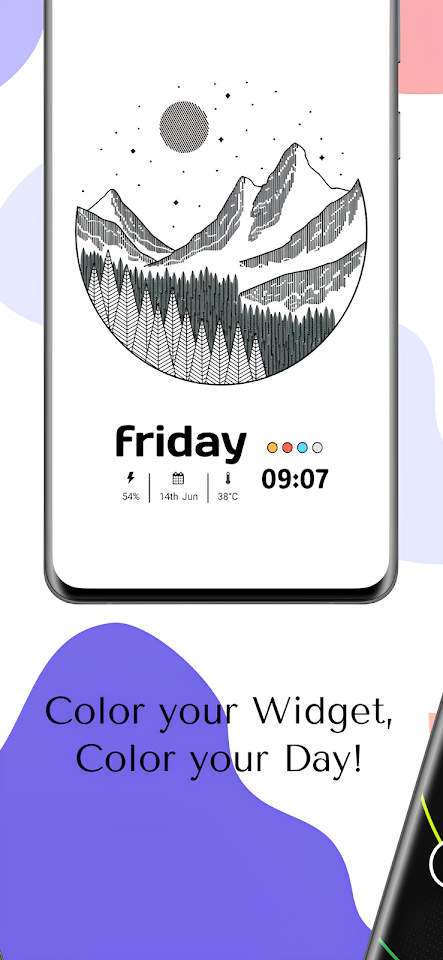
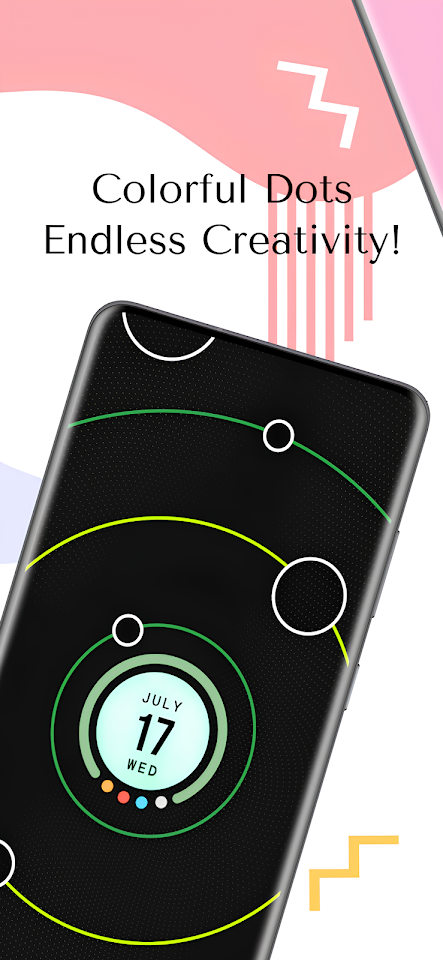
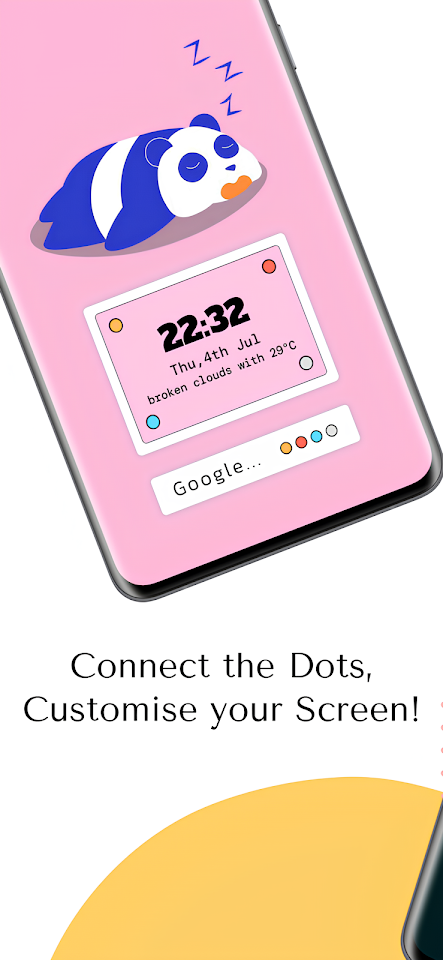
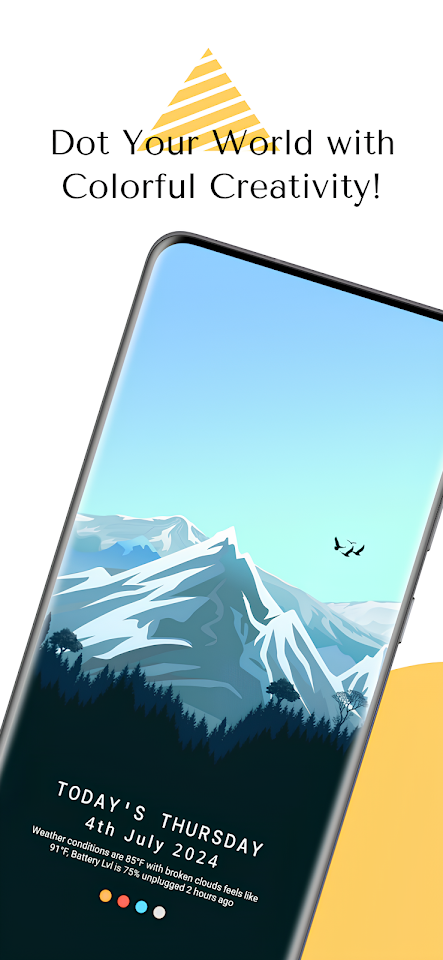
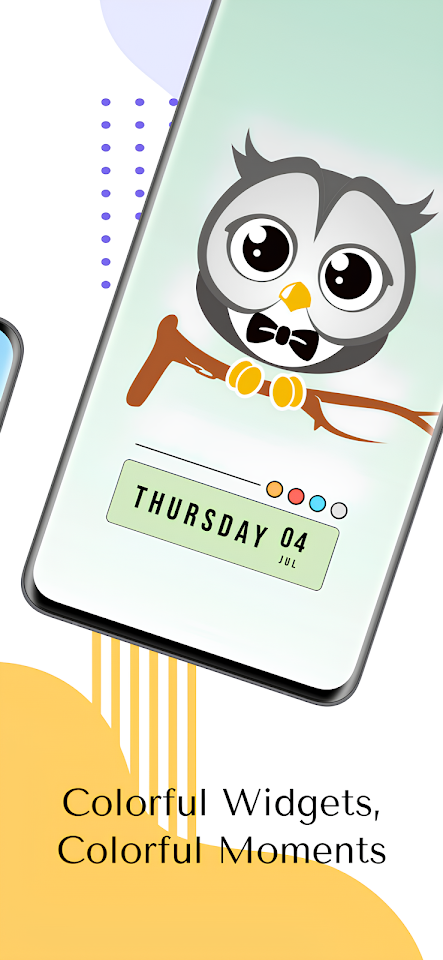
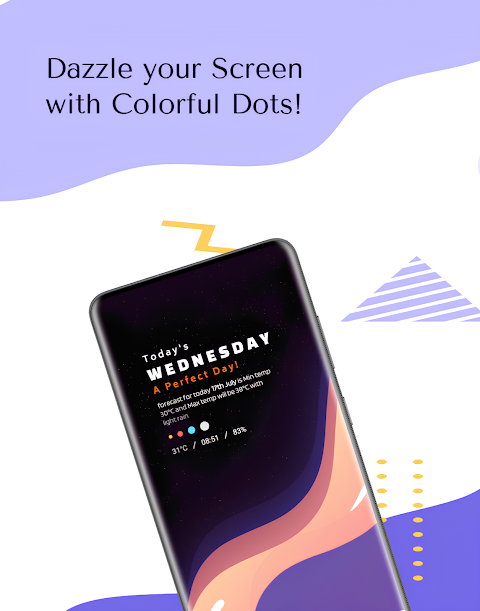
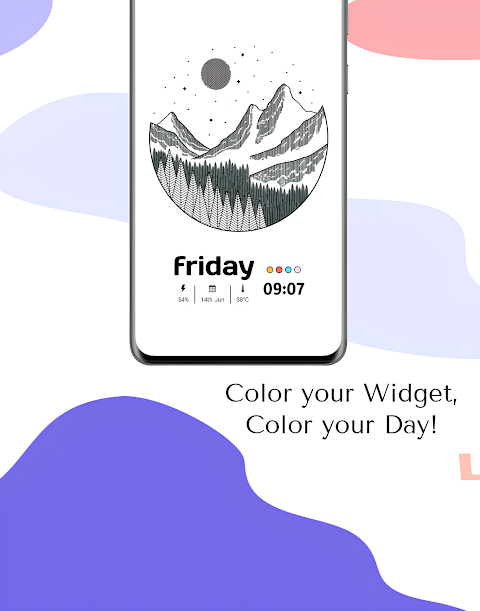
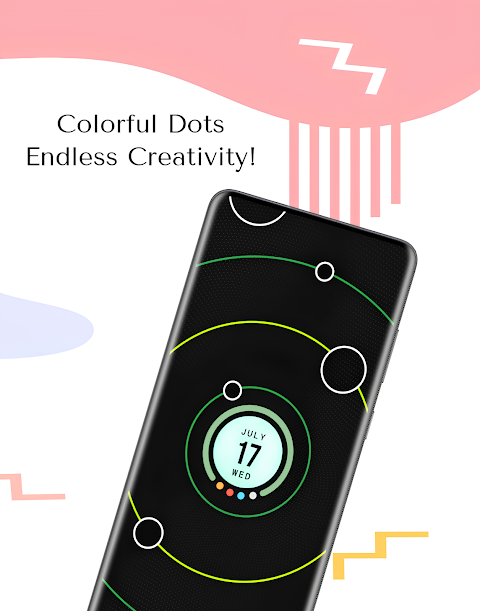
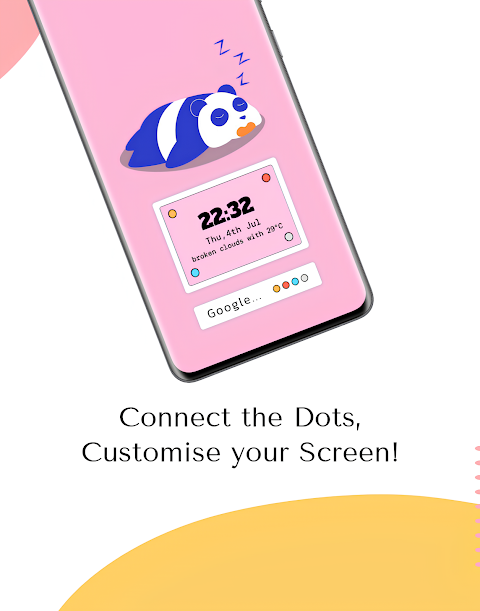
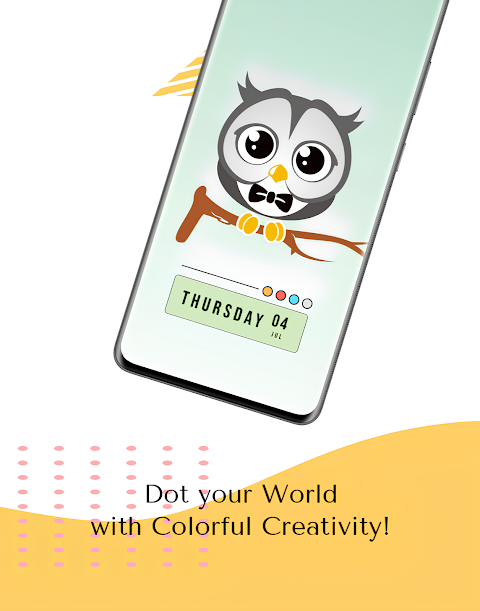
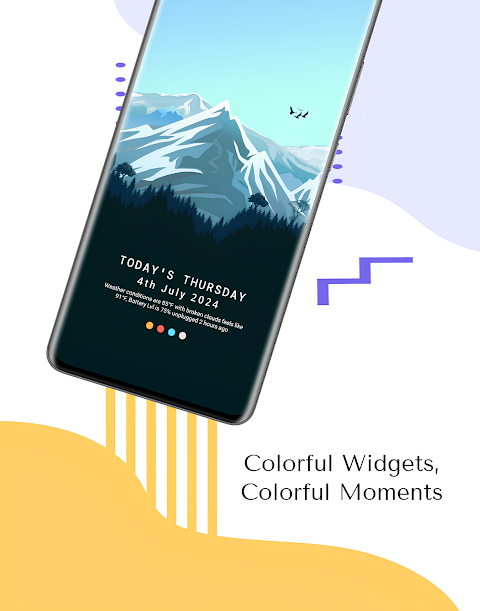
Retro Dots for Kwgt is a fun app that offers a delightful variety of minimal widgets. These meticulously designed widgets enhance your home screen setups, making them look fresh and stylish.
One of the best features of Retro Dots for Kwgt is its customizable widgets. You can use a toggle switch to easily turn the widget frame on or off, allowing for a more personalized touch. Please note that this app is not a standalone—it requires KWGT PRO, the paid version of the KWGT app, to function properly.
To get started, you will need a custom launcher. We recommend using Nova Launcher, but you can also try other popular options such as Lawn Chair launcher, Smart Launcher, or Niagara Launcher.
Here are the simple KWGT installation steps to follow:
1. Download Retro Dots for Kwgt.
2. Download KWGT and KWGT PRO from the app store.
3. Long-press your home screen and choose a widget.
4. Select a KWGT widget based on the size you want.
5. Tap on the widget and choose the installed Retro Dots for Kwgt Pack.
6. Pick the widget design options that you like.
7. Enjoy your new stylish home screen!
Each widget is elegantly crafted with a minimalist interface that focuses on dot designs. This touch of simplicity adds charm to your device. The pack includes various widgets, such as date widgets, time widgets, weather widgets, and battery widgets, ensuring that you have everything you need at a glance.
You can also make adjustments through global settings for more widget customization. If the widget is not sized correctly for your home screen, you can use the scaling option in KWGT to adjust it to the right size.
The widget pack will be frequently updated, providing you with fresh and stylish options to keep your home screen looking new.
If you have any questions or issues, please reach out to us at msplayapps@gmail.com. We’re here to help!
Stay connected with us on social media at [Twitter](https://twitter.com/makescreens) or [Instagram](https://instagram.com/makescreens). Start enhancing your home screen today with Retro Dots for Kwgt!
One of the best features of Retro Dots for Kwgt is its customizable widgets. You can use a toggle switch to easily turn the widget frame on or off, allowing for a more personalized touch. Please note that this app is not a standalone—it requires KWGT PRO, the paid version of the KWGT app, to function properly.
To get started, you will need a custom launcher. We recommend using Nova Launcher, but you can also try other popular options such as Lawn Chair launcher, Smart Launcher, or Niagara Launcher.
Here are the simple KWGT installation steps to follow:
1. Download Retro Dots for Kwgt.
2. Download KWGT and KWGT PRO from the app store.
3. Long-press your home screen and choose a widget.
4. Select a KWGT widget based on the size you want.
5. Tap on the widget and choose the installed Retro Dots for Kwgt Pack.
6. Pick the widget design options that you like.
7. Enjoy your new stylish home screen!
Each widget is elegantly crafted with a minimalist interface that focuses on dot designs. This touch of simplicity adds charm to your device. The pack includes various widgets, such as date widgets, time widgets, weather widgets, and battery widgets, ensuring that you have everything you need at a glance.
You can also make adjustments through global settings for more widget customization. If the widget is not sized correctly for your home screen, you can use the scaling option in KWGT to adjust it to the right size.
The widget pack will be frequently updated, providing you with fresh and stylish options to keep your home screen looking new.
If you have any questions or issues, please reach out to us at msplayapps@gmail.com. We’re here to help!
Stay connected with us on social media at [Twitter](https://twitter.com/makescreens) or [Instagram](https://instagram.com/makescreens). Start enhancing your home screen today with Retro Dots for Kwgt!
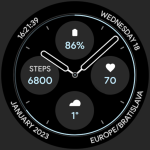
Casual Watch Face
amoledwatchfaces™
$0.99
$0.50
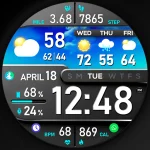
PER8 Digital Watch Face
PERSONA Watch Face
$2.99

Pixly – Icon Pack
Cris87
$3.79
$2.27