
$0.99
FREE
100% Off
Lime – icon pack
Panoto Gomo


About the App
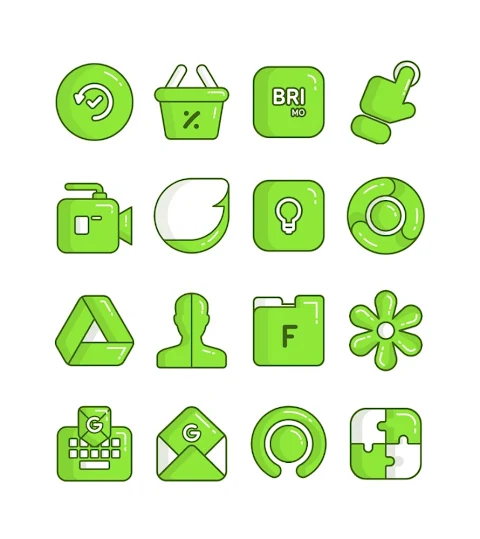
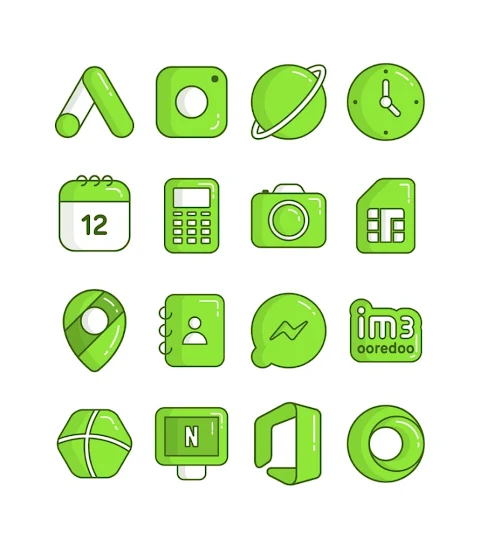
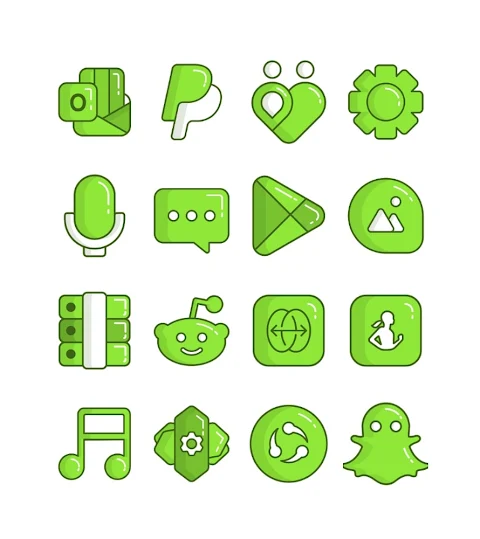
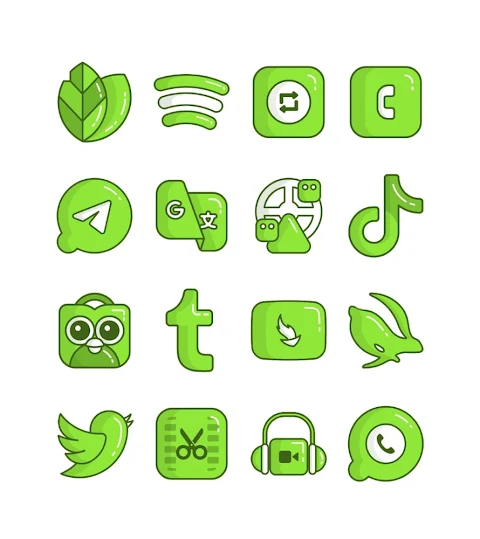
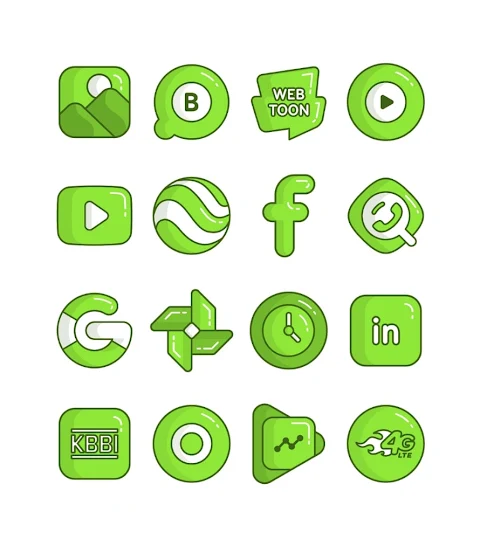
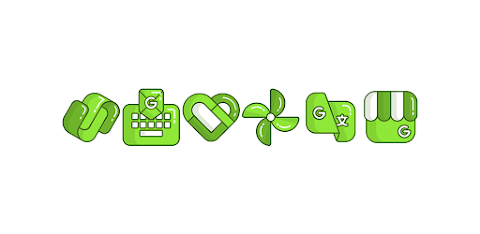
Lime - icon pack is a fun and colorful way to customize your device. This app offers a collection of over 3000 icons featuring green cartoon designs. With Lime, you can easily change the look of your home screen, making it more lively and inviting.
One of the standout features is its HD icon resolution, ensuring that each icon looks sharp and clear on your screen. The app also includes a variety of wallpapers, allowing you to personalize your background to match your icons. If you’re looking for a specific icon that you can’t find, the icon request feature lets you ask for new designs.
Using the Lime - icon pack is simple and straightforward. It supports many popular launchers like Nova Launcher and Evie Launcher. To apply the icon pack, follow these easy steps: First, open the Lime - icon pack app. From there, navigate to the "Apply Icon Pack" screen. You will see a list of supported launchers. Choose the launcher you have installed, such as Nova Launcher, and the icons will be applied automatically.
If you don’t see your launcher listed while trying to apply from the icon pack, you can also apply the Lime - icon pack directly through the launcher settings. This flexibility makes the installation process easier.
For users with the Sony Xperia Home Launcher, there’s a unique way to apply the Lime - icon pack. You'll need to long-press on your main screen, open the settings, scroll down to the appearance icon setting, and choose Lime. Just remember, this method works only for Sony Xperia Home Launcher version 10.0.A.0.8 or later.
The Lime - icon pack is compatible with other launchers too. You can enjoy customization features with Apex Launcher, ADW Launcher, ABC Launcher, Next Launcher, Holo Launcher, Lucid Launcher, M Launcher, Action Launcher, Smart Launcher, and more. However, note that Go Launcher and Zero Launcher have limitations and do not support icon masking.
With its user-friendly interface, Lime makes it easy for everyone to customize their devices. Explore different custom icon themes to truly make your device yours. You’ll find that the mobile customization tools provided by Lime give you plenty of options to express your style.
To keep you inspired, Lime connects to social media platforms where you can find more design ideas. Check out our Google+, Instagram, and Twitter pages for more information and inspiration. A special thanks goes to Dani Mahardika for the awesome Candybar Dashboard, which has contributed greatly to the development of Lime.
With Lime - icon pack, you’re not just changing icons; you are creating a dynamic icon design experience that reflects your personality. Enjoy a customized and personalized home screen with unique icon designs that brighten up your phone. Start your icon pack installation today and transform the way your device looks!
One of the standout features is its HD icon resolution, ensuring that each icon looks sharp and clear on your screen. The app also includes a variety of wallpapers, allowing you to personalize your background to match your icons. If you’re looking for a specific icon that you can’t find, the icon request feature lets you ask for new designs.
Using the Lime - icon pack is simple and straightforward. It supports many popular launchers like Nova Launcher and Evie Launcher. To apply the icon pack, follow these easy steps: First, open the Lime - icon pack app. From there, navigate to the "Apply Icon Pack" screen. You will see a list of supported launchers. Choose the launcher you have installed, such as Nova Launcher, and the icons will be applied automatically.
If you don’t see your launcher listed while trying to apply from the icon pack, you can also apply the Lime - icon pack directly through the launcher settings. This flexibility makes the installation process easier.
For users with the Sony Xperia Home Launcher, there’s a unique way to apply the Lime - icon pack. You'll need to long-press on your main screen, open the settings, scroll down to the appearance icon setting, and choose Lime. Just remember, this method works only for Sony Xperia Home Launcher version 10.0.A.0.8 or later.
The Lime - icon pack is compatible with other launchers too. You can enjoy customization features with Apex Launcher, ADW Launcher, ABC Launcher, Next Launcher, Holo Launcher, Lucid Launcher, M Launcher, Action Launcher, Smart Launcher, and more. However, note that Go Launcher and Zero Launcher have limitations and do not support icon masking.
With its user-friendly interface, Lime makes it easy for everyone to customize their devices. Explore different custom icon themes to truly make your device yours. You’ll find that the mobile customization tools provided by Lime give you plenty of options to express your style.
To keep you inspired, Lime connects to social media platforms where you can find more design ideas. Check out our Google+, Instagram, and Twitter pages for more information and inspiration. A special thanks goes to Dani Mahardika for the awesome Candybar Dashboard, which has contributed greatly to the development of Lime.
With Lime - icon pack, you’re not just changing icons; you are creating a dynamic icon design experience that reflects your personality. Enjoy a customized and personalized home screen with unique icon designs that brighten up your phone. Start your icon pack installation today and transform the way your device looks!
AD Nothing Dots – Watch Face
Albuquerque Design
$1.49
$0.99

Kinetic Watch Face
amoledwatchfaces™
$1.99
$1.00

Weather Yin Yang Digital AE05
Modern & Minimalist Digital Designs
$1.99
Free