
$1.99
$1.39
30% Off
Wayfarer Watch Face
amoledwatchfaces™

About the App
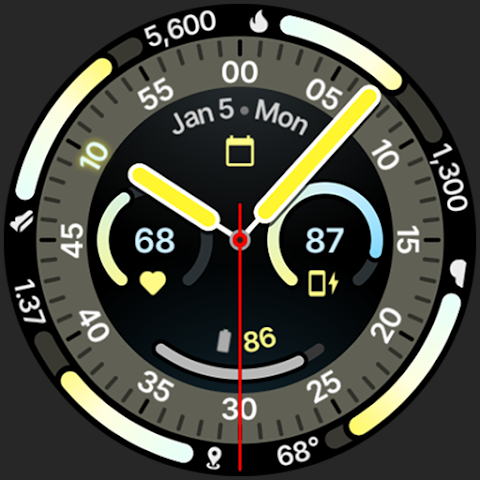
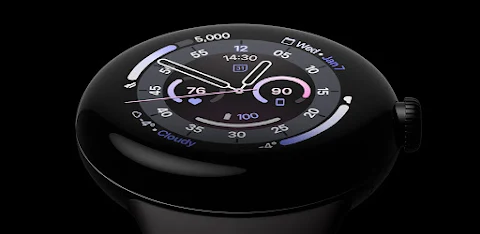
Wayfarer Watch Face is designed specifically for Wear OS 4+ devices, giving users a stylish and functional way to interact with their smartwatch. This app is built using Watch Face Format 4, ensuring a smooth experience for those using Wear OS 6 and above.
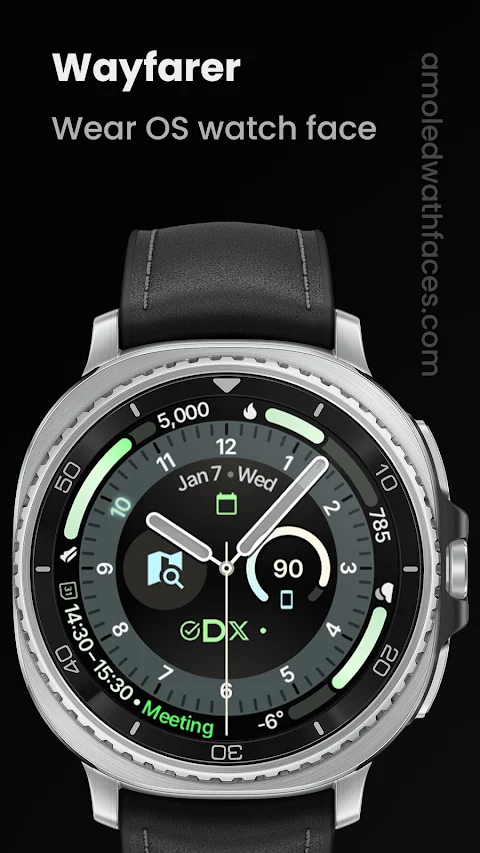
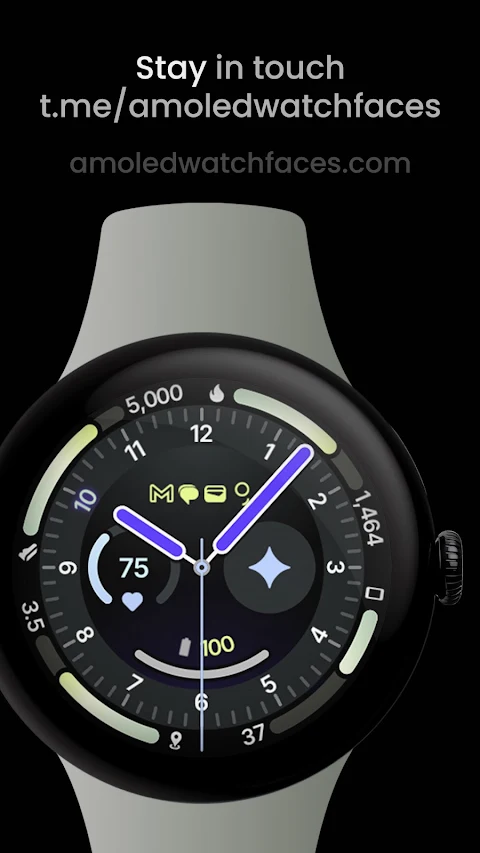
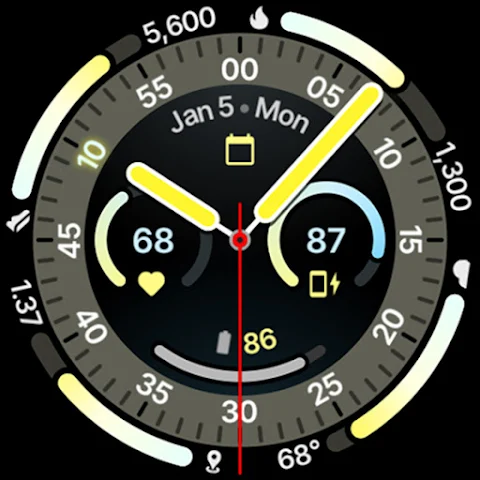
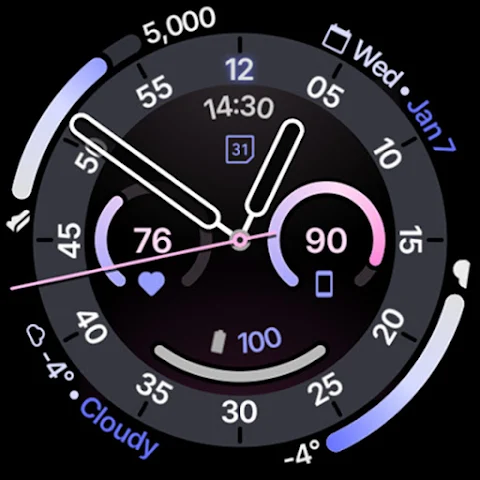
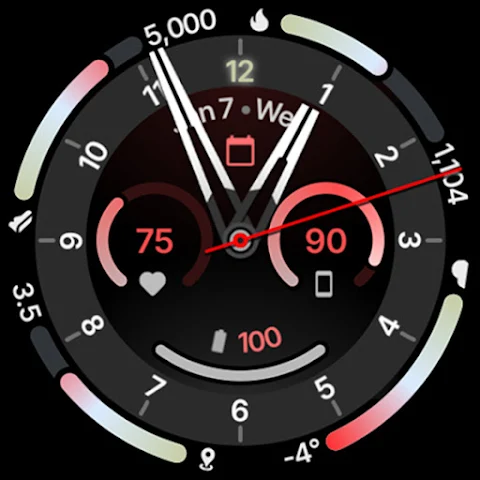
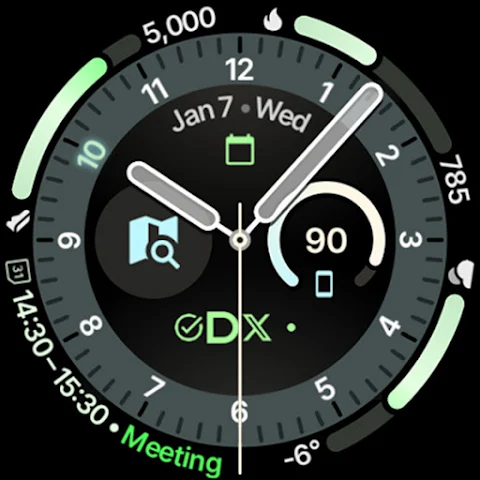
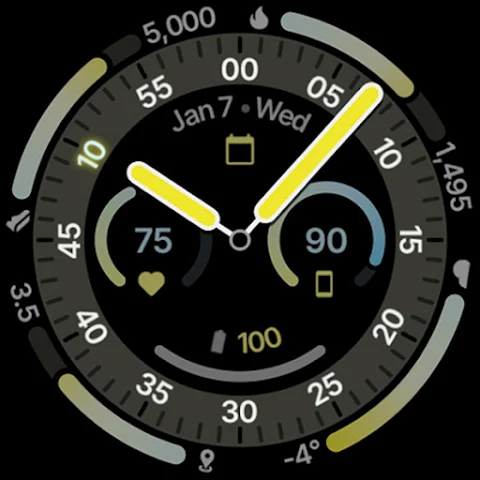
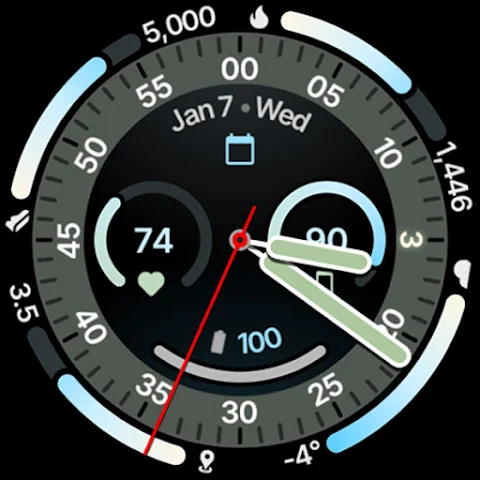
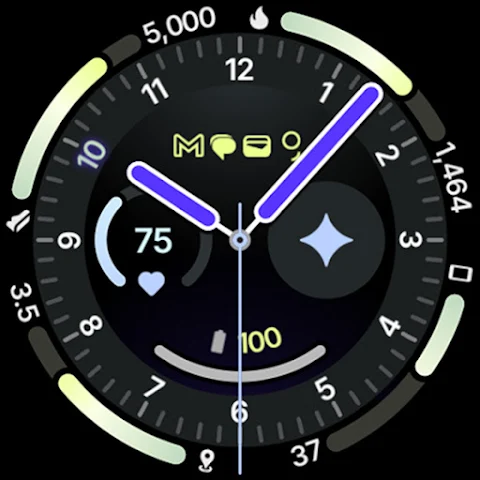
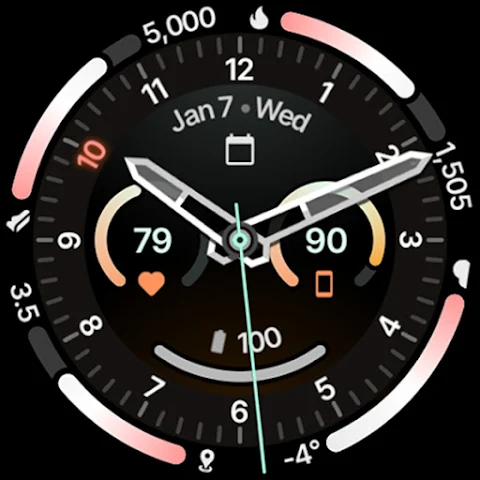
One of the highlights of the Wayfarer Watch Face is its analog design, which maximizes readability and makes it easy to check the time at a glance. It features eight custom complication slots. Users can personalize their watch face with various supported complication types, including short text complications, ranged value complications, long text complications, monochromatic icons, and small image complications. The current hour is also highlighted on the index for quick reference.
You can choose from different second hand movement options to match your style, creating an OEM-like look and feel on your smartwatch. Additionally, Wayfarer Watch Face supports phone notifications, but you'll need the Phone Battery Complication app for this feature.
The app offers visually appealing progress bars with gradients, making it easy to track important information at a glance. With multilanguage support, users from various backgrounds can enjoy a seamless experience. The true black background enhances battery life on AMOLED screens and provides a sleek aesthetic that many users prefer.
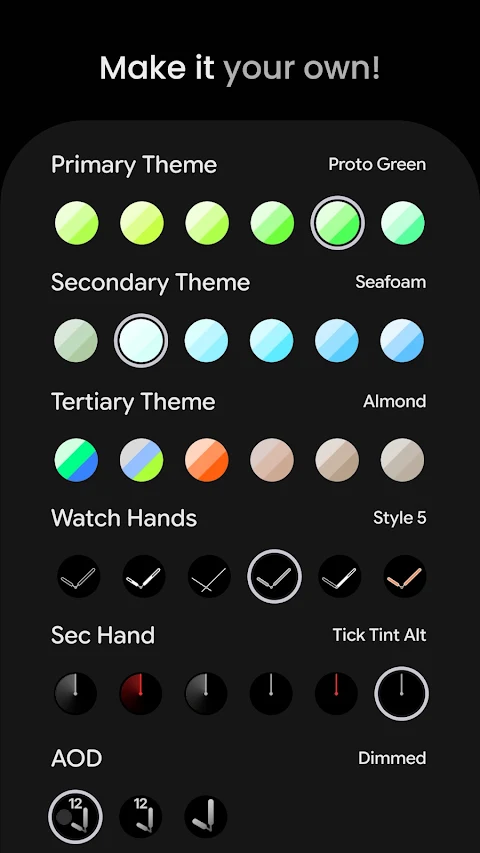
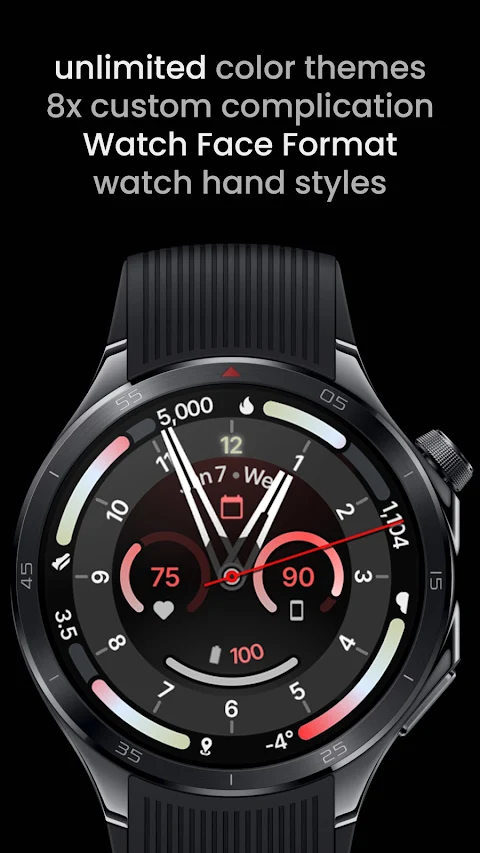
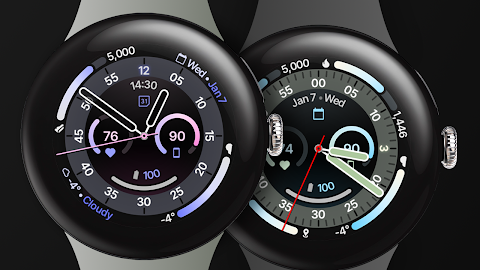
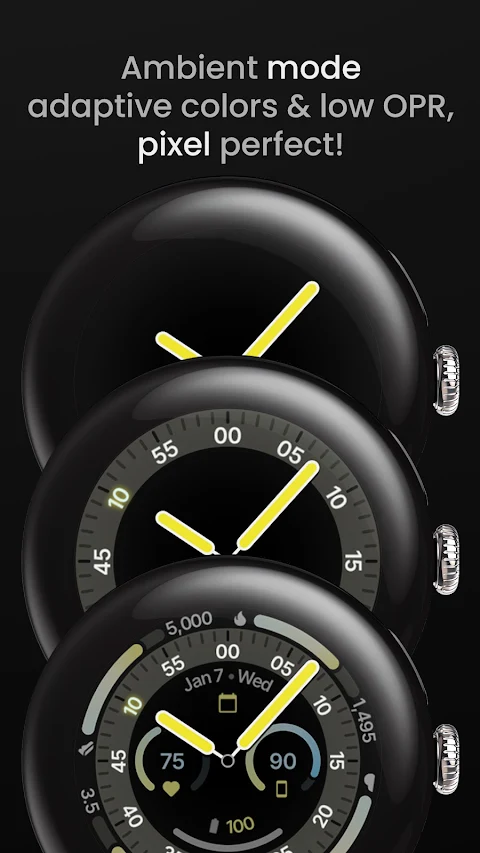
Customization never ends with the Wayfarer Watch Face. Users can choose from unlimited custom color themes, ensuring that the watch face matches personal style or mood. There are three always-on display styles available, giving you options for how your watch looks even when not in active use. Moreover, you can pick from different watch hand styles to further tailor your experience.
The app features extensive user configurations. You can select from over 60 primary themes, as well as secondary, tertiary, and quaternary themes. With 12 different watch hands options and seven second hand styles, personalization is at your fingertips. The app also offers three AOD styles and six index tint options, enhancing the look of your watch face.
To help users get started, an installation and troubleshooting guide is available on amoledwatchfaces.com. If you ever encounter any issues or need assistance, please reach out to the support team via the provided support address. For real-time help and discussions, you can join the live support group on Telegram.
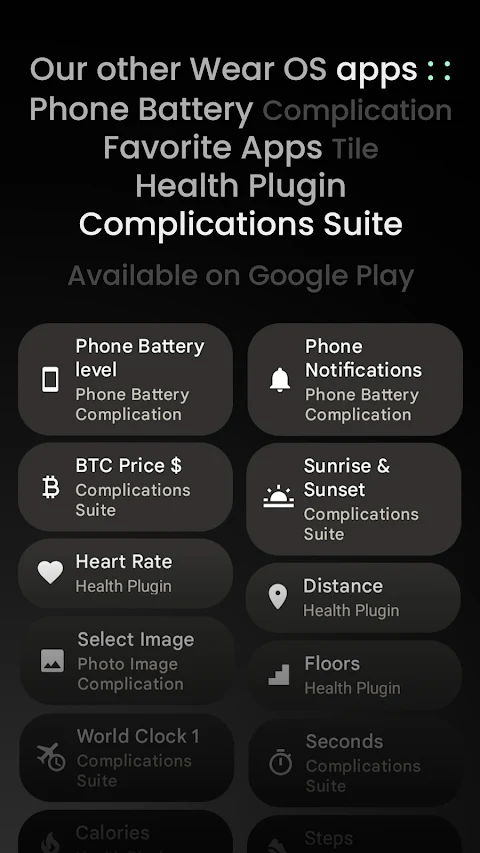
Stay updated and receive news about new features by signing up for the newsletter available at amoledwatchfaces.com. Explore the custom complication apps on amoledwatchfaces.com/apps to further enhance the functionality of your watch face.
In summary, the Wayfarer Watch Face is a versatile and stylish choice for Wear OS 4+ users who want to make their smartwatches more personalized and functional. Whether you enjoy an analog design, need multiple complication types, or love customizing themes, Wayfarer Watch Face has something for you.
One of the highlights of the Wayfarer Watch Face is its analog design, which maximizes readability and makes it easy to check the time at a glance. It features eight custom complication slots. Users can personalize their watch face with various supported complication types, including short text complications, ranged value complications, long text complications, monochromatic icons, and small image complications. The current hour is also highlighted on the index for quick reference.
You can choose from different second hand movement options to match your style, creating an OEM-like look and feel on your smartwatch. Additionally, Wayfarer Watch Face supports phone notifications, but you'll need the Phone Battery Complication app for this feature.
The app offers visually appealing progress bars with gradients, making it easy to track important information at a glance. With multilanguage support, users from various backgrounds can enjoy a seamless experience. The true black background enhances battery life on AMOLED screens and provides a sleek aesthetic that many users prefer.
Customization never ends with the Wayfarer Watch Face. Users can choose from unlimited custom color themes, ensuring that the watch face matches personal style or mood. There are three always-on display styles available, giving you options for how your watch looks even when not in active use. Moreover, you can pick from different watch hand styles to further tailor your experience.
The app features extensive user configurations. You can select from over 60 primary themes, as well as secondary, tertiary, and quaternary themes. With 12 different watch hands options and seven second hand styles, personalization is at your fingertips. The app also offers three AOD styles and six index tint options, enhancing the look of your watch face.
To help users get started, an installation and troubleshooting guide is available on amoledwatchfaces.com. If you ever encounter any issues or need assistance, please reach out to the support team via the provided support address. For real-time help and discussions, you can join the live support group on Telegram.
Stay updated and receive news about new features by signing up for the newsletter available at amoledwatchfaces.com. Explore the custom complication apps on amoledwatchfaces.com/apps to further enhance the functionality of your watch face.
In summary, the Wayfarer Watch Face is a versatile and stylish choice for Wear OS 4+ users who want to make their smartwatches more personalized and functional. Whether you enjoy an analog design, need multiple complication types, or love customizing themes, Wayfarer Watch Face has something for you.
Dream 146 Hybrid watch face
Monkey's Dream
$1.79
$0.19
Ballozi SCIO GHOST Digital
BALLOZI Watch Faces
$1.49
$0.45
Mechanical Wheel For Wear OS
ZKin
$2.99
$0.99