
$1.49
$0.45
70% Off
Digital Watch Face M5
VG Faces

About the App
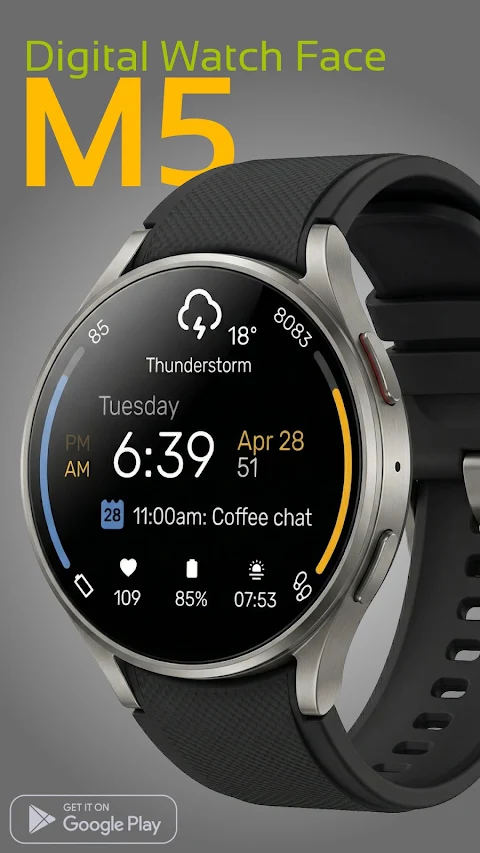
Enhance your experience with the M5 Digital Watch Face, designed specifically for Wear OS 5+ devices. This Modern Digital Watch Face brings together sleek design and useful features, making it easy to keep your daily essentials organized right on your wrist.
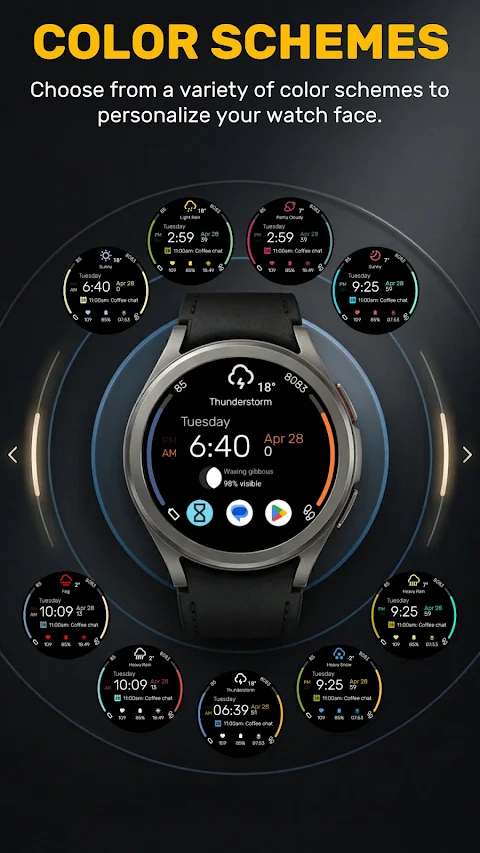
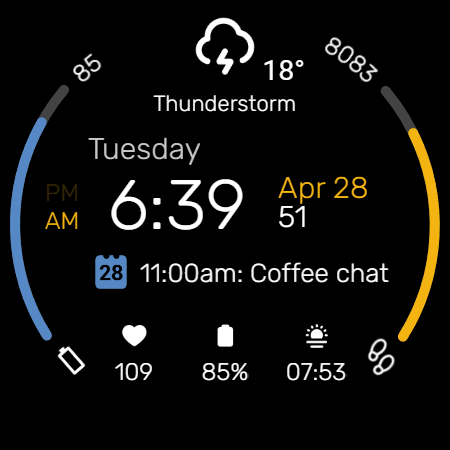
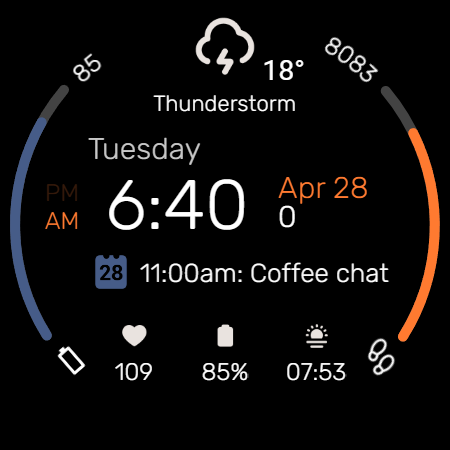
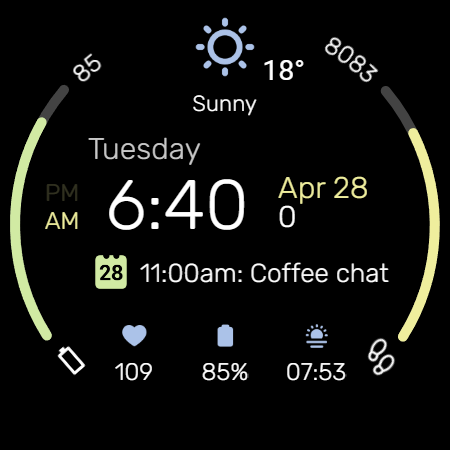
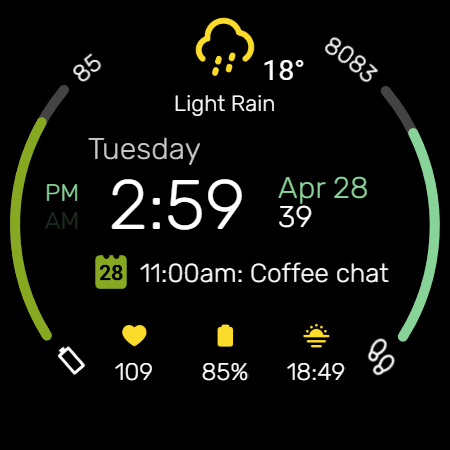
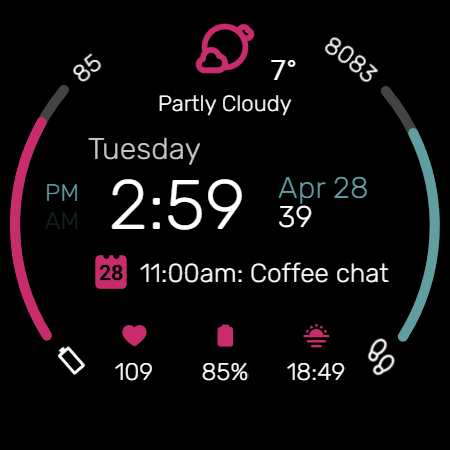
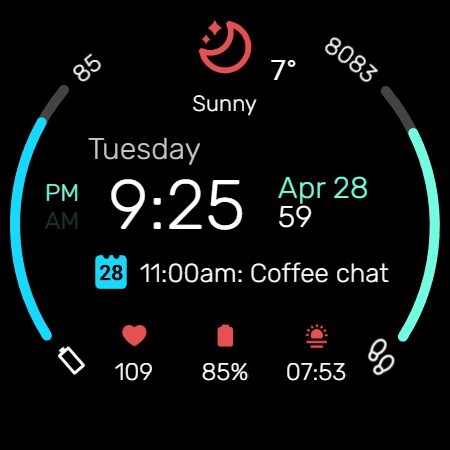
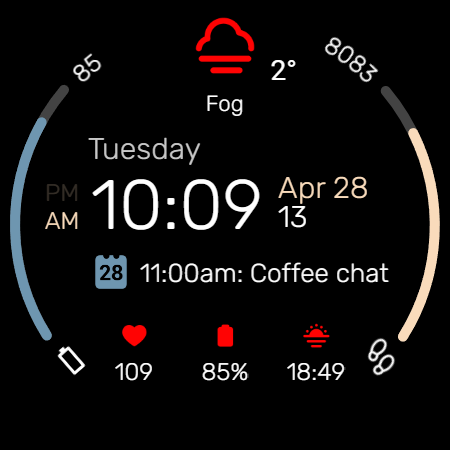
The M5 offers **dynamic progress bars** so you can quickly check your **daily goal tracking**. The progress bars feature **stylish edge arcs** in various colors. These are dedicated to monitoring your **battery status** and **step count** effectively. You can choose from a wide range of **vibrant color combinations** to personalize these bars and accents to fit your style.
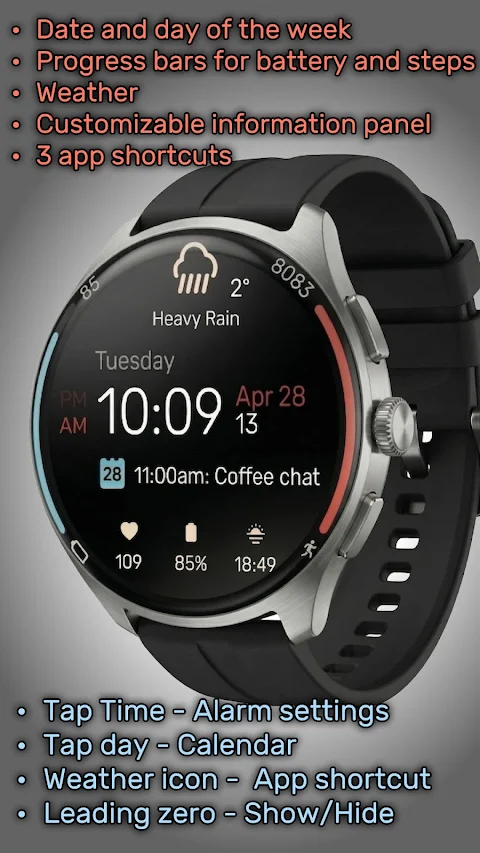
For those who want to stay informed, the M5 includes **comprehensive weather updates**. It prominently displays current weather conditions and a clear **temperature display**. The **customizable information panel** lets you decide what updates you want to see, like your **next calendar event**. This feature helps you manage your day better.
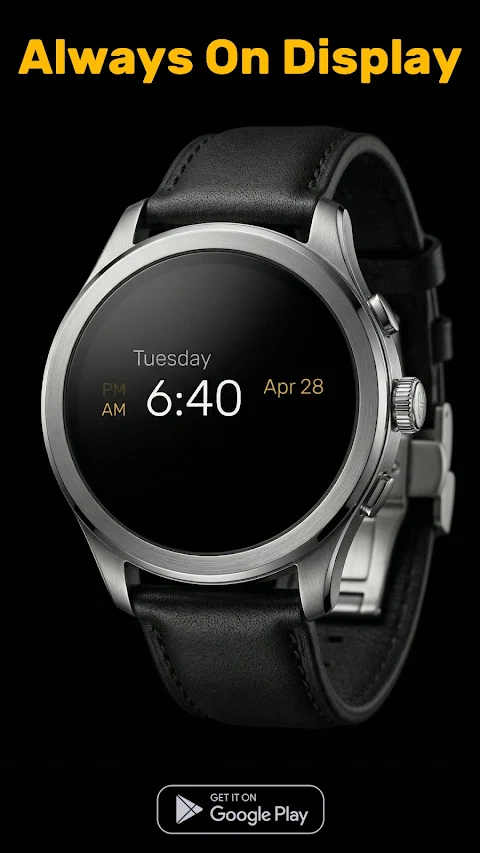
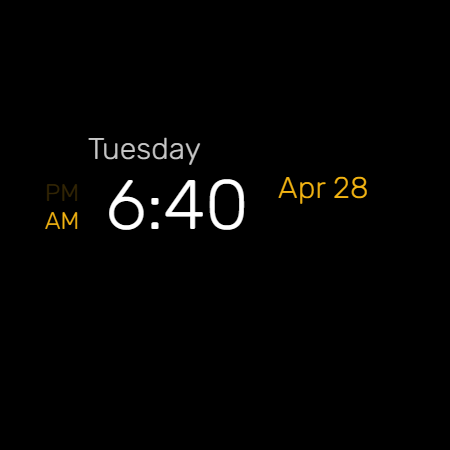
Another great feature is the **leading zero control**. You can choose whether to show or hide the leading zero in the digital time display, allowing for a clean look that suits your preference. Plus, the **minimalist AOD** (Always-On Display) saves battery by showing only the essential **digital time**, date, and day of the week.
Navigating is effortless with the smart shortcut system. You have pre-defined and **custom tap zones** for quick access. For example, tapping on the time opens your **alarm settings access**, while tapping on the day will take you straight to your calendar. The **tap weather icon feature** allows you to set up a **customizable app shortcut**, making it even easier to find the apps you use most.
Installing the M5 Digital Watch Face is simple. Just make sure your watch is connected via **Bluetooth**. Then, download the M5 from the Google Play Store. To apply it, just long-press your watch screen, scroll to the end, and select M5.
This watch face is built for a range of devices, including the **Samsung Galaxy Watch** and **Google Pixel Watch**, as well as other **newer smart devices** that run on Wear OS 5 or higher.
With the M5 Digital Watch Face, you can enjoy efficient **battery-saving features**, keep your daily tasks organized, and make your watch display uniquely yours.
The M5 offers **dynamic progress bars** so you can quickly check your **daily goal tracking**. The progress bars feature **stylish edge arcs** in various colors. These are dedicated to monitoring your **battery status** and **step count** effectively. You can choose from a wide range of **vibrant color combinations** to personalize these bars and accents to fit your style.
For those who want to stay informed, the M5 includes **comprehensive weather updates**. It prominently displays current weather conditions and a clear **temperature display**. The **customizable information panel** lets you decide what updates you want to see, like your **next calendar event**. This feature helps you manage your day better.
Another great feature is the **leading zero control**. You can choose whether to show or hide the leading zero in the digital time display, allowing for a clean look that suits your preference. Plus, the **minimalist AOD** (Always-On Display) saves battery by showing only the essential **digital time**, date, and day of the week.
Navigating is effortless with the smart shortcut system. You have pre-defined and **custom tap zones** for quick access. For example, tapping on the time opens your **alarm settings access**, while tapping on the day will take you straight to your calendar. The **tap weather icon feature** allows you to set up a **customizable app shortcut**, making it even easier to find the apps you use most.
Installing the M5 Digital Watch Face is simple. Just make sure your watch is connected via **Bluetooth**. Then, download the M5 from the Google Play Store. To apply it, just long-press your watch screen, scroll to the end, and select M5.
This watch face is built for a range of devices, including the **Samsung Galaxy Watch** and **Google Pixel Watch**, as well as other **newer smart devices** that run on Wear OS 5 or higher.
With the M5 Digital Watch Face, you can enjoy efficient **battery-saving features**, keep your daily tasks organized, and make your watch display uniquely yours.
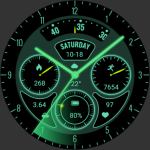
Glow Green Field Analog Watch
ZKin
$2.99
$0.99
Glass Icons
NARIK DESIGN
$0.99
$0.49
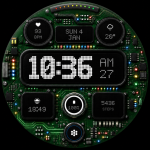
Circuit Board X GTS11
GoodTimes Initiative
$2.49
$1.25