
$2.49
$1.25
50% Off
Aline Pink: linear icon pack
One4Studio

About the App
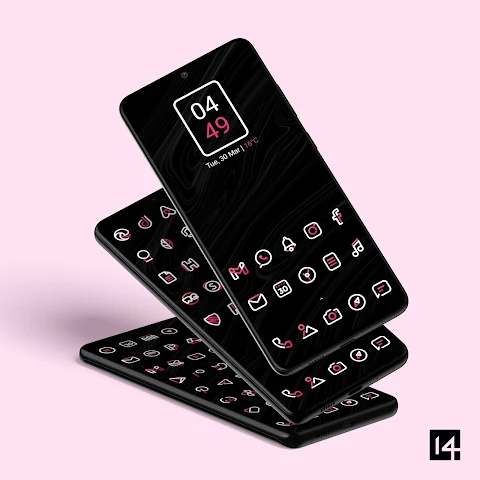
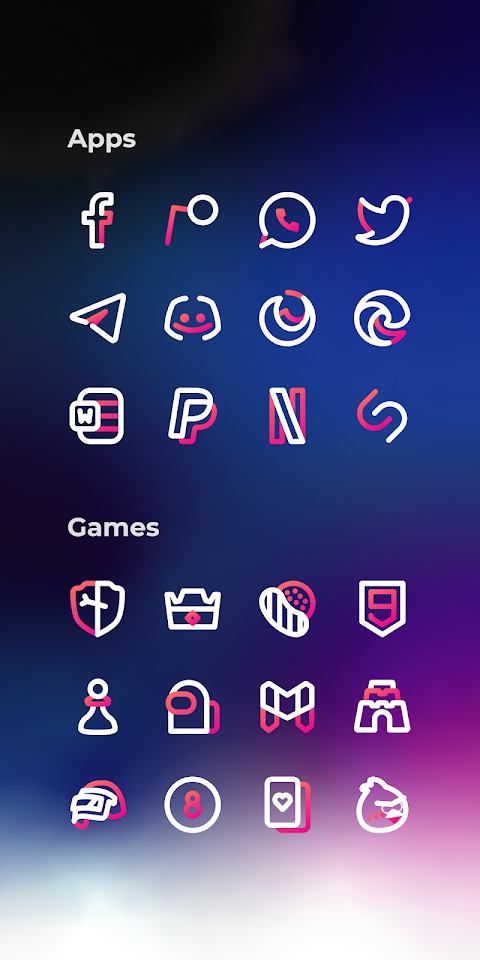
Aline Pink is a custom icon pack that offers a collection of bold linear icons designed to enhance your home screen and app drawer. If you want a stylish look for your device, this icon pack is easy to apply on almost any custom launcher. Popular options like Nova launcher, Lawnchair launcher, and Niagara launcher work seamlessly with Aline Pink. You can also use it with some default launchers, including the Samsung OneUI launcher, OnePlus launcher, Oppo Color OS, and Nothing launcher.
Using a custom icon pack can truly transform how your device looks. Unified icons make your home screen look beautiful, and since we all spend hours on our phones, Aline Pink can greatly improve your daily experience.
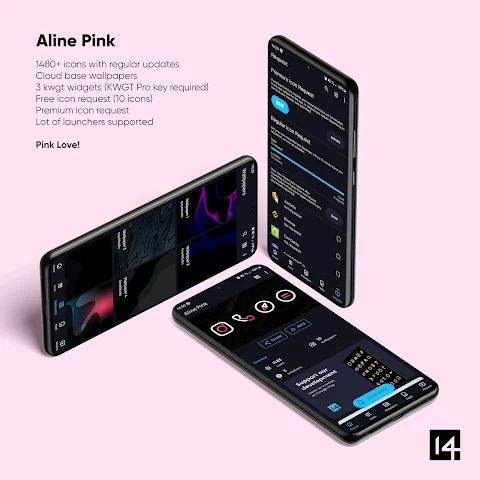
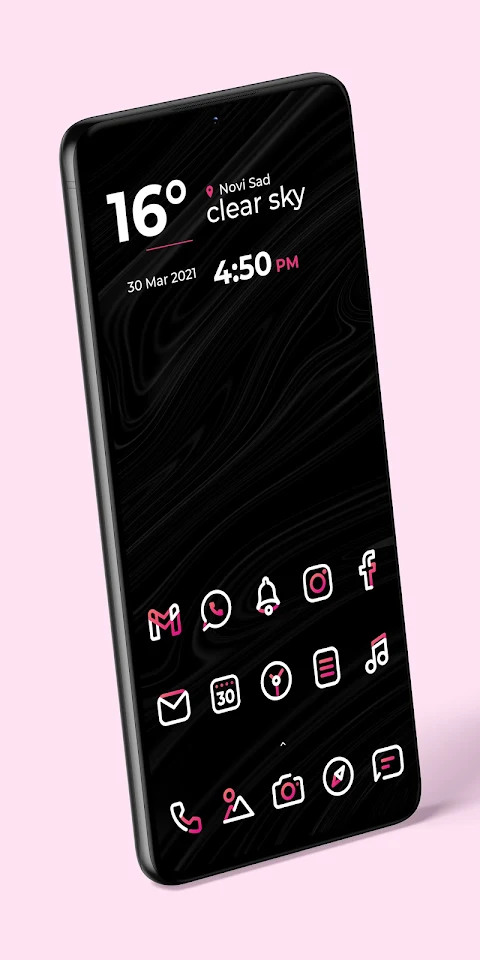
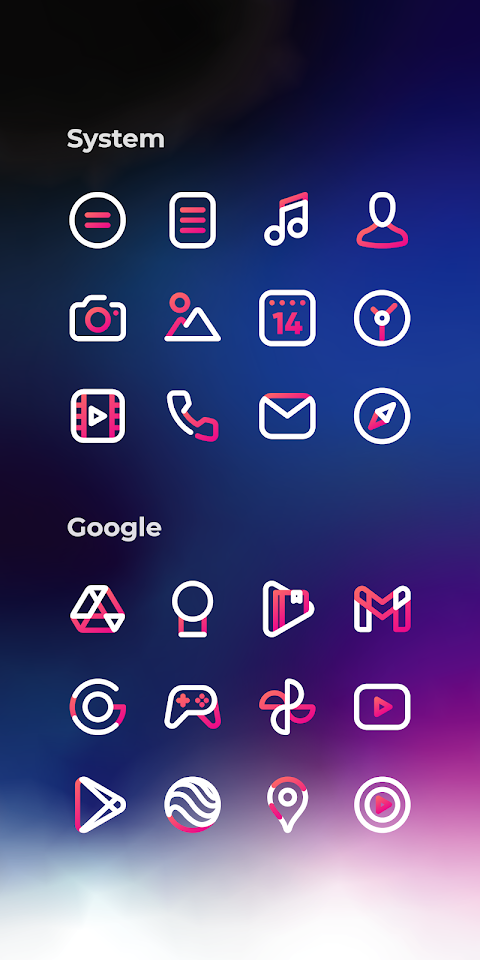
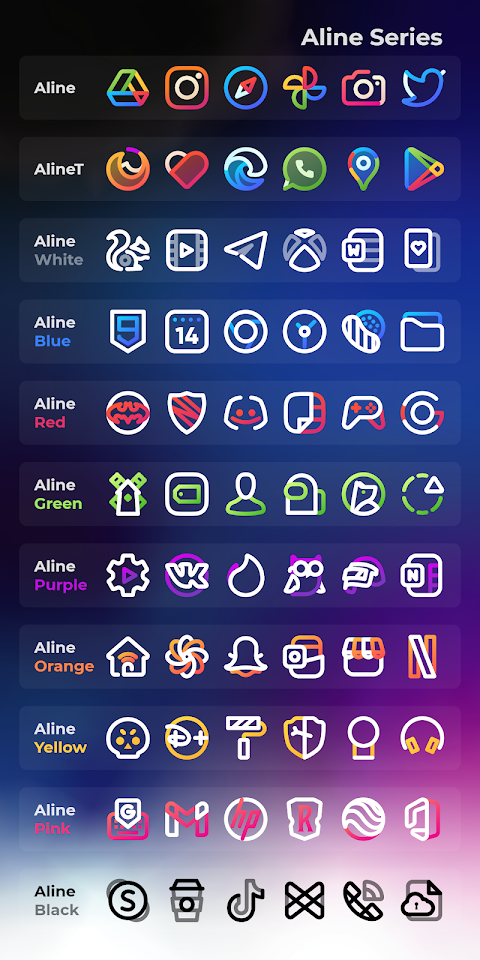
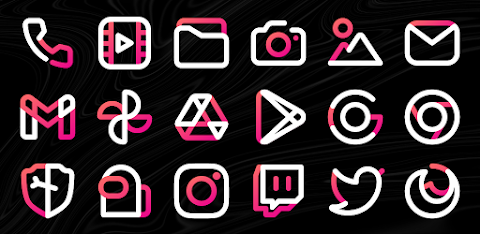
So, what do you get with Aline Pink? This pack comes with an impressive 3173 icons, 20 custom wallpapers, and 5 KWGT widgets to help you personalize your phone just the way you like. The icons feature a clean design, combining pure white and gradient pink colors. They pair wonderfully with dark wallpapers, making them ideal for users who prefer amoled backgrounds. Do note that to use the KWGT widgets, you do need the KWGT app as well as the KWGT Pro app.
If you’re worried about the icons after purchasing or find that some apps are missing icons, don’t fret. Aline Pink offers a 100% refund within the first 7 days of your purchase, no questions asked. If you’re willing to wait, the app receives weekly updates, which often include new icons for apps that might initially be missing. Additionally, there’s an icon requests feature that allows you to submit requests for premium icons, which will be added in the next update.
Aline Pink has many more features. Each icon is sized at 256 x 256 pixels, making them sharp and clear. They are best suited for dark themes and wallpapers, and the pack includes 20 wallpapers to match. You’ll also find dynamic calendar icons, icon masking for unthemed apps, and folder icons that you can apply manually. There are also alternate app icons available for many popular applications, allowing for more icon customization.
Submitting an icon request is simple. Just open the Aline Pink app, click on the Request card, and check all the icons you want to be themed. Press the Floating Send button, and you'll see a screen that lets you share your requests. Make sure to use Gmail to avoid any issues with zip file creation. When you send your email, it’s important not to delete the generated zip file or change the subject and text in the body; doing so could make your request unusable.
Aline Pink supports a wide range of launchers. Not only does it work brilliantly with Action Launcher, ADW launcher, and Apex launcher, but you can also use it with Go launcher, Google Now launcher, Holo ICS launcher, LG Home launcher, and many others. You can easily apply Aline Pink icons through your launcher settings.
If you have questions or need assistance, we’re here to help. Whether you have a special request or any suggestions, feel free to reach out via email or message. We’re always eager to hear from you, and we value your feedback.
Enjoy customizing your phone with Aline Pink, where personalization becomes easy and fun!
Using a custom icon pack can truly transform how your device looks. Unified icons make your home screen look beautiful, and since we all spend hours on our phones, Aline Pink can greatly improve your daily experience.
So, what do you get with Aline Pink? This pack comes with an impressive 3173 icons, 20 custom wallpapers, and 5 KWGT widgets to help you personalize your phone just the way you like. The icons feature a clean design, combining pure white and gradient pink colors. They pair wonderfully with dark wallpapers, making them ideal for users who prefer amoled backgrounds. Do note that to use the KWGT widgets, you do need the KWGT app as well as the KWGT Pro app.
If you’re worried about the icons after purchasing or find that some apps are missing icons, don’t fret. Aline Pink offers a 100% refund within the first 7 days of your purchase, no questions asked. If you’re willing to wait, the app receives weekly updates, which often include new icons for apps that might initially be missing. Additionally, there’s an icon requests feature that allows you to submit requests for premium icons, which will be added in the next update.
Aline Pink has many more features. Each icon is sized at 256 x 256 pixels, making them sharp and clear. They are best suited for dark themes and wallpapers, and the pack includes 20 wallpapers to match. You’ll also find dynamic calendar icons, icon masking for unthemed apps, and folder icons that you can apply manually. There are also alternate app icons available for many popular applications, allowing for more icon customization.
Submitting an icon request is simple. Just open the Aline Pink app, click on the Request card, and check all the icons you want to be themed. Press the Floating Send button, and you'll see a screen that lets you share your requests. Make sure to use Gmail to avoid any issues with zip file creation. When you send your email, it’s important not to delete the generated zip file or change the subject and text in the body; doing so could make your request unusable.
Aline Pink supports a wide range of launchers. Not only does it work brilliantly with Action Launcher, ADW launcher, and Apex launcher, but you can also use it with Go launcher, Google Now launcher, Holo ICS launcher, LG Home launcher, and many others. You can easily apply Aline Pink icons through your launcher settings.
If you have questions or need assistance, we’re here to help. Whether you have a special request or any suggestions, feel free to reach out via email or message. We’re always eager to hear from you, and we value your feedback.
Enjoy customizing your phone with Aline Pink, where personalization becomes easy and fun!
LineX Icon Pack
JustNewDesigns
$1.59
$0.19
LED Blinker Notification Light
Mario Ostwald
$2.99
$1.94

One 3D Dark Icon Pack
PizzApp Design
$0.99
$0.69