
$0.99
$0.20
80% Off
Color Crayon – Icon Pack
Olivera Onias Design


About the App
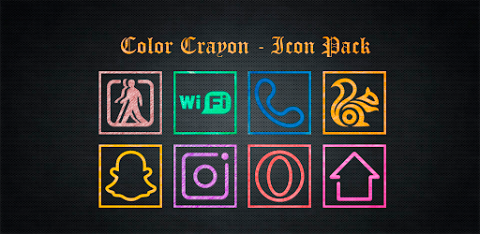
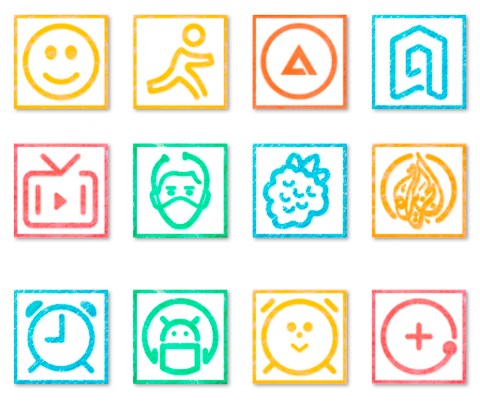
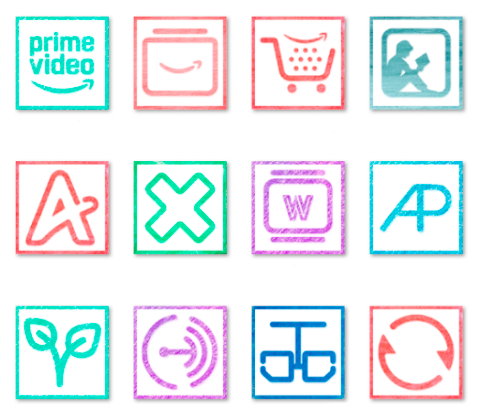
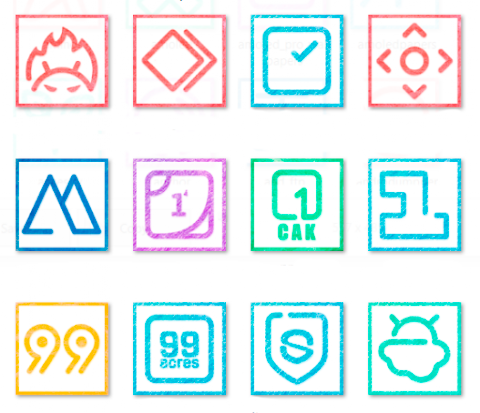
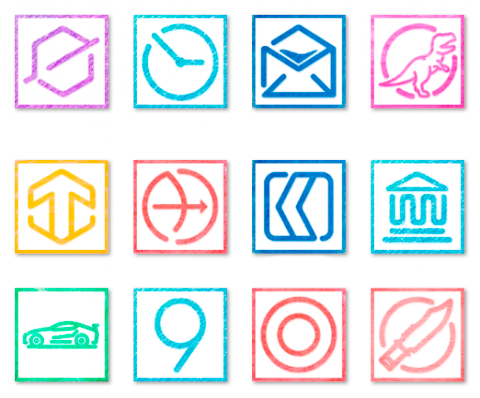
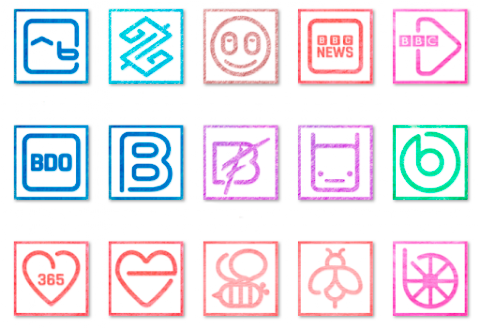
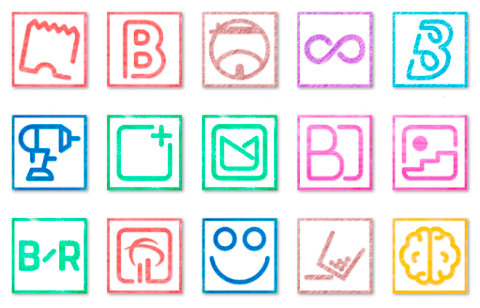
Color Crayon is a vibrant icon pack that offers over 5000 custom icons. Each icon has a unique crayon style, crafted to resemble colorful paint on a white paper background. This app is designed for anyone looking to personalize their Android device in a fun and creative way.
With Color Crayon, you can easily browse and search for icons using the icon search feature. The app includes a dynamic calendar, which helps you keep track of your schedule in style. You can also enjoy category-based icons and custom folder icons that make organizing your apps more intuitive. The custom app drawer icons allow you to add a personal touch to your device’s interface.
One of the best features of Color Crayon is the frequent updates. This ensures that you always have access to the latest icons and improvements. If you have a specific icon in mind that you can't find, the easy icon request feature allows you to suggest new icons, adding to the overall customization experience.
To get the most out of Color Crayon, it works best with various theme launchers. The recommended choice is Nova Launcher. To use the icon pack with your launcher, you will need to disable icon normalization in the Nova settings. You can adjust the icon size as well; if you prefer smaller icons, setting the size to 85% is ideal. For larger icons, adjust the size between 100% and 120%.
Using Color Crayon is simple. First, you need to install a supported theme launcher. Once you have that, open Color Crayon and go to the Apply section. From there, select your launcher to apply the icon pack. If you don’t see your launcher listed, you can also apply the icons directly through your launcher’s settings.
This icon pack is compatible with many popular launchers, including ADW Launcher, Apex Launcher, Smart Launcher, Holo Launcher, Lawn Chair, and LG Home, among others. There are even more compatible launchers not included in the apply section, like Microsoft Launcher and Line Launcher. This wide range of compatible launchers means you can enjoy Color Crayon no matter what setup you have.
We believe you will love Color Crayon, but if for any reason you don’t, we offer a 100% refund within 24 hours of purchase. There's nothing to worry about; just reach out to us via email.
Color Crayon brings a playful color palette to your device, enhancing your mobile personalization with delightful, colorful icons. Each icon is designed for easy use, making your Android experience not only visually appealing but also user-friendly. Dive into the world of icon customization and see your device transform today!
With Color Crayon, you can easily browse and search for icons using the icon search feature. The app includes a dynamic calendar, which helps you keep track of your schedule in style. You can also enjoy category-based icons and custom folder icons that make organizing your apps more intuitive. The custom app drawer icons allow you to add a personal touch to your device’s interface.
One of the best features of Color Crayon is the frequent updates. This ensures that you always have access to the latest icons and improvements. If you have a specific icon in mind that you can't find, the easy icon request feature allows you to suggest new icons, adding to the overall customization experience.
To get the most out of Color Crayon, it works best with various theme launchers. The recommended choice is Nova Launcher. To use the icon pack with your launcher, you will need to disable icon normalization in the Nova settings. You can adjust the icon size as well; if you prefer smaller icons, setting the size to 85% is ideal. For larger icons, adjust the size between 100% and 120%.
Using Color Crayon is simple. First, you need to install a supported theme launcher. Once you have that, open Color Crayon and go to the Apply section. From there, select your launcher to apply the icon pack. If you don’t see your launcher listed, you can also apply the icons directly through your launcher’s settings.
This icon pack is compatible with many popular launchers, including ADW Launcher, Apex Launcher, Smart Launcher, Holo Launcher, Lawn Chair, and LG Home, among others. There are even more compatible launchers not included in the apply section, like Microsoft Launcher and Line Launcher. This wide range of compatible launchers means you can enjoy Color Crayon no matter what setup you have.
We believe you will love Color Crayon, but if for any reason you don’t, we offer a 100% refund within 24 hours of purchase. There's nothing to worry about; just reach out to us via email.
Color Crayon brings a playful color palette to your device, enhancing your mobile personalization with delightful, colorful icons. Each icon is designed for easy use, making your Android experience not only visually appealing but also user-friendly. Dive into the world of icon customization and see your device transform today!
Roui – Icon Pack
Olivera Onias Design
$1.49
$0.30
Letters Watch Face
RADEFFFACTORY
$1.49
$0.75
CFS103 Weather
CFS Creative Face Studio
$1.49
$0.75