
$1.49
$0.69
54% Off
CFS134 School WF
CFS Creative Face Studio


About the App
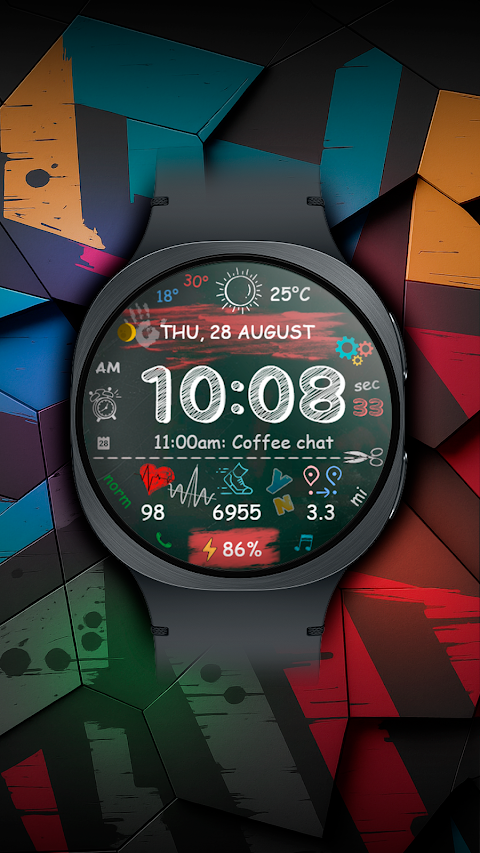
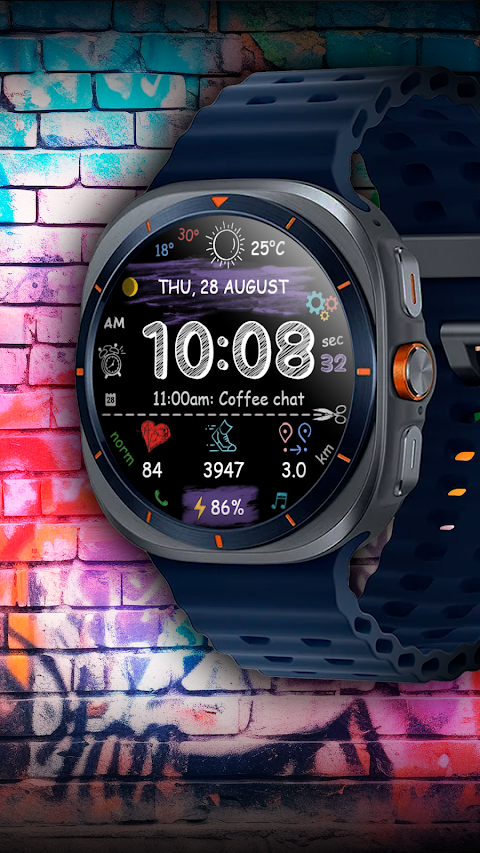
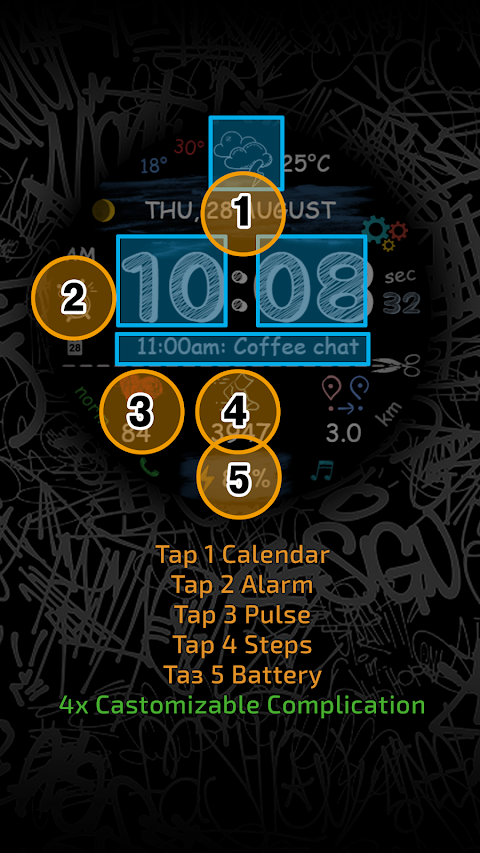
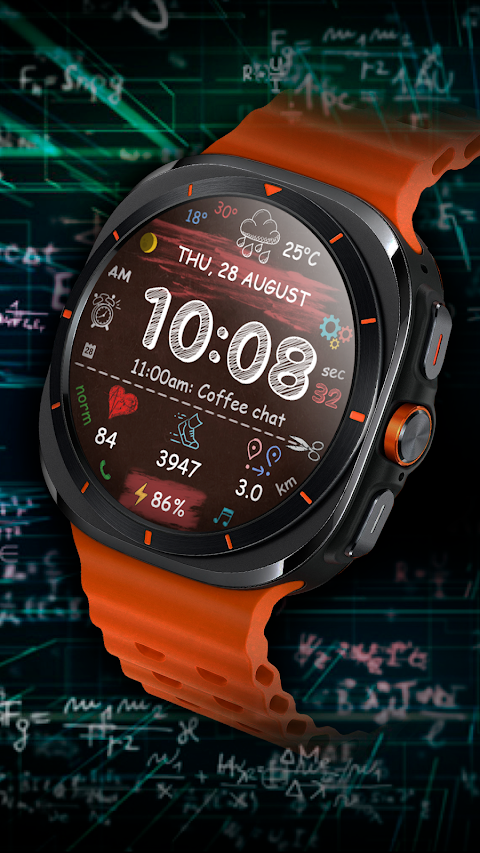
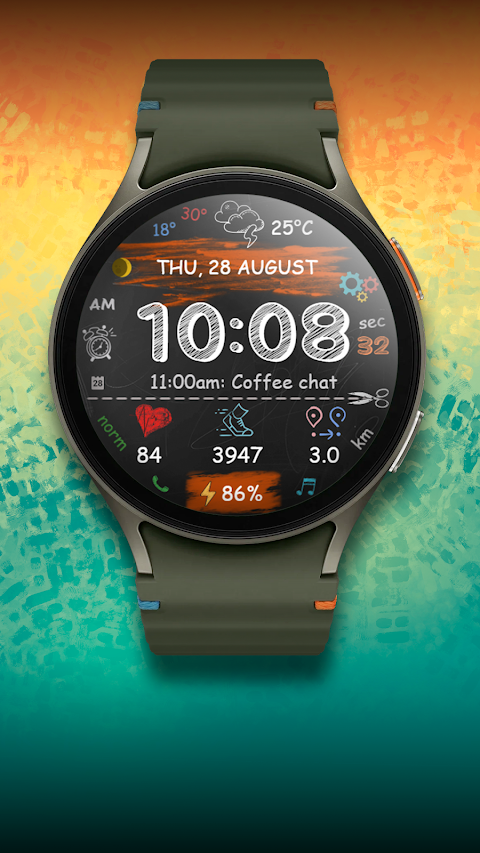
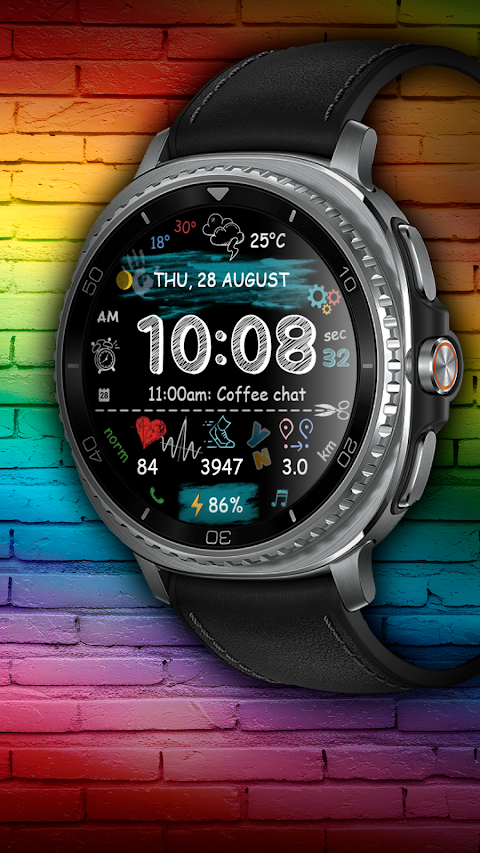
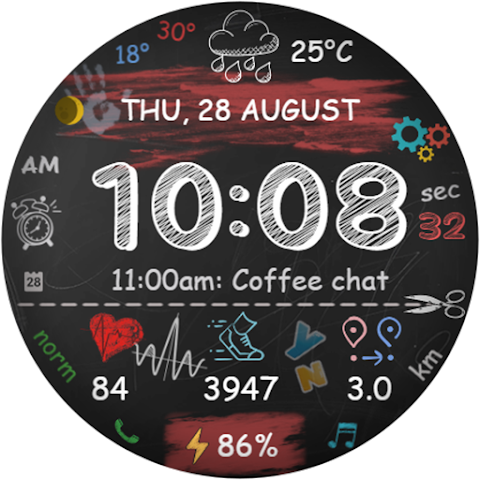
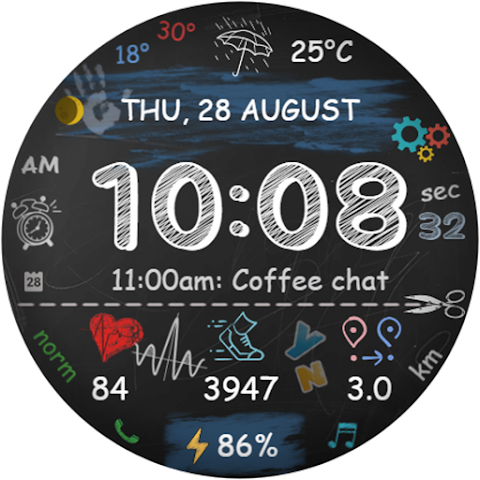
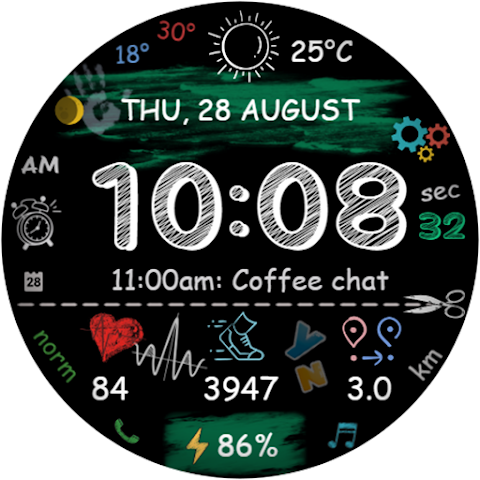
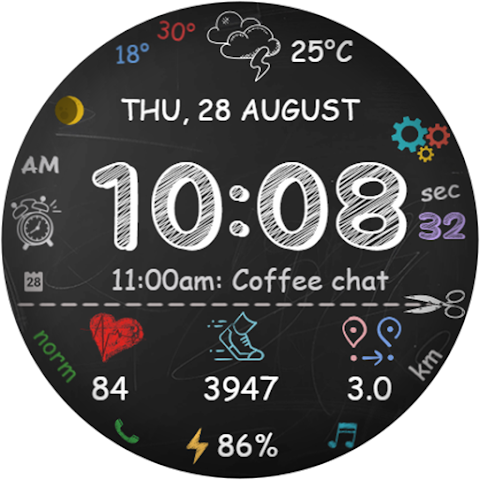
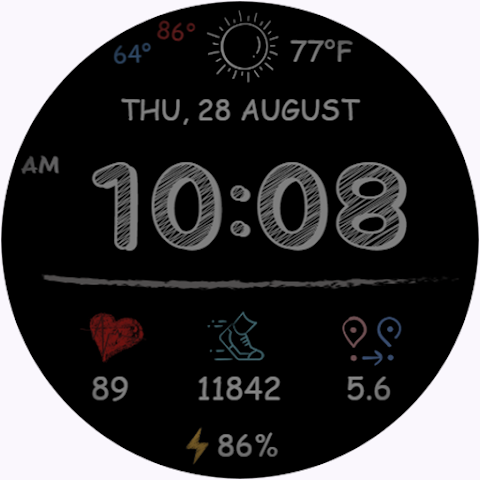
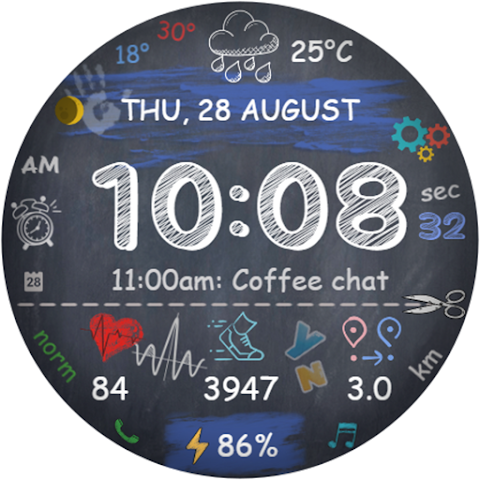
CFS134 School WF is a digital watch face designed specifically for Wear OS devices. This watch face provides you with a variety of useful features to help you stay organized and keep track of your fitness.
You can view the time in either a 12-hour or 24-hour format, depending on your phone settings. For extra convenience, you have the option to disable the leading zero in the hour display. Along with the time, the watch face shows the date and provides weather updates to keep you informed about the conditions outside.
Tracking your health is made easy with built-in steps tracking and heart rate monitoring. The watch also displays your battery level, so you will always know how much power you have left. If you are active, you can use the distance measurement feature to see how far you've moved, whether you're measuring in kilometers or miles. Please note that 1 kilometer equals around 1,312 steps, while 1 mile equals about 2,100 steps, according to the distance calculation formula used in this watch face.
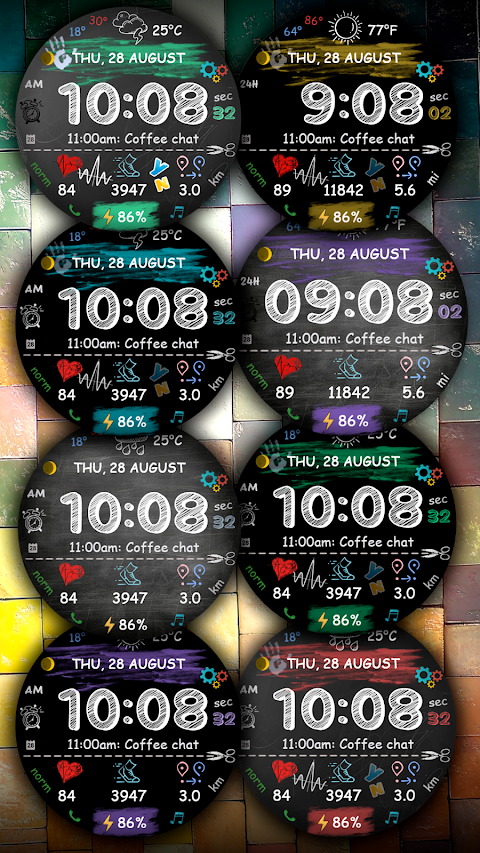
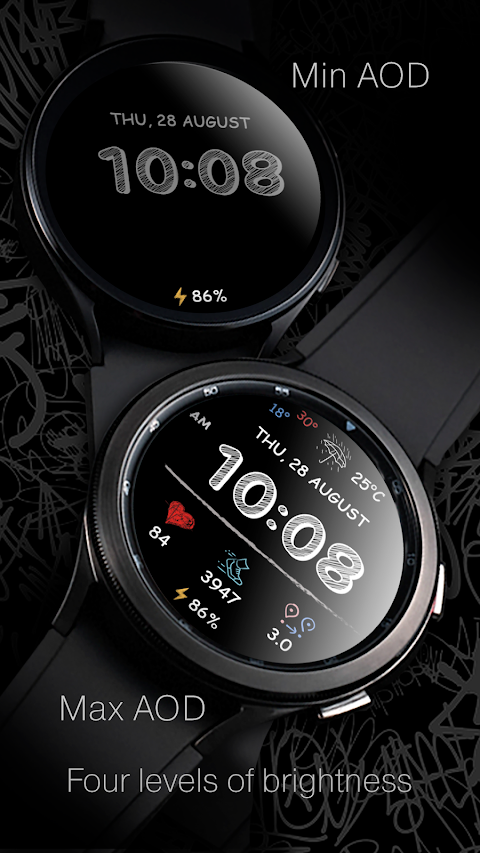
With multiple color schemes to choose from, you can customize the look of your watch face. The watch face also includes options for complications and custom shortcuts, allowing you to tailor the display to meet your needs. There is a full Always-On Display (AOD) setting that offers 4 brightness levels, making it easier to see the display in various lighting conditions.
If you encounter any limitations with the Samsung Wearable app when trying to customize your watch face, it’s best to make adjustments directly on the watch. Simply touch and hold the watch display to start customizing your watch face.
Your feedback is valuable to us. If you run into any difficulties using CFS134 School WF, please reach out for assistance instead of leaving a low rating. You can contact us directly at seslihediyye@gmail.com, and we will do our best to help you.
CFS134 School WF is also designed for fitness enthusiasts who want an effective way to monitor their health metrics. With features like heart rate data, step counting accuracy, and fitness metrics display, it helps you keep track of your daily activities.
Thank you for choosing CFS134 School WF! We're excited for you to experience a personalized watch display that fits your lifestyle perfectly. If you want to stay updated or connect with other users, feel free to join us on Telegram at https://t.me/CFS_WatchFaces. Enjoy customizing your watch face and happy tracking!
You can view the time in either a 12-hour or 24-hour format, depending on your phone settings. For extra convenience, you have the option to disable the leading zero in the hour display. Along with the time, the watch face shows the date and provides weather updates to keep you informed about the conditions outside.
Tracking your health is made easy with built-in steps tracking and heart rate monitoring. The watch also displays your battery level, so you will always know how much power you have left. If you are active, you can use the distance measurement feature to see how far you've moved, whether you're measuring in kilometers or miles. Please note that 1 kilometer equals around 1,312 steps, while 1 mile equals about 2,100 steps, according to the distance calculation formula used in this watch face.
With multiple color schemes to choose from, you can customize the look of your watch face. The watch face also includes options for complications and custom shortcuts, allowing you to tailor the display to meet your needs. There is a full Always-On Display (AOD) setting that offers 4 brightness levels, making it easier to see the display in various lighting conditions.
If you encounter any limitations with the Samsung Wearable app when trying to customize your watch face, it’s best to make adjustments directly on the watch. Simply touch and hold the watch display to start customizing your watch face.
Your feedback is valuable to us. If you run into any difficulties using CFS134 School WF, please reach out for assistance instead of leaving a low rating. You can contact us directly at seslihediyye@gmail.com, and we will do our best to help you.
CFS134 School WF is also designed for fitness enthusiasts who want an effective way to monitor their health metrics. With features like heart rate data, step counting accuracy, and fitness metrics display, it helps you keep track of your daily activities.
Thank you for choosing CFS134 School WF! We're excited for you to experience a personalized watch display that fits your lifestyle perfectly. If you want to stay updated or connect with other users, feel free to join us on Telegram at https://t.me/CFS_WatchFaces. Enjoy customizing your watch face and happy tracking!

WallStone
Raj Arya Designs
$1.49
$0.49
Ballozi PRIM GOLD Classic
BALLOZI Watch Faces
$1.79
$0.36
Retro 90’s Fidgital Pet
RK TOPIC
$2.99