
$9.99
FREE
100% Off
AppLock: Fingerprint &Password
AVS Family Pvt. Ltd.

About the App
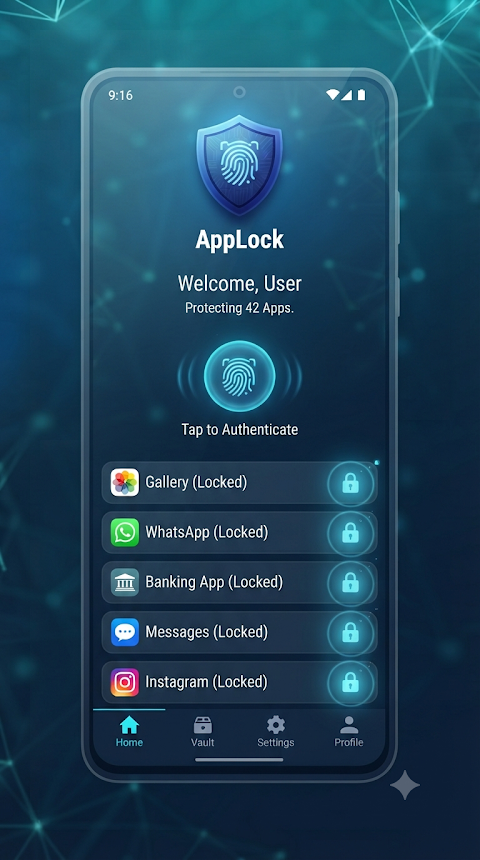
AppLock: Fingerprint & Password is a privacy protection tool that helps keep your personal applications safe from unauthorized access. With this app, you can easily lock any application on your device to ensure your sensitive data stays protected. Whether you want to secure your messaging apps, photo galleries, or social media accounts, AppLock offers a reliable way to maintain your privacy.
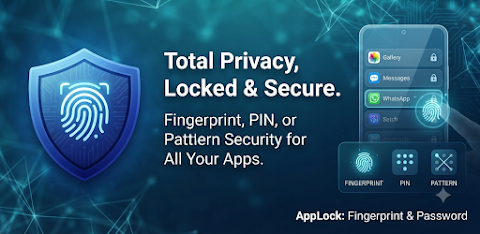
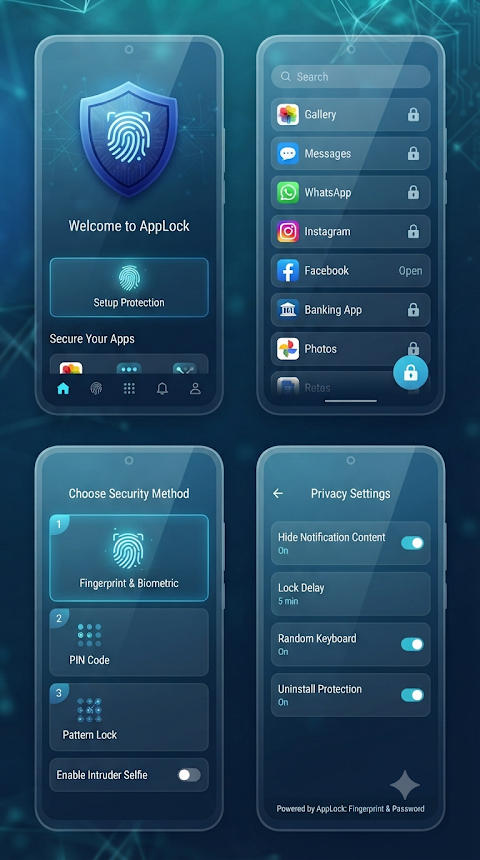
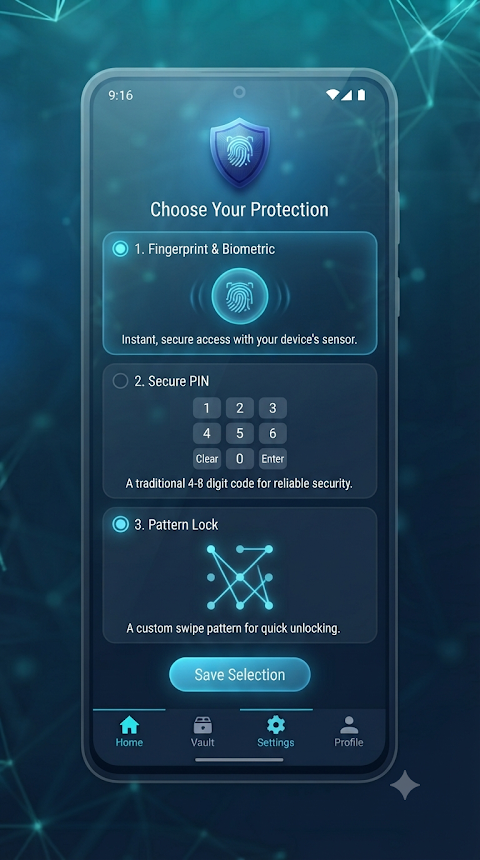
Using AppLock, you can choose from different security methods, including a classic PIN lock, a pattern lock, or biometric authentication using your device’s built-in fingerprint sensor. This gives you the freedom to select the protection level you prefer for your apps. The ability to customize your lock configuration means you can adjust security to fit your needs.
One great feature is the custom auto-lock delay. This lets you decide when your apps should relock after they have been opened. You can set your apps to lock immediately upon exit or choose a custom delay, such as one or five minutes. This way, you can multitask securely without having to enter your password every time.
If you want more control, you can schedule app locks for specific times. This is perfect for maintaining focus during work hours or for restricting app usage when you want to limit distractions. Plus, you can hide notifications for your locked applications. This notification content protection feature ensures that sensitive messages do not appear on your lock screen, keeping your information private.
For those who seek maximum privacy, AppLock offers a stealth mode. This allows you to hide the app icon from your device's home screen and app drawer. To access the app once it's hidden, you can simply dial a secret numeric code in your phone's default dialer.
In case you forget your lock method, AppLock provides secure password recovery. During your first setup, you can create a custom security question and answer, allowing you to reset your PIN or pattern if needed. This way, you never have to worry about being locked out.
To use AppLock, start by opening the app and setting up your master PIN or pattern. You will need to grant the required permissions, such as Usage Access permission and Overlay permission, to help the app detect and protect the apps you want to lock. The app also uses a foreground service to ensure that the locking mechanism works reliably in the background without interruptions.
By downloading AppLock, you take important steps toward personal data protection. You can enjoy private chats security, banking app lock, and photo gallery security with ease. The app allows you to protect your sensitive data access while preventing unauthorized access to your personal apps.
With AppLock, you can have peace of mind knowing that your personal information remains secure. Whether you want to ensure your privacy during work hours or just need extra protection for specific apps, this tool offers flexible and effective solutions tailored to your needs.
Using AppLock, you can choose from different security methods, including a classic PIN lock, a pattern lock, or biometric authentication using your device’s built-in fingerprint sensor. This gives you the freedom to select the protection level you prefer for your apps. The ability to customize your lock configuration means you can adjust security to fit your needs.
One great feature is the custom auto-lock delay. This lets you decide when your apps should relock after they have been opened. You can set your apps to lock immediately upon exit or choose a custom delay, such as one or five minutes. This way, you can multitask securely without having to enter your password every time.
If you want more control, you can schedule app locks for specific times. This is perfect for maintaining focus during work hours or for restricting app usage when you want to limit distractions. Plus, you can hide notifications for your locked applications. This notification content protection feature ensures that sensitive messages do not appear on your lock screen, keeping your information private.
For those who seek maximum privacy, AppLock offers a stealth mode. This allows you to hide the app icon from your device's home screen and app drawer. To access the app once it's hidden, you can simply dial a secret numeric code in your phone's default dialer.
In case you forget your lock method, AppLock provides secure password recovery. During your first setup, you can create a custom security question and answer, allowing you to reset your PIN or pattern if needed. This way, you never have to worry about being locked out.
To use AppLock, start by opening the app and setting up your master PIN or pattern. You will need to grant the required permissions, such as Usage Access permission and Overlay permission, to help the app detect and protect the apps you want to lock. The app also uses a foreground service to ensure that the locking mechanism works reliably in the background without interruptions.
By downloading AppLock, you take important steps toward personal data protection. You can enjoy private chats security, banking app lock, and photo gallery security with ease. The app allows you to protect your sensitive data access while preventing unauthorized access to your personal apps.
With AppLock, you can have peace of mind knowing that your personal information remains secure. Whether you want to ensure your privacy during work hours or just need extra protection for specific apps, this tool offers flexible and effective solutions tailored to your needs.

Zener Cards Test – WOS
Wind Of Softwing
$1.49
Net Blocker Pro
The Simple Apps
$74.99
$37.50

Bookmark Manager – URL manager
Yogesh Dama
$0.99
FREE