

$3.99
FREE
100% Off
Mandala Maker 360 Pro
Bhupesh Singh

About the App
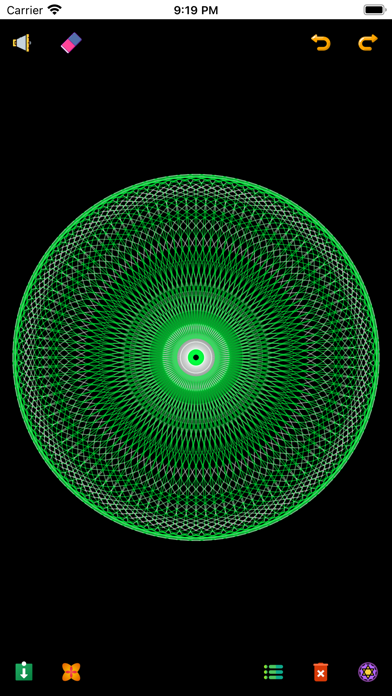
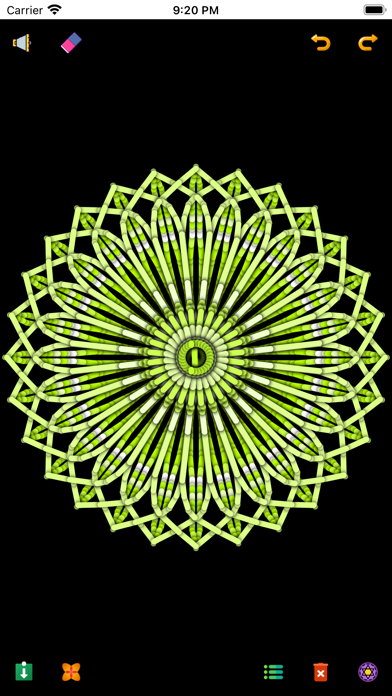
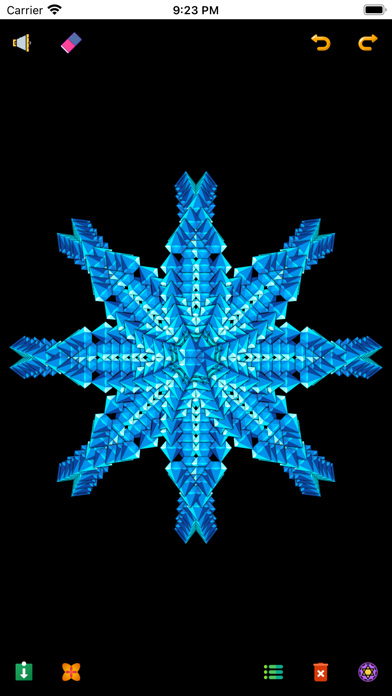
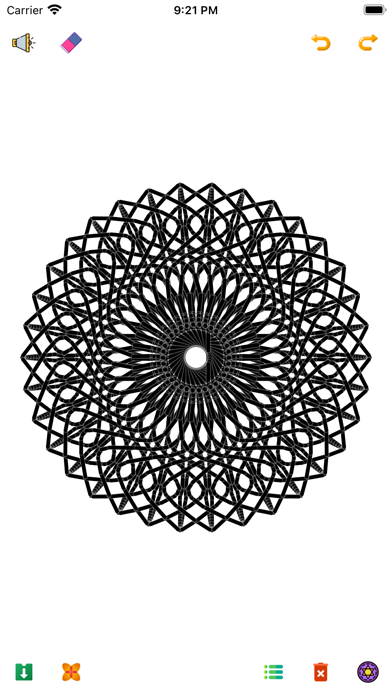
Mandala Maker 360 Pro is a fantastic app for anyone who loves creating beautiful mandala drawings. This pro version is ad-free, meaning you can enjoy your art without interruptions. It unlocks all features, providing additional mandala options and high-performance capabilities that make your creative process smooth and enjoyable.
Using Mandala Maker 360 Pro is simple. You can create intricate designs with just a few easy steps. The app offers many customization options, so you can adjust the canvas symmetry to get the perfect layout for your artwork. You can also change the background color, choose brush settings, and apply random shadows to enhance your drawings.
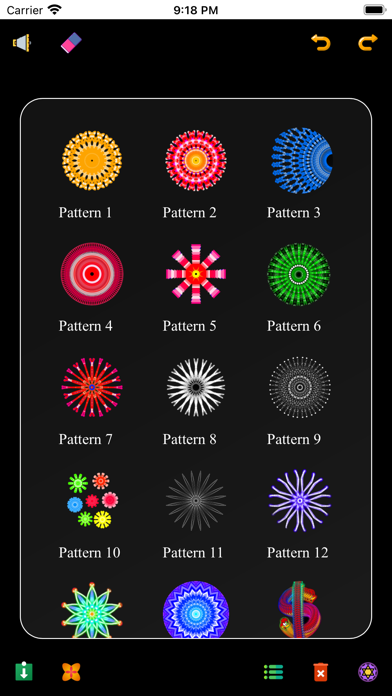
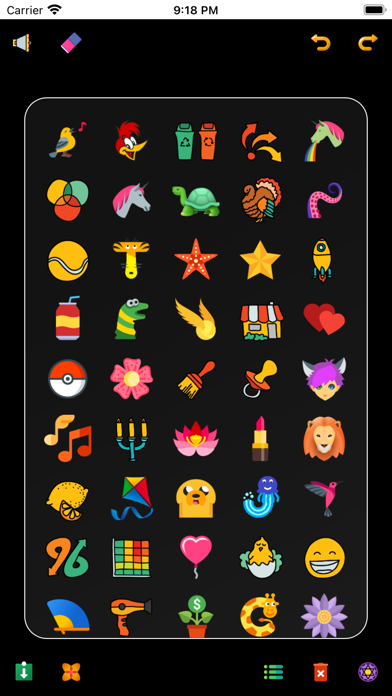
If you enjoy using images to inspire your art, Mandala Maker 360 Pro has you covered. There are over 50 images available for drawing, allowing for exciting image drawing experiences. You can easily adjust the image size to fit your creative vision. Additionally, the app includes predefined patterns to help guide your art creation, making the pattern selection process effortless.
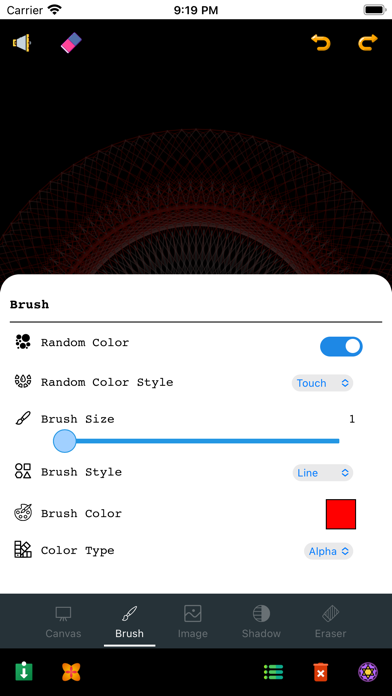
The brush customization features are impressive, too. You can select from multiple brush styles and enjoy various color selection options. This versatility allows for artistic freedom as you explore different color variation options and brush size control to suit your preferences.
The shadow properties in the app let you apply random shadows and choose different shadow sizes and colors, giving your designs a unique touch. The canvas customization features enable you to change the canvas center and use canvas mirroring for even more complex designs.
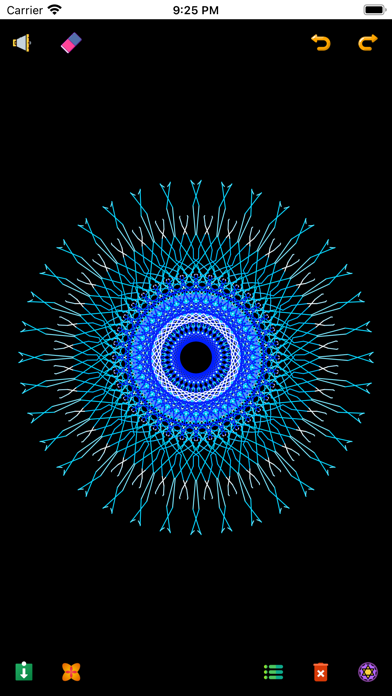
With its user-friendly interface, Mandala Maker 360 Pro is perfect for both beginners and seasoned artists. It provides creative expression tools that make digital art creation fun and engaging. Whether you’re using it for art and illustration or just to unwind, this app is designed to provide an interactive drawing experience that inspires creativity.
Dive into the world of mandala art techniques and enjoy crafting unique mandala patterns. Mandala Maker 360 Pro is the go-to app for anyone looking to explore their artistic side and create stunning artwork with ease.
Using Mandala Maker 360 Pro is simple. You can create intricate designs with just a few easy steps. The app offers many customization options, so you can adjust the canvas symmetry to get the perfect layout for your artwork. You can also change the background color, choose brush settings, and apply random shadows to enhance your drawings.
If you enjoy using images to inspire your art, Mandala Maker 360 Pro has you covered. There are over 50 images available for drawing, allowing for exciting image drawing experiences. You can easily adjust the image size to fit your creative vision. Additionally, the app includes predefined patterns to help guide your art creation, making the pattern selection process effortless.
The brush customization features are impressive, too. You can select from multiple brush styles and enjoy various color selection options. This versatility allows for artistic freedom as you explore different color variation options and brush size control to suit your preferences.
The shadow properties in the app let you apply random shadows and choose different shadow sizes and colors, giving your designs a unique touch. The canvas customization features enable you to change the canvas center and use canvas mirroring for even more complex designs.
With its user-friendly interface, Mandala Maker 360 Pro is perfect for both beginners and seasoned artists. It provides creative expression tools that make digital art creation fun and engaging. Whether you’re using it for art and illustration or just to unwind, this app is designed to provide an interactive drawing experience that inspires creativity.
Dive into the world of mandala art techniques and enjoy crafting unique mandala patterns. Mandala Maker 360 Pro is the go-to app for anyone looking to explore their artistic side and create stunning artwork with ease.

Lightsaber for Watch
Orion Lukasz Gonerski
$1.99
$0.99

Doctor Who: TARDIS (Official)
Useless Creations Pty Ltd
$1.99

SOULVARS
ginolabo Inc.
$4.99
$1.99