
$1.49
$0.75
50% Off
Animated FSW284 Digital
FS Watch face

About the App
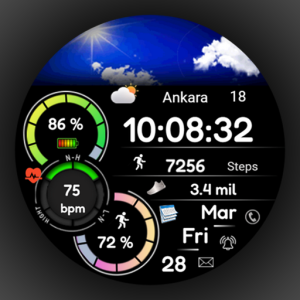
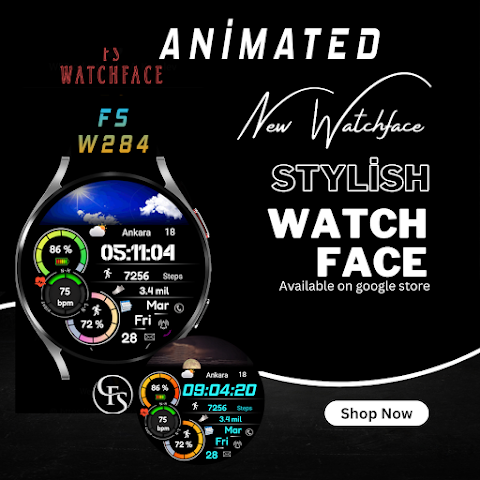
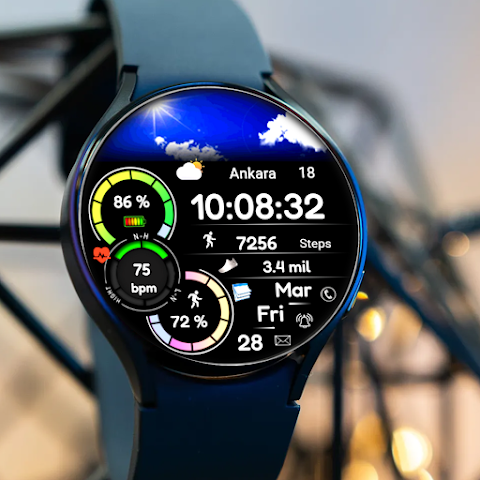
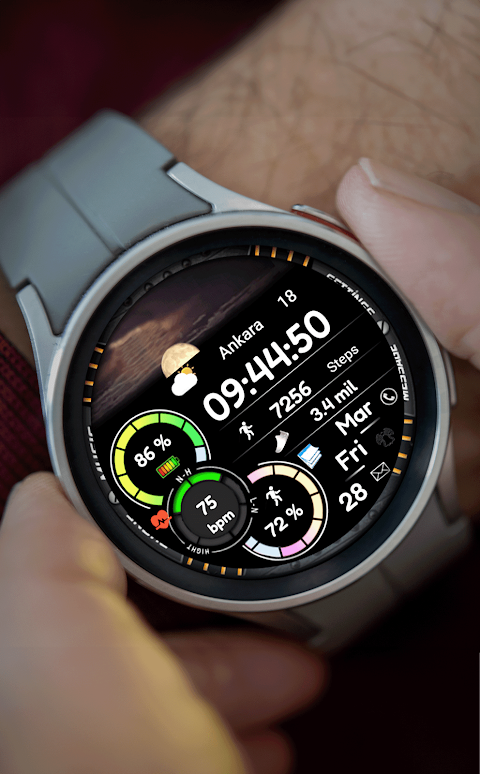
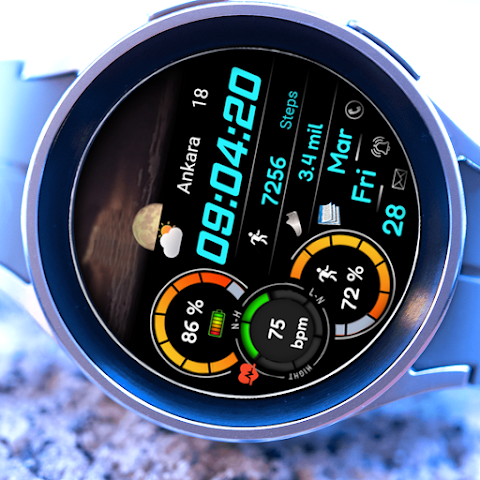
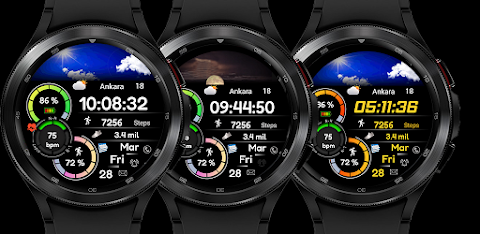
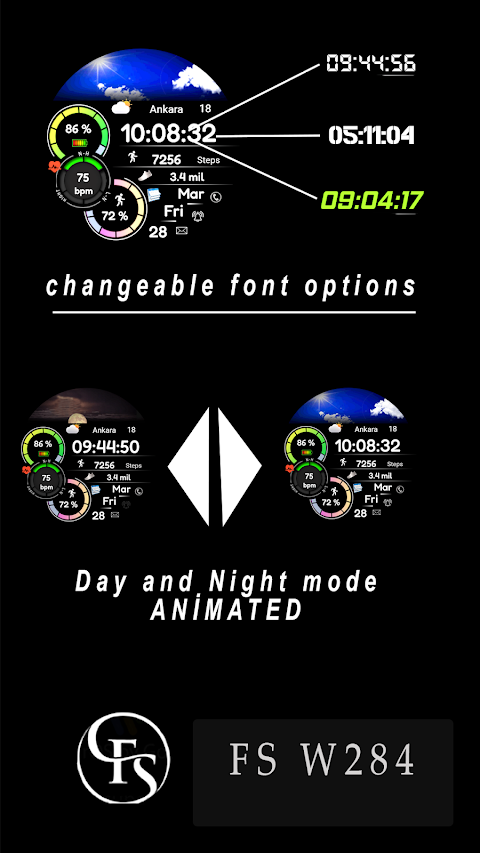
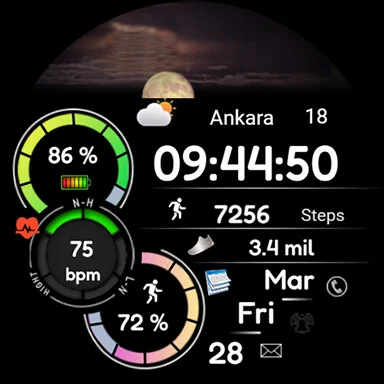
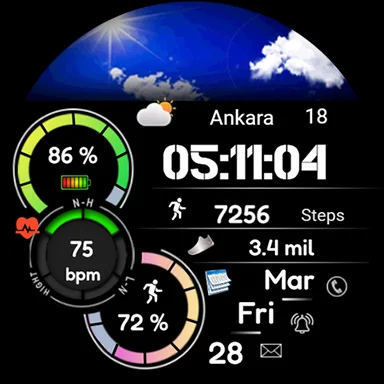
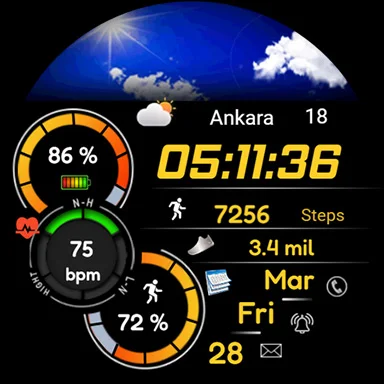
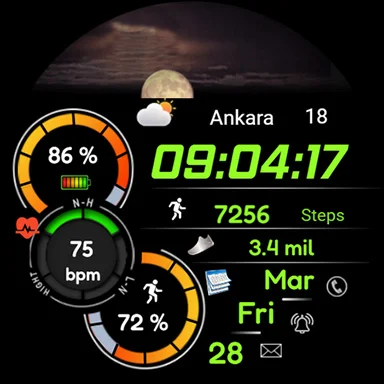
Animated FSW284 Digital is a stylish and modern watch face designed specifically for Wear OS devices by FS Design. It features a sleek digital clock style that adds a unique touch to your smartwatch. With this watch face, you can easily keep track of the time while enjoying an elegant design.
For those concerned about battery life, Animated FSW284 Digital is built with low battery consumption in mind. It also includes a battery dial to help you monitor your smartwatch's power levels and a date display for added convenience.
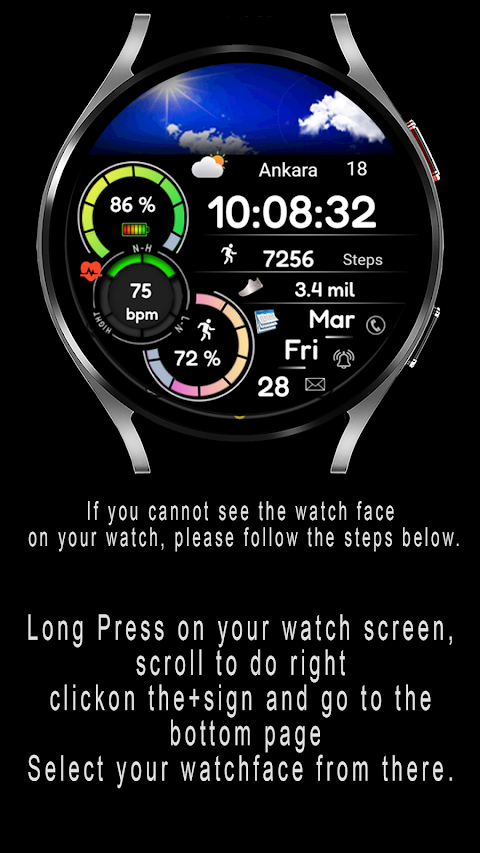
If you have just installed Animated FSW284 Digital and can’t find the watch face on your device, don't worry. Here’s a simple user installation guide to help you. Start by long pressing on your watch screen. Then, scroll to the last screen. Click the "+" sign and go to the bottom page to select your newly installed watch face.
To install the Animated FSW284 Digital watch face, follow these easy steps. First, swipe to find the watch screen. Next, click the Google Play app icon and type "Animated FSW284 Digital" in the search bar. Select the watch face from the results and click “Install.”
If you see a message stating "Your devices are not compatible," you can access the desktop Play Store from a PC or laptop to download the app instead of using your phone.
For more information or updates, visit the FS Watchfaces website at http://fswatchfaces.com/. You can also connect with others in the Facebook community group or follow the FS Watchface pages on Facebook, Instagram, Twitter, and Telegram. Check out the YouTube channel for FS Watchfaces for helpful videos and tutorials.
Experience the unique look of Animated FSW284 Digital, a watch face that allows you to customize your smartwatch while enjoying essential features like date display and battery monitoring. With its battery-efficient design and modern style, this digital watch face is perfect for anyone looking to enhance their wearable technology. Find your compatible watch models and discover various watch face options that suit your taste.
For those concerned about battery life, Animated FSW284 Digital is built with low battery consumption in mind. It also includes a battery dial to help you monitor your smartwatch's power levels and a date display for added convenience.
If you have just installed Animated FSW284 Digital and can’t find the watch face on your device, don't worry. Here’s a simple user installation guide to help you. Start by long pressing on your watch screen. Then, scroll to the last screen. Click the "+" sign and go to the bottom page to select your newly installed watch face.
To install the Animated FSW284 Digital watch face, follow these easy steps. First, swipe to find the watch screen. Next, click the Google Play app icon and type "Animated FSW284 Digital" in the search bar. Select the watch face from the results and click “Install.”
If you see a message stating "Your devices are not compatible," you can access the desktop Play Store from a PC or laptop to download the app instead of using your phone.
For more information or updates, visit the FS Watchfaces website at http://fswatchfaces.com/. You can also connect with others in the Facebook community group or follow the FS Watchface pages on Facebook, Instagram, Twitter, and Telegram. Check out the YouTube channel for FS Watchfaces for helpful videos and tutorials.
Experience the unique look of Animated FSW284 Digital, a watch face that allows you to customize your smartwatch while enjoying essential features like date display and battery monitoring. With its battery-efficient design and modern style, this digital watch face is perfect for anyone looking to enhance their wearable technology. Find your compatible watch models and discover various watch face options that suit your taste.

FBW ANALOG Watchface
SA11
$0.99
Digital watch face D26
VG Faces
$1.49
$0.49
Analog Origins: Minimal Watch
Rayan's
$0.99
$0.50