
$1.99
$0.60
70% Off
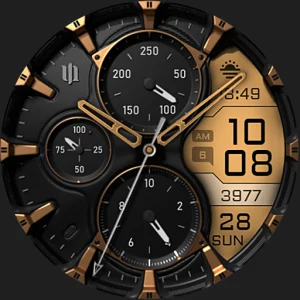
S4U Assen – Hybrid watch face
styles4you

About the App
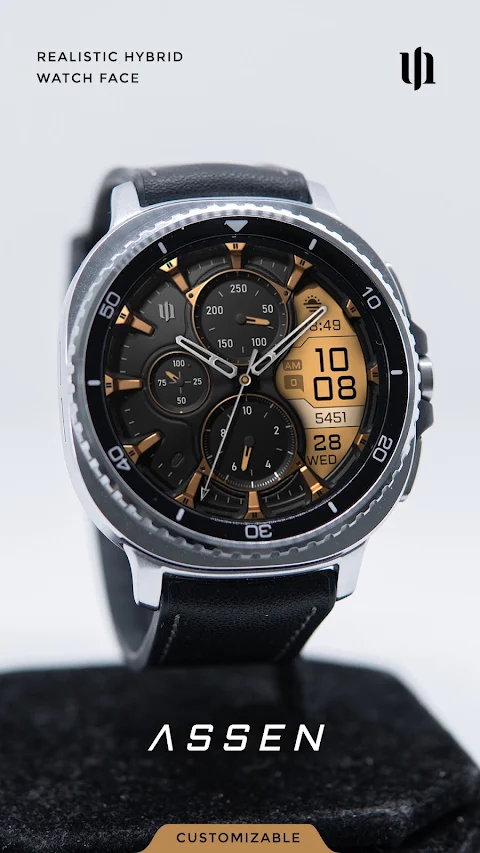
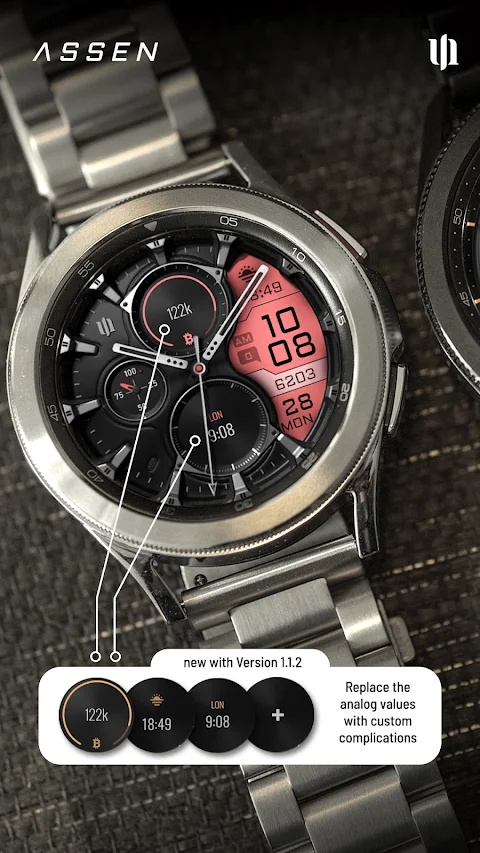
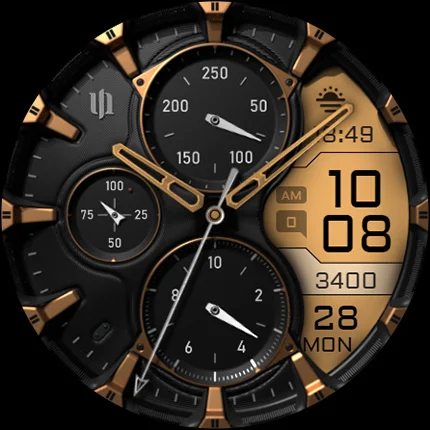
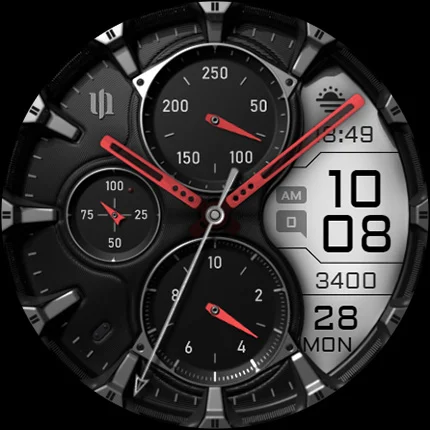
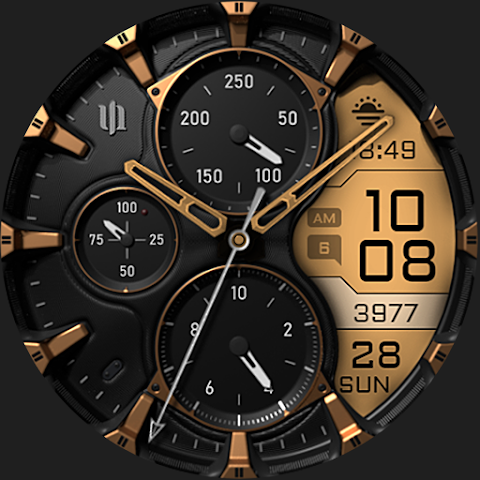
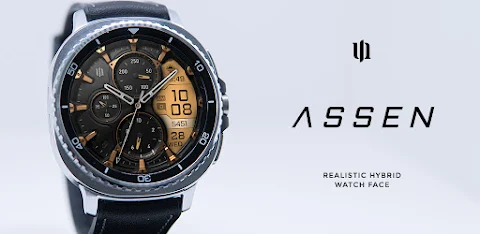
Enhance your Wear OS experience with the S4U Assen, a unique watch face that combines both an analog watch face and an LCD screen display. This realistic hybrid dial allows you to see important information at a glance. The design not only looks stylish but also provides essential features that you can customize to fit your personal taste.
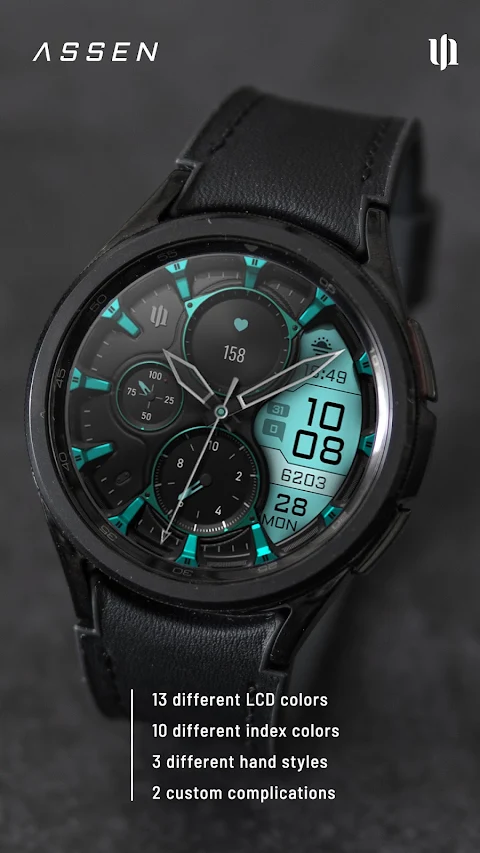
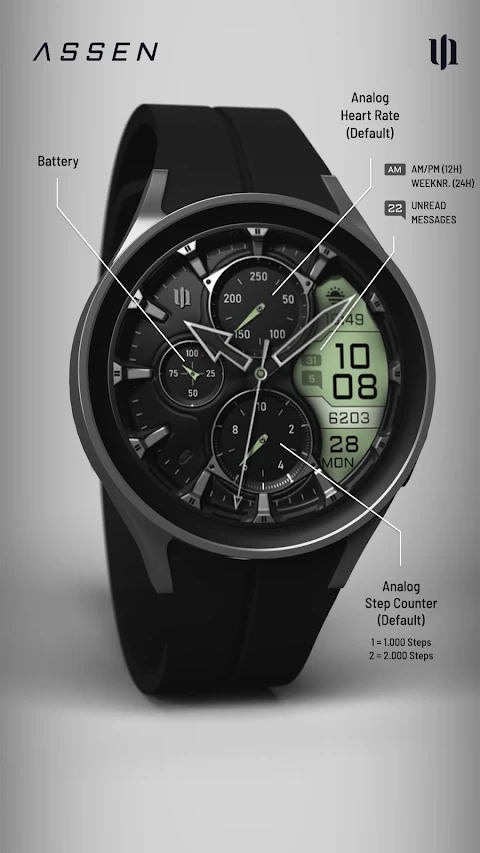
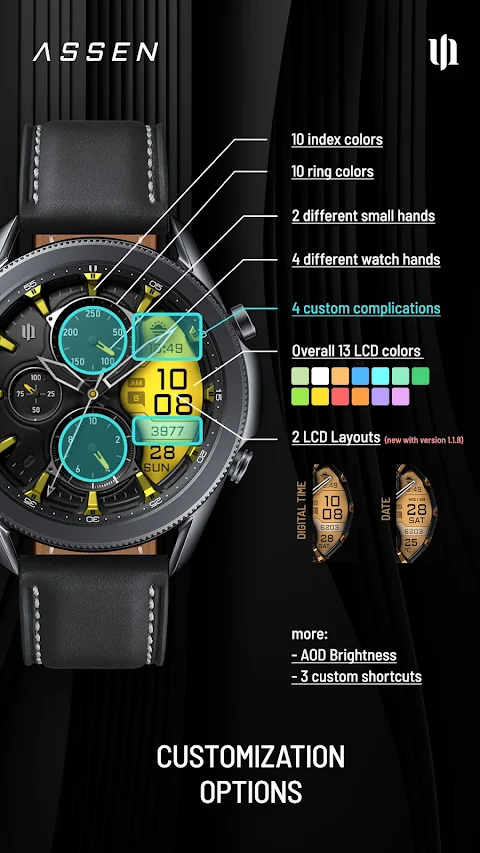
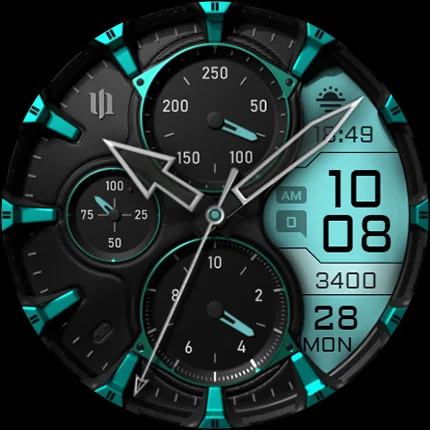
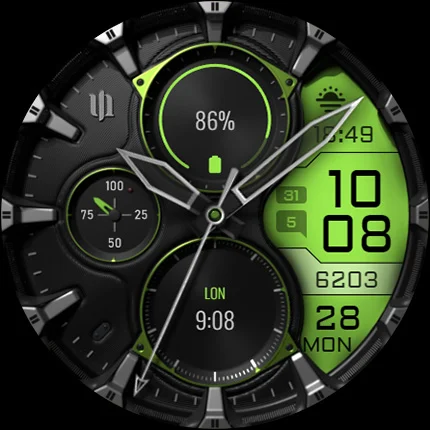
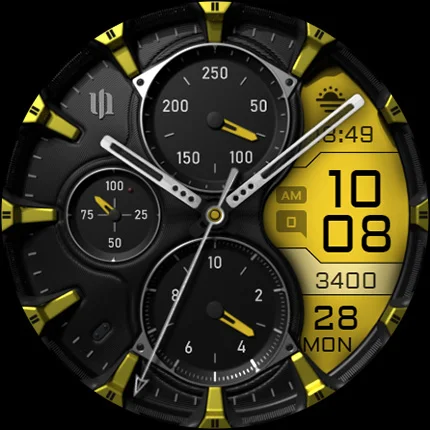
One of the standout features is the ability to use custom color options. You have 13 different LCD colors to choose from, along with 10 index colors, letting you personalize the look of your watch face. The S4U Assen also allows for various custom complications, meaning you can add user-defined data display to track exactly what you need, whether it's steps, heart rate, or other vital stats.
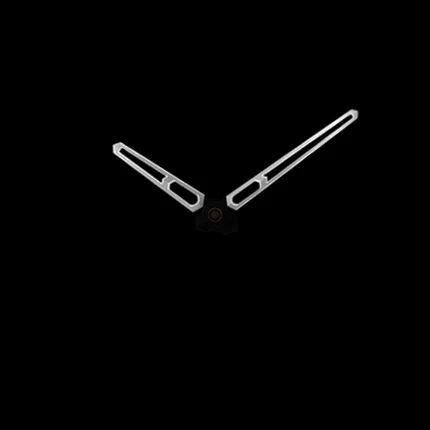
The watch face customization doesn’t stop there. You can pick from 4 custom clock hands and 2 smaller hands to further personalize your watch. For added convenience, the watch face features installation support for those using compatible devices, like the Samsung Galaxy Watch 8 and the Google Pixel Watch Series. Be sure to have your smartwatch updated to Wear OS 5 for the best performance.
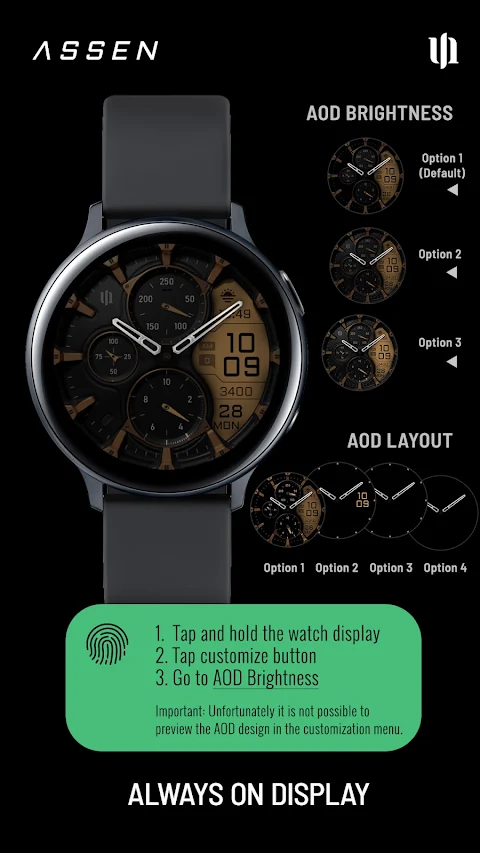
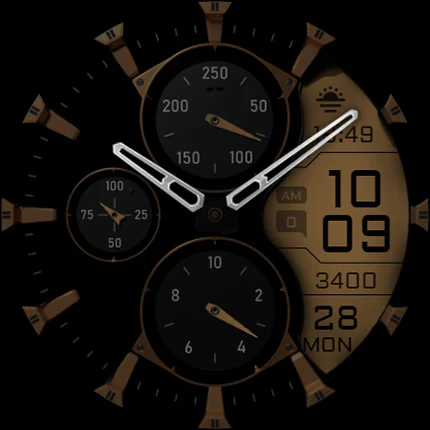
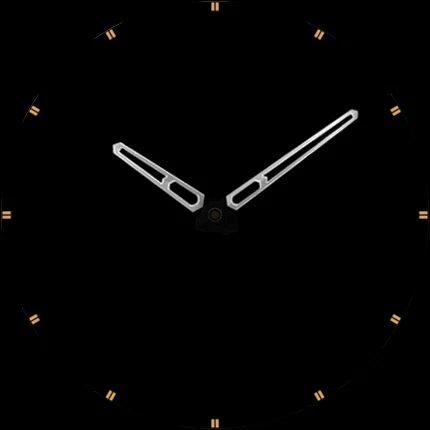
Another great feature is the Always-On Display (AOD), which keeps your watch face visible at all times. You can easily adjust the AOD brightness levels in the customization menu with three available options. If you want to simplify the look, there's also a custom AOD layout option, making it even easier to read the time and other information.
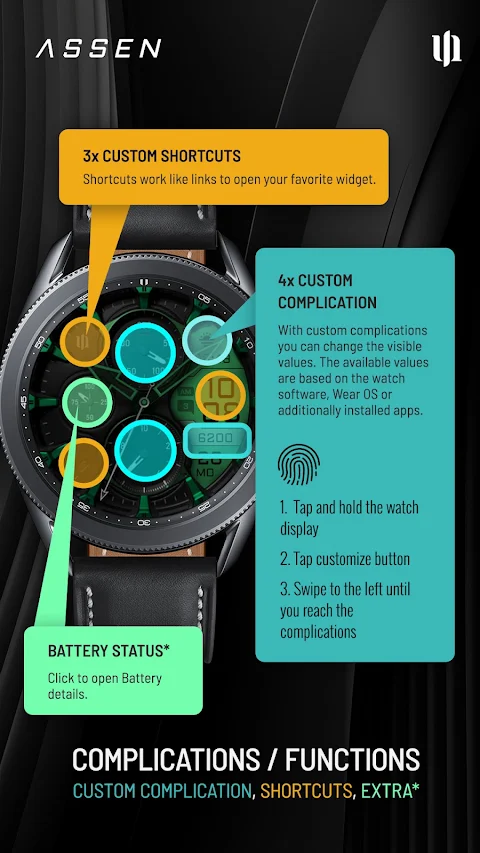
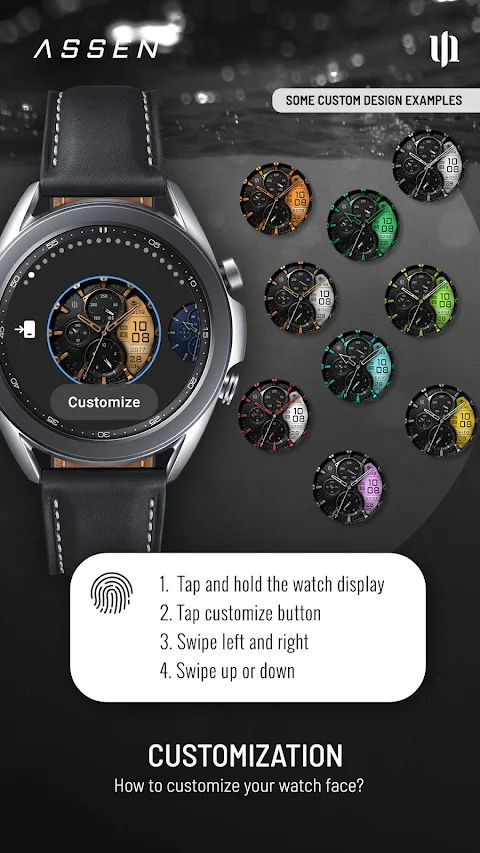
You can manage all these features through straightforward adjustments. Simply press and hold the watch display to access the customization menu. Whether you want to change colors, select new hands, or adjust the AOD, you can do it all with just a few taps. If you choose to use the battery details feature, you can even tap on the battery indicator to get more information about your watch's power status.
For those who like to streamline their experience, the S4U Assen allows you to set up custom app shortcuts. These quick access widgets can link to your favorite apps, making it easy to interact with the information you use daily. You’ll also receive unread message notifications and clear indicators for the day of the week and day of the month, ensuring you are always in the loop.
As the S4U Assen is optimized for Wear OS 5, it's essential to stay updated with the latest Wear OS version updates. If you encounter any smartwatch installation issues or have questions, you can find helpful support through the companion app that comes with your purchase.
If you enjoy this watch face design, consider checking out my other creations. I am constantly working on new designs for Wear OS. Please feel free to reach out via email at wear@s4u-watches.com for direct support, or share your experience with a review on the Play Store. Your feedback is valuable and helps me create even better designs.
Stay connected with my latest updates and new creations by following me on social media. You can find me on Instagram, Facebook, YouTube, and X to keep up with all things S4U. The S4U Assen offers an excellent mix of style and functionality, making it an ideal choice for anyone who wants to enhance their smartwatch experience.
One of the standout features is the ability to use custom color options. You have 13 different LCD colors to choose from, along with 10 index colors, letting you personalize the look of your watch face. The S4U Assen also allows for various custom complications, meaning you can add user-defined data display to track exactly what you need, whether it's steps, heart rate, or other vital stats.
The watch face customization doesn’t stop there. You can pick from 4 custom clock hands and 2 smaller hands to further personalize your watch. For added convenience, the watch face features installation support for those using compatible devices, like the Samsung Galaxy Watch 8 and the Google Pixel Watch Series. Be sure to have your smartwatch updated to Wear OS 5 for the best performance.
Another great feature is the Always-On Display (AOD), which keeps your watch face visible at all times. You can easily adjust the AOD brightness levels in the customization menu with three available options. If you want to simplify the look, there's also a custom AOD layout option, making it even easier to read the time and other information.
You can manage all these features through straightforward adjustments. Simply press and hold the watch display to access the customization menu. Whether you want to change colors, select new hands, or adjust the AOD, you can do it all with just a few taps. If you choose to use the battery details feature, you can even tap on the battery indicator to get more information about your watch's power status.
For those who like to streamline their experience, the S4U Assen allows you to set up custom app shortcuts. These quick access widgets can link to your favorite apps, making it easy to interact with the information you use daily. You’ll also receive unread message notifications and clear indicators for the day of the week and day of the month, ensuring you are always in the loop.
As the S4U Assen is optimized for Wear OS 5, it's essential to stay updated with the latest Wear OS version updates. If you encounter any smartwatch installation issues or have questions, you can find helpful support through the companion app that comes with your purchase.
If you enjoy this watch face design, consider checking out my other creations. I am constantly working on new designs for Wear OS. Please feel free to reach out via email at wear@s4u-watches.com for direct support, or share your experience with a review on the Play Store. Your feedback is valuable and helps me create even better designs.
Stay connected with my latest updates and new creations by following me on social media. You can find me on Instagram, Facebook, YouTube, and X to keep up with all things S4U. The S4U Assen offers an excellent mix of style and functionality, making it an ideal choice for anyone who wants to enhance their smartwatch experience.
Glyph Icons and Widgets
NARIK DESIGN
$1.99
$0.49
Pix-Minimal Black/White Icons
PashaPuma Design
$1.49
$0.86
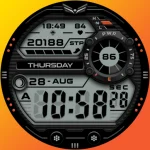
Ballozi STEALTH MARINE 4 CL
BALLOZI Watch Faces
$1.79
$0.36