
$4.99
FREE
100% Off
Blur Video
SwiperyLab

About the App
Blur Video is a powerful blurring app and censor app made to help you protect your privacy while adding a creative touch to your videos. Whether you need a reliable face blur video tool or a professional blur video editor, Blur Video delivers high-quality results with great ease of use.
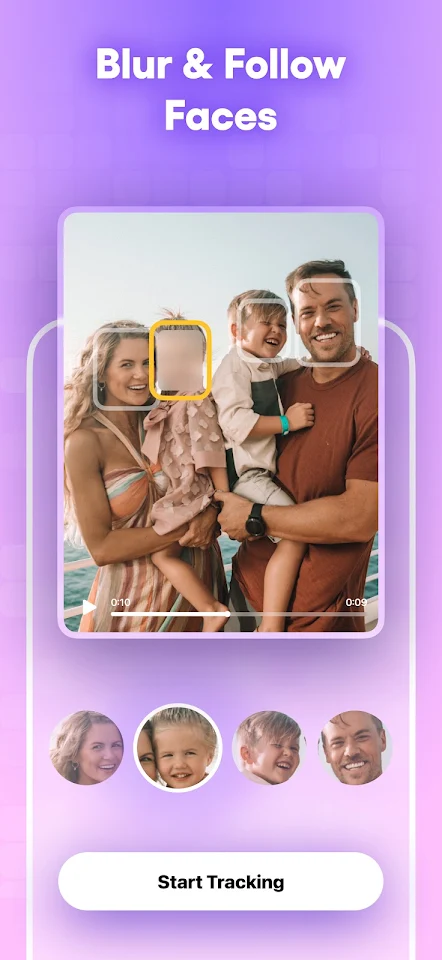
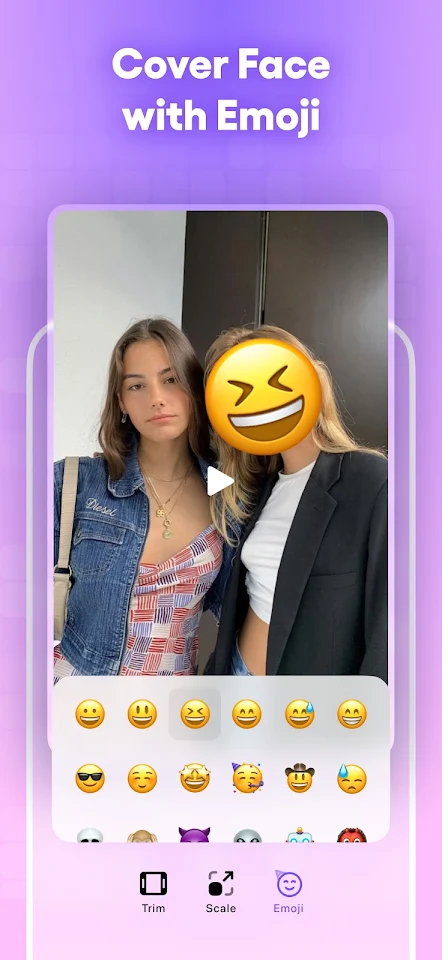
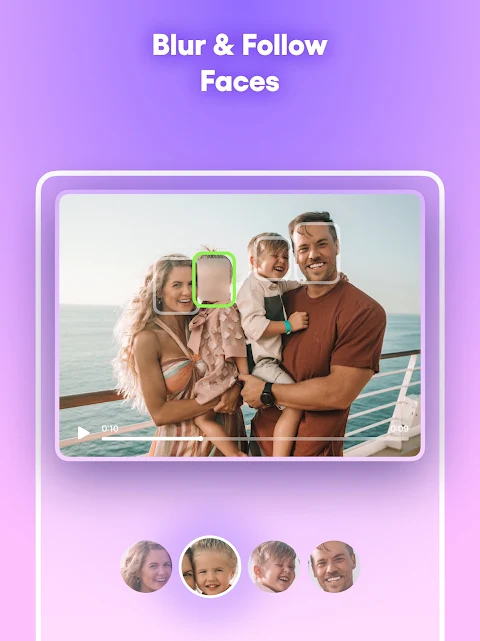
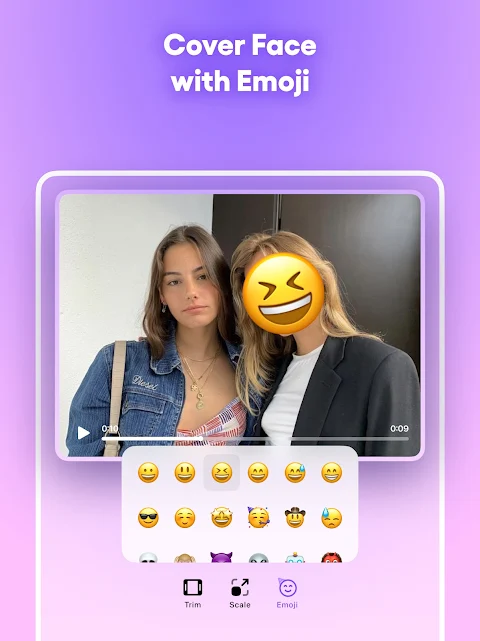
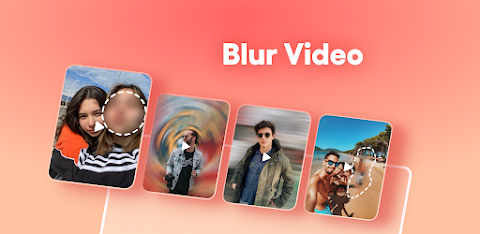
One of the key features of Blur Video is its seamless face blur capability. This advanced face blur video tool makes it simple to protect identities in your videos. You can use AI face blur technology to automatically blur a face or blur faces using real-time motion tracking. If you're recording a crowd, the multiple faces blur feature can handle many people at once, ensuring that everyone’s privacy is respected. Additionally, you can spice things up with creative video censoring, allowing you to swap a standard video mosaic with fun emojis to keep your content engaging.
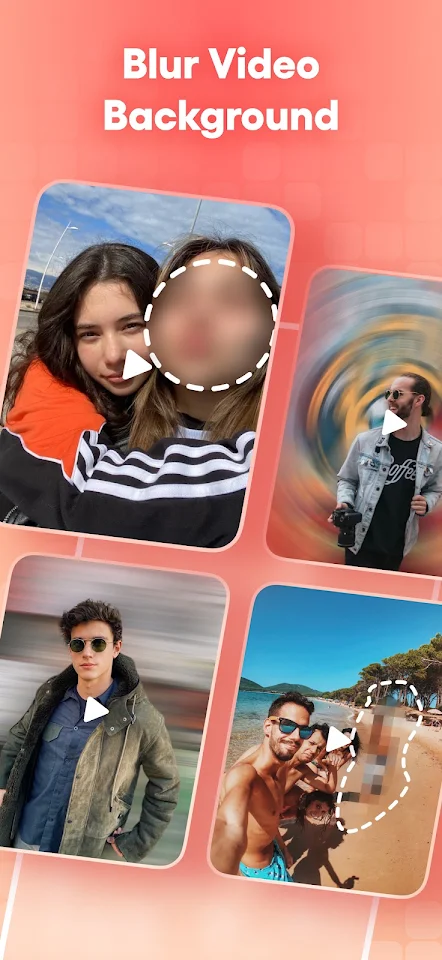
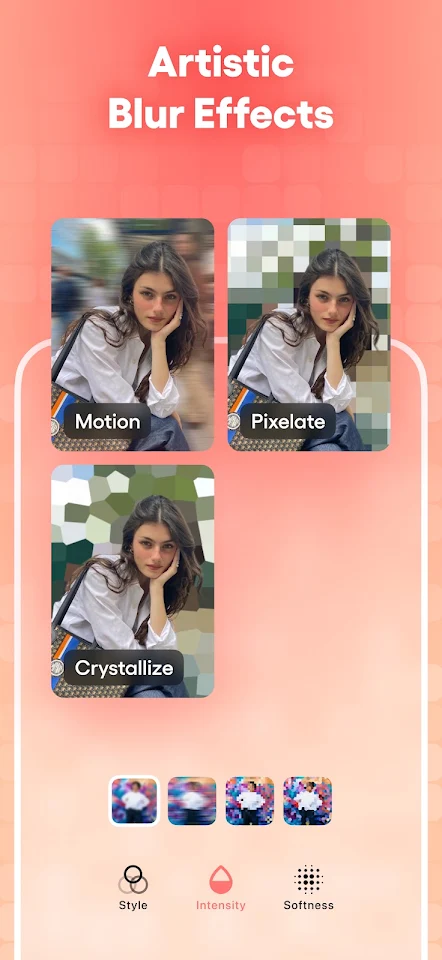
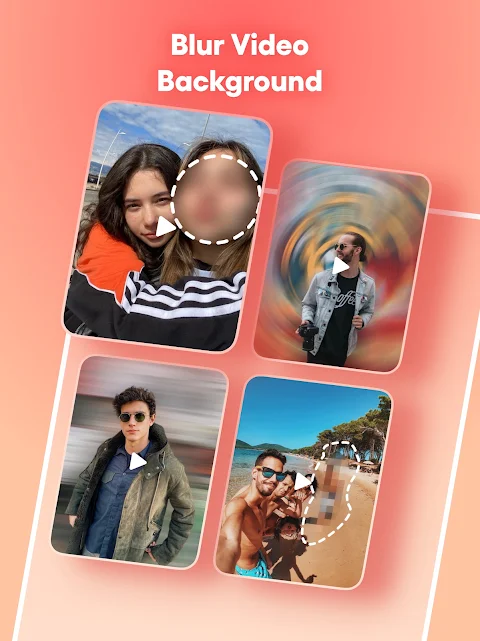
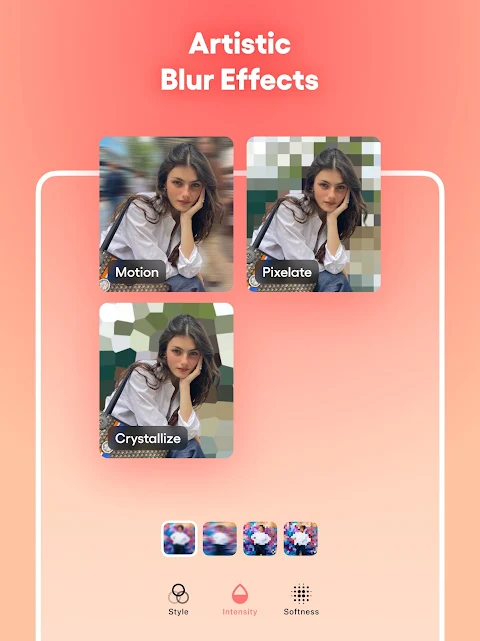
When you want to make your subject stand out, Blur Video lets you instantly blur the background video. This dynamic blur effect ensures that your main focus is highlighted. You can customize your video blur even further by choosing from various blurry filter styles, including options like pixelate video effect or crystalize style. The app also provides total control with its blur editor, enabling you to adjust edge smoothness and intensity. This is perfect for fixing any blurry video mistakes or refining the overall blur effect.
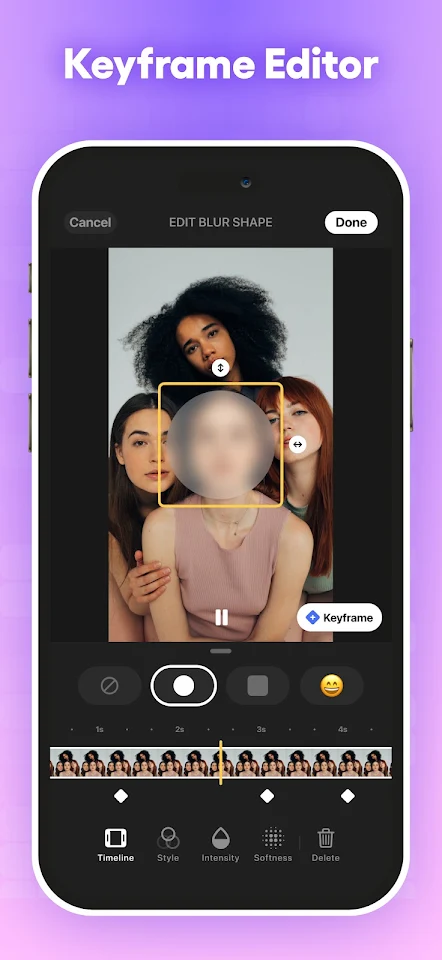
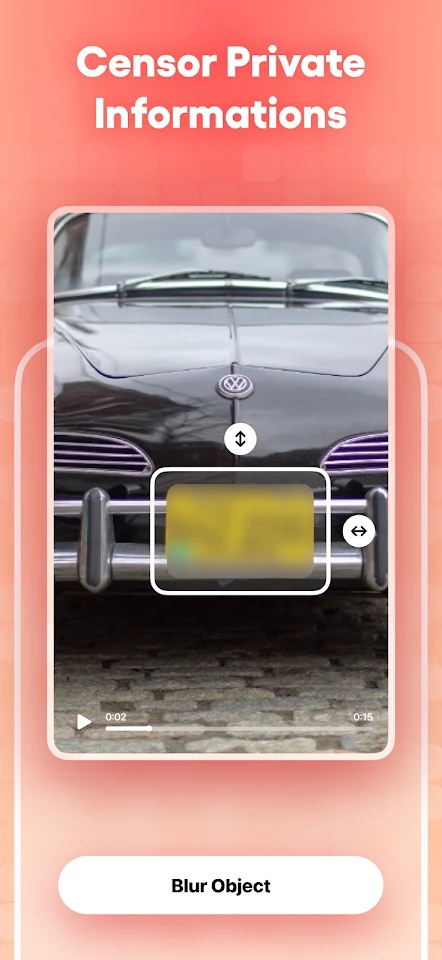
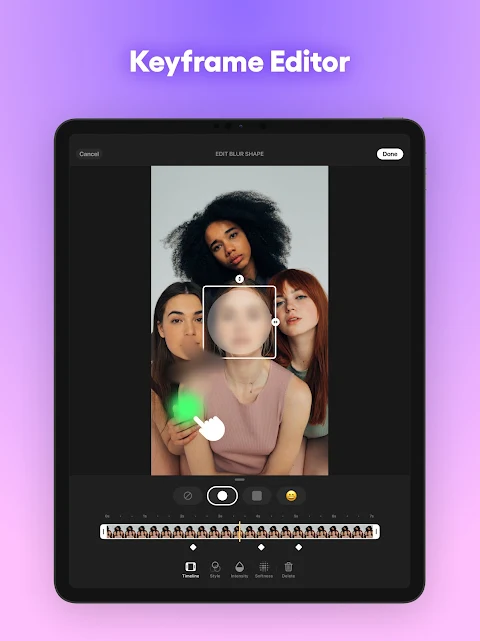
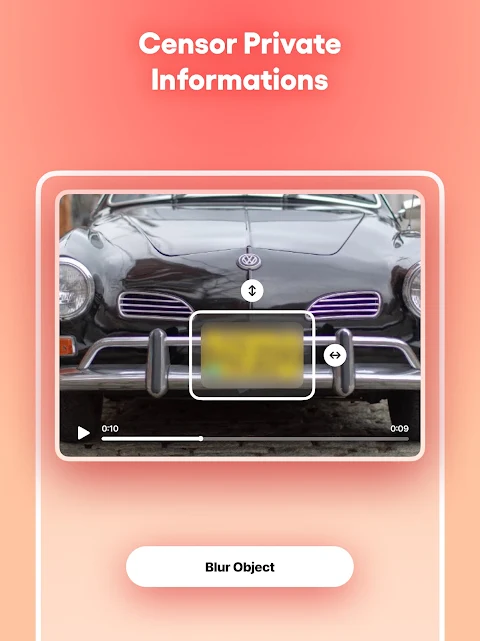
Moreover, Blur Video offers precision shape blur features that allow you to manually target specific areas in your video. With point blur, you can easily hide logos in videos or blur sensitive data. The blur video tools let you add keyframes, making it possible to move the blur area so it can follow specific objects as they move. This offers pixel-perfect blur control, ensuring that you get the exact effect you want. You can also adjust the size of your video mosaic or blurring app effects to suit your needs.
Overall, Blur Video is designed with user-friendly blur interface features that make it easy for everyone to edit their videos. You’ll appreciate the privacy protection tools it provides, focusing on privacy in every frame while maintaining high-quality blur results. With such easy video editing options, Blur Video is perfect for anyone who wants to enhance their videos while keeping their content private.
One of the key features of Blur Video is its seamless face blur capability. This advanced face blur video tool makes it simple to protect identities in your videos. You can use AI face blur technology to automatically blur a face or blur faces using real-time motion tracking. If you're recording a crowd, the multiple faces blur feature can handle many people at once, ensuring that everyone’s privacy is respected. Additionally, you can spice things up with creative video censoring, allowing you to swap a standard video mosaic with fun emojis to keep your content engaging.
When you want to make your subject stand out, Blur Video lets you instantly blur the background video. This dynamic blur effect ensures that your main focus is highlighted. You can customize your video blur even further by choosing from various blurry filter styles, including options like pixelate video effect or crystalize style. The app also provides total control with its blur editor, enabling you to adjust edge smoothness and intensity. This is perfect for fixing any blurry video mistakes or refining the overall blur effect.
Moreover, Blur Video offers precision shape blur features that allow you to manually target specific areas in your video. With point blur, you can easily hide logos in videos or blur sensitive data. The blur video tools let you add keyframes, making it possible to move the blur area so it can follow specific objects as they move. This offers pixel-perfect blur control, ensuring that you get the exact effect you want. You can also adjust the size of your video mosaic or blurring app effects to suit your needs.
Overall, Blur Video is designed with user-friendly blur interface features that make it easy for everyone to edit their videos. You’ll appreciate the privacy protection tools it provides, focusing on privacy in every frame while maintaining high-quality blur results. With such easy video editing options, Blur Video is perfect for anyone who wants to enhance their videos while keeping their content private.

Video Player Pro
NexusPlay Studio
$0.99

Reverse Video
SwiperyLab
$2.99
FREE
Verixa IPTV Player
AppUpdo
$0.99
$0.84