

$1.49
FREE
100% Off
Octa Dark – Icon Pack
GomoTheGom


About the App
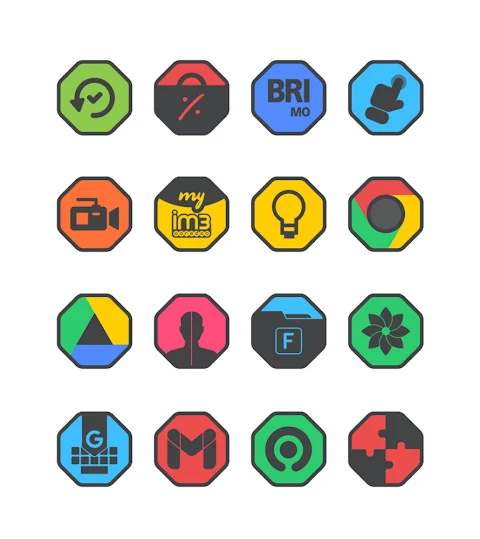
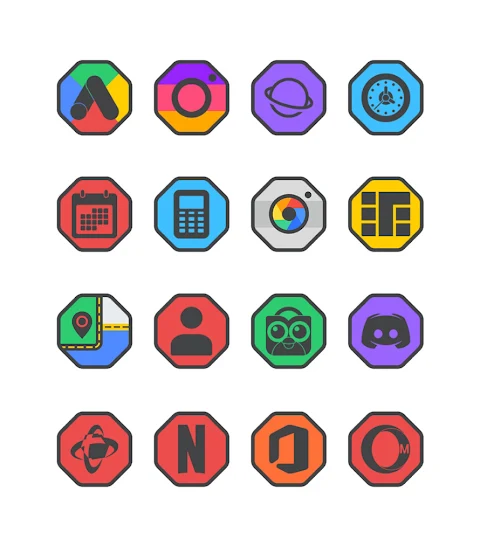
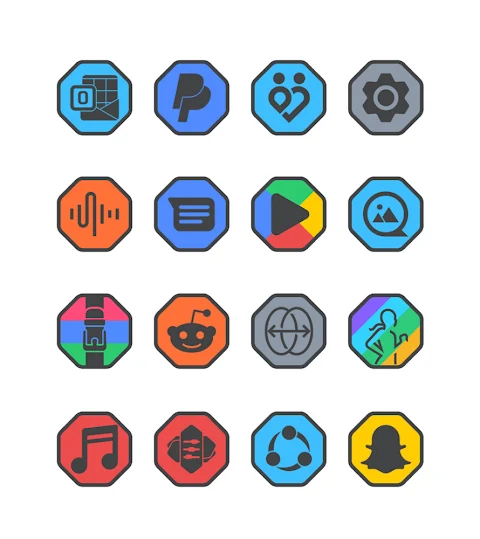
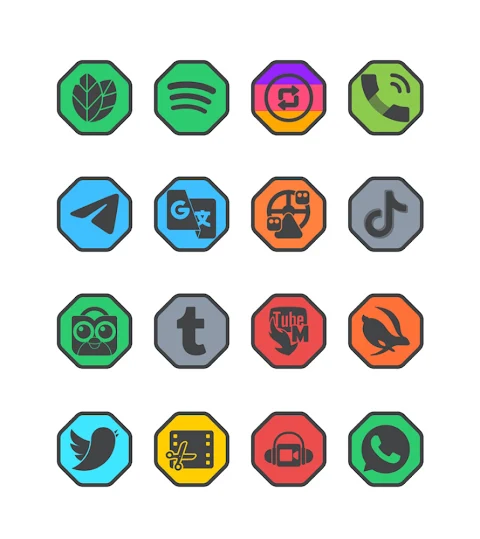
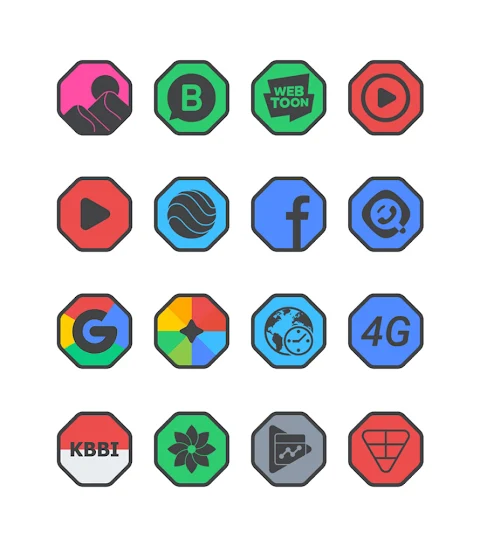
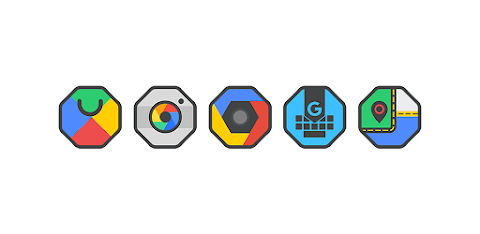
Octa Dark is a unique flat icon pack designed for users who love dark themes. This icon pack features a dark main icon along with a stylish border, making it perfect for anyone looking to personalize their home screen.
With over 7000 icons available and counting, Octa Dark offers a vast selection to choose from. Users can also enjoy 36+ HD wallpapers that complement the icons beautifully. The pack includes alternate icons too, allowing for even more customization. If you have a specific icon in mind that isn’t available, you can use the icon request feature to suggest new ones, ensuring your experience is always tailored to your taste.
The icons in Octa Dark come in high-definition resolution of 192x192px, ensuring that they look sharp and clear on your device. Applying the Octa Dark icon pack is easy. It supports several popular launchers, including Nova launcher and Evie launcher, among others. Here’s how to apply it:
1. Open the Octa Dark Icon Pack app.
2. Navigate to the "Apply Icon Pack" screen.
3. You’ll see a list of supported launchers. Simply select the Nova launcher installed on your device.
4. The app will automatically apply the icons from the Octa Dark icon pack for the chosen launcher.
If your launcher doesn’t appear, you can also apply icons directly from the launcher itself.
For users with the Sony Xperia Home Launcher, the Octa Dark icon pack can still be used, but you’ll need to follow a different method. After long-pressing on your main screen, go into settings, scroll down to "appearance icon setting," and choose the Octa Dark icon pack. Just remember, this only works on Sony Xperia Home Launcher version 10.0.A.0.8 or higher.
Besides Nova and Evie launcher support, Octa Dark is compatible with a variety of other launchers, including Apex launcher, ADW launcher, and smart launcher. However, it’s important to note that some launchers, like Go launcher and Zero launcher, have limitations related to icon masking.
The Octa Dark icon pack is a customizable icon pack, perfect for users who want to bring a stylish flair to their devices. It’s a user-friendly application that provides simple methods for icon changing and makes launcher settings adjustments straightforward.
If you’re interested in more design inspiration, you can follow Octa Dark on Google+, Instagram, and Twitter for updates and showcases of creative uses. Additionally, credit goes to Dani Mahardika for the Candybar Dashboard, which helps in managing this icon pack.
Octa Dark not only enhances the look of your device with dark theme icons but also makes it easy to create a personalized home screen that stands out. Enjoy the high-definition icons and customize your device to match your style!
With over 7000 icons available and counting, Octa Dark offers a vast selection to choose from. Users can also enjoy 36+ HD wallpapers that complement the icons beautifully. The pack includes alternate icons too, allowing for even more customization. If you have a specific icon in mind that isn’t available, you can use the icon request feature to suggest new ones, ensuring your experience is always tailored to your taste.
The icons in Octa Dark come in high-definition resolution of 192x192px, ensuring that they look sharp and clear on your device. Applying the Octa Dark icon pack is easy. It supports several popular launchers, including Nova launcher and Evie launcher, among others. Here’s how to apply it:
1. Open the Octa Dark Icon Pack app.
2. Navigate to the "Apply Icon Pack" screen.
3. You’ll see a list of supported launchers. Simply select the Nova launcher installed on your device.
4. The app will automatically apply the icons from the Octa Dark icon pack for the chosen launcher.
If your launcher doesn’t appear, you can also apply icons directly from the launcher itself.
For users with the Sony Xperia Home Launcher, the Octa Dark icon pack can still be used, but you’ll need to follow a different method. After long-pressing on your main screen, go into settings, scroll down to "appearance icon setting," and choose the Octa Dark icon pack. Just remember, this only works on Sony Xperia Home Launcher version 10.0.A.0.8 or higher.
Besides Nova and Evie launcher support, Octa Dark is compatible with a variety of other launchers, including Apex launcher, ADW launcher, and smart launcher. However, it’s important to note that some launchers, like Go launcher and Zero launcher, have limitations related to icon masking.
The Octa Dark icon pack is a customizable icon pack, perfect for users who want to bring a stylish flair to their devices. It’s a user-friendly application that provides simple methods for icon changing and makes launcher settings adjustments straightforward.
If you’re interested in more design inspiration, you can follow Octa Dark on Google+, Instagram, and Twitter for updates and showcases of creative uses. Additionally, credit goes to Dani Mahardika for the Candybar Dashboard, which helps in managing this icon pack.
Octa Dark not only enhances the look of your device with dark theme icons but also makes it easy to create a personalized home screen that stands out. Enjoy the high-definition icons and customize your device to match your style!

PER32 Ultra Hybrit Watch Face
PERSONA Watch Face
$2.29

Sagon: Dark Icon Pack
Bandot
$1.99
$1.00

DADAM85: Classic Watch Face
DADAM Watch Faces
$0.99
$0.49