

$0.49
$0.19
61% Off
Shamrock – Icon Pack
Atanu Sanyal



About the App
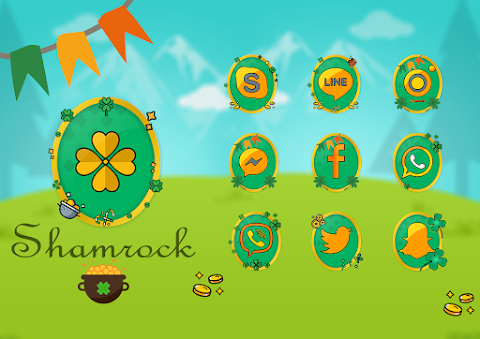
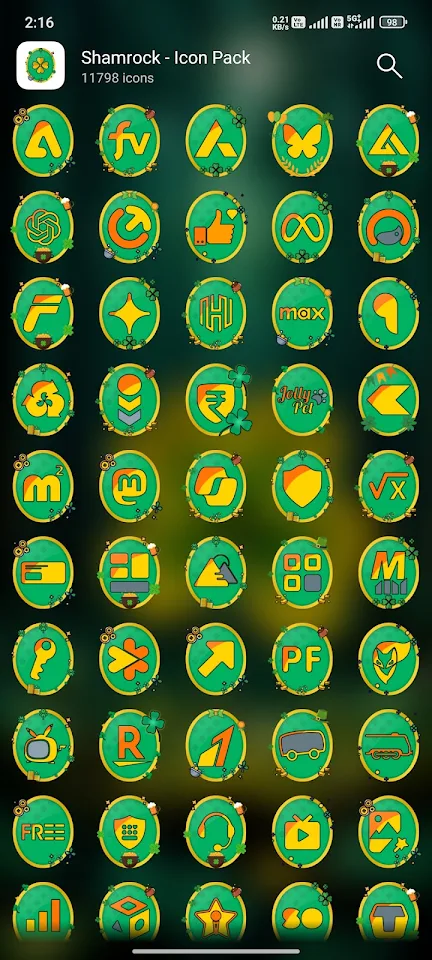
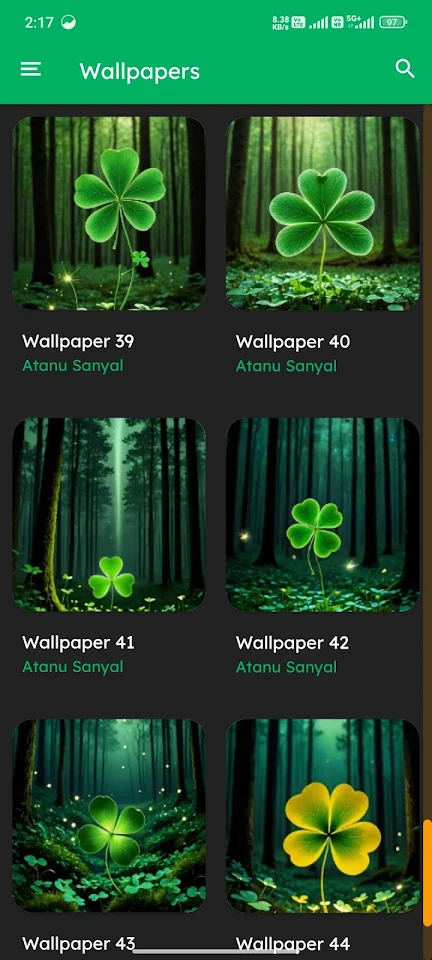
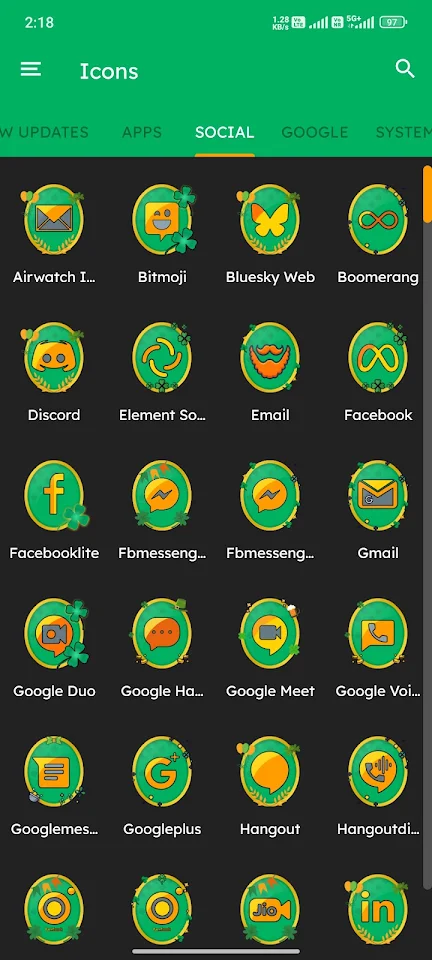
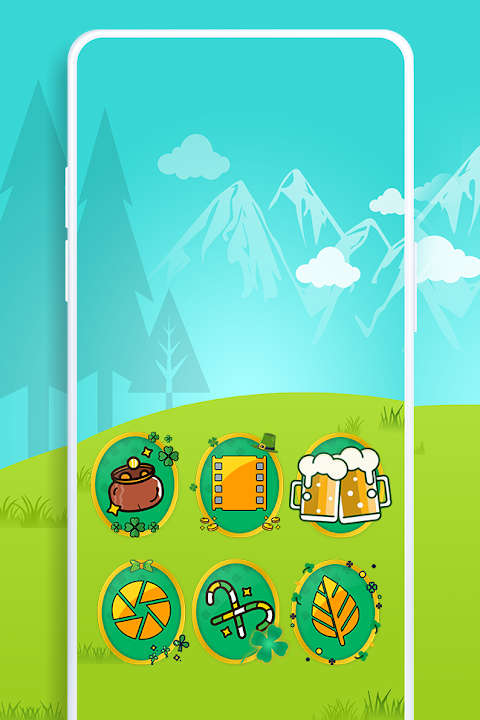
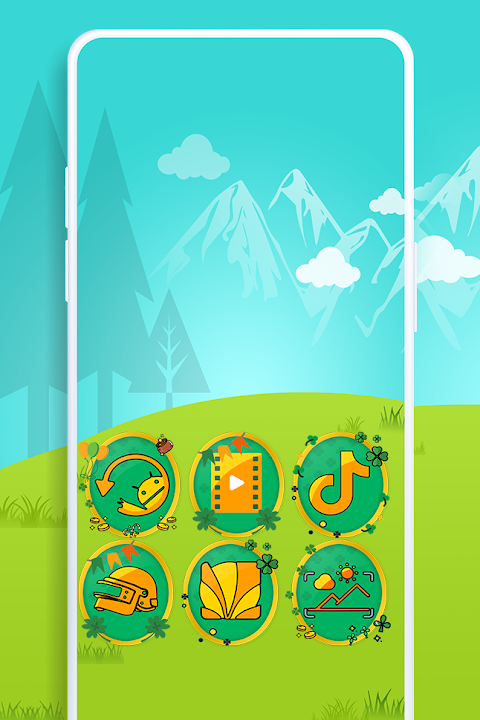
Shamrock - Icon Pack is a fantastic tool for anyone looking to customize their device's home screen. With over 2000 icons and 45 HD wallpapers, this app offers a wide variety of options to personalize your look. You'll find a user-friendly interface that makes it easy to explore different icons and wallpapers. The Material Dashboard helps you navigate through the app smoothly.
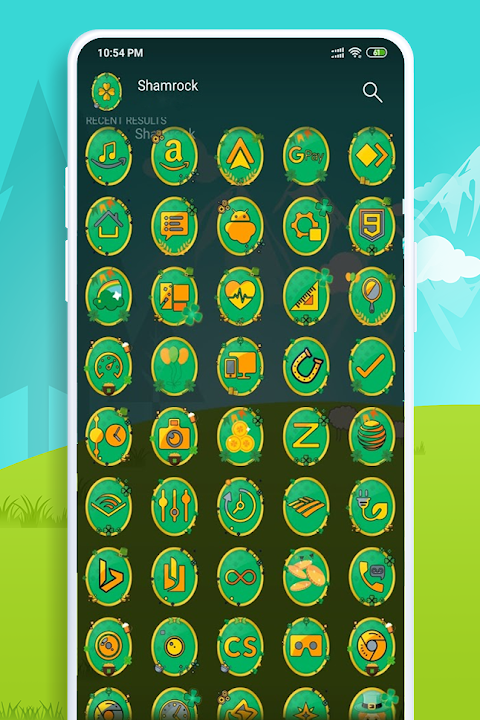
One of the standout features of the Shamrock - Icon Pack is its icon preview and search function. This allows you to see what each icon looks like before applying it, making it simple to find exactly what you want. Additionally, the app includes dynamic calendar icons, providing you with a way to keep track of your schedule right from your home screen.
The icon pack includes category-based icons, which helps you organize your apps visually. If you find that some icons are missing that you would like to see, the Easy Icon Request feature makes it straightforward to request those icons. You can choose between the Regular and Premium Icon Request options to get the icons you need.
Using Shamrock - Icon Pack is simple. First, you’ll need to install a supported theme launcher. Once that’s done, open the icon pack and navigate to the Apply section. From there, you can select your launcher to apply the icons. If your launcher isn’t listed, you can still apply the icons directly through your launcher settings, ensuring broad compatibility with various launchers.
There are many supported launchers that work seamlessly with Shamrock - Icon Pack. Popular choices include Action Launcher, ADW Launcher, Apex Launcher, Atom Launcher, Aviate Launcher, CM Theme Engine, and GO Launcher. You can also use it with Holo Launcher, Lawnchair, Lucid Launcher, Nova Launcher— which is highly recommended—Smart Launcher, Solo Launcher, and ZenUI Launcher, among others. The app has been tested to work well with these launchers, but it might function with others too.
In case you do not see an apply section in the dashboard, don't worry. You can apply the icon pack from your theme settings without any hassle.
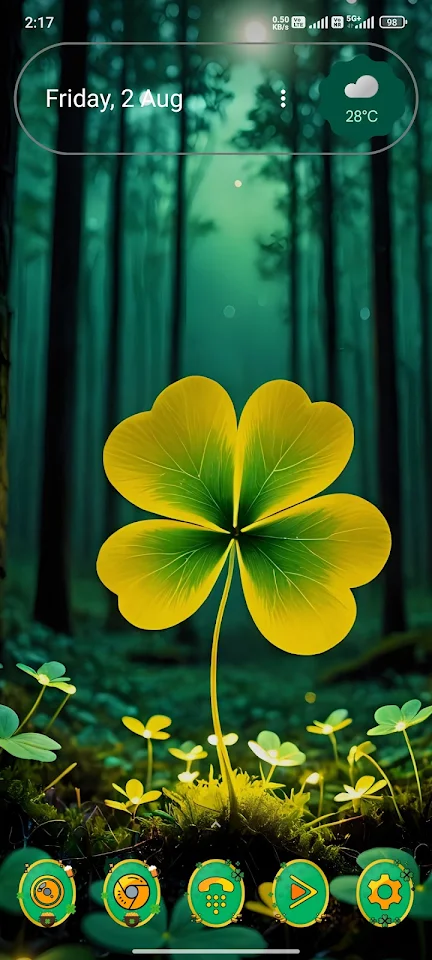
Shamrock - Icon Pack allows for great home screen customization with unique icon designs that suit various styles. The regular and premium icon request features ensure you can personalize your experience fully, making it easy to add any unthemed icons you might want.
In conclusion, Shamrock - Icon Pack is a powerful way to enhance your device's appearance. Its collection of icons and wallpapers, combined with useful features like the icon preview and request options, make it a must-have for anyone who loves to personalize their technology. Try it to transform your home screen into something beautiful and unique!
One of the standout features of the Shamrock - Icon Pack is its icon preview and search function. This allows you to see what each icon looks like before applying it, making it simple to find exactly what you want. Additionally, the app includes dynamic calendar icons, providing you with a way to keep track of your schedule right from your home screen.
The icon pack includes category-based icons, which helps you organize your apps visually. If you find that some icons are missing that you would like to see, the Easy Icon Request feature makes it straightforward to request those icons. You can choose between the Regular and Premium Icon Request options to get the icons you need.
Using Shamrock - Icon Pack is simple. First, you’ll need to install a supported theme launcher. Once that’s done, open the icon pack and navigate to the Apply section. From there, you can select your launcher to apply the icons. If your launcher isn’t listed, you can still apply the icons directly through your launcher settings, ensuring broad compatibility with various launchers.
There are many supported launchers that work seamlessly with Shamrock - Icon Pack. Popular choices include Action Launcher, ADW Launcher, Apex Launcher, Atom Launcher, Aviate Launcher, CM Theme Engine, and GO Launcher. You can also use it with Holo Launcher, Lawnchair, Lucid Launcher, Nova Launcher— which is highly recommended—Smart Launcher, Solo Launcher, and ZenUI Launcher, among others. The app has been tested to work well with these launchers, but it might function with others too.
In case you do not see an apply section in the dashboard, don't worry. You can apply the icon pack from your theme settings without any hassle.
Shamrock - Icon Pack allows for great home screen customization with unique icon designs that suit various styles. The regular and premium icon request features ensure you can personalize your experience fully, making it easy to add any unthemed icons you might want.
In conclusion, Shamrock - Icon Pack is a powerful way to enhance your device's appearance. Its collection of icons and wallpapers, combined with useful features like the icon preview and request options, make it a must-have for anyone who loves to personalize their technology. Try it to transform your home screen into something beautiful and unique!
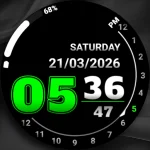
Analog clock touch
Freiberg watches
$1.49
Eclipse Transparent Icon Pack
PizzApp Design
$0.99
$0.69
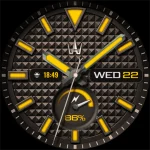
WAW049 Analog Futuristic Face
WAW Watch Faces
$2.99