
$0.99
$0.50
49% Off
RoFlouro
Mohamed Nabil Elewa

About the App
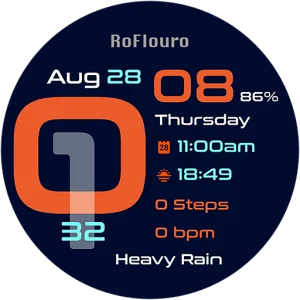
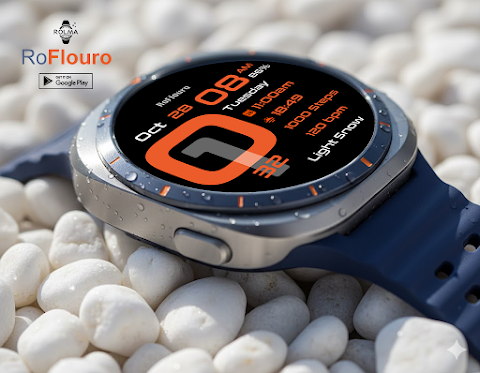
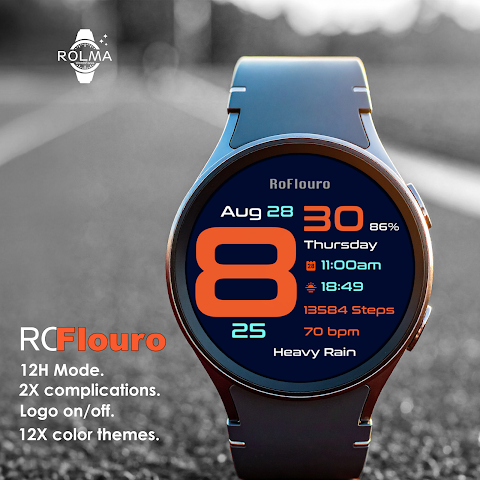
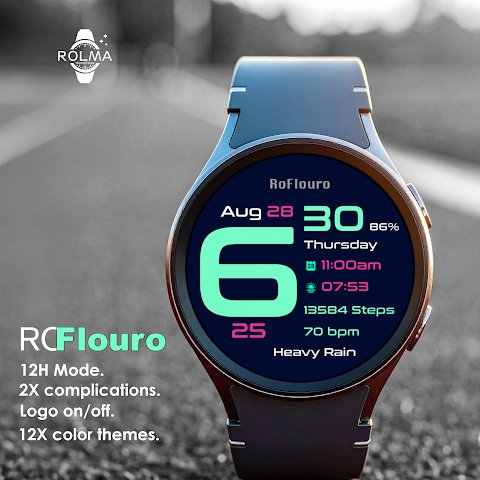
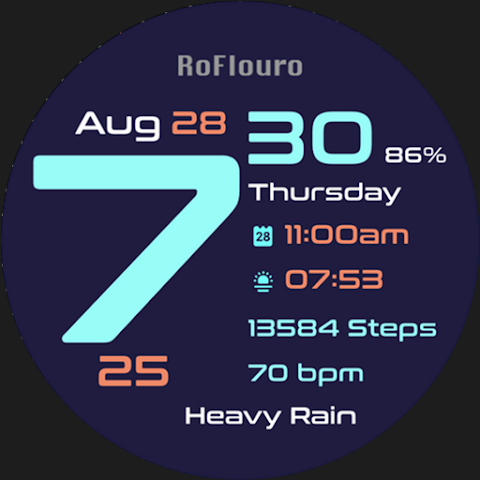
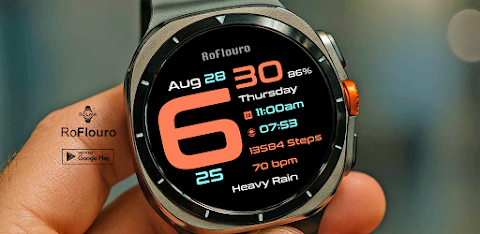
RoFlouro is a digital watch face designed specifically for Wear OS devices. It features a clear design that is both unique and attractive, making it a perfect match for your smartwatch. This watch face was created using the Watch Face Studio tool, ensuring high-quality design and functionality.
If you ever encounter an issue with the digits not displaying correctly, you can easily fix it. Just uninstall the watch face, restart your watch, and then install it again. This simple process will usually resolve any font display problems.
To get started with RoFlouro, you need to connect your watch to your phone. Once connected, follow these installation instructions: First, install the watch face on your watch. After installing, check the watch face gallery on your watch by pressing and holding the display. Then, swipe to the right and click on "Add watch face." You'll find RoFlouro among your newly installed watch faces. Activate it, and you’re ready to enjoy your new look!
For users of Samsung watches, you can also manage your watch face through the Galaxy Wearable app on your phone. Make sure the app is installed. Go to Watch faces and then Downloaded, where you will find RoFlouro ready to be applied to your connected watch.
If you have a smartwatch from another brand that also uses Wear OS, check the specific watch application that came with your device. There, you can find RoFlouro in the watch face gallery or list and easily set it up.
Customization is a big part of what makes RoFlouro special. To customize your watch face, just press and hold the display, and then hit "Customize." You'll be able to swipe left and right to choose what aspects you want to change. For additional options, swipe up and down through the settings. Once you’ve made your selections, just hit "OK" to save your choices.
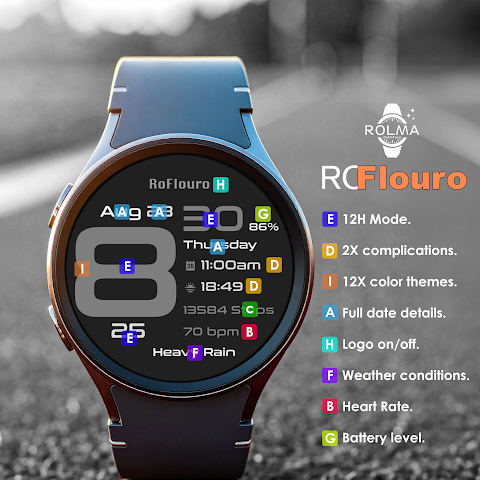
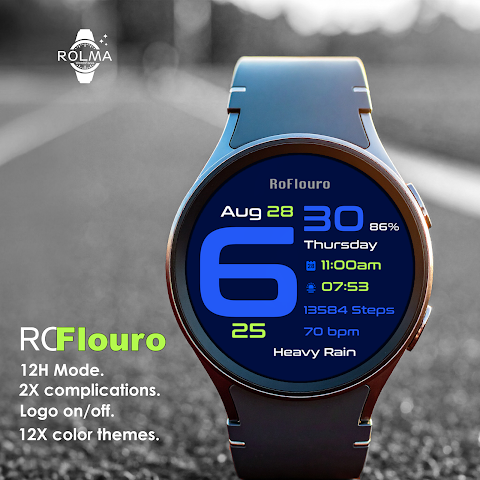
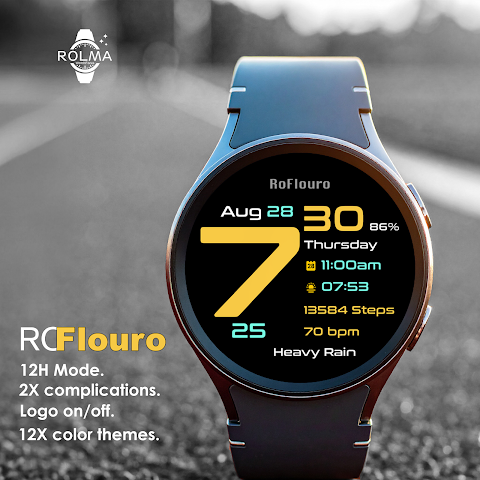
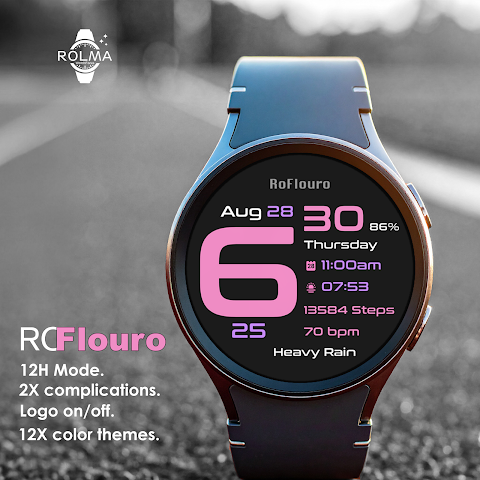
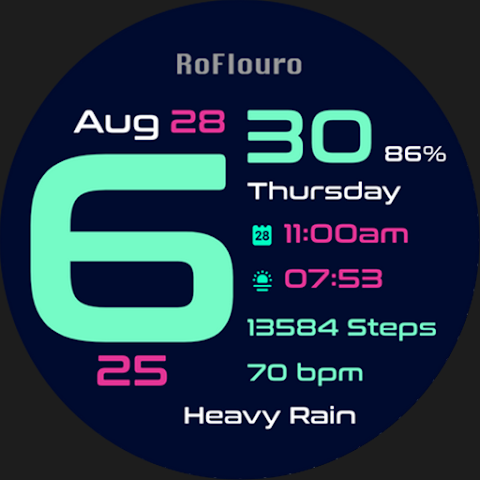
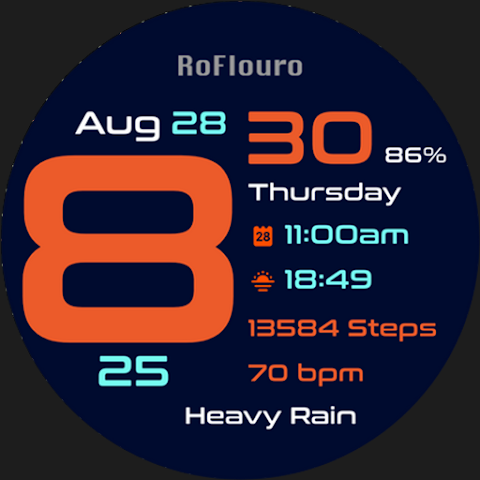
RoFlouro comes packed with features to enhance your daily experience. You can select from either the 12-hour format or the 24-hour format for time display, along with AM/PM indicators. It also provides full date details, a heart rate indicator, and a digital steps counter that tracks your activity throughout the day.
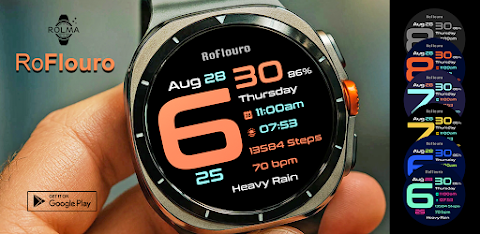
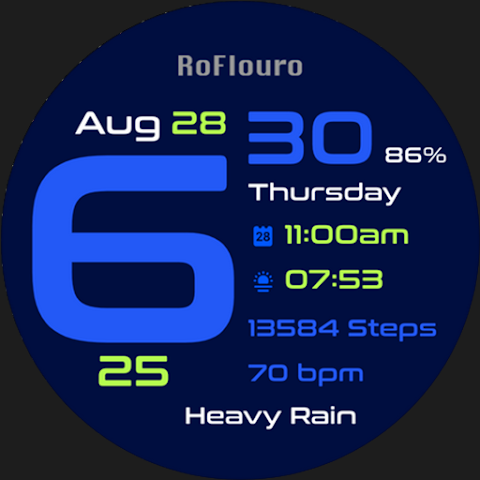
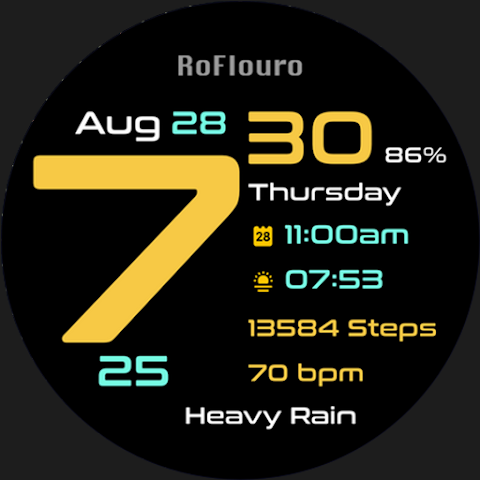
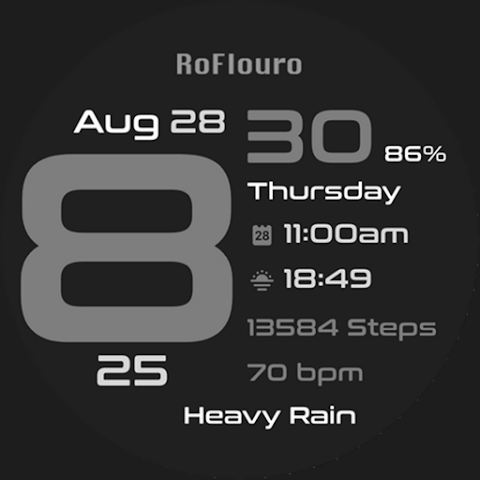
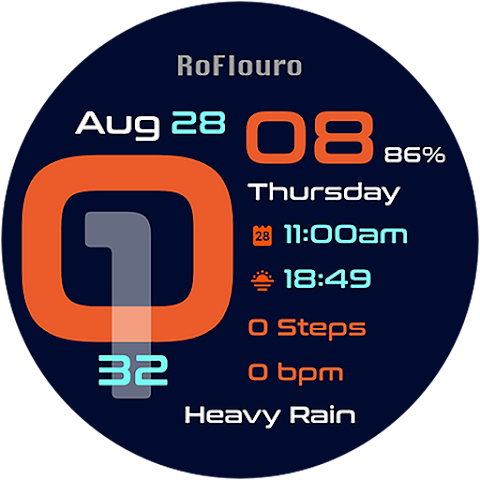
For those who love personalization, RoFlouro offers two custom complications and a selection of 12 color themes. You even have the option to disable the logo if you prefer a cleaner look. Stay informed with weather conditions displayed right on your watch. The always on display feature ensures that you can quickly glance at the time and other information without needing to wake up your watch.
RoFlouro is designed to be a customizable watch face that fits your style and needs. With easy installation and thorough support for various smartwatch brands, it’s perfect for anyone looking to enhance their wearable experience.
If you have any questions or need further assistance, please don’t hesitate to email me at mhmdnabil2050@gmail.com. Enjoy discovering all that RoFlouro has to offer!
If you ever encounter an issue with the digits not displaying correctly, you can easily fix it. Just uninstall the watch face, restart your watch, and then install it again. This simple process will usually resolve any font display problems.
To get started with RoFlouro, you need to connect your watch to your phone. Once connected, follow these installation instructions: First, install the watch face on your watch. After installing, check the watch face gallery on your watch by pressing and holding the display. Then, swipe to the right and click on "Add watch face." You'll find RoFlouro among your newly installed watch faces. Activate it, and you’re ready to enjoy your new look!
For users of Samsung watches, you can also manage your watch face through the Galaxy Wearable app on your phone. Make sure the app is installed. Go to Watch faces and then Downloaded, where you will find RoFlouro ready to be applied to your connected watch.
If you have a smartwatch from another brand that also uses Wear OS, check the specific watch application that came with your device. There, you can find RoFlouro in the watch face gallery or list and easily set it up.
Customization is a big part of what makes RoFlouro special. To customize your watch face, just press and hold the display, and then hit "Customize." You'll be able to swipe left and right to choose what aspects you want to change. For additional options, swipe up and down through the settings. Once you’ve made your selections, just hit "OK" to save your choices.
RoFlouro comes packed with features to enhance your daily experience. You can select from either the 12-hour format or the 24-hour format for time display, along with AM/PM indicators. It also provides full date details, a heart rate indicator, and a digital steps counter that tracks your activity throughout the day.
For those who love personalization, RoFlouro offers two custom complications and a selection of 12 color themes. You even have the option to disable the logo if you prefer a cleaner look. Stay informed with weather conditions displayed right on your watch. The always on display feature ensures that you can quickly glance at the time and other information without needing to wake up your watch.
RoFlouro is designed to be a customizable watch face that fits your style and needs. With easy installation and thorough support for various smartwatch brands, it’s perfect for anyone looking to enhance their wearable experience.
If you have any questions or need further assistance, please don’t hesitate to email me at mhmdnabil2050@gmail.com. Enjoy discovering all that RoFlouro has to offer!
CFS156 Smart Panel
CFS Creative Face Studio
$1.49
$0.39
Pixly Fluo – Icon Pack
Cris87
$1.89
$0.39

Yellow – Icon Pack
Panoto Gomo
$0.99
$0.29