
$1.49
FREE
100% Off
Drop Dark – Icon Pack
GomoTheGom

About the App
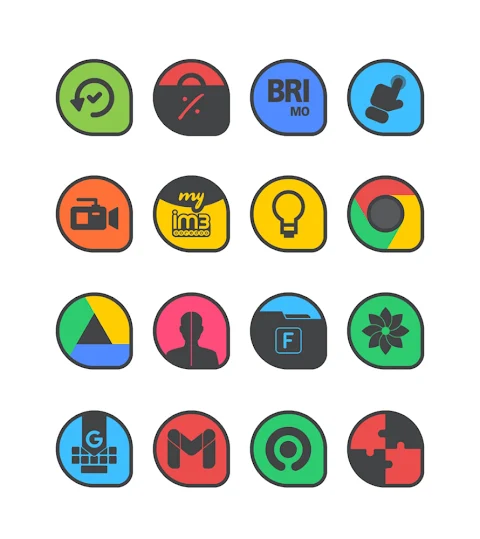
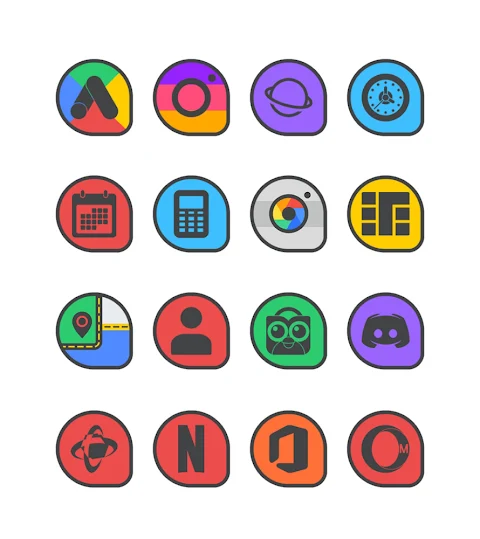
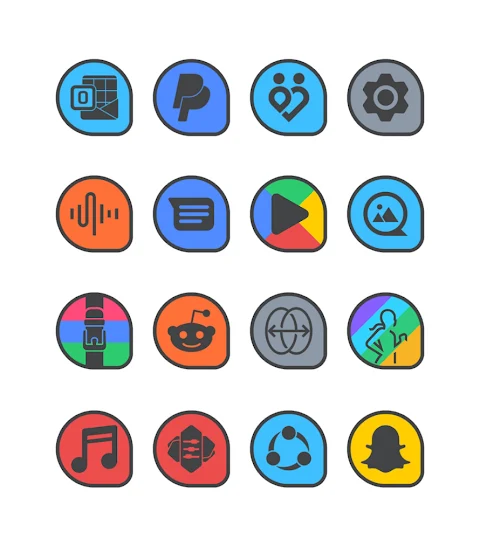
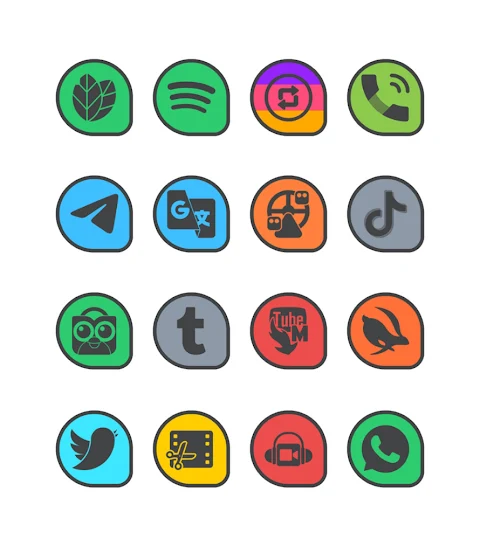
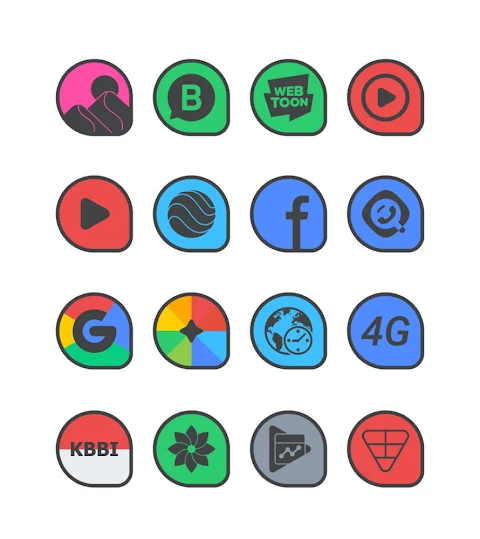
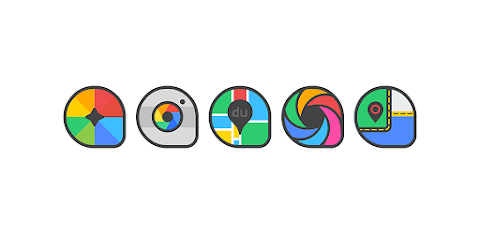
Drop Dark is a flat icon pack that adds a stylish touch to your mobile device with its dark main icons and borders. This app offers over 7000 icons, making it easy for you to customize your home screen to fit your personal style. In addition to a wide variety of icons, Drop Dark also includes more than 36 HD Wallpapers. This means you can enjoy high-quality backgrounds that complement your new icons perfectly.
One of the useful features of Drop Dark is the icon request option. If you find that you need more icons that aren't included, you can request them directly through the app, ensuring your favorite designs are available. Each icon is designed with a high definition resolution of 192x192px, which means they look sharp and clear on your phone.
Applying the Drop Dark Icon Pack is simple and user-friendly. This icon pack supports many popular launchers, such as Nova Launcher and Evie Launcher. To use it, open the Drop Dark app and go to the "Apply Icon Pack" screen. Here, you will see a list of compatible launchers. For example, if you have Nova Launcher installed, just select it, and the app will automatically change your icons to those from the Drop Dark pack.
If you are using a Sony Xperia Home Launcher, it’s also easy to apply Drop Dark. Just follow these steps: long-press on your main screen, open the settings, scroll down to find the appearance icon setting, and choose the Drop Dark icon pack. Make sure your Sony Xperia Home Launcher version is 10.0.A.0.8 or above to ensure full compatibility.
Besides Nova and Evie Launcher, Drop Dark works with many other launchers, including Apex Launcher, ADW Launcher, ABC Launcher, Next Launcher, Holo Launcher, Lucid Launcher, M Launcher, Action Launcher, Aviate Launcher, Smart Launcher, Go Launcher, and Zero Launcher, although Go Launcher and Zero Launcher do not support icon masking. This extensive launcher support ensures that you can use the Drop Dark icon pack with many different setups.
Using Drop Dark allows you to customize icons easily to match your taste in home screen aesthetics. You can mix dark theme icons with other design elements to create a unique look for your device. It’s a fun way to enhance your mobile customization efforts and express your style.
For more design information and updates, you can follow Drop Dark on social media platforms like Google+, Instagram, and Twitter. Get ready to transform your mobile experience with Drop Dark, a versatile icon changer that makes personalization simple and enjoyable.
One of the useful features of Drop Dark is the icon request option. If you find that you need more icons that aren't included, you can request them directly through the app, ensuring your favorite designs are available. Each icon is designed with a high definition resolution of 192x192px, which means they look sharp and clear on your phone.
Applying the Drop Dark Icon Pack is simple and user-friendly. This icon pack supports many popular launchers, such as Nova Launcher and Evie Launcher. To use it, open the Drop Dark app and go to the "Apply Icon Pack" screen. Here, you will see a list of compatible launchers. For example, if you have Nova Launcher installed, just select it, and the app will automatically change your icons to those from the Drop Dark pack.
If you are using a Sony Xperia Home Launcher, it’s also easy to apply Drop Dark. Just follow these steps: long-press on your main screen, open the settings, scroll down to find the appearance icon setting, and choose the Drop Dark icon pack. Make sure your Sony Xperia Home Launcher version is 10.0.A.0.8 or above to ensure full compatibility.
Besides Nova and Evie Launcher, Drop Dark works with many other launchers, including Apex Launcher, ADW Launcher, ABC Launcher, Next Launcher, Holo Launcher, Lucid Launcher, M Launcher, Action Launcher, Aviate Launcher, Smart Launcher, Go Launcher, and Zero Launcher, although Go Launcher and Zero Launcher do not support icon masking. This extensive launcher support ensures that you can use the Drop Dark icon pack with many different setups.
Using Drop Dark allows you to customize icons easily to match your taste in home screen aesthetics. You can mix dark theme icons with other design elements to create a unique look for your device. It’s a fun way to enhance your mobile customization efforts and express your style.
For more design information and updates, you can follow Drop Dark on social media platforms like Google+, Instagram, and Twitter. Get ready to transform your mobile experience with Drop Dark, a versatile icon changer that makes personalization simple and enjoyable.

Yellow Star Icon Pack
PizzApp Design
$0.99
$0.69

【Retro】Half Purple LCD
ZKin
$2.99
$0.99

Fit X Watch Face
amoledwatchfaces™
$1.49
$0.49