

$0.99
$0.50
49% Off
Android 16 Widgets for KWGT
Raj Arya Designs


About the App
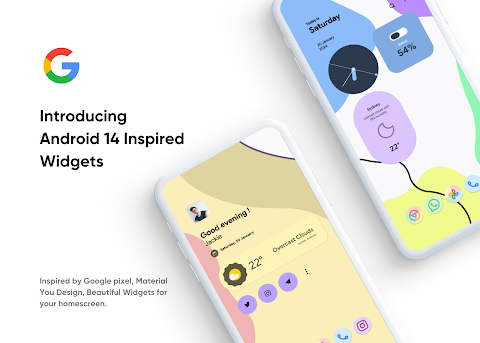
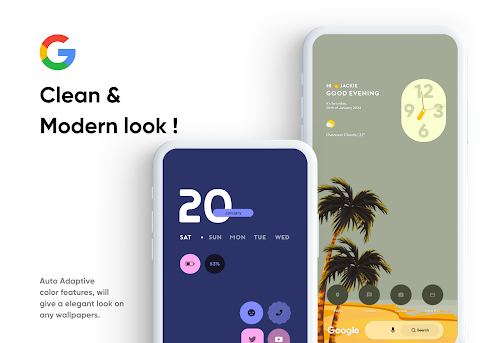
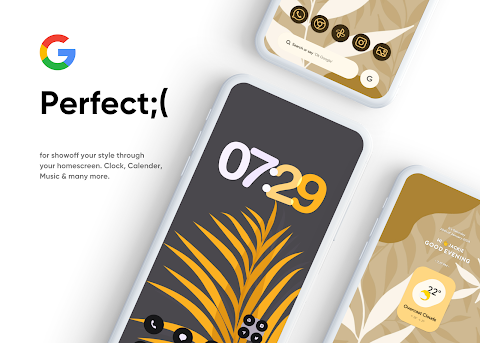
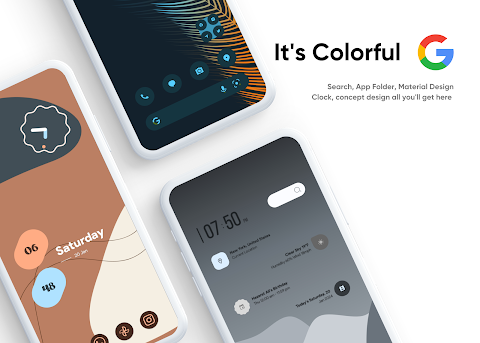
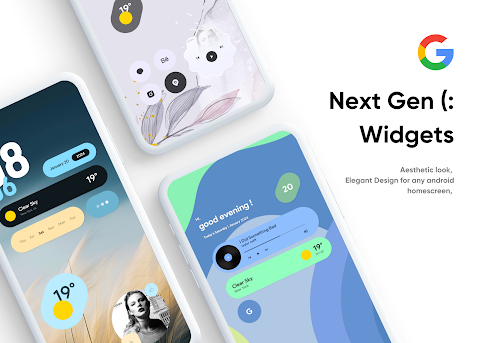
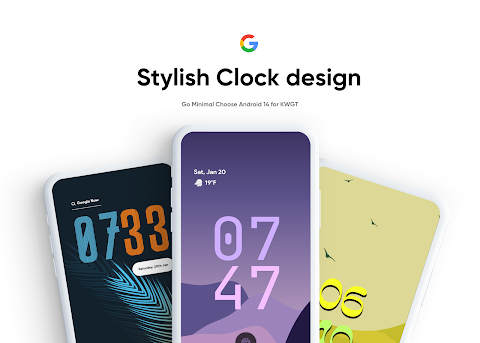
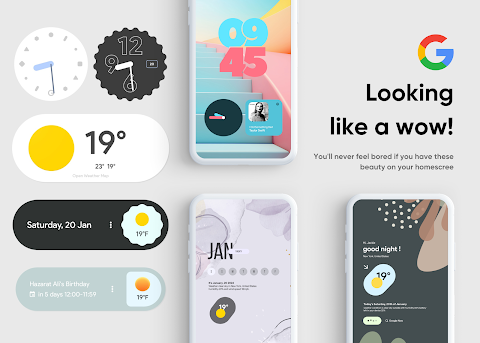
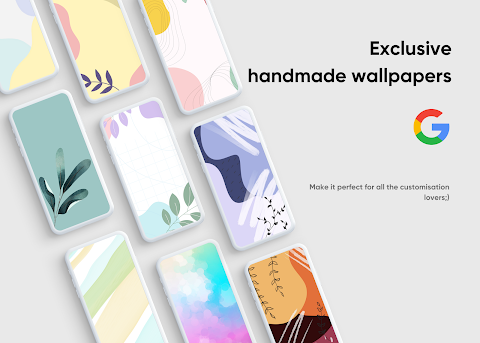
Discover the Android 16 Widgets for KWGT, a beautiful widget pack inspired by Android 16 designs. This collection features dynamic widget designs that include both stock design widgets and concept design widgets. Thanks to the auto color adaptive features, these widgets will blend perfectly into your amazing homescreen, enhancing your Android home screen customization.
Before you buy Android 16 for KWGT, make sure you have the KWGT Pro App. This is important because Android 16 for KWGT is not a standalone app and requires the KWGT Pro application to work. You can find the KWGT Pro App [here](https://play.google.com/store/apps/details?id=org.kustom.widget.pro).
To get started, you will also need a custom launcher like Nova Launcher for the best experience. Here’s how to install it easily:
1. Download both Android 16 for KWGT and the KWGT Pro application.
2. Long tap on your homescreen to choose Widget.
3. Select the KWGT Widget option.
4. Then, tap on the widget to choose the installed Android 16 for KWGT.
5. Browse through and choose the widgets you like.
If the widget doesn't fit perfectly on your screen, you can easily use the widget scaling option in the KWGT settings to make adjustments. This ensures your home screen looks just right.
With Android 16 Widgets for KWGT, you get expressive widget designs that add unique widget styles and enhance your home screen aesthetics. This widget pack supports flexible widget sizing for a personalized home screen experience. You’ll find the quality widget experience you need for smooth widget integration into your setup.
Whether you're looking for improved home screen layouts or innovative widget designs, this platform gives you the tools for effective Android widget customization. Enjoy the benefits of responsive widget features that work seamlessly on your device.
If you have any questions or issues, please reach out to me before leaving a negative rating. Your satisfaction is important, and I’m here to help! You can contact me on Twitter @RajjAryaa or email me at keepingtocarry@gmail.com. Enjoy creating your perfect home screen with Android 16 for KWGT!
Before you buy Android 16 for KWGT, make sure you have the KWGT Pro App. This is important because Android 16 for KWGT is not a standalone app and requires the KWGT Pro application to work. You can find the KWGT Pro App [here](https://play.google.com/store/apps/details?id=org.kustom.widget.pro).
To get started, you will also need a custom launcher like Nova Launcher for the best experience. Here’s how to install it easily:
1. Download both Android 16 for KWGT and the KWGT Pro application.
2. Long tap on your homescreen to choose Widget.
3. Select the KWGT Widget option.
4. Then, tap on the widget to choose the installed Android 16 for KWGT.
5. Browse through and choose the widgets you like.
If the widget doesn't fit perfectly on your screen, you can easily use the widget scaling option in the KWGT settings to make adjustments. This ensures your home screen looks just right.
With Android 16 Widgets for KWGT, you get expressive widget designs that add unique widget styles and enhance your home screen aesthetics. This widget pack supports flexible widget sizing for a personalized home screen experience. You’ll find the quality widget experience you need for smooth widget integration into your setup.
Whether you're looking for improved home screen layouts or innovative widget designs, this platform gives you the tools for effective Android widget customization. Enjoy the benefits of responsive widget features that work seamlessly on your device.
If you have any questions or issues, please reach out to me before leaving a negative rating. Your satisfaction is important, and I’m here to help! You can contact me on Twitter @RajjAryaa or email me at keepingtocarry@gmail.com. Enjoy creating your perfect home screen with Android 16 for KWGT!
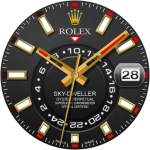
Rolex Sky-Dweller Watch face
Sagur Studio
$1.49
$0.39

Letters Material You Icon Pack
PizzApp Design
$0.99
$0.69
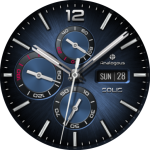
Solis Luxury Watch Face
Time Canvas
$1.99
$0.99