
$0.99
$0.69
30% Off
iGlass Colors OS Icon Pack
PizzApp Design


About the App
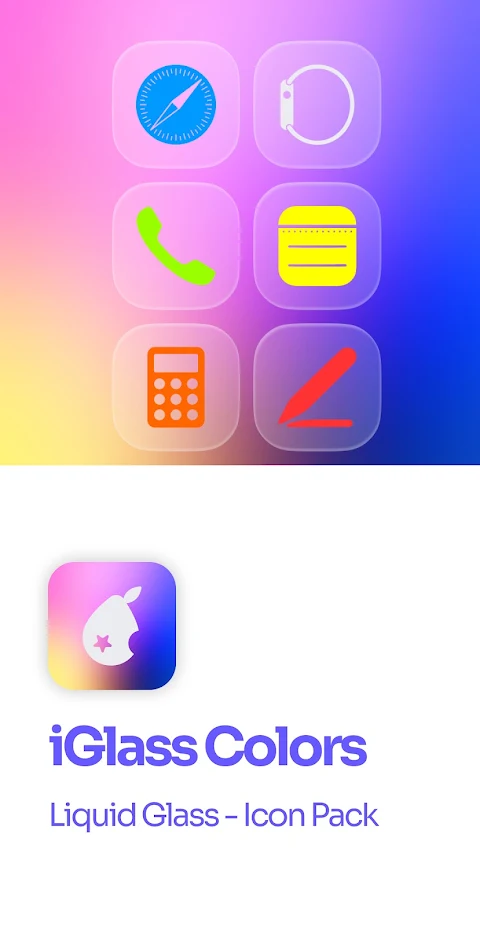
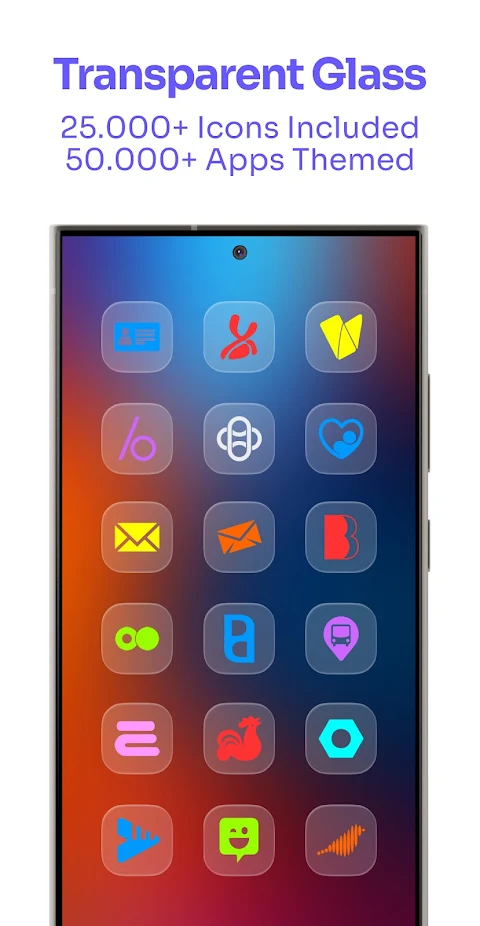
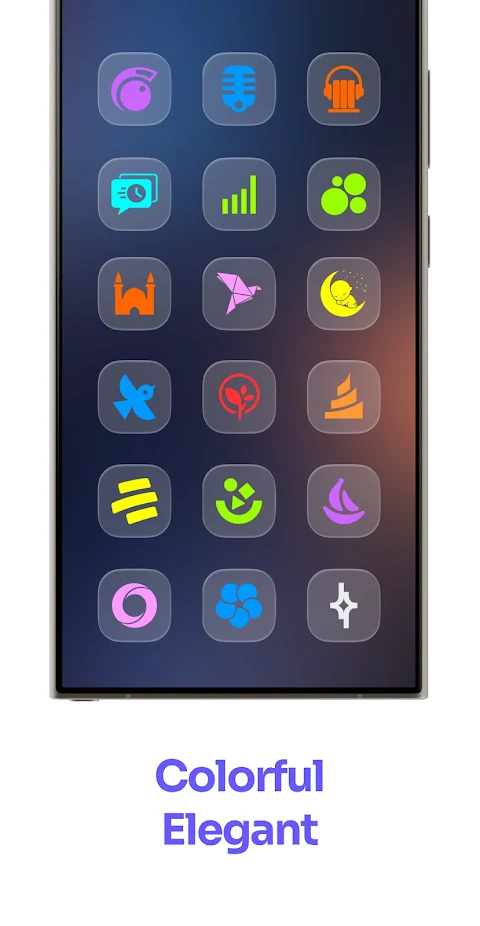
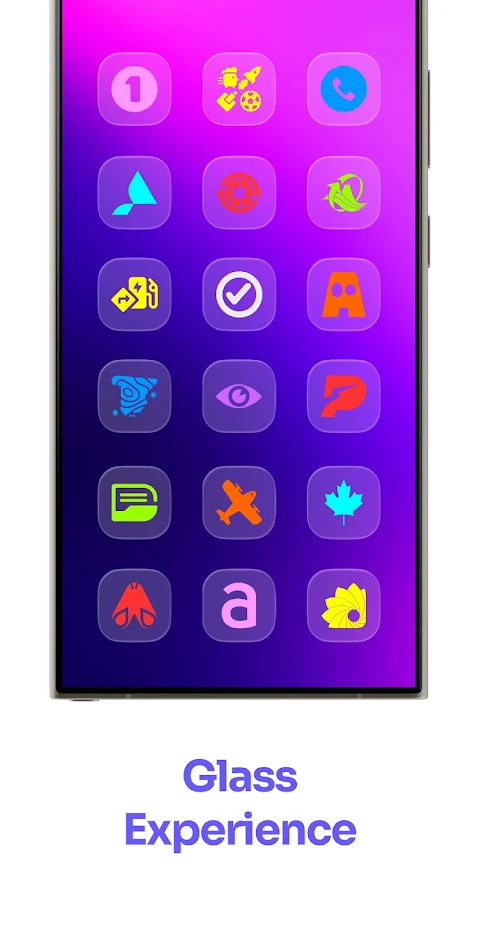
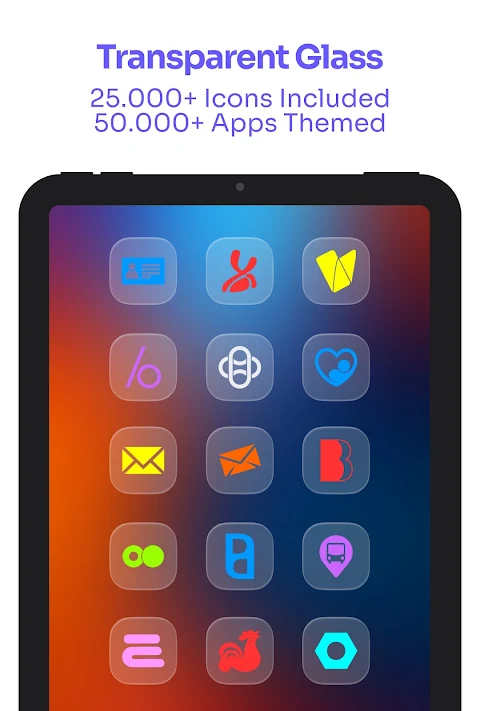
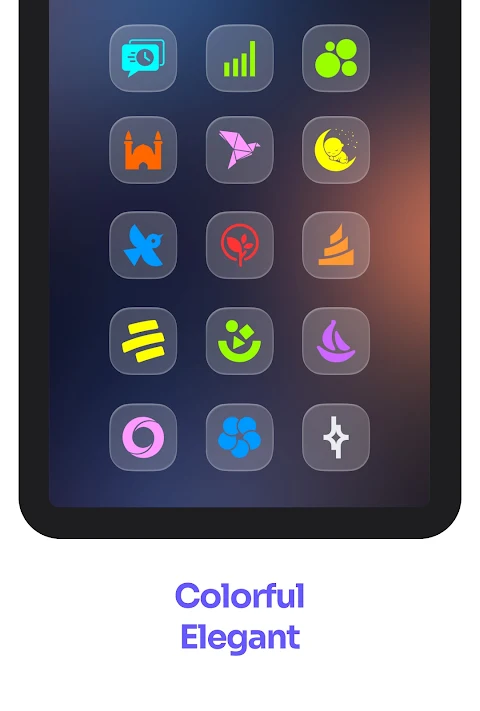
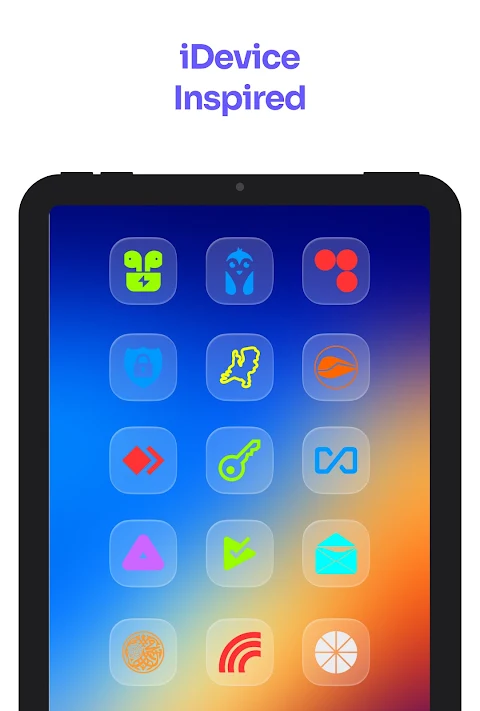
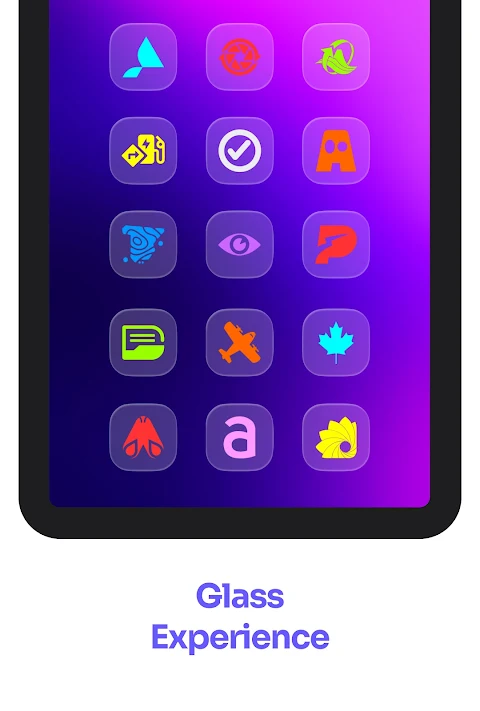
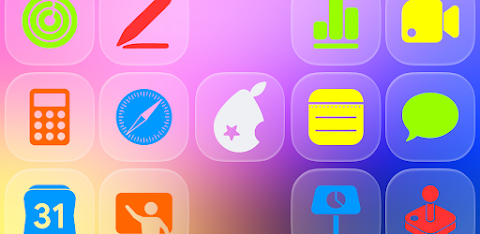
The iGlass Colors OS Icon Pack offers a vibrant and elegant way to personalize your device. Inspired by iOS design, this pack brings over 25,000 colored icons that look stunning on your home screen. You can transform your device into a beautiful space with glass-like visible colored glyphs that perfectly match your style.
This icon pack themes over 50,000 apps, ensuring that your favorite applications look great and cohesive. It includes features like dynamic calendars for supported launchers, so you can stay organized while enjoying a clean look. The user-friendly Material You dashboard makes it easy to navigate and apply the icons. If you encounter unthemed apps, the icon masking feature provides a pleasing background, enhancing their appearance.
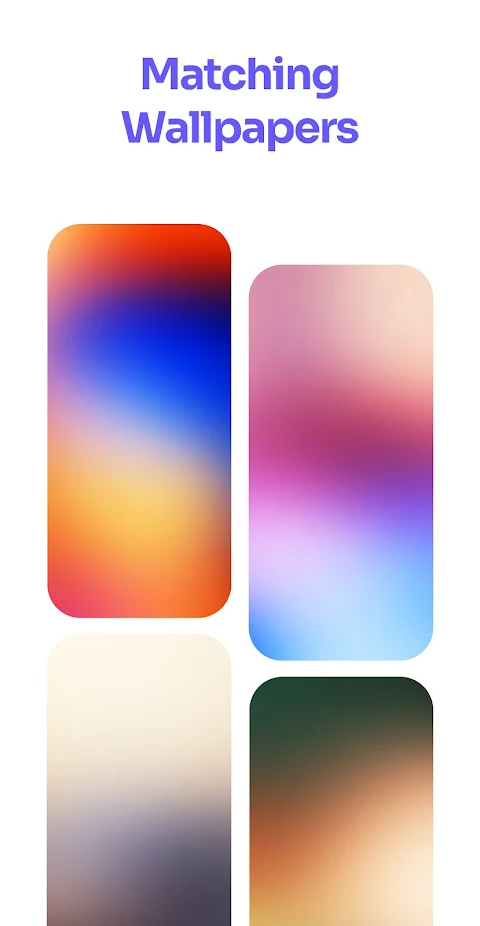
You'll also find matching color optimized wallpapers to complete the look of your home screen. Regular updates mean new icons are added consistently, keeping your setup fresh. Plus, you can make icon requests, whether you prefer the free or premium option. If there are apps you want to see themed, simply send your requests within the app.
This iGlass Colors icon pack is ideal for everyone, covering categories like system apps customization, Google apps icon pack, social apps icon pack, media apps theming, and games app icons. The pack supports many popular and compatible launchers. Some of these include Nova Launcher, Lawnchair, and Samsung One UI themes. Make sure to install a compatible launcher to begin customizing, as this icon pack requires third-party launcher support to function correctly.
To use the iGlass Colors OS Icon Pack, just select it in your launcher settings or tap on apply in the app. A variety of compatible launchers are listed; it might work with others not mentioned here as well. Whether you use a basic launcher or advanced ones, you’ll find plenty of options to personalize your device.
If you have any questions, the FAQ section inside the app can help address common inquiries. Should you encounter any issues, feel free to reach out for support via email or connect with the community on Telegram. Engaging with fellow customizers can enhance your experience.
Join the growing community around this icon pack for tips and trends. You can also follow on various social media platforms for updates and inspiration. The iGlass Colors OS Icon Pack is not just about looks—it's about making your device uniquely yours in a modern and elegant way. Customize, request, and enjoy a beautifully themed device experience.
This icon pack themes over 50,000 apps, ensuring that your favorite applications look great and cohesive. It includes features like dynamic calendars for supported launchers, so you can stay organized while enjoying a clean look. The user-friendly Material You dashboard makes it easy to navigate and apply the icons. If you encounter unthemed apps, the icon masking feature provides a pleasing background, enhancing their appearance.
You'll also find matching color optimized wallpapers to complete the look of your home screen. Regular updates mean new icons are added consistently, keeping your setup fresh. Plus, you can make icon requests, whether you prefer the free or premium option. If there are apps you want to see themed, simply send your requests within the app.
This iGlass Colors icon pack is ideal for everyone, covering categories like system apps customization, Google apps icon pack, social apps icon pack, media apps theming, and games app icons. The pack supports many popular and compatible launchers. Some of these include Nova Launcher, Lawnchair, and Samsung One UI themes. Make sure to install a compatible launcher to begin customizing, as this icon pack requires third-party launcher support to function correctly.
To use the iGlass Colors OS Icon Pack, just select it in your launcher settings or tap on apply in the app. A variety of compatible launchers are listed; it might work with others not mentioned here as well. Whether you use a basic launcher or advanced ones, you’ll find plenty of options to personalize your device.
If you have any questions, the FAQ section inside the app can help address common inquiries. Should you encounter any issues, feel free to reach out for support via email or connect with the community on Telegram. Engaging with fellow customizers can enhance your experience.
Join the growing community around this icon pack for tips and trends. You can also follow on various social media platforms for updates and inspiration. The iGlass Colors OS Icon Pack is not just about looks—it's about making your device uniquely yours in a modern and elegant way. Customize, request, and enjoy a beautifully themed device experience.
Lena Black – Glyph Icon Pack
One4Studio
$3.49
$1.75

Fiction REBORN
Raj Arya Designs
$0.99
$0.50

Lineblack – Yellow icon Pack
Panoto Gomo
$0.99
FREE