
$14.99
$9.99
33% Off
Desqueeze PRO – Batch Resizer
Aliaksei Khutarshchykau




About the App
Desqueeze PRO - Batch Resizer is a powerful tool designed to help you easily resize, de-squeeze, and upscale your photos and videos. Whether you are a social media enthusiast or a professional looking for quick optimization, this app supports batch resizing, HDR, and Live Photo formats. With Desqueeze PRO, you can apply over 100 templates designed for specific platforms, optimizing your images and videos for faster sharing on social media.
You can enter custom pixel sizes for your photos, reaching up to 18,000 × 12,000 pixels, and for videos, go up to 8K resolution. This flexibility allows you to achieve high-quality results while preserving important metadata. Users have the option to specify image resolution and output DPI, ensuring their media looks great everywhere.
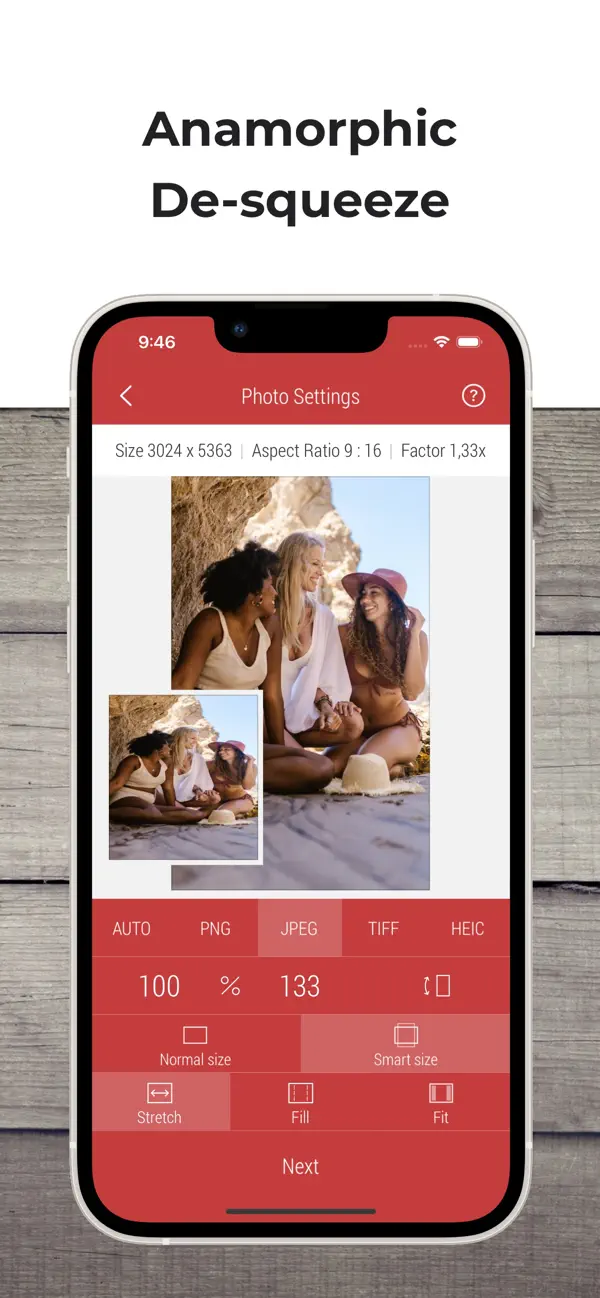
Resizing within Desqueeze PRO is simple and efficient. You can enter new sizes in pixels, aspect ratios, or percentages. The app offers flexible resizing options, allowing you to stretch, fill, or fit your images and videos perfectly. You also have the choice between normal and smart size settings, making it easy to get the desired look with just a few taps. Batch resizing is one of the standout features, letting you resize an unlimited number of photos and videos at once. Plus, you can quickly reuse up to 10 recent resizing tasks, which saves you time.
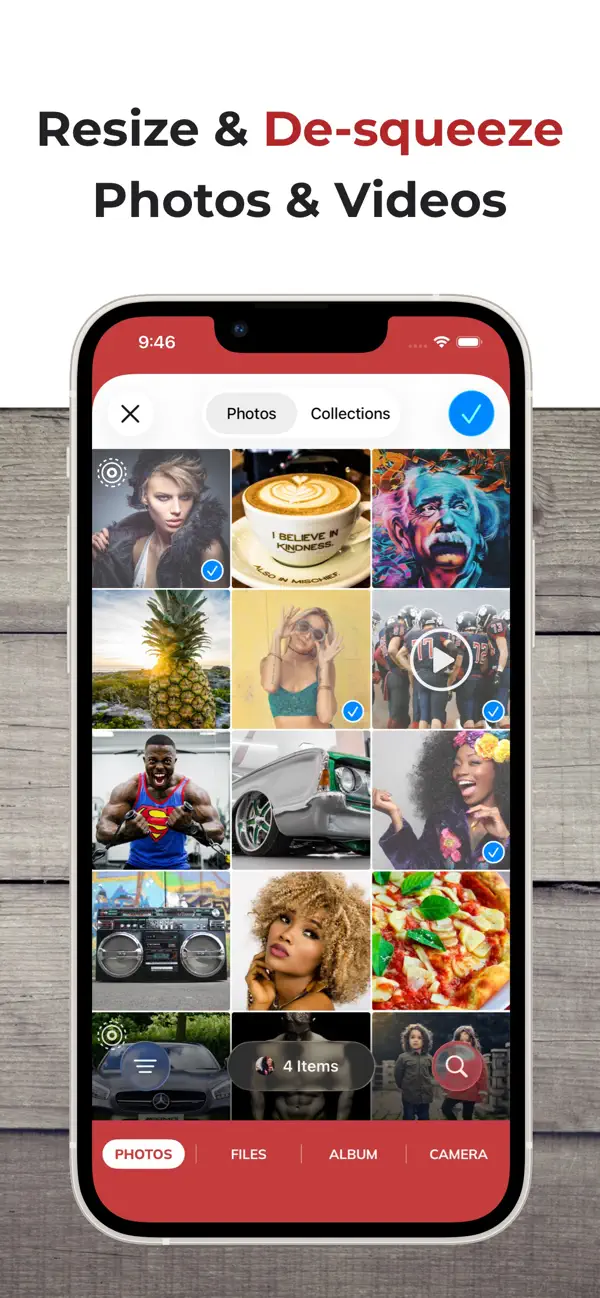
When it comes to managing your media, Desqueeze PRO provides a variety of import sources. You can select photos and videos directly from your Photo Library, choose an entire album, or even access files from the Files app. If you're on the go, you can take a new picture using your camera and add it directly to your project.
Desqueeze PRO also excels at reformatting images. You can convert your photos into PNG, JPEG, HEIC, or TIFF formats, choosing the appropriate image compression quality for any of these options. If needed, you can select the Auto format, which keeps the original format of your images when possible. For videos, the app supports MP4, QuickTime (MOV), and M4V formats, and you can also select the video codec you prefer, such as H.264 or HEVC (H.265).
Editing tools are included as well. You can flip and rotate your photos and videos and specify viewport background colors for the fit mode. Whether you want to adjust the position of your images or simply play around with their layout, you have all the necessary photo editing tools at your fingertips.
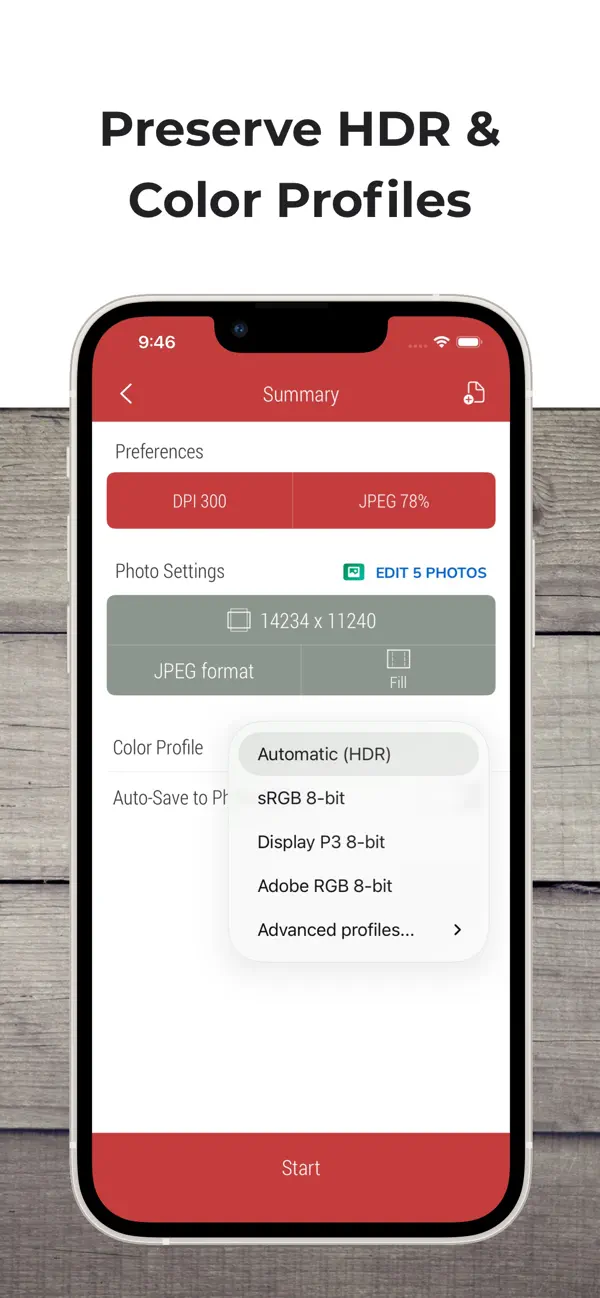
Color management is another feature of Desqueeze PRO, allowing you to apply one of twelve color profiles to your images and videos. You can process your media while preserving HDR support, which ensures vibrant colors and rich details.
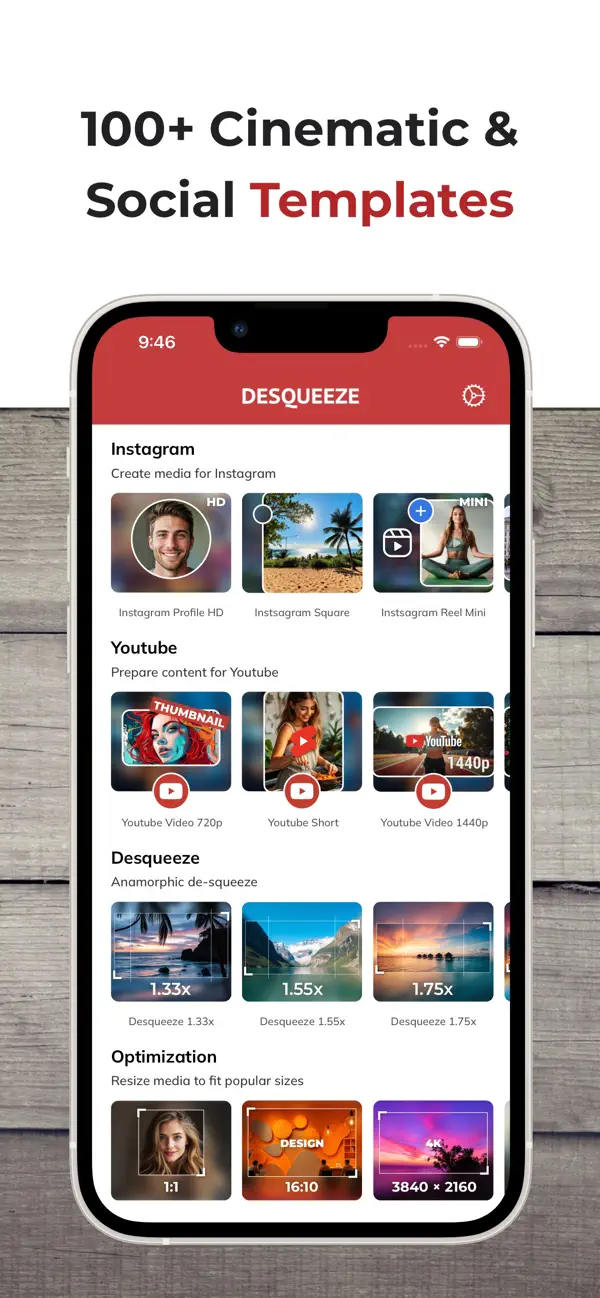
The app comes equipped with a comprehensive template library. You can choose from over 100 standard templates tailored for various social media platforms like Instagram, YouTube, and Facebook. This makes resizing for specific platforms straightforward. If you have routine tasks, you can create personal templates to suit your needs, duplicate standard templates, or customize the template library to enhance your workflow.
After editing, you can easily preview your photos or play videos directly on the result screen. This feature lets you ensure everything looks just right before finalizing. Once you are satisfied with your work, you can save the results to your Photo Library or Files app. Sharing your resized media is simple too; you can share your results via Instagram, Facebook, or through email and messages, choosing between original or custom names for your files.
With Desqueeze PRO - Batch Resizer, you can expect a user-friendly experience that empowers you to manage your media efficiently while achieving amazing results. Whether it's for social media optimization or personal projects, this app provides all the tools you need to resize and enhance your photos and videos effectively.
You can enter custom pixel sizes for your photos, reaching up to 18,000 × 12,000 pixels, and for videos, go up to 8K resolution. This flexibility allows you to achieve high-quality results while preserving important metadata. Users have the option to specify image resolution and output DPI, ensuring their media looks great everywhere.
Resizing within Desqueeze PRO is simple and efficient. You can enter new sizes in pixels, aspect ratios, or percentages. The app offers flexible resizing options, allowing you to stretch, fill, or fit your images and videos perfectly. You also have the choice between normal and smart size settings, making it easy to get the desired look with just a few taps. Batch resizing is one of the standout features, letting you resize an unlimited number of photos and videos at once. Plus, you can quickly reuse up to 10 recent resizing tasks, which saves you time.
When it comes to managing your media, Desqueeze PRO provides a variety of import sources. You can select photos and videos directly from your Photo Library, choose an entire album, or even access files from the Files app. If you're on the go, you can take a new picture using your camera and add it directly to your project.
Desqueeze PRO also excels at reformatting images. You can convert your photos into PNG, JPEG, HEIC, or TIFF formats, choosing the appropriate image compression quality for any of these options. If needed, you can select the Auto format, which keeps the original format of your images when possible. For videos, the app supports MP4, QuickTime (MOV), and M4V formats, and you can also select the video codec you prefer, such as H.264 or HEVC (H.265).
Editing tools are included as well. You can flip and rotate your photos and videos and specify viewport background colors for the fit mode. Whether you want to adjust the position of your images or simply play around with their layout, you have all the necessary photo editing tools at your fingertips.
Color management is another feature of Desqueeze PRO, allowing you to apply one of twelve color profiles to your images and videos. You can process your media while preserving HDR support, which ensures vibrant colors and rich details.
The app comes equipped with a comprehensive template library. You can choose from over 100 standard templates tailored for various social media platforms like Instagram, YouTube, and Facebook. This makes resizing for specific platforms straightforward. If you have routine tasks, you can create personal templates to suit your needs, duplicate standard templates, or customize the template library to enhance your workflow.
After editing, you can easily preview your photos or play videos directly on the result screen. This feature lets you ensure everything looks just right before finalizing. Once you are satisfied with your work, you can save the results to your Photo Library or Files app. Sharing your resized media is simple too; you can share your results via Instagram, Facebook, or through email and messages, choosing between original or custom names for your files.
With Desqueeze PRO - Batch Resizer, you can expect a user-friendly experience that empowers you to manage your media efficiently while achieving amazing results. Whether it's for social media optimization or personal projects, this app provides all the tools you need to resize and enhance your photos and videos effectively.

ZAP-AI 短信拦截与智能取码
经纬 郭
$1.99

Goblin Tools
Skyhook Belgium
$1.99

Be Focused Pro – Focus Timer
Denys Ievenko
$19.99
$11.99