

$1.49
$1.04
30% Off
Funko Dark – Icon Pack
PhunktasticDesigns


About the App
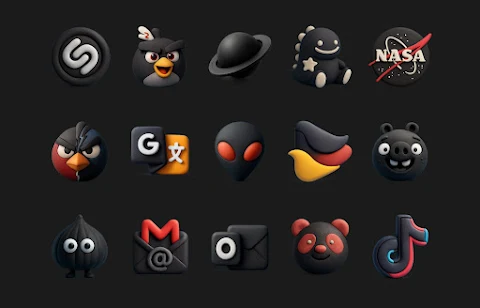
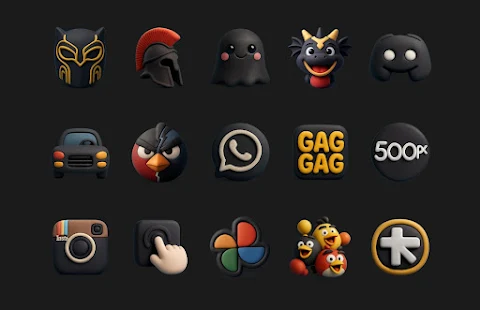
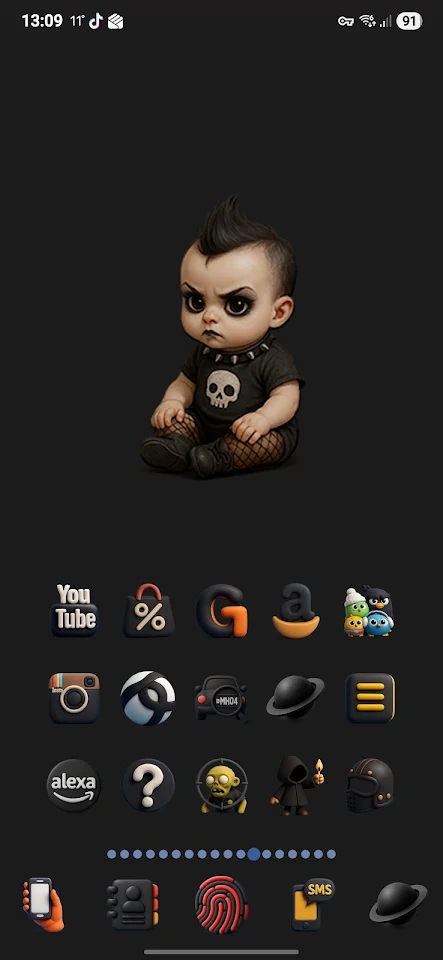
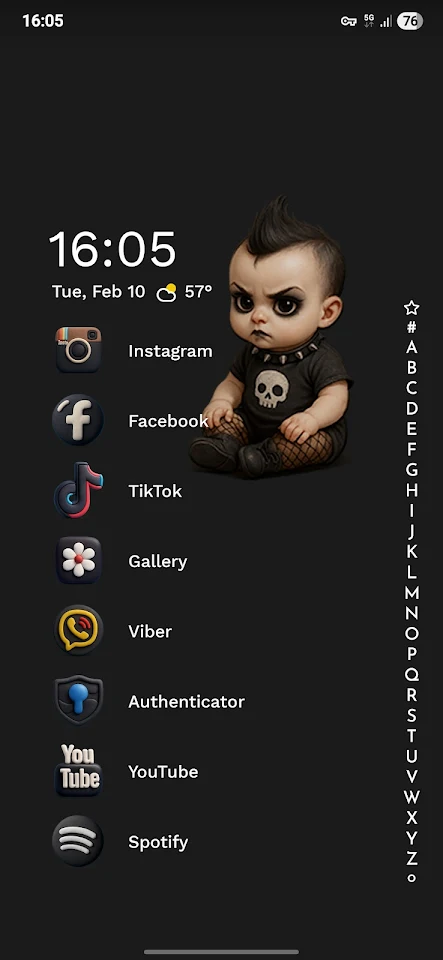
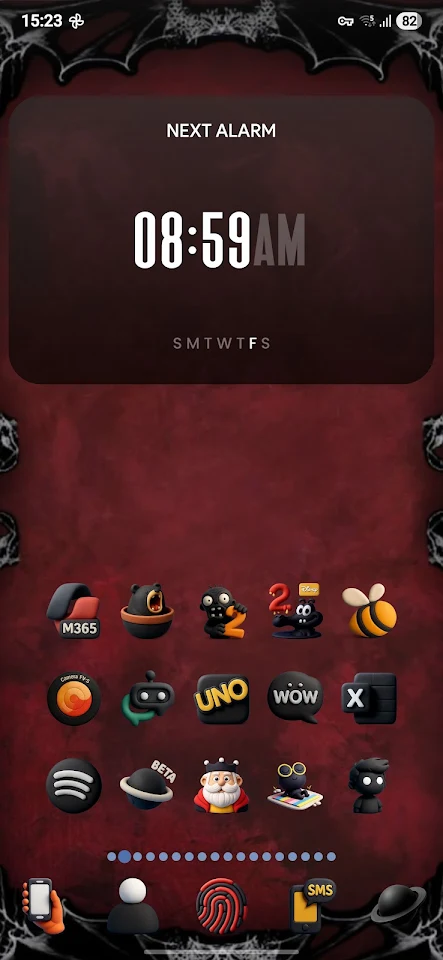
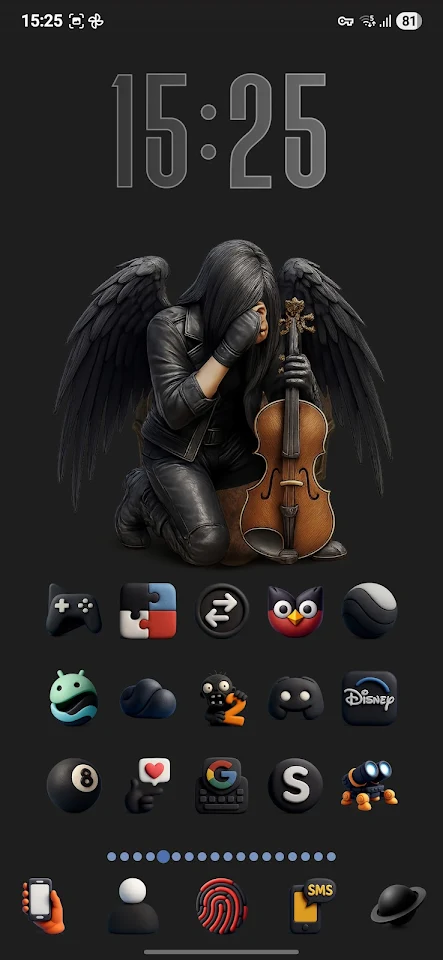
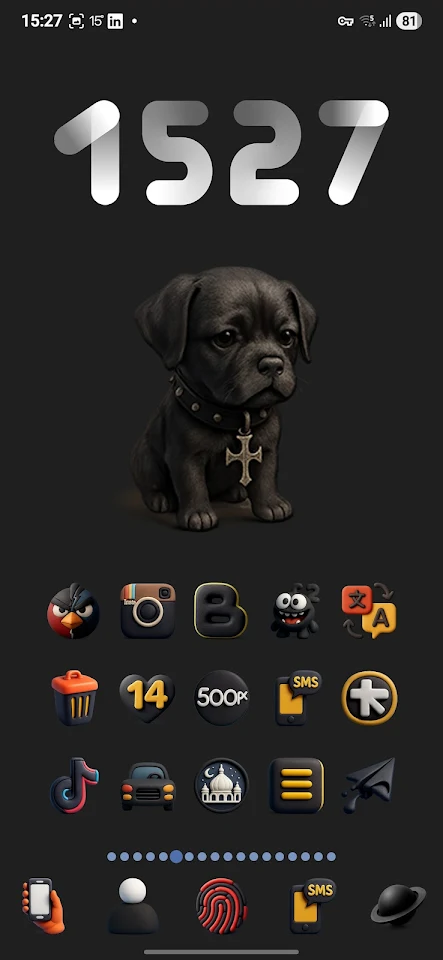
Funko Dark is an icon pack designed to give your phone screen a fresh and unique style. To use Funko Dark, you'll need a third party launcher installed on your device. This is not a standalone application, so make sure you have one of the supported launchers.
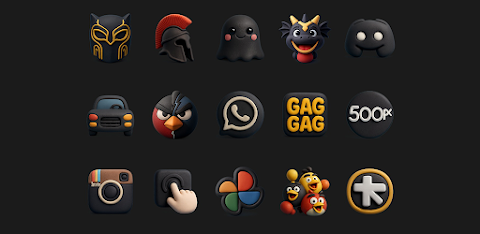
With Funko Dark, you get high quality icons that are perfect for phone screen customization. At the moment, there are 2,401 HD icons available, each with a size of 256x256 pixels. Regular updates mean that more icons will be added frequently, keeping your icon styles fresh and varied.
In addition to the icons, Funko Dark comes with 183 HD cloud wallpapers that can enhance the look of your device even further. This combination is great for anyone looking to improve their mobile screen aesthetics.
Funko Dark supports a variety of launchers, including popular options like Nova Launcher, Niagara Launcher, Apex Launcher, Action Launcher, AdwEX launcher, and many more, like Smart Launcher and Next Launcher. This wide launcher compatibility ensures that you can easily apply the icons and personalize your phone as you wish.
One useful feature of Funko Dark is icon masking. This means that any un-themed icons will be masked to match the overall design, maintaining a cohesive look. If you're using Nova Launcher, you can also take advantage of the dynamic calendar feature, which updates your calendar icons automatically.
Additionally, Funko Dark includes alternative icons for many entries, allowing you to choose the icon styles that you like best. These choices make it easier for you to personalize your phone to fit your preferences.
If you need help setting up your phone with any of the supported launchers, there are handy setup guides available. You can watch videos on how to configure your device with both Nova Launcher and Niagara Launcher to make the most out of Funko Dark.
Overall, Funko Dark offers a wide range of themed icons and customization updates to suit your personal taste. Dive into the world of phone personalization with Funko Dark and transform the way your device looks today.
With Funko Dark, you get high quality icons that are perfect for phone screen customization. At the moment, there are 2,401 HD icons available, each with a size of 256x256 pixels. Regular updates mean that more icons will be added frequently, keeping your icon styles fresh and varied.
In addition to the icons, Funko Dark comes with 183 HD cloud wallpapers that can enhance the look of your device even further. This combination is great for anyone looking to improve their mobile screen aesthetics.
Funko Dark supports a variety of launchers, including popular options like Nova Launcher, Niagara Launcher, Apex Launcher, Action Launcher, AdwEX launcher, and many more, like Smart Launcher and Next Launcher. This wide launcher compatibility ensures that you can easily apply the icons and personalize your phone as you wish.
One useful feature of Funko Dark is icon masking. This means that any un-themed icons will be masked to match the overall design, maintaining a cohesive look. If you're using Nova Launcher, you can also take advantage of the dynamic calendar feature, which updates your calendar icons automatically.
Additionally, Funko Dark includes alternative icons for many entries, allowing you to choose the icon styles that you like best. These choices make it easier for you to personalize your phone to fit your preferences.
If you need help setting up your phone with any of the supported launchers, there are handy setup guides available. You can watch videos on how to configure your device with both Nova Launcher and Niagara Launcher to make the most out of Funko Dark.
Overall, Funko Dark offers a wide range of themed icons and customization updates to suit your personal taste. Dive into the world of phone personalization with Funko Dark and transform the way your device looks today.
DADAM126: Analog Watch Face
DADAM Watch Faces
$1.99
$1.00

Elements Live Wallpaper
DotCode Apps
$3.99
$0.12
Chicken Road 2
Ardent Time
$0.99
FREE