

$19.99
$9.99
50% Off
CopyIt The Grid Drawing Method
Nigel Green


About the App
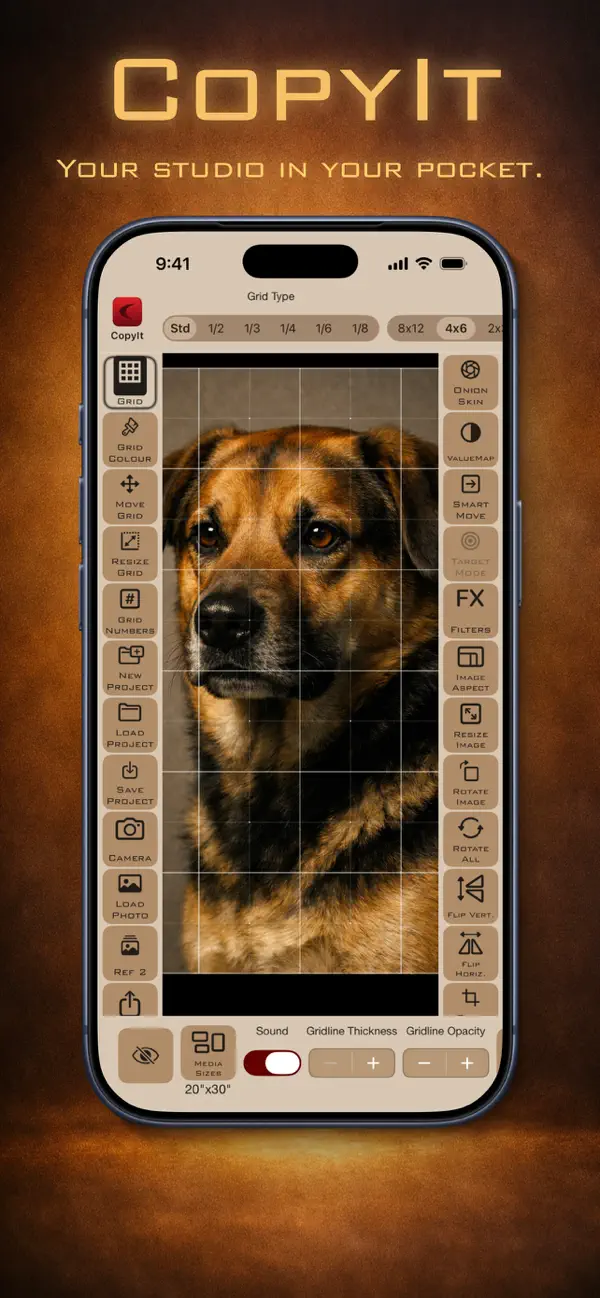
CopyIt The Grid Drawing Method is a powerful grid drawing app that first launched in 2010. Since then, it has become a trusted tool for artists, teachers, and students around the world. This app uses the centuries-old Leonardo da Vinci technique of breaking images into manageable sections. This makes it easy for anyone to copy, enlarge, or reduce reference images with precision and confidence.
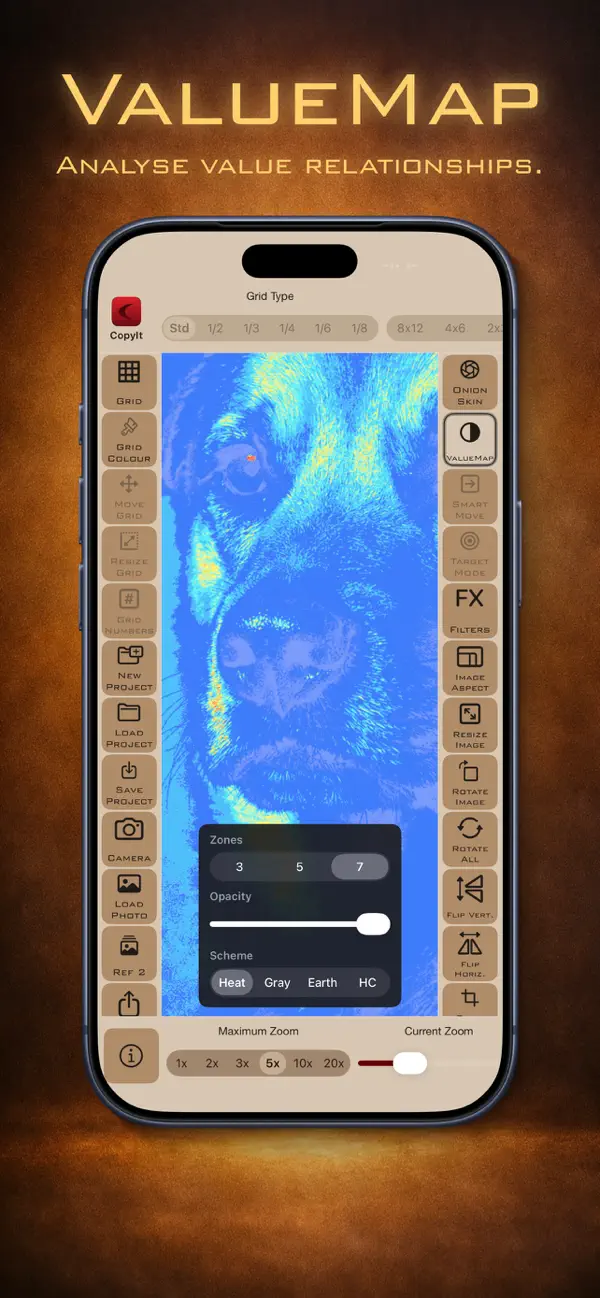
With CopyIt, users can focus on lines and shapes square by square. This approach not only simplifies the drawing process but also improves your artistic skills over time. You no longer need to print and mark up photos, thanks to the app's smart tools. Features like zoom, filters, and other digital enhancement tools help you achieve detailed and accurate artwork.
CopyIt offers flexible grid customization with six customisable grid types. You can adjust the rows, columns, colors, and even transparency to fit your needs. This flexibility makes the app suitable for everyone, from beginner artist tools to advanced drawing techniques.
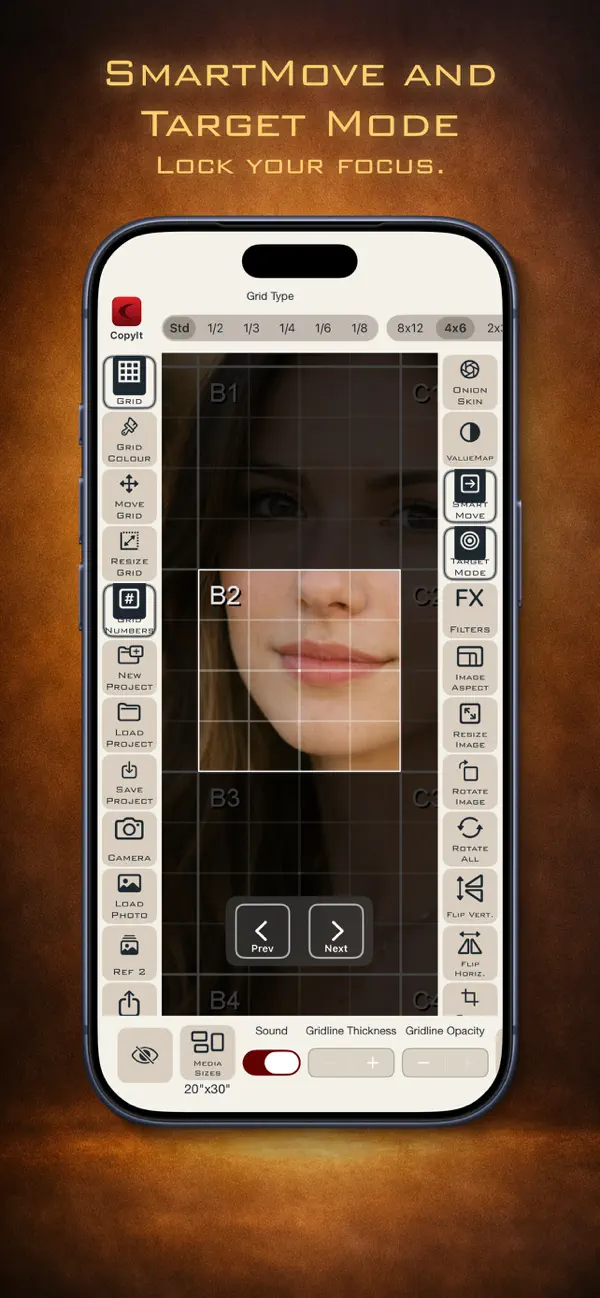
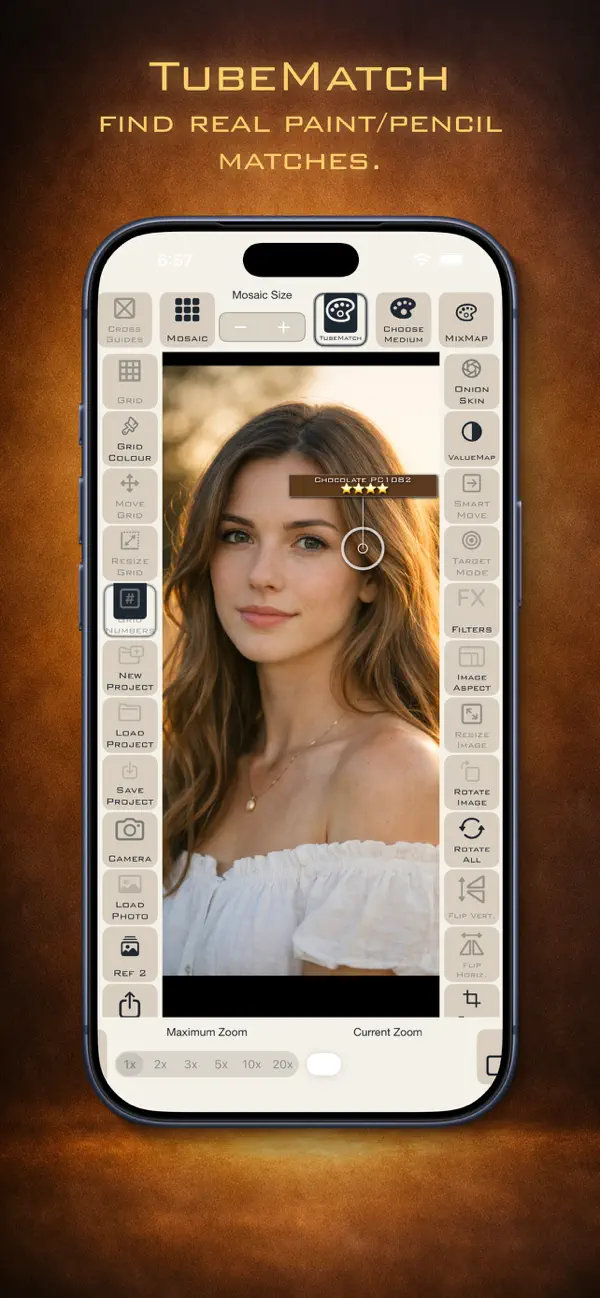
One great feature of CopyIt is its smart tools. It includes a digital ruler, Target mode, and a Crosshair tool, making it easier to align your work. The app also has features like TubeMatch for colour matching, allowing you to create more cohesive pieces of art.
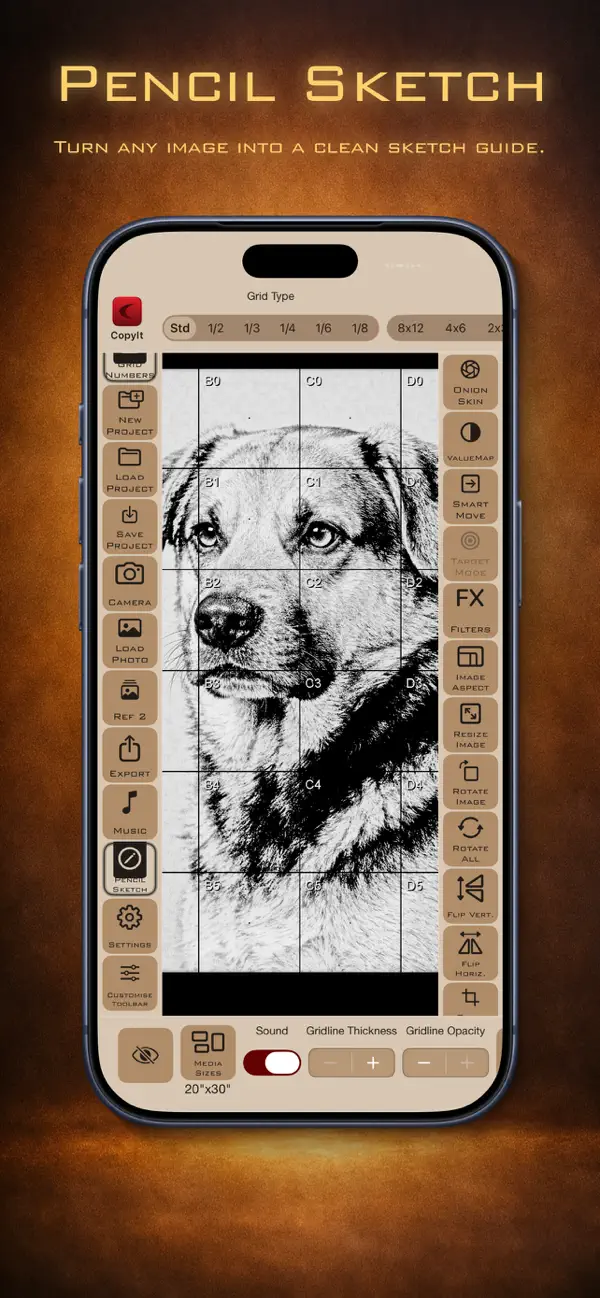
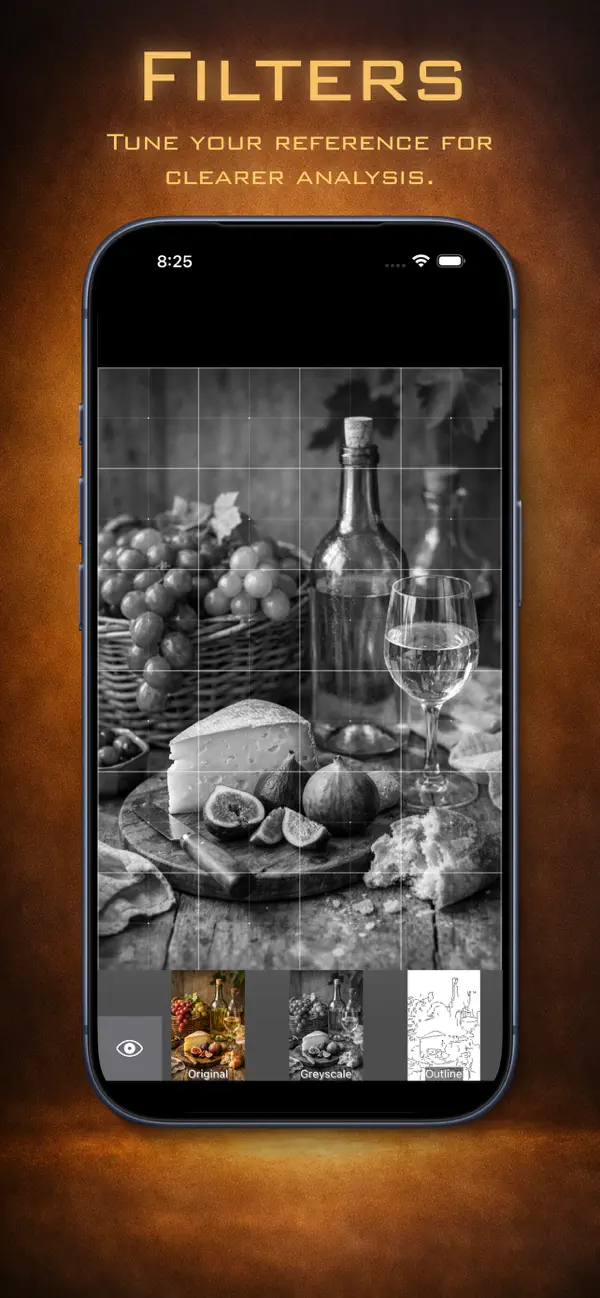
For those who enjoy exploring different styles, CopyIt comes with filters like the pencil sketch filter and the Onion Skin overlay. You can also flip, rotate, and manipulate multiple image aspects in your drawings. Whether you're using the front or back camera capture, you'll find that the import and export options are user-friendly and allow you to save and share projects easily via AirDrop, email, or social media.
The app supports many devices, including iPhone, iPad, and Apple Silicon Macs, providing you with the freedom to create on the go. Whether you prefer portrait or landscape orientation, CopyIt allows adjustable zoom levels ranging from 1x to 20x, ensuring that you can work comfortably. The fullscreen drawing mode lets you focus entirely on your art without distractions.
As you engage in impromptu drawing sessions or structured workshops for artists, CopyIt provides helpful tutorial support. This in-app help can guide you through any challenges, making it a valuable resource for both students and teachers looking for effective art tools.
Ultimately, CopyIt transforms traditional grid methods into a modern workflow that improves your drawing confidence. By using this app, you can refine your artistic detail and enjoy the process of creating meaningful art. Whether you are just starting your artistic journey or you're already experienced, CopyIt is the perfect companion for your creative endeavors.
With CopyIt, users can focus on lines and shapes square by square. This approach not only simplifies the drawing process but also improves your artistic skills over time. You no longer need to print and mark up photos, thanks to the app's smart tools. Features like zoom, filters, and other digital enhancement tools help you achieve detailed and accurate artwork.
CopyIt offers flexible grid customization with six customisable grid types. You can adjust the rows, columns, colors, and even transparency to fit your needs. This flexibility makes the app suitable for everyone, from beginner artist tools to advanced drawing techniques.
One great feature of CopyIt is its smart tools. It includes a digital ruler, Target mode, and a Crosshair tool, making it easier to align your work. The app also has features like TubeMatch for colour matching, allowing you to create more cohesive pieces of art.
For those who enjoy exploring different styles, CopyIt comes with filters like the pencil sketch filter and the Onion Skin overlay. You can also flip, rotate, and manipulate multiple image aspects in your drawings. Whether you're using the front or back camera capture, you'll find that the import and export options are user-friendly and allow you to save and share projects easily via AirDrop, email, or social media.
The app supports many devices, including iPhone, iPad, and Apple Silicon Macs, providing you with the freedom to create on the go. Whether you prefer portrait or landscape orientation, CopyIt allows adjustable zoom levels ranging from 1x to 20x, ensuring that you can work comfortably. The fullscreen drawing mode lets you focus entirely on your art without distractions.
As you engage in impromptu drawing sessions or structured workshops for artists, CopyIt provides helpful tutorial support. This in-app help can guide you through any challenges, making it a valuable resource for both students and teachers looking for effective art tools.
Ultimately, CopyIt transforms traditional grid methods into a modern workflow that improves your drawing confidence. By using this app, you can refine your artistic detail and enjoy the process of creating meaningful art. Whether you are just starting your artistic journey or you're already experienced, CopyIt is the perfect companion for your creative endeavors.
Yaya: Sow a habit
WilliamZhang
$0.99

Photo2Calendar: Event Scanner
Philipp Aigner
$5.99

Multi Calculator Premium
Premium Quality Apps
$0.49
$0.29