

$1.49
$0.19
87% Off
Big Analog 5 WF Wear OS 5+
OQ Watchfaces



About the App
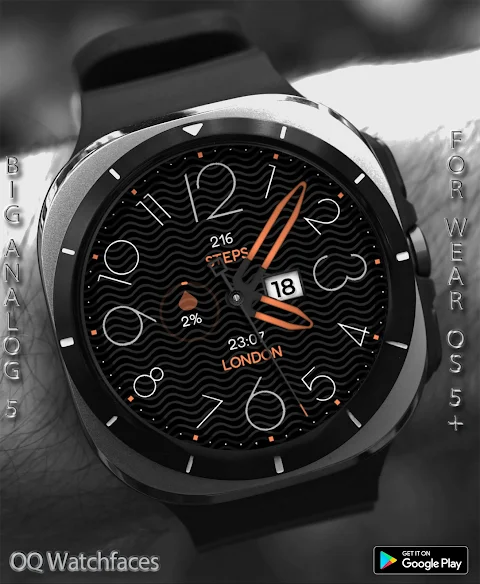
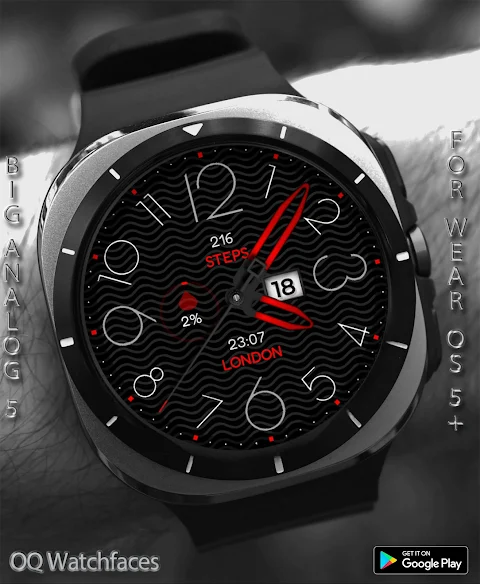
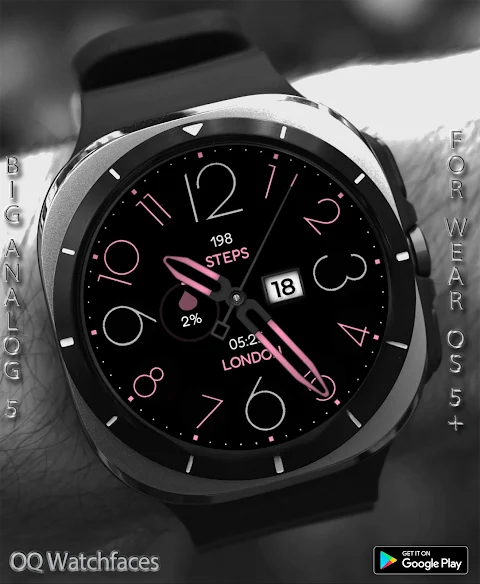
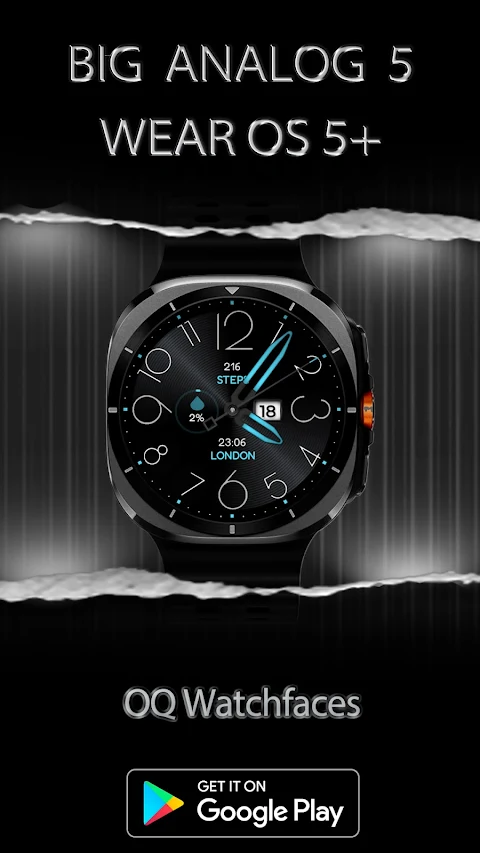
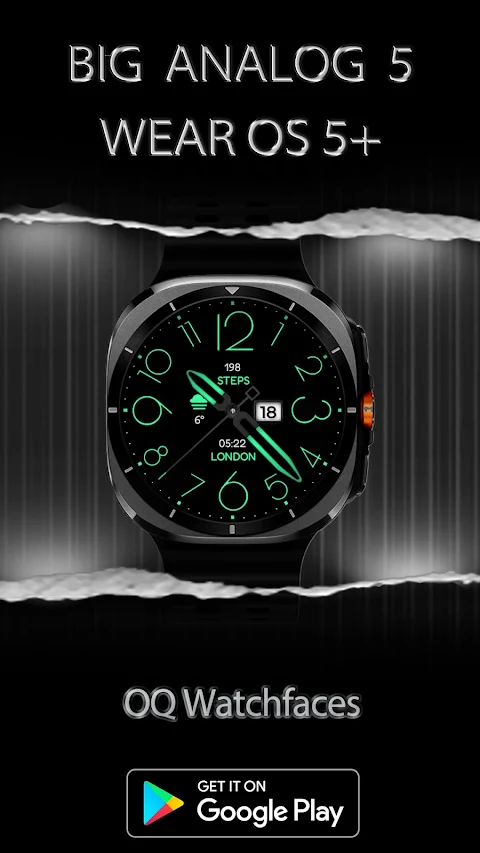
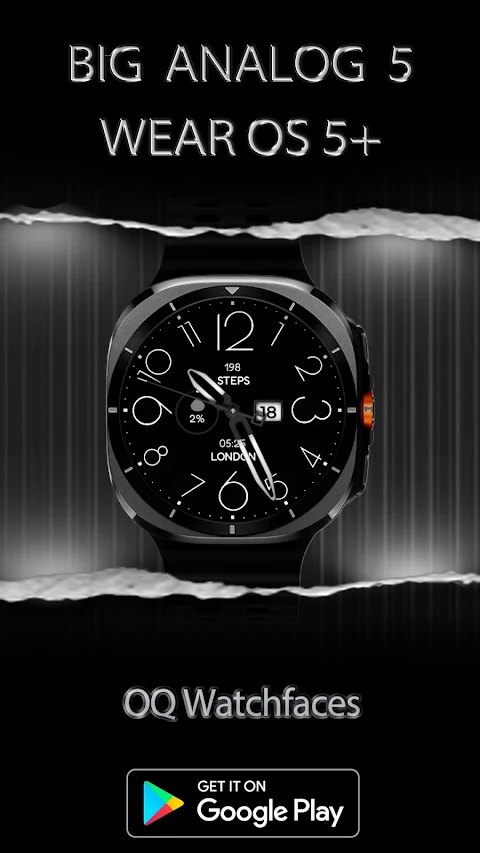
Big Analog 5 WF Wear OS 5+ is a customizable watch face designed for devices running Wear OS 5+. This app allows you to personalize your watch easily. To get started, simply long press on the home screen of your watch face and access the customization menu. It's a straightforward way to tailor the watch to your preferences.
Before purchasing this watch face, it's important to understand how it works. Big Analog 5 WF has over nine customization menu options. However, if you rely solely on customization via the Galaxy Wearable app, you might face some issues. This app sometimes does not work well with watch faces created in Samsung Watch Face Studio, particularly if the watch face has many options. Unfortunately, this has been a persistent problem for the last four years, and only Samsung can address the Galaxy Wearable app's behavior. If you find you made a purchase by mistake, just send an email within 24 hours, and you’ll receive a full refund.
When you buy Big Analog 5 WF, please avoid paying twice through the watch Play Store. It’s better to wait for your purchases to sync. If you prefer not to wait, you can opt for a direct install to your watch. Just make sure to select your connected device from the options when installing through your phone’s Play Store app.
Now, let’s look at the features of Big Analog 5 WF. You can tap the 6 o'clock hour number to open the Heart Rate Counter. If you tap the 3 o'clock position, it will take you to the Google Play Store App. For quick access to your schedule, just tap on the Date Text, and you'll be directed to the Watch Calendar app. The 4 o'clock hour number opens your watch phone app, while tapping the 9 o'clock hour brings up Google Maps App for navigation. Need to set an alarm? Just tap on the 7 o'clock hour, and you'll be able to access the watch alarm app. You can even open your messaging app by tapping on the 8 o'clock hour number.
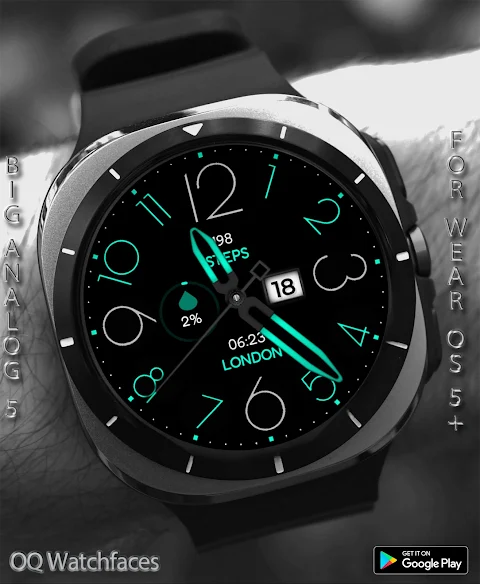
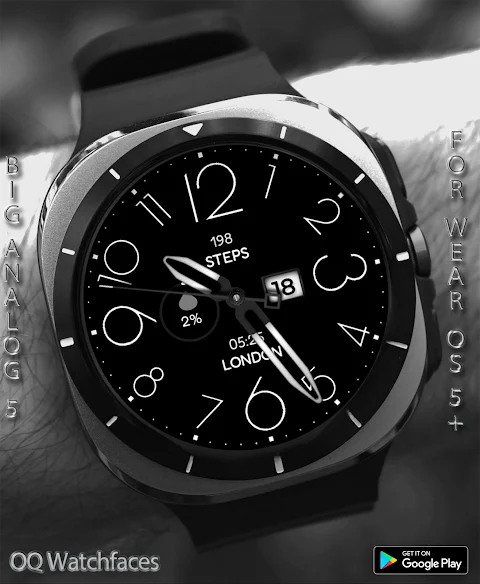
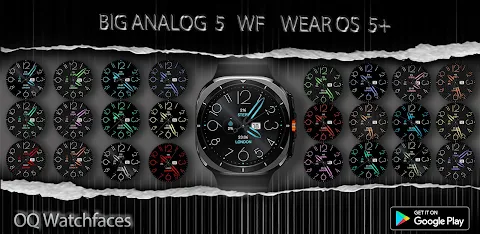
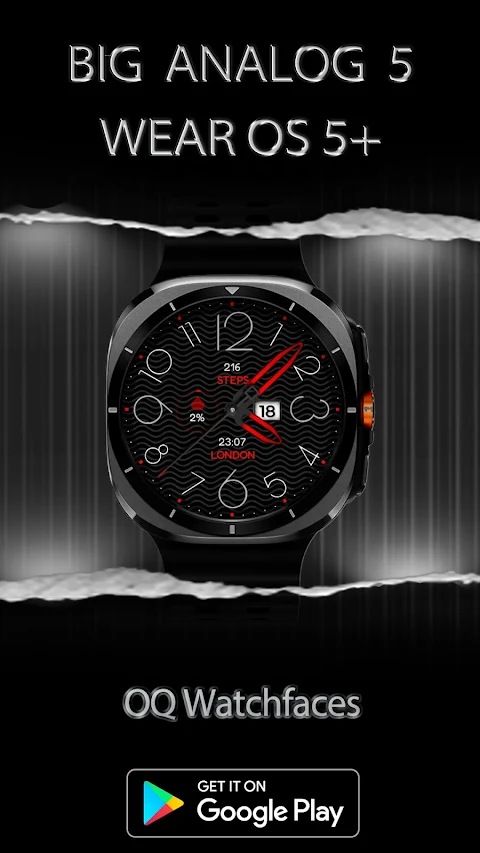
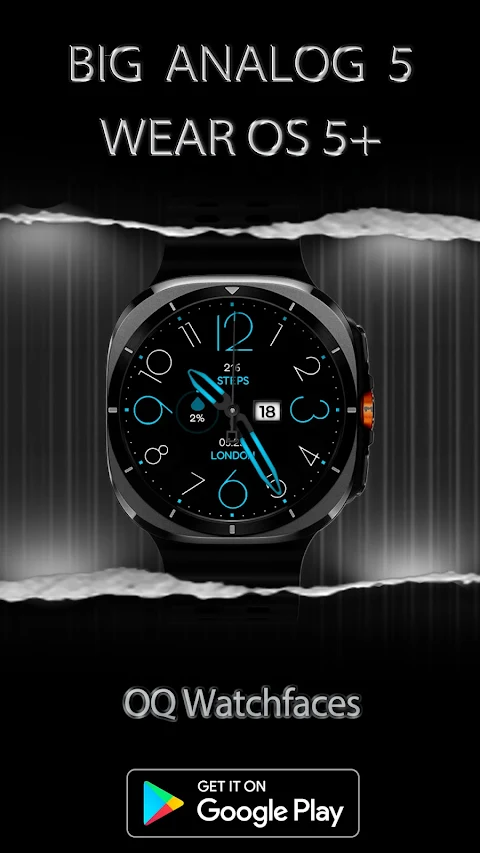
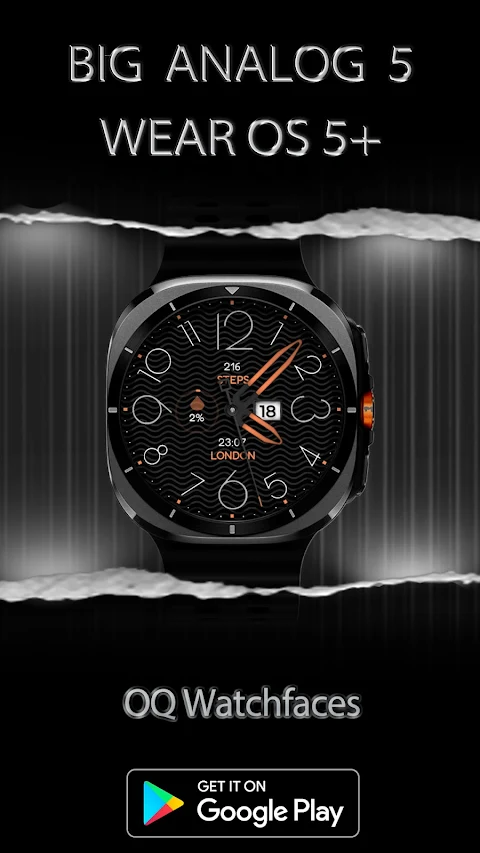
In terms of visual options, there are five background styles you can choose from, including a default background option. By default, the AoD (Always on Display) background is pure black, which is great for saving battery life. However, you can change the AoD back to the main display background if you prefer that look from the customization menu.
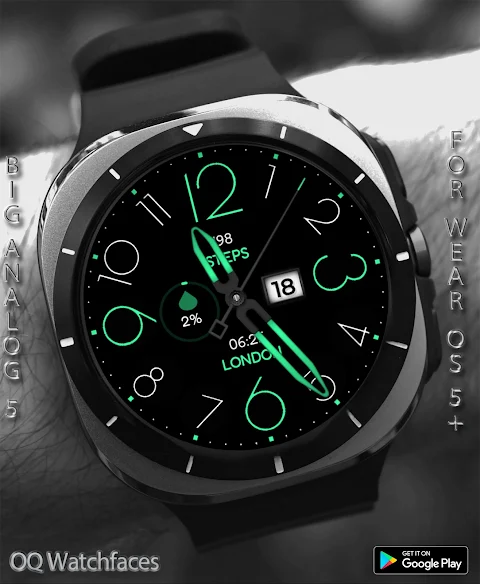
The customization menu also allows you to adjust the color of important hour indicators like 12, 3, 6, and 9. There’s the 12369 On/Off option that controls these hour numbers. Additionally, you can customize the colors of all other hour indicators by using the Color Other Hours On/Off option. If you want to hide these hour markers completely, you can turn them all off using both settings.
For those who like a minimal look, you can set the hour and minute hands only in the AoD display. You achieve this by selecting the last Dim AoD option in the customization menu. There’s also an option to turn the outer index for minutes on or off. Dim modes have been added separately for both the main display and AoD display, giving you more control over how your watch looks.
Big Analog 5 WF features eight customizable complication slots within the customization menu. You can have three visible complication shortcuts and five invisible ones, allowing you to tailor your watch face to suit your daily needs better. This flexibility enhances your experience and makes the watch more useful throughout the day.
Whether you're interested in customization, easy access with tap actions, or energy-saving features, Big Analog 5 WF Wear OS 5+ has it all. Remember to follow the guidelines for purchasing and customizing your watch face so you can make the most out of this app. Enjoy personalizing your watch and managing tasks effectively with this feature-rich watch face.
Before purchasing this watch face, it's important to understand how it works. Big Analog 5 WF has over nine customization menu options. However, if you rely solely on customization via the Galaxy Wearable app, you might face some issues. This app sometimes does not work well with watch faces created in Samsung Watch Face Studio, particularly if the watch face has many options. Unfortunately, this has been a persistent problem for the last four years, and only Samsung can address the Galaxy Wearable app's behavior. If you find you made a purchase by mistake, just send an email within 24 hours, and you’ll receive a full refund.
When you buy Big Analog 5 WF, please avoid paying twice through the watch Play Store. It’s better to wait for your purchases to sync. If you prefer not to wait, you can opt for a direct install to your watch. Just make sure to select your connected device from the options when installing through your phone’s Play Store app.
Now, let’s look at the features of Big Analog 5 WF. You can tap the 6 o'clock hour number to open the Heart Rate Counter. If you tap the 3 o'clock position, it will take you to the Google Play Store App. For quick access to your schedule, just tap on the Date Text, and you'll be directed to the Watch Calendar app. The 4 o'clock hour number opens your watch phone app, while tapping the 9 o'clock hour brings up Google Maps App for navigation. Need to set an alarm? Just tap on the 7 o'clock hour, and you'll be able to access the watch alarm app. You can even open your messaging app by tapping on the 8 o'clock hour number.
In terms of visual options, there are five background styles you can choose from, including a default background option. By default, the AoD (Always on Display) background is pure black, which is great for saving battery life. However, you can change the AoD back to the main display background if you prefer that look from the customization menu.
The customization menu also allows you to adjust the color of important hour indicators like 12, 3, 6, and 9. There’s the 12369 On/Off option that controls these hour numbers. Additionally, you can customize the colors of all other hour indicators by using the Color Other Hours On/Off option. If you want to hide these hour markers completely, you can turn them all off using both settings.
For those who like a minimal look, you can set the hour and minute hands only in the AoD display. You achieve this by selecting the last Dim AoD option in the customization menu. There’s also an option to turn the outer index for minutes on or off. Dim modes have been added separately for both the main display and AoD display, giving you more control over how your watch looks.
Big Analog 5 WF features eight customizable complication slots within the customization menu. You can have three visible complication shortcuts and five invisible ones, allowing you to tailor your watch face to suit your daily needs better. This flexibility enhances your experience and makes the watch more useful throughout the day.
Whether you're interested in customization, easy access with tap actions, or energy-saving features, Big Analog 5 WF Wear OS 5+ has it all. Remember to follow the guidelines for purchasing and customizing your watch face so you can make the most out of this app. Enjoy personalizing your watch and managing tasks effectively with this feature-rich watch face.
Recticons – Icon Pack
JustNewDesigns
$1.29
$0.19
Kepler Digital Watch Face
Time Flies Watch Faces
$1.99
$0.80
Radial Watch Face
amoledwatchfaces™
$1.99
$1.19