
$0.49
$0.09
82% Off
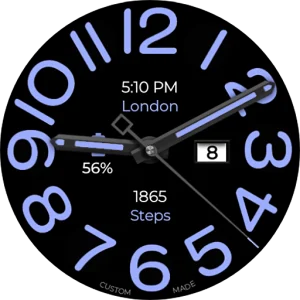
Big Analog WF WEAR OS 6
OQ Watchfaces

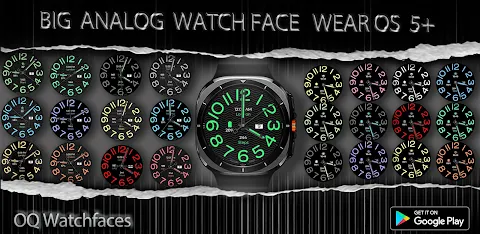

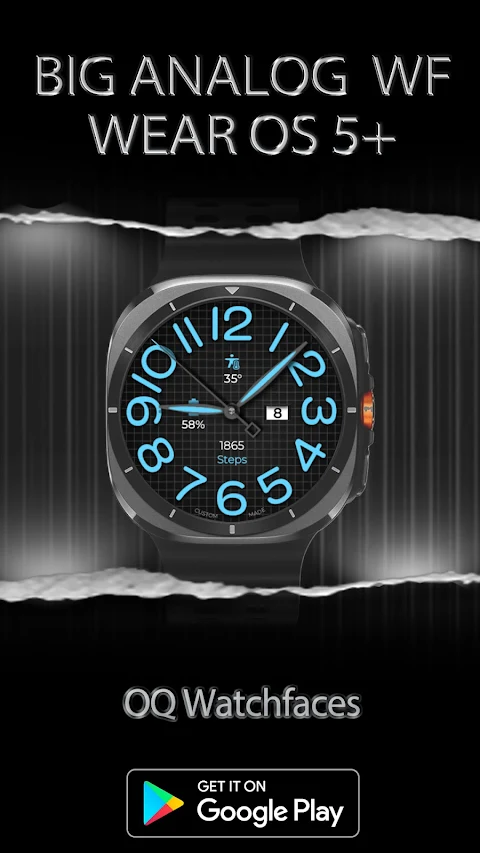
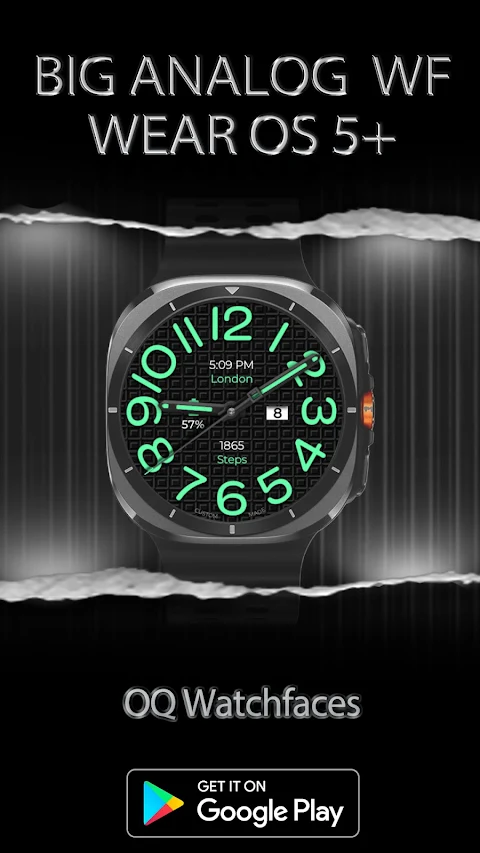
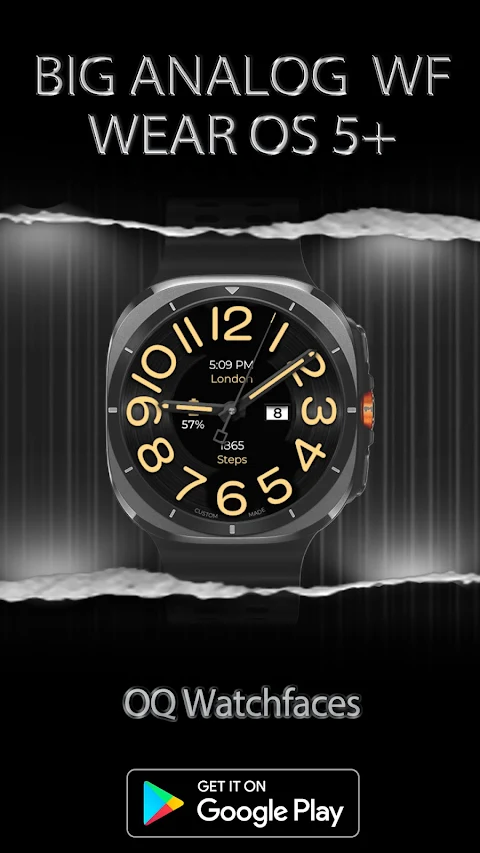
About the App
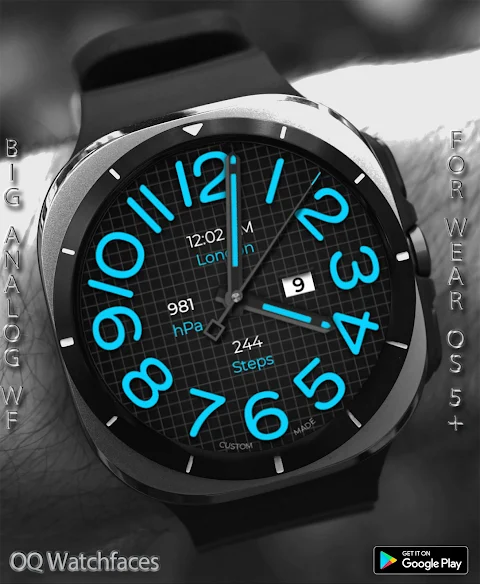
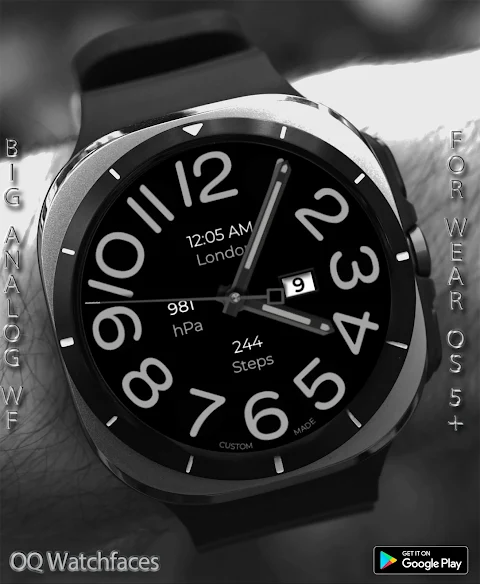
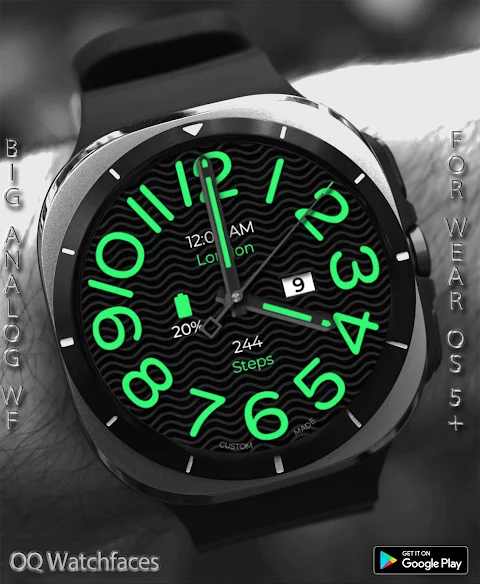
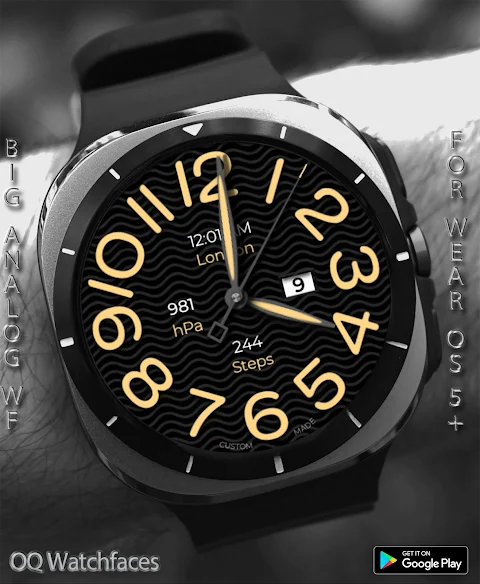
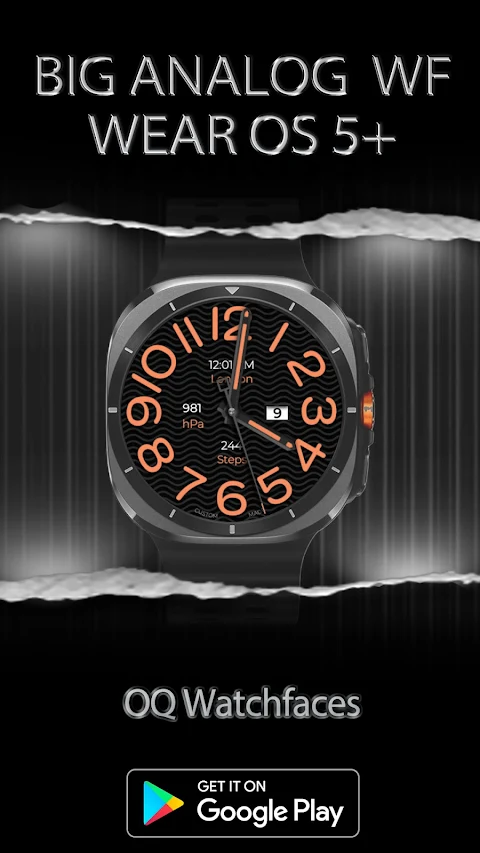
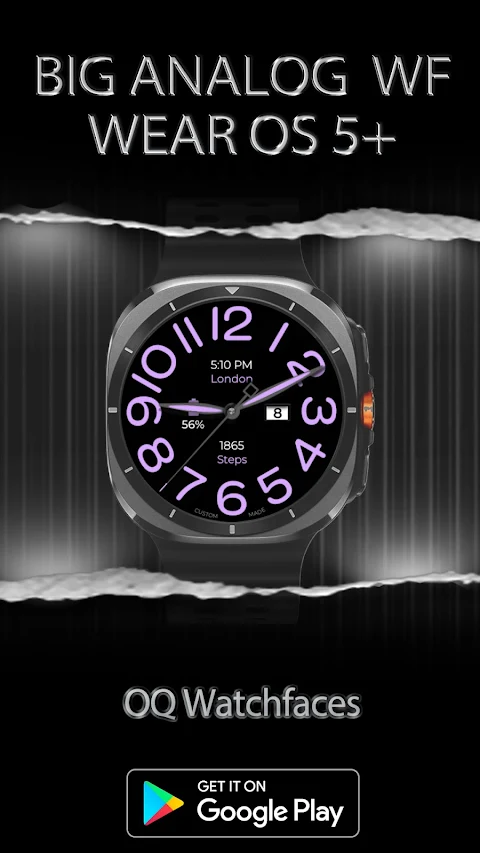
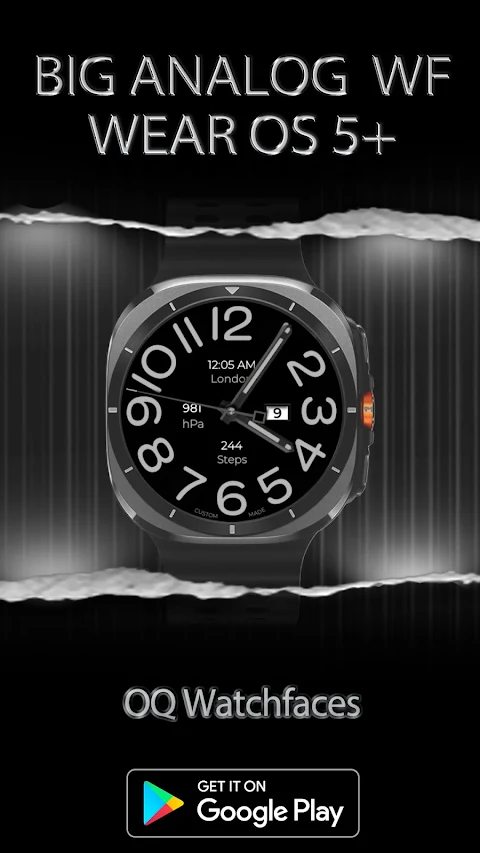
This watch face, Big Analog WF WEAR OS 6, is designed for devices running WEAR OS 6. It was created using the Samsung Galaxy Watch Face Studio V1.9.5, released in September 2025. The watch face has been thoroughly tested on the Samsung Galaxy Watch 8 and Galaxy Watch 7 Series, but please note that some features may work differently on other devices.
Before downloading, it’s important to read through our watch face installation guide. This guide is written by Tony Morelan, a senior developer and evangelist. It offers detailed, precise instructions, complete with image illustrations, to help users install the watch face bundle on their connected WEAR OS devices. You can find the guide at this link: https://developer.samsung.com/sdp/blog/en-us/2022/11/15/install-watch-faces-for-galaxy-watch5-and-one-ui-watch-45.
Once installed, you’ll discover a variety of features. For instance, you can tap specific minute index numbers to quickly access different apps. Tapping on Minute Index Number 1 opens the Google Play Store app, while Minute Index Number 11 takes you directly to the Google Maps app. If you need to access settings, simply tap Minute Index Number 7 to reach the watch settings menu. You can set alarms by tapping Minute Index Number 5, or use the messaging app shortcuts by tapping Minute Index Number 9. For quick calls, Minute Index Number 3 gives you dialer app access. Additionally, tapping on the date text will open your calendar menu.
The watch face also includes a Dim Mode customization option, allowing you to adjust brightness for both the main display and Always-on Display (AoD) separately. Users will appreciate the 8 customizable complications available through the customization menu. You can see 3 complications on the main display while 5 additional invisible complication shortcuts let you arrange your favorite apps however you like.
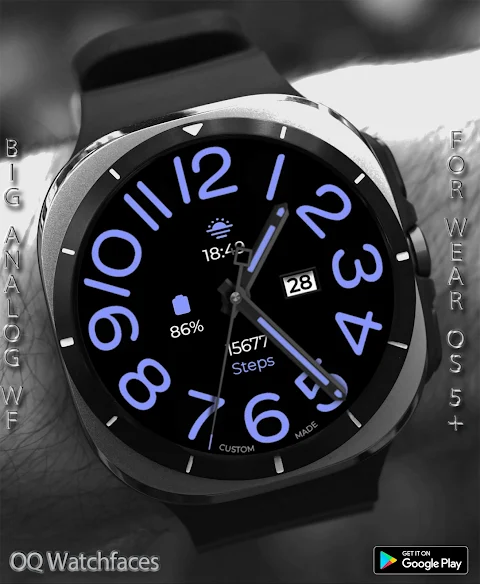
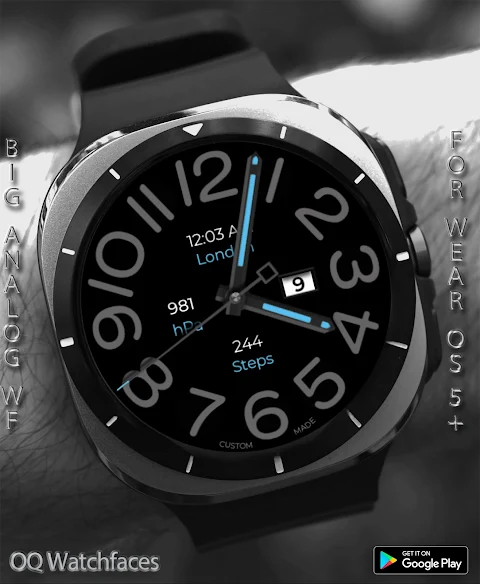
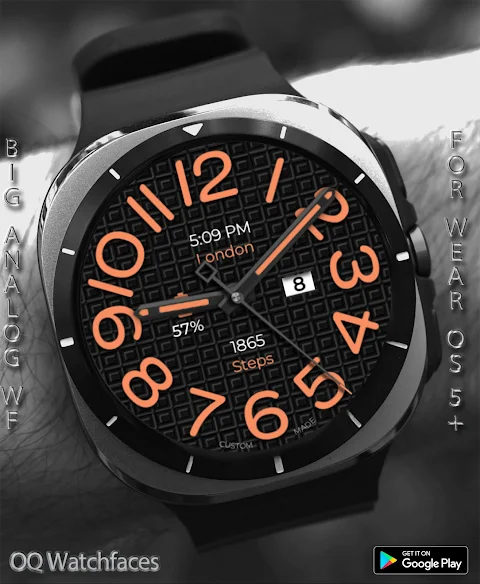
For those who like to personalize their watch face further, there are seconds movement options in the customization menu. Note that there are 3 types of seconds movements supported, which are included for your preference. The background styles selection in the customization menu is varied, offering 6 different options, including the default style and an Amoled Black background for the AoD.
Big Analog WF WEAR OS 6 harmoniously blends functionality with an interactive watch face design, making it perfect for any user of Samsung Galaxy Watches. Whether you’re looking for basic timekeeping or advanced watch customization, this watch face provides an engaging and practical experience. Enjoy the benefits of an expertly designed watch face tailored for ease of use and customization.
Before downloading, it’s important to read through our watch face installation guide. This guide is written by Tony Morelan, a senior developer and evangelist. It offers detailed, precise instructions, complete with image illustrations, to help users install the watch face bundle on their connected WEAR OS devices. You can find the guide at this link: https://developer.samsung.com/sdp/blog/en-us/2022/11/15/install-watch-faces-for-galaxy-watch5-and-one-ui-watch-45.
Once installed, you’ll discover a variety of features. For instance, you can tap specific minute index numbers to quickly access different apps. Tapping on Minute Index Number 1 opens the Google Play Store app, while Minute Index Number 11 takes you directly to the Google Maps app. If you need to access settings, simply tap Minute Index Number 7 to reach the watch settings menu. You can set alarms by tapping Minute Index Number 5, or use the messaging app shortcuts by tapping Minute Index Number 9. For quick calls, Minute Index Number 3 gives you dialer app access. Additionally, tapping on the date text will open your calendar menu.
The watch face also includes a Dim Mode customization option, allowing you to adjust brightness for both the main display and Always-on Display (AoD) separately. Users will appreciate the 8 customizable complications available through the customization menu. You can see 3 complications on the main display while 5 additional invisible complication shortcuts let you arrange your favorite apps however you like.
For those who like to personalize their watch face further, there are seconds movement options in the customization menu. Note that there are 3 types of seconds movements supported, which are included for your preference. The background styles selection in the customization menu is varied, offering 6 different options, including the default style and an Amoled Black background for the AoD.
Big Analog WF WEAR OS 6 harmoniously blends functionality with an interactive watch face design, making it perfect for any user of Samsung Galaxy Watches. Whether you’re looking for basic timekeeping or advanced watch customization, this watch face provides an engaging and practical experience. Enjoy the benefits of an expertly designed watch face tailored for ease of use and customization.

Neon-W Icon Pack
PhunktasticDesigns
$1.99
$0.75

Gladient Icon Pack iOS Style
myAP Devs
$1.99
$1.19
DADAM46: Graphic Hybrid Watch
DADAM Watch Faces
$1.49
$0.15