
$1.39
$0.49
65% Off
Big Analog 3 WF Wear OS 5+
OQ Watchfaces

About the App
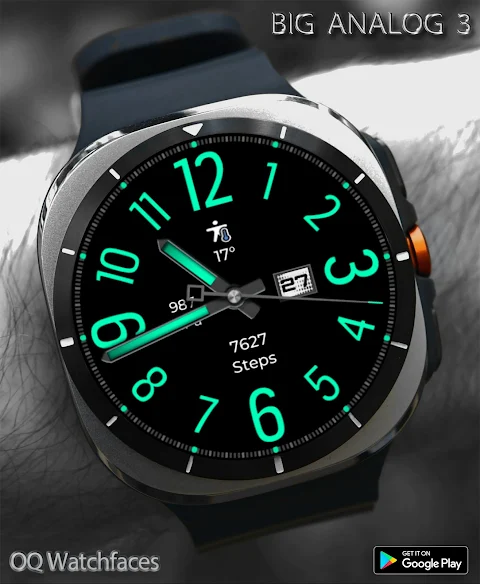
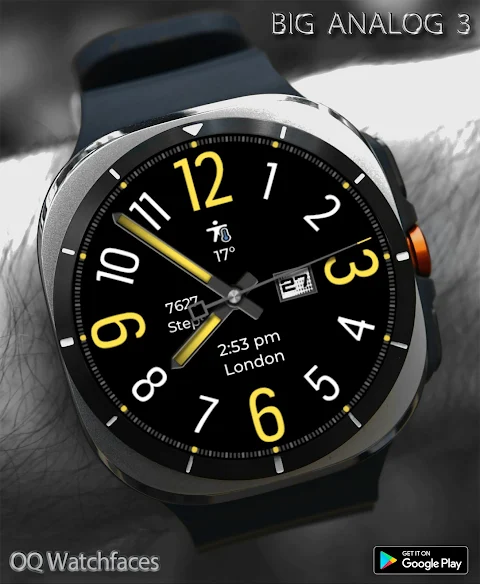
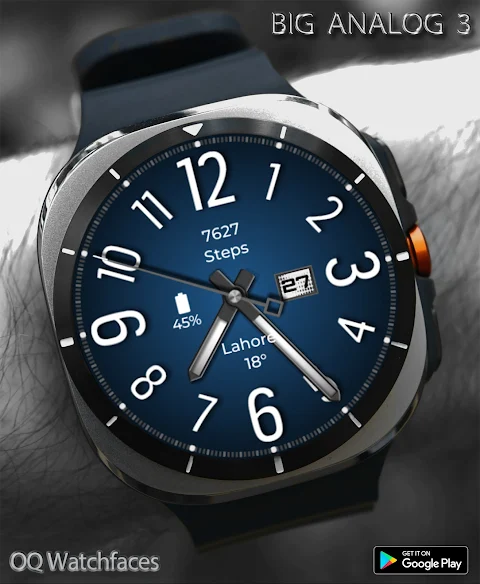
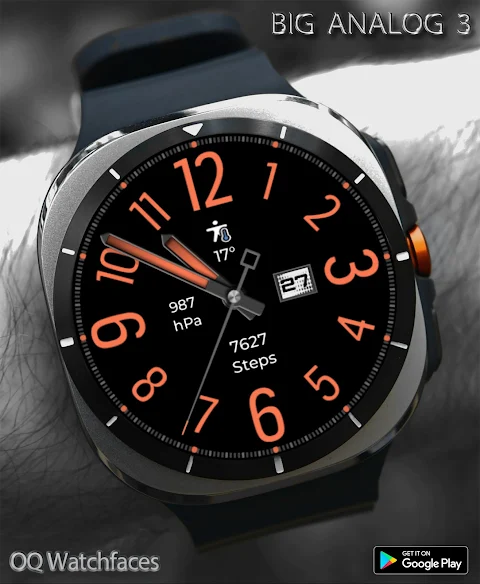
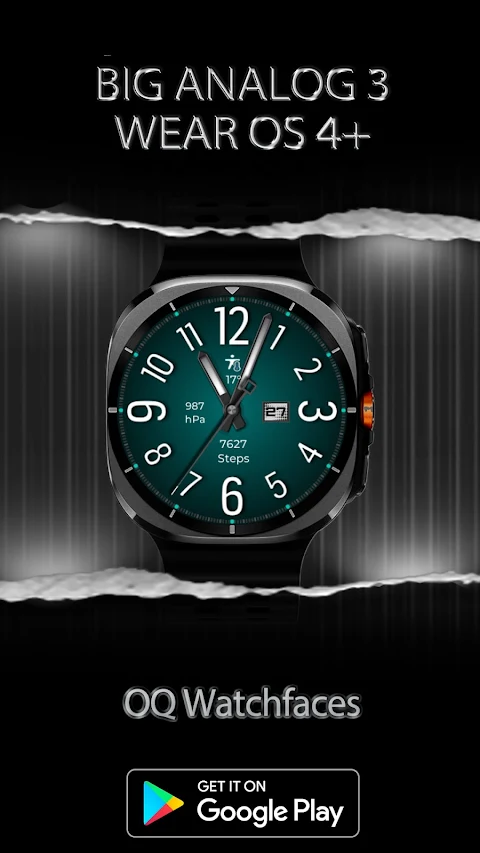
Big Analog 3 WF Wear OS 5+ is a watch face designed for Wear OS devices, providing a stylish and functional experience. This watch face was created using the Samsung Galaxy Watch Studio and is compatible with several Samsung models like the Samsung Watch 8 Series, Samsung Watch Ultra, Samsung Watch 4 Classic, Samsung Watch 5 Pro, and Tic Watch 5 Pro. It also works well with any wear OS 4+ devices, although some features may look slightly different on various watches.
Before you purchase this watch face, be aware that it offers more than nine customization menu options. However, customization via the Galaxy Wearable app can sometimes behave unpredictably, especially for watch faces created in Samsung Galaxy Watch Studio. If you typically customize via your phone, you might want to reconsider your purchase. This issue has persisted for four years and only Samsung can fix it within the Galaxy Wearable app. Unlike this watch face, stock watch faces created with Android Studio do not have these problems. If you do buy it by mistake, you can email us within 24 hours, and we will issue a full refund.
Customization is straightforward when using the long press feature on the watch face, and it works as intended. If you would like a video demonstration, feel free to contact us at osmanqadir78@gmail.com.
It's essential to note that if you're buying from the watch Play Store, please avoid paying twice. Wait until your purchases are synced, or you can choose the direct install to watch method without needing a helper app. Just make sure to select your connected watch in the install button drop-down menu to ensure successful installation.
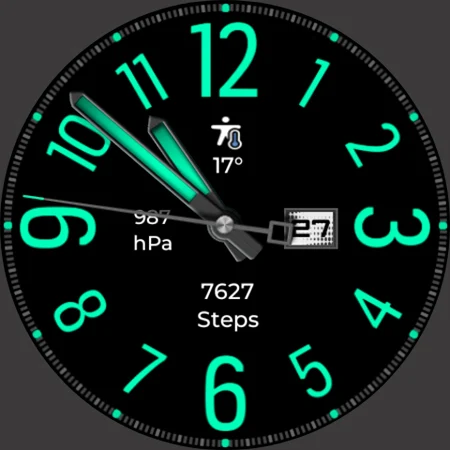
The features of Big Analog 3 WF Wear OS 5+ include practical shortcuts. For example, if you tap the 5 o'clock hour index circle, it opens the watch phone app shortcut. Tapping the 7 o'clock hour index circle will take you to the watch messaging app shortcut. You can access the watch phone play store by tapping the 2 o'clock hour index, while the watch Google Maps app is just a tap away at the 10 o'clock hour index. Moreover, you can check the watch battery app access by tapping at the 11 o'clock index and open the watch settings app with a tap at the 1 o'clock position. Lastly, tapping on the date will take you to the watch calendar app access.
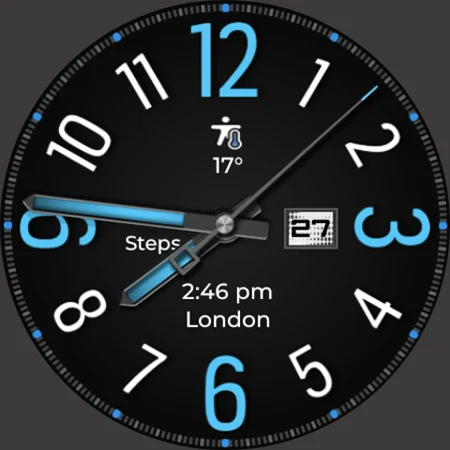
In the customization menu, you will find options for hour index color customization. There are three settings available: one default, one for all colored hour numbers, and a setting that hides all hour numbers except for 12, 3, 6, and 9. You can also adjust the background colors, increasing the color saturation for your watch face.
The AOD (Always-on Display) background color matches the main display, except for the seconds hand, which can be turned black through the customization menu. You will find dim mode options available for both the main display and AOD, allowing you to personalize the look further.
You can also enjoy eight customizable complications in the customization menu. This includes three visible complications and five hidden complications, where you can add shortcuts to your favorite apps. The seconds movement options offer two different settings that can also be customized as per your preference.
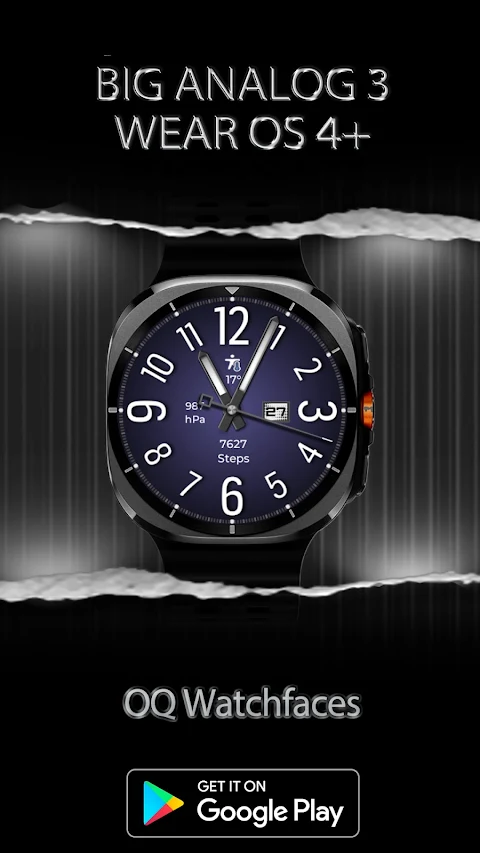
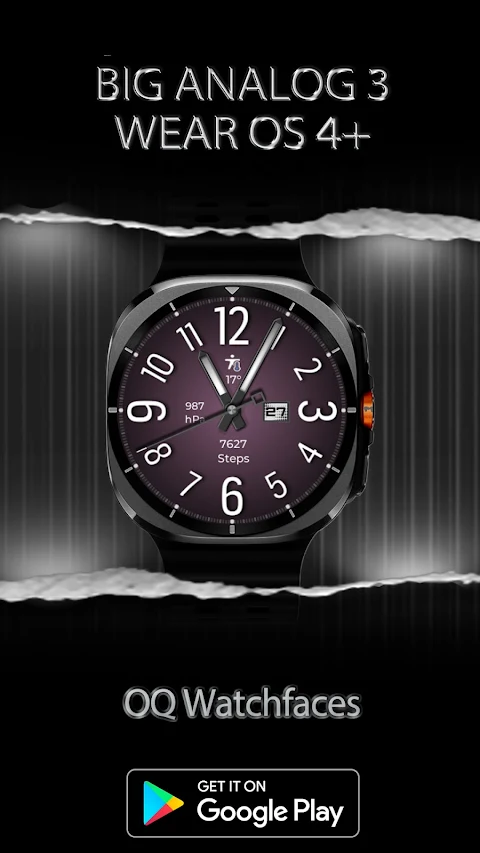
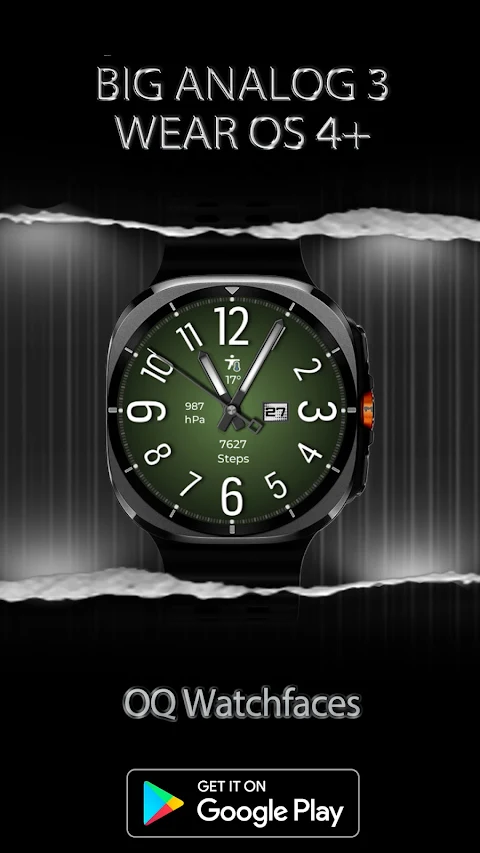
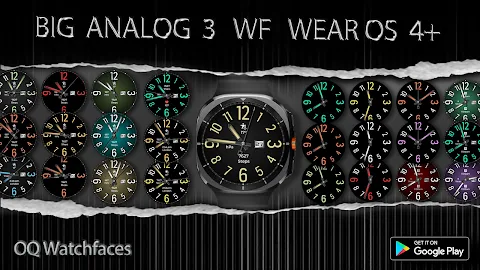
Big Analog 3 WF Wear OS 5+ provides 30 different color styles to meet your unique needs. You can choose from various dark background styles followed by colorful background styles, giving you the ability to create a personal look that fits your style and mood.
Whether you're looking for functionality or aesthetic customization, Big Analog 3 WF Wear OS 5+ is a versatile choice for your wearable technology.
Before you purchase this watch face, be aware that it offers more than nine customization menu options. However, customization via the Galaxy Wearable app can sometimes behave unpredictably, especially for watch faces created in Samsung Galaxy Watch Studio. If you typically customize via your phone, you might want to reconsider your purchase. This issue has persisted for four years and only Samsung can fix it within the Galaxy Wearable app. Unlike this watch face, stock watch faces created with Android Studio do not have these problems. If you do buy it by mistake, you can email us within 24 hours, and we will issue a full refund.
Customization is straightforward when using the long press feature on the watch face, and it works as intended. If you would like a video demonstration, feel free to contact us at osmanqadir78@gmail.com.
It's essential to note that if you're buying from the watch Play Store, please avoid paying twice. Wait until your purchases are synced, or you can choose the direct install to watch method without needing a helper app. Just make sure to select your connected watch in the install button drop-down menu to ensure successful installation.
The features of Big Analog 3 WF Wear OS 5+ include practical shortcuts. For example, if you tap the 5 o'clock hour index circle, it opens the watch phone app shortcut. Tapping the 7 o'clock hour index circle will take you to the watch messaging app shortcut. You can access the watch phone play store by tapping the 2 o'clock hour index, while the watch Google Maps app is just a tap away at the 10 o'clock hour index. Moreover, you can check the watch battery app access by tapping at the 11 o'clock index and open the watch settings app with a tap at the 1 o'clock position. Lastly, tapping on the date will take you to the watch calendar app access.
In the customization menu, you will find options for hour index color customization. There are three settings available: one default, one for all colored hour numbers, and a setting that hides all hour numbers except for 12, 3, 6, and 9. You can also adjust the background colors, increasing the color saturation for your watch face.
The AOD (Always-on Display) background color matches the main display, except for the seconds hand, which can be turned black through the customization menu. You will find dim mode options available for both the main display and AOD, allowing you to personalize the look further.
You can also enjoy eight customizable complications in the customization menu. This includes three visible complications and five hidden complications, where you can add shortcuts to your favorite apps. The seconds movement options offer two different settings that can also be customized as per your preference.
Big Analog 3 WF Wear OS 5+ provides 30 different color styles to meet your unique needs. You can choose from various dark background styles followed by colorful background styles, giving you the ability to create a personal look that fits your style and mood.
Whether you're looking for functionality or aesthetic customization, Big Analog 3 WF Wear OS 5+ is a versatile choice for your wearable technology.

Galaxy Watch Face 2
Galaxy Design Watch Face
$1.99
$0.99

Halloween Pumpkin Icon Pack
PizzApp Design
$0.99
$0.69
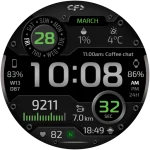
CFS118 Digital
CFS Creative Face Studio
$1.99
$0.99